
1. Wprowadzenie
This manual provides instructions for the setup, operation, maintenance, and troubleshooting of your LETSUNG Golite11 Mini PC. The Golite11 is a compact desktop computer designed for various tasks, from web browsing and office applications to light gaming and multimedia playback. It features an Intel Celeron N4000 processor, 6GB LPDDR4 RAM, and a 128GB M.2 SSD, offering efficient performance in a small form factor.
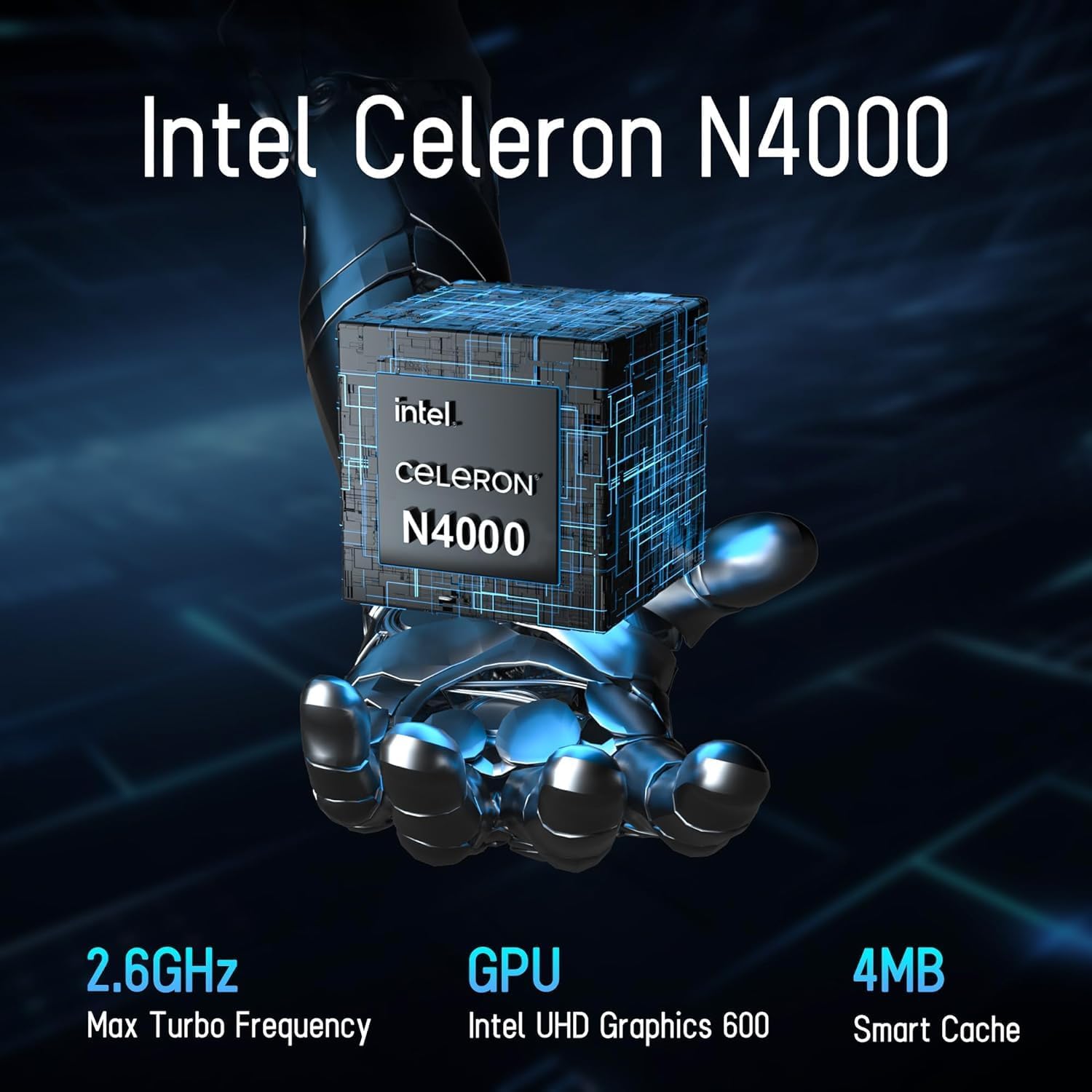
Image 1.1: LETSUNG Golite11 Mini PC, front view.
2. Co znajduje się w pudełku
Sprawdź, czy w opakowaniu znajdują się wszystkie elementy:
- 1 x Golite 11 Mini PC
- 1 x kabel HDMI
- 1 x mocowanie VESA
- 1 x zasilacz
- 1 x Instrukcja obsługi
3. Koniec produktuview
3.1. Processor and Memory
The Golite11 Mini PC is equipped with an Intel Celeron N4000 processor, providing efficient performance for daily computing tasks. It includes 6GB of LPDDR4 RAM for smooth multitasking.

Image 3.1: Intel Celeron N4000 Processor.

Image 3.2: DDR4 Memory Module.
3.2. Przechowywanie
The device comes with a 128GB M.2 SATA SSD, offering fast boot times and data access. Storage can be expanded up to 512GB.
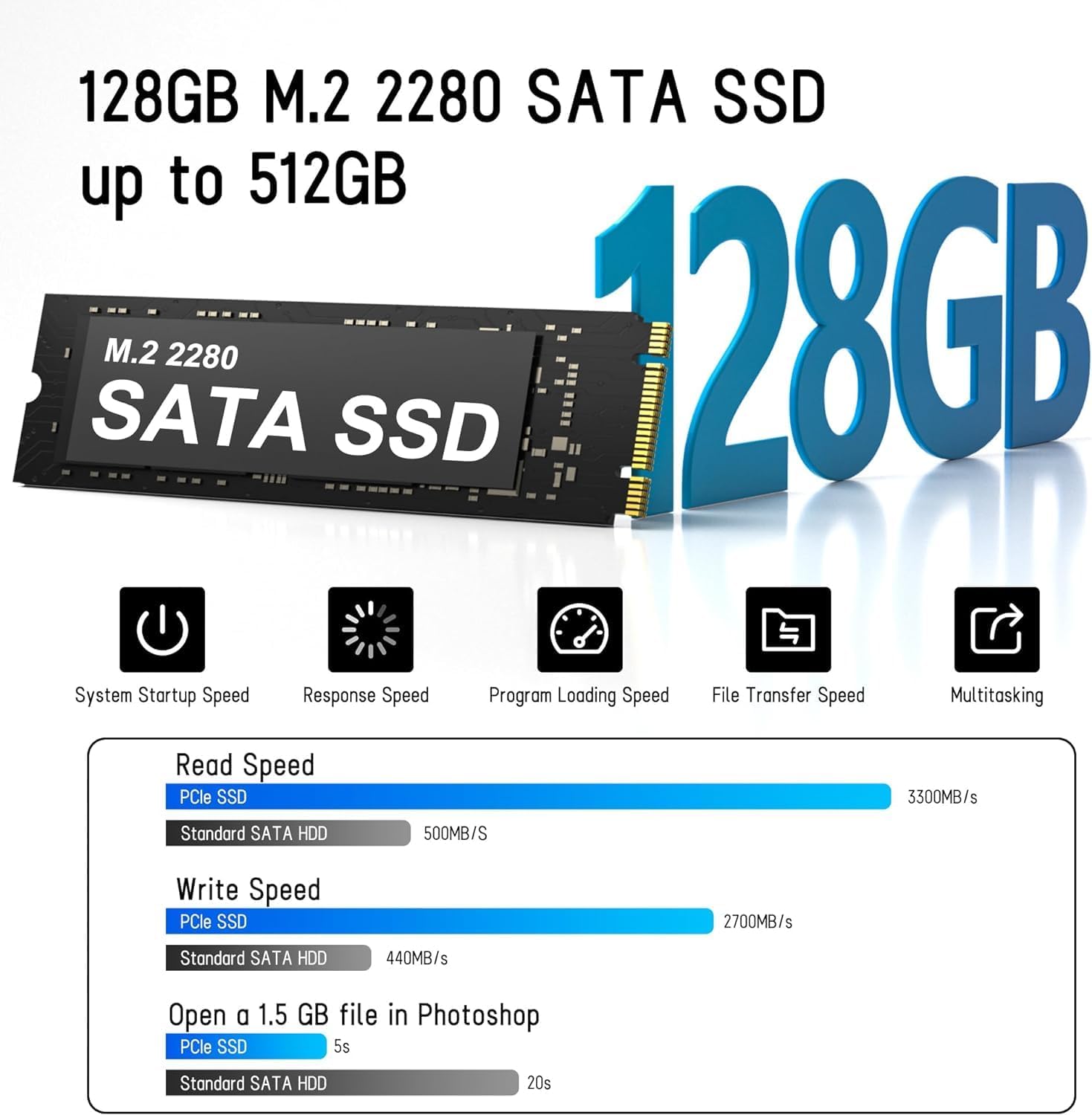
Image 3.3: M.2 SATA SSD.
3.3. Porty i złącza
The Golite11 Mini PC features a variety of ports for connectivity:
- Przycisk zasilania: Aby włączyć lub wyłączyć urządzenie.
- Gniazdo słuchawkowe 3.5 mm: Do wyjścia audio.
- Porty USB 3.2 Gen 1: Wiele portów umożliwiających podłączanie urządzeń peryferyjnych.
- Port LAN RJ45: Do przewodowego połączenia sieciowego.
- Porty HDMI 1.4: Dwa porty do podłączania wyświetlaczy.
- Gniazdo DC: Do wejścia zasilania.

Rysunek 3.4: Szczegółowy view of ports and connectors.
4. Konfiguracja
Follow these steps to set up your LETSUNG Golite11 Mini PC:
- Podłącz do wyświetlacza: Use the provided HDMI cable to connect the Mini PC to a monitor or TV. The device supports dual displays.
- Podłącz urządzenia peryferyjne: Podłącz klawiaturę i mysz USB do dostępnych portów USB.
- Podłącz zasilanie: Connect the power adapter to the DC jack on the Mini PC, then plug the adapter into a power outlet.
- Włączanie: Press the power button located on the device. The system will boot up.
- Początkowa konfiguracja systemu Windows: Follow the on-screen instructions to complete the initial Windows operating system setup, including language, region, and network configuration.
5. Instrukcja obsługi
5.1. Podstawowa obsługa
Once the initial setup is complete, your Mini PC is ready for use. Navigate the operating system using your connected keyboard and mouse. You can install applications, browse the internet, and perform other computing tasks.
5.2. Konfiguracja podwójnego wyświetlacza
The Golite11 supports connecting two displays simultaneously for an extended desktop experience. Connect a second monitor using the additional HDMI port. The operating system should automatically detect the second display. You can configure display settings (e.g., extend, duplicate) through the display settings in your operating system.

Image 5.1: Dual display setup with the Mini PC.
5.3. Łączność sieciowa
- Wi-Fi: The Mini PC supports WiFi 5.0. To connect to a wireless network, go to your operating system's network settings, select your desired Wi-Fi network, and enter the password.
- Ethernet: For a wired connection, connect an Ethernet cable from your router or modem to the RJ45 LAN port on the Mini PC.
5.4. Bluetooth Devices
The Mini PC supports Bluetooth 4.2. To pair Bluetooth devices (e.g., headphones, speakers), enable Bluetooth in your operating system's settings, search for devices, and follow the pairing instructions.
6. Konserwacja
6.1. Czyszczenie
To maintain optimal performance, keep the Mini PC clean. Use a soft, dry cloth to wipe the exterior. For dust accumulation in vents, use compressed air. Ensure the device is powered off and unplugged before cleaning.

Image 6.1: Internal cooling system for efficient heat dissipation.
6.2. Aktualizacje oprogramowania
Regularly update your operating system and drivers to ensure security, stability, and optimal performance. Check for updates through your operating system's settings.
6.3. Rozszerzenie pamięci
The internal M.2 SATA SSD can be upgraded up to 512GB. Refer to the detailed instructions for internal component access if you plan to upgrade the storage. It is recommended to seek professional assistance for hardware upgrades.
7. Rozwiązywanie Problemów
Jeśli masz problemy z komputerem Mini PC, zapoznaj się z poniższymi typowymi problemami i ich rozwiązaniami:
- Brak zasilania:
- Upewnij się, że zasilacz jest prawidłowo podłączony do komputera Mini PC i do sprawnego gniazdka elektrycznego.
- Sprawdź, czy gniazdko elektryczne działa prawidłowo, podłączając do niego inne urządzenie.
- Brak wyświetlacza:
- Check that the HDMI cable is firmly connected to both the Mini PC and the monitor.
- Sprawdź, czy monitor jest włączony i ustawiony na prawidłowe źródło sygnału wejściowego (HDMI).
- Jeśli to możliwe, wypróbuj inny kabel HDMI lub monitor.
- Niska wydajność:
- Zamknij niepotrzebne aplikacje działające w tle.
- Sprawdź, czy są dostępne aktualizacje systemu operacyjnego i zainstaluj je.
- Sprawdź, czy na dysku SSD jest wystarczająca ilość wolnego miejsca.
- Problemy z łącznością sieciową:
- For Wi-Fi, ensure the correct password is entered and the signal strength is adequate.
- For Ethernet, check the cable connection and ensure your router/modem is working correctly.
- Uruchom ponownie router/modem i komputer Mini PC.
8. Specyfikacje
| Funkcja | Specyfikacja |
|---|---|
| Model | Golite11 |
| Edytor | Intel Celeron N4000 (2 Cores, 2 Threads, up to 2.8 GHz) |
| Grafika | Karta graficzna Intel UHD 600 |
| BARAN | 6 GB pamięci LPDDR4 |
| Pamięć wewnętrzna | 128GB M.2 SATA SSD (Expandable up to 512GB) |
| System operacyjny | Pre-installed (e.g., Windows 11, specific version may vary) |
| Wyjście wideo | 2 x HDMI 1.4 (Supports 1920x1080 @60Hz, Dual Display) |
| Porty USB | 4 x USB 3.2 drugiej generacji |
| Sieć | WiFi 5.0, Bluetooth 4.2, 1 x RJ45 LAN Port |
| Audio | Gniazdo słuchawkowe 1 x 3.5mm |
| Wymiary | Około 4.52 cala x 4.42 cala x 1.61 cala |
| Waga | Około. 0.6 funta |
| Układ chłodzenia | Built-in ultra-low power cooling fan |
9. Gwarancja i wsparcie
LETSUNG products are designed for reliability and performance. For warranty information, please refer to the warranty card included with your purchase or visit the official LETSUNG website. For technical support, troubleshooting assistance beyond this manual, or service inquiries, please contact LETSUNG customer support through the contact information provided on the official webwitrynę lub platformę zakupową.
Proszę zachować dowód zakupu na potrzeby roszczeń gwarancyjnych.