
1. Koniec produktuview
The Pomya 1080P Full HD Action Camera is a versatile and compact device designed for capturing high-quality video and photos in various environments. Featuring a 180° rotatable lens, night vision capabilities, and built-in WiFi, it is suitable for activities such as cycling, vlogging, and general outdoor recording.

Image: The Pomya Action Camera highlighting its 1080P Full HD resolution and 180-degree rotatable lens. Icons indicate video, photo, and recording capabilities.
Główne cechy:
- 1080P Full HD Recording: Captures clear and smooth video at 1080p resolution.
- Obiektyw obrotowy o 180°: Allows flexible adjustment of the camera angle for diverse shooting perspectives.
- Night Vision & LED Fill Light: Enables recording in low-light conditions with enhanced clarity.
- Wbudowane Wi-Fi: Facilitates wireless transfer of media to smartphones for easy sharing.
- Nagrywanie w pętli: Automatycznie nadpisuje starsze footage, aby zapewnić ciągłe nagrywanie.
- Ekran 1.5 cala: Zapewnia wyraźny wyświetlacz do kadrowania ujęć i ponownegoviewtreść.
- Bateria 1000mAh: Offers extended recording time.
2. Co znajduje się w pudełku
Po rozpakowaniu należy sprawdzić zawartość opakowania, aby upewnić się, że znajdują się w nim wszystkie elementy:
- 1 x Pomya Video Recorder (Action Camera)
- 1 x Instrukcja obsługi
- 1 x kabel ładujący
3. Konfiguracja
3.1 Ładowanie urządzenia
Before initial use, fully charge the camera's internal 1000mAh battery. Connect the provided charging cable to the camera's charging port and a standard USB power adapter (not included) or a computer's USB port. The charging indicator will typically show the charging status and turn off or change color when fully charged.
3.2 Wkładanie karty pamięci
This camera supports external memory for storing recordings. Locate the memory card slot, typically protected by a cover. Insert a compatible microSD card (not included) with the contacts facing the correct direction until it clicks into place. Ensure the card is formatted correctly (e.g., FAT32) for optimal performance. The camera supports loop recording, which requires a memory card.
3.3 Włączanie/wyłączanie
- Włączanie: Naciśnij i przytrzymaj przycisk zasilania przez kilka sekund, aż ekran się podświetli.
- Aby wyłączyć: Naciśnij i przytrzymaj przycisk zasilania, aż urządzenie się wyłączy.
4. Instrukcja obsługi
4.1 Nagrywanie wideo
To record video, ensure the camera is powered on and in video mode. Press the independent recording button to start recording. Press it again to save the recording and stop. The camera captures video in 1080P Full HD resolution.
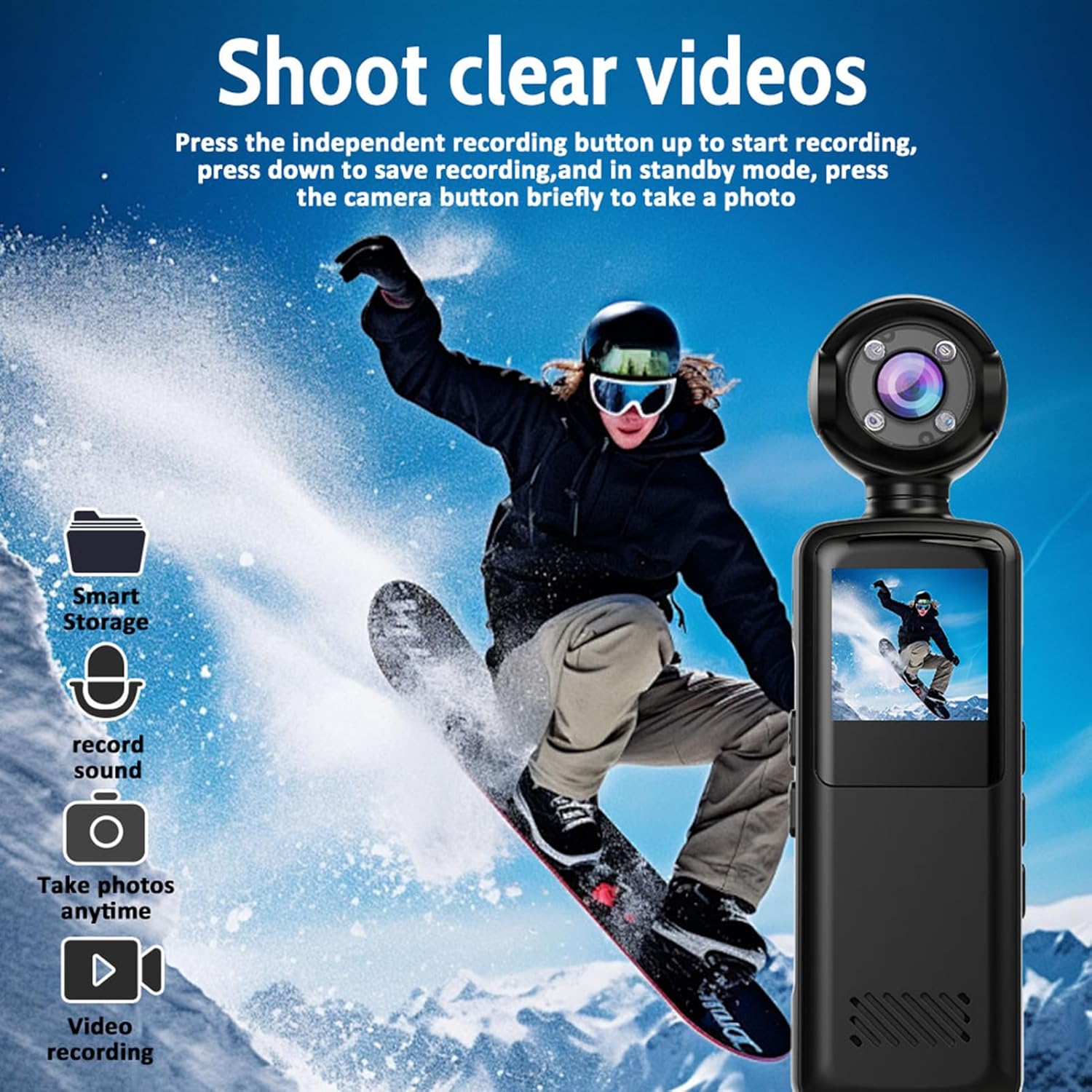
Image: The action camera capturing a snowboarder, illustrating its video recording capability. Icons for smart storage, sound recording, photo taking, and video recording are visible.
4.2 Robienie zdjęć
In standby mode, briefly press the camera button to take a photo. The camera supports capturing still images alongside video recording.

Image: Illustrates the camera's three-in-one functionality: video recording (cyclist), photo capture (group of friends), and audio recording (MP3 file Ikona).
4.3 Obiektyw obrotowy 180°
The camera features a lens that can rotate 180 degrees. This allows you to easily adjust the viewing angle to capture different perspectives without repositioning the entire device. Simply manually rotate the lens to your desired orientation.

Image: Demonstrates the 180-degree rotatable lens feature, showing the camera used by a snowboarder and a person working on a laptop, highlighting its versatility and WiFi connectivity.
4.4 Widzenie nocne
The camera is equipped with advanced night vision and an LED fill light. This feature allows for clear recording in low-light environments, capturing vivid colors during the day and maintaining high-definition clarity at night.
4.5 Nagrywanie w pętli
When the memory card is full, the loop recording function automatically overwrites the oldest footage with new recordings. This ensures continuous recording without manual intervention, making it ideal for extended use.
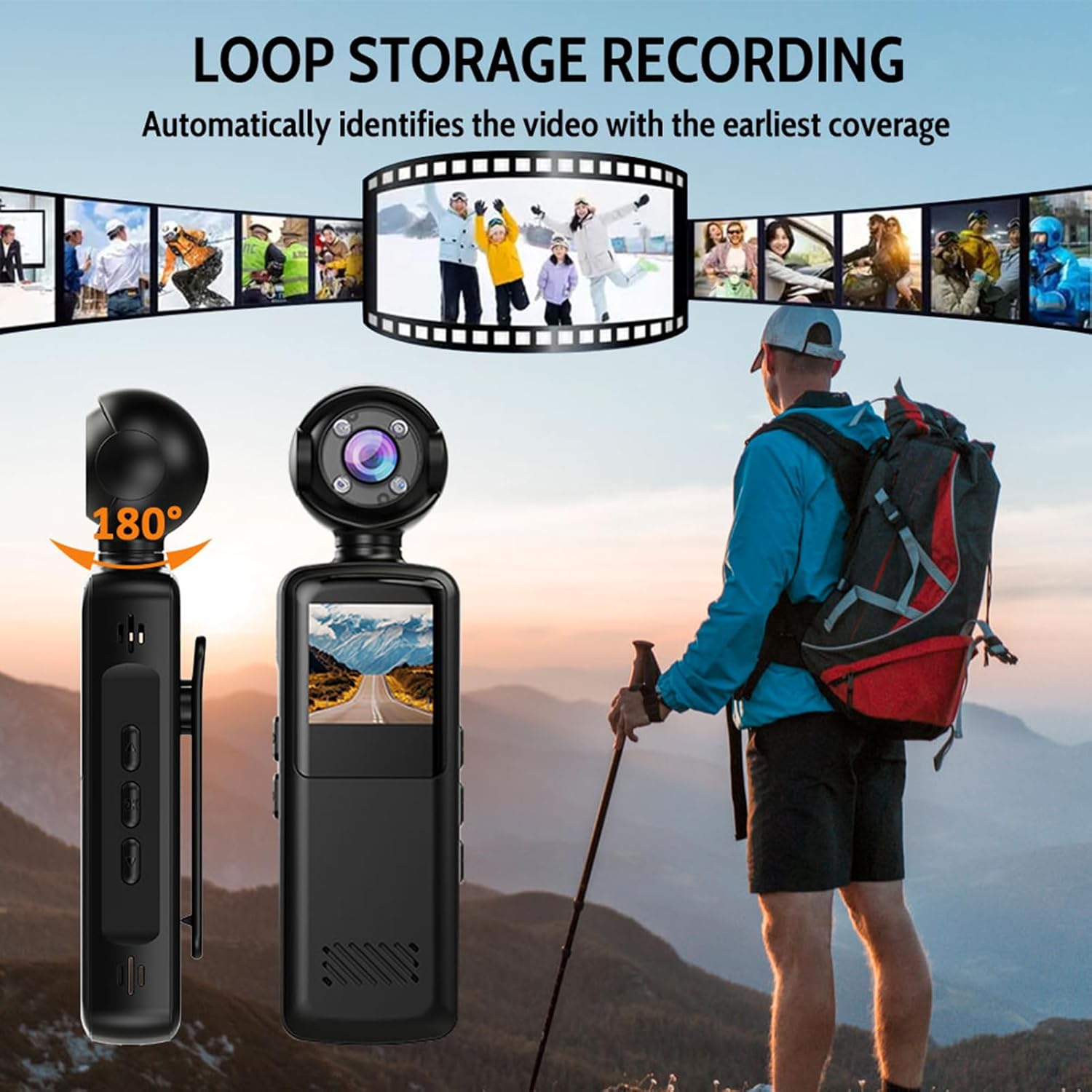
Image: Illustrates the loop storage recording feature, showing the camera alongside a hiker, with a filmstrip graphic indicating automatic identification and overwriting of the earliest video footage.
4.6 Wireless WiFi Connection
The camera has built-in WiFi for seamless transfer of videos and photos to your smartphone. Activate the WiFi hotspot on the camera, connect your phone to it, and use the dedicated app (if available, refer to product documentation for app details) to access and share your media without quality loss.

Image: Shows the camera wirelessly connected to a smartphone via WiFi, demonstrating how videos can be shared while maintaining high-definition image quality.

Image: A collage showing the camera capturing various moments: a person hiking, a soccer game, a celebration, and a road view from the camera's perspective, emphasizing its ability to 'Capture more moments'.
5. Konserwacja
5.1 Czyszczenie aparatu
Do czyszczenia korpusu aparatu używaj miękkiej, suchej ściereczki. Do czyszczenia obiektywu używaj specjalnej ściereczki i płynu do czyszczenia obiektywów, aby uniknąć zarysowań. Nie używaj silnych środków chemicznych ani materiałów ściernych.
5.2 Przechowywanie
Przechowuj aparat w chłodnym, suchym miejscu, z dala od bezpośredniego światła słonecznego i ekstremalnych temperatur. W przypadku przechowywania przez dłuższy czas, upewnij się, że akumulator jest częściowo naładowany (około 50%), aby wydłużyć jego żywotność.
5.3 Pielęgnacja baterii
Avoid fully discharging the battery frequently. Recharge the battery regularly, even if the camera is not in use, to maintain battery health. Do not expose the battery to high temperatures.
6. Rozwiązywanie Problemów
- Kamera nie włącza się: Upewnij się, że bateria jest naładowana. Podłącz ją do źródła zasilania i spróbuj ponownie.
- Nie można nagrać: Sprawdź, czy karta pamięci jest włożona i czy jest na niej wystarczająco dużo wolnego miejsca. Upewnij się, że karta jest poprawnie sformatowana.
- Słaba jakość wideo: Ensure the lens is clean. Check lighting conditions; use night vision if necessary.
- Problemy z połączeniem WiFi: Ensure the camera's WiFi is enabled. Restart both the camera and your smartphone.
- Urządzenie nie odpowiada: If the camera freezes, locate the reset button (if available, often a small pinhole) and gently press it with a thin object.
7. Specyfikacje
| Funkcja | Specyfikacja |
|---|---|
| Numer modelu | Pomyabpnrimkcs2 |
| Rozdzielczość obrazu | 1080P Full HD |
| Format wideo | MP4 (AVI mentioned in specifications, MP4 in description, prioritizing description for user clarity) |
| Mikrofon | Built-in High-Sensitivity Mic |
| Pojemność baterii | 1000mAh |
| Viewing kąt | 140° szeroki kąt |
| Wizja nocna | Obsługiwane (podczerwień) |
| Wyświetlacz | Ekran 1.5-calowy |
| Materiał/Wykończenie | PC + ABS with Matte Oil Finish |
| Stopień ochrony IP | IP65 |
| Wymiary (w przybliżeniu) | 127.8mm (5.03in) Length, 35.5mm (1.39in) Width, 23.7mm (0.93in) Height |

Image: Technical drawing showing the approximate dimensions of the Pomya Action Camera: 127.8mm (5.03in) length, 35.5mm (1.39in) width, and 23.7mm (0.93in) height.
8. Gwarancja i wsparcie
8.1 Gwarancja producenta
This product is covered by a manufacturer's warranty for 90 days from the date of purchase. Please retain your proof of purchase for warranty claims. The warranty covers defects in materials and workmanship under normal use.
8.2 Obsługa klienta
For technical assistance, troubleshooting, or warranty inquiries, please refer to the contact information provided with your purchase documentation or visit the official Pomya webstrona.