
Wstęp
This manual provides detailed instructions for the DAREU A950GM Wireless Gaming Mouse. It covers product features, setup procedures, operational guidelines, maintenance tips, troubleshooting solutions, and technical specifications. Please read this manual thoroughly before using the product to ensure optimal performance and longevity.
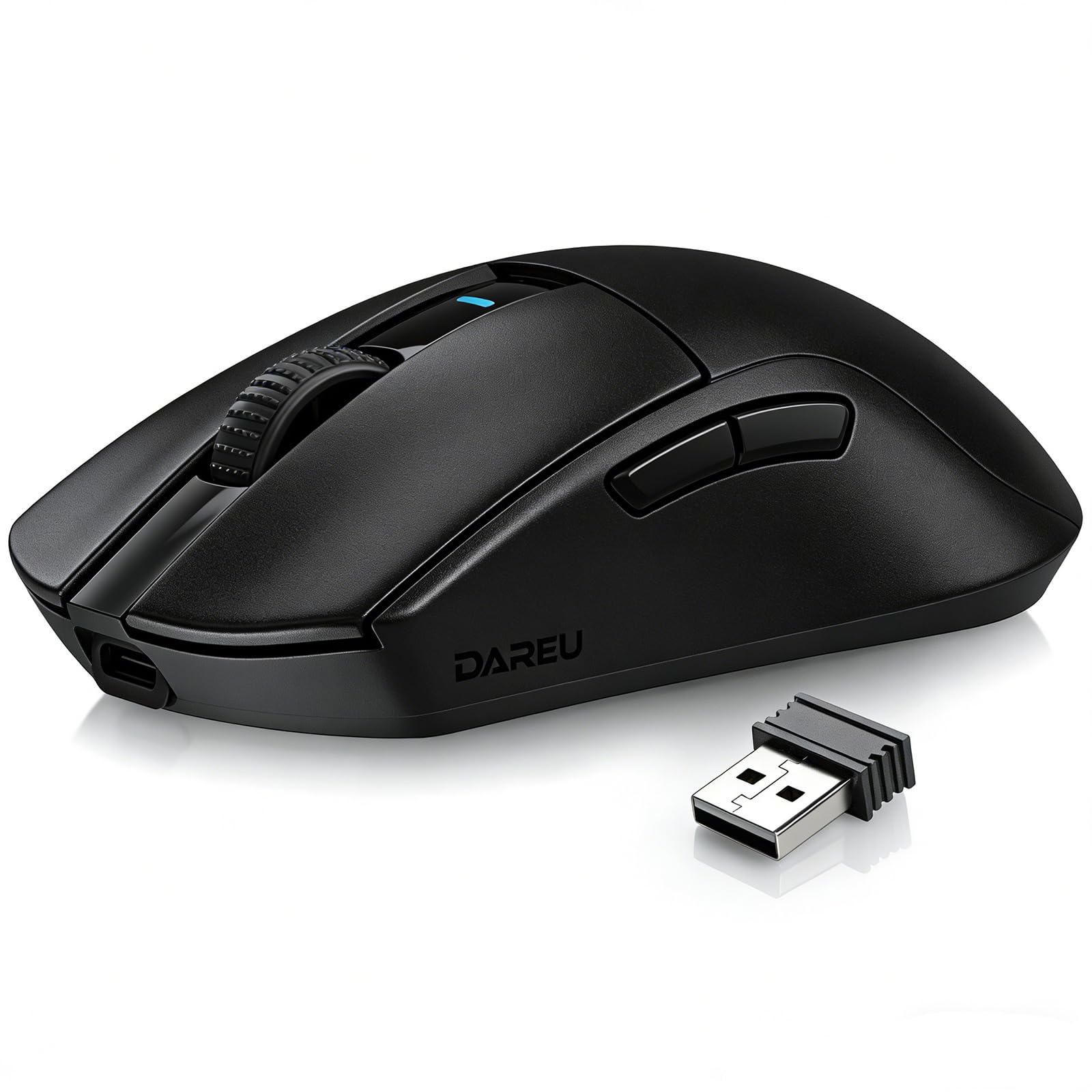
Image: The DAREU A950GM Wireless Gaming Mouse, showcasing its sleek black design and key features like lightweight design, tri-mode connectivity, high DPI, fast charge, Huano switches, and PAW3395 sensor.
Organizować coś
Zawartość opakowania
Sprawdź, czy w przesyłce znajdują się wszystkie elementy:
- 1 x DAREU A950GM Mouse
- 1 x kabel typu C
- 1 x odbiornik USB
- 1 x Instrukcja obsługi w języku angielskim

Image: Contents of the DAREU A950GM package, including the mouse, Type-C cable, USB receiver, user manual, and packaging box.
Początkowe ładowanie
Before first use, it is recommended to fully charge the mouse. Connect the provided Type-C cable to the mouse and a USB power source. A full charge typically takes 30-40 minutes for the 500mAh battery, providing up to 128 hours of use (16 days in 2.4G mode, 32 days in BT5.1 mode, based on 4 hours of connection per day).

Image: The DAREU A950GM mouse indicating its fast charge capability and battery life in different modes.
Tryby łączności
The DAREU A950GM supports three connection modes: 2.4GHz Wireless, Bluetooth (BT5.1), and Wired (USB-C).
- Tryb bezprzewodowy 2.4 GHz:
- Locate the USB receiver stored in the bottom of the mouse.
- Podłącz odbiornik USB do dostępnego portu USB w komputerze.
- Slide the switch on the bottom of the mouse to the '2.4G' position. The mouse will automatically connect.
- Tryb Bluetooth:
- Przesuń przełącznik znajdujący się na spodzie myszy na pozycję „BT”.
- On your device (PC, laptop, smartphone, tablet), open Bluetooth settings and search for new devices.
- Select 'DAREU A950GM' from the list to pair.
- Tryb przewodowy:
- Connect the provided Type-C cable to the mouse and the other end to a USB port on your computer.
- Mysz będzie działać jak mysz przewodowa i jednocześnie się ładować.
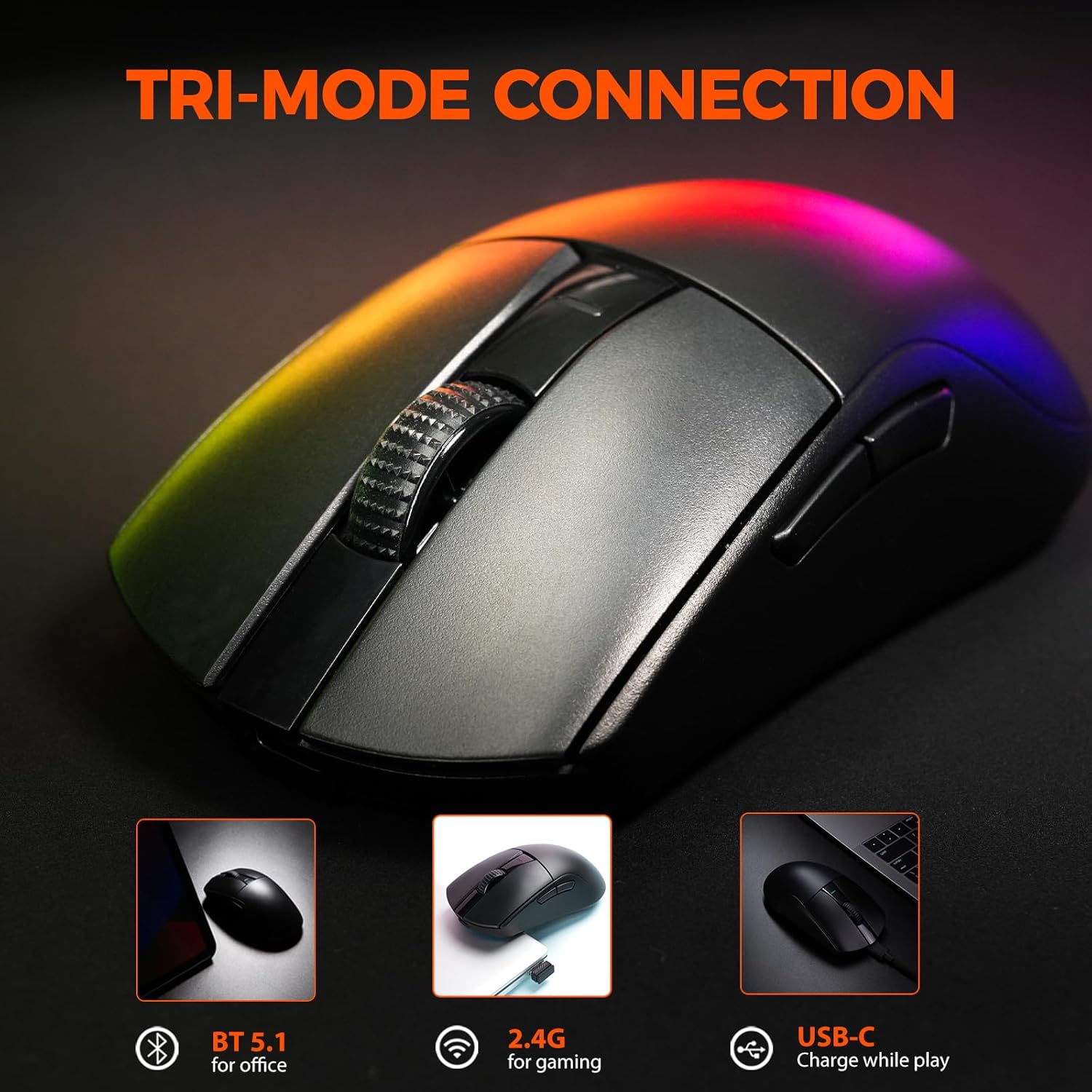
Image: The DAREU A950GM mouse demonstrating its tri-mode connectivity options: Bluetooth for office, 2.4G for gaming, and USB-C for charging while playing.
Instalacja oprogramowania
For advanced customization of buttons, macros, polling rate, and DPI settings, DAREU provides dual software support:
- Web-based Driver: Access the DAREU official webmiejsce dla A web-based configuration tool. No installation is required.
- Oprogramowanie na komputery stacjonarne: Download and install the dedicated DAREU e-sports driver software for your operating system (Windows 7 or later, macOS).
Customized settings are saved via the mouse's onboard memory.

Image: Screenshot of the DAREU all-in-one driver software interface, showing options for button customization, macro management, DPI settings, and battery level.
Instrukcja obsługi
Funkcje przycisków
The DAREU A950GM features 5 programmable buttons:
- Lewy przycisk myszy
- Prawy przycisk myszy
- Kółko przewijania (klikalne)
- Przycisk boczny 1 (do przodu)
- Side Button 2 (Backward)
These buttons can be customized using the DAREU software to assign various functions, shortcuts, or macros.
Regulacja DPI
The mouse features an advanced PAW3395 optical sensor with adjustable sensitivity up to 26,000 DPI. The DPI button is located on the bottom of the mouse. Press this button to cycle through preset DPI levels. The current DPI setting is often indicated by an LED color change above the scroll wheel.

Image: The underside of the DAREU A950GM mouse, highlighting the PAW3395 optical sensor and its specifications (26000 DPI, 650 IPS, 50g Acceleration).
Przełączanie trybów
To switch between 2.4GHz, Bluetooth, and Off modes, use the physical switch located on the bottom of the mouse. For wired mode, simply connect the USB-C cable.

Image: The bottom of the DAREU A950GM mouse, showing the 2.4G/OFF/BT switch, DPI button, USB receiver storage, PTFE feet, and Type-C interface. Serial number: A950GMW250901750.
Konserwacja
Czyszczenie
Aby utrzymać optymalną wydajność, regularnie czyść mysz. Do przecierania powierzchni używaj miękkiej, suchej ściereczki. W przypadku uporczywych zabrudzeń, delikatnie przetrzyj powierzchnię.amp Można użyć ściereczki, aby zapobiec przedostaniu się wilgoci do wnętrza podzespołów. Unikaj agresywnych środków chemicznych i materiałów ściernych.
PBT Buttons and Huano Micro Switches
The DAREU A950GM features durable PBT buttons designed to resist fading and oil buildup. The Huano micro switches are rated for up to 100 million clicks, ensuring long-lasting and consistent performance. No specific user maintenance is required for these components beyond general cleaning.
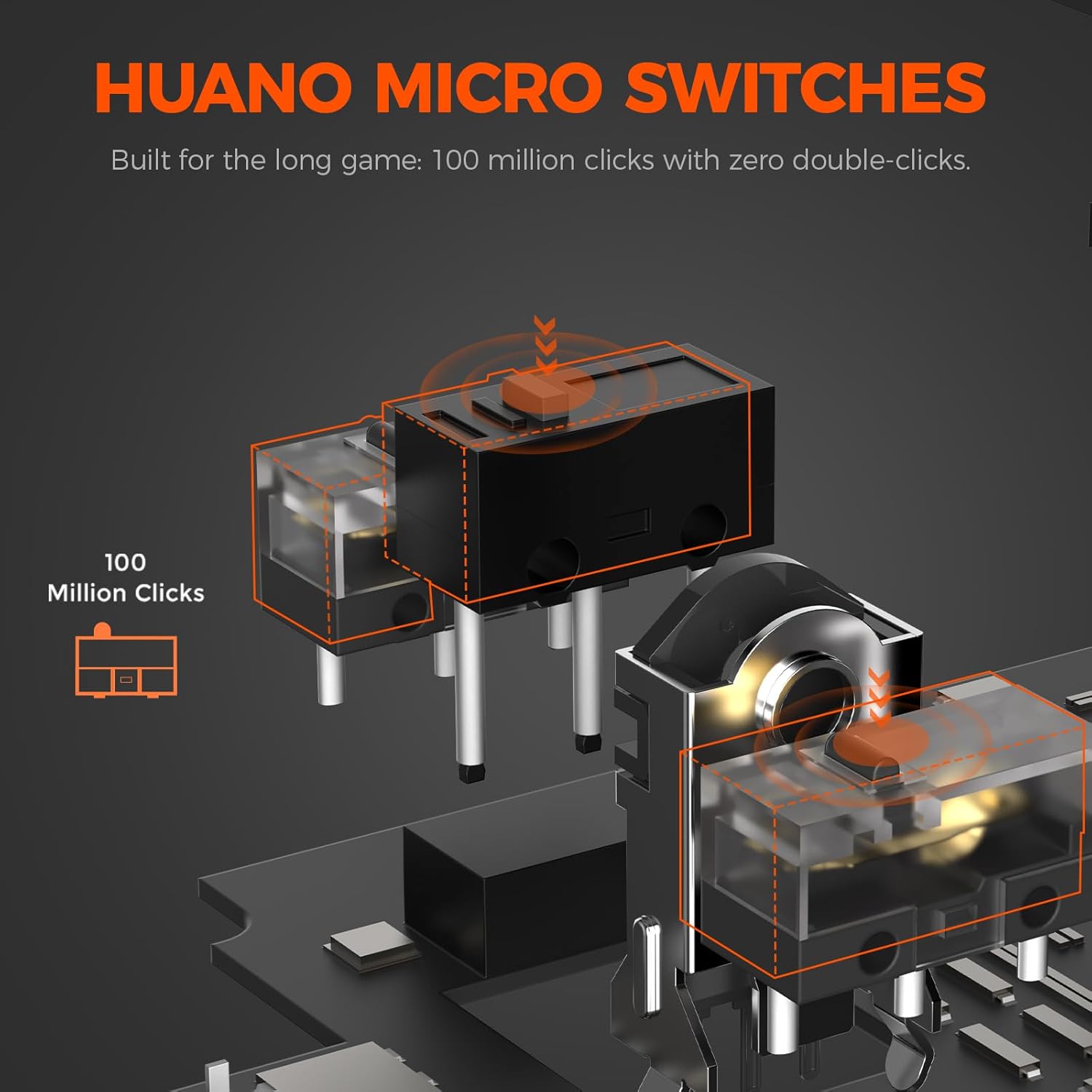
Obraz: Wybuch view illustrating the Huano micro switches within the DAREU A950GM mouse, highlighting their 100 million click lifespan.
Rozwiązywanie problemów
Problemy z łącznością
- Mysz nie łączy się przez Bluetooth: Ensure the mouse is in 'BT' mode and your device's Bluetooth is enabled and discoverable. Try re-pairing the mouse from your device's Bluetooth settings.
- Lag or intermittent connection in wireless modes: Ensure the USB receiver is plugged into a direct USB port, not a hub. Minimize interference from other wireless devices. If issues persist, try wired mode.
- 2.4GHz receiver not recognized: Ensure the receiver is fully inserted into the USB port. Try a different USB port.
Problemy ze sterownikiem/oprogramowaniem
- Oprogramowanie nie wykrywa myszy: Ensure the mouse is connected to your computer (preferably in wired or 2.4GHz mode for initial setup). Restart the software and/or your computer.
- Ustawienia nie zapisują się: Ensure you are using only one instance of the DAREU software (either web-based or desktop app) at a time to avoid conflicts.
DPI Button Placement
The DPI adjustment button is located on the bottom of the mouse. This design choice means on-the-fly DPI changes during gameplay may require lifting the mouse. For frequent DPI adjustments, consider pre-setting preferred DPI stages via the software.
Specyfikacje
| Funkcja | Szczegół |
|---|---|
| Marka | DARUJ |
| Nazwa modelu | A950GM |
| Kolor | Czarny |
| Technologia łączności | USB/BT/2.4G Hz |
| Technologia wykrywania ruchu | Optyczny (czujnik PAW3395) |
| Mouse Maximum Sensitivity | 26000 DPI |
| Prędkość IPS | 650 IPS |
| Przyśpieszenie | 50g |
| Współczynnik sondowania | 1000 Hz |
| Ilość przycisków | 5 programowalne przyciski |
| Mikroprzełączniki | Huano (100 milionów kliknięć) |
| Pojemność baterii | Polimer litowy 500 mAh |
| Średnia żywotność baterii | Up to 128 hours (BT5.1 mode), 65 hours (2.4G mode) |
| Czas ładowania | 30-40 minutes (fast charge) |
| Waga przedmiotu | 60 gramów |
| Pozycja Wymiary (dł. x szer. x wys.) | Wymiary: 122.8 x 64 x 39 mm |
| Kompatybilne urządzenia | PC, Laptop, Mac, Gaming Console, Smartphone, Tablet |
| Wsparcie systemu operacyjnego | Windows 7 or later, macOS, Android |
| Zawarte komponenty | Mouse, Type-C cable, USB receiver, English user manual |
Filmy o produktach
Video: An official DAREU GAMING video showcasing the DAREU A950GM Wireless Gaming Mouse, highlighting its PAW3395 sensor and black color variant.
Video: An official DAREU GAMING video demonstrating the DAREU A950GM Wireless Gaming Mouse in use.
Gwarancja
The DAREU A950GM Wireless Gaming Mouse comes with a 1 ROK GWARANCJI from the date of purchase. Please retain your proof of purchase for warranty claims. The warranty covers manufacturing defects and malfunctions under normal use. It does not cover damage caused by misuse, accidents, unauthorized modifications, or normal wear and tear.
Wsparcie
For further assistance, technical support, or warranty inquiries, please visit the official DAREU website or contact DAREU customer service. Refer to the packaging or the DAREU webna tej stronie znajdziesz najbardziej aktualne dane kontaktowe.
Możesz również odwiedzić DAREU Store on Amazon Aby uzyskać więcej informacji o produkcie i zasobach pomocy.