
1. Wprowadzenie
Thank you for choosing the Lemorele Wireless USB C HDMI Transmitter and Receiver. This device allows for high-definition wireless video and audio transmission from your USB-C enabled devices to an HDMI display. It supports multiple projection modes and offers a plug-and-play experience without the need for drivers or applications.
This manual provides detailed instructions for setting up, operating, and maintaining your device. Please read it carefully before use and retain it for future reference.
2. Koniec produktuview
2.1 Zawartość opakowania
W skład pakietu wchodzą następujące elementy:
- 1 x bezprzewodowy nadajnik HDMI (TX)
- 1 x bezprzewodowy odbiornik HDMI (RX)
- 1 x USB-C Power Cable (for RX)
- 1 x Instrukcja obsługi

Image: Packaging and included accessories, showing the TX and RX units, a USB-C cable, and the manual.
2.2 Główne cechy
- Three Flexible Screen Projection Modes: Supports Miracast, AirPlay, and TX-RX direct transmission.
- Szeroka kompatybilność: Fully compatible with Windows, Android, iOS, and macOS systems.
- Podłącz i graj: No application or driver installation required for operation.
- Full HD 1080P@60Hz Transmission: Delivers high-definition wireless video up to 1080P at 60Hz.
- Low Latency & High Stability: Ensures smooth video and audio synchronization.
- Smart Power Options: TX supports USB-C PD fast charging and HDMI input; RX is powered via USB-C 5V/2A.
- Przenośna konstrukcja: Compact and lightweight for easy transport and versatile use.
3. Instrukcje konfiguracji
Follow these steps to set up your Lemorele Wireless USB C HDMI Transmitter and Receiver:
- Podłącz odbiornik (RX): Plug the RX unit into an available HDMI port on your display device (e.g., TV, monitor, projector). Connect the USB-C power cable to the RX unit and then to a 5V/2A power source (e.g., USB wall adapter, TV USB port). Ensure the RX unit is powered on.
- Podłącz nadajnik (TX): Plug the TX unit into the USB-C port of your source device (e.g., laptop, tablet, smartphone). The TX unit will draw power from your source device. If your source device does not provide sufficient power or if you experience instability, connect a USB-C power adapter to the TX unit's power input port.
- Automatyczne parowanie: Once both the TX and RX units are powered on and connected, they will automatically pair within a few seconds. The display will show the mirrored or extended screen from your source device.

Image: Visual guide showing the three setup steps: 1. Connect RX to screen and power, 2. Plug TX to laptop/PC, 3. Auto pairing in 5 seconds.
Notatka: For optimal performance, ensure the TX and RX units are within the recommended transmission range (up to 50 meters / 164 feet) and have a clear line of sight.
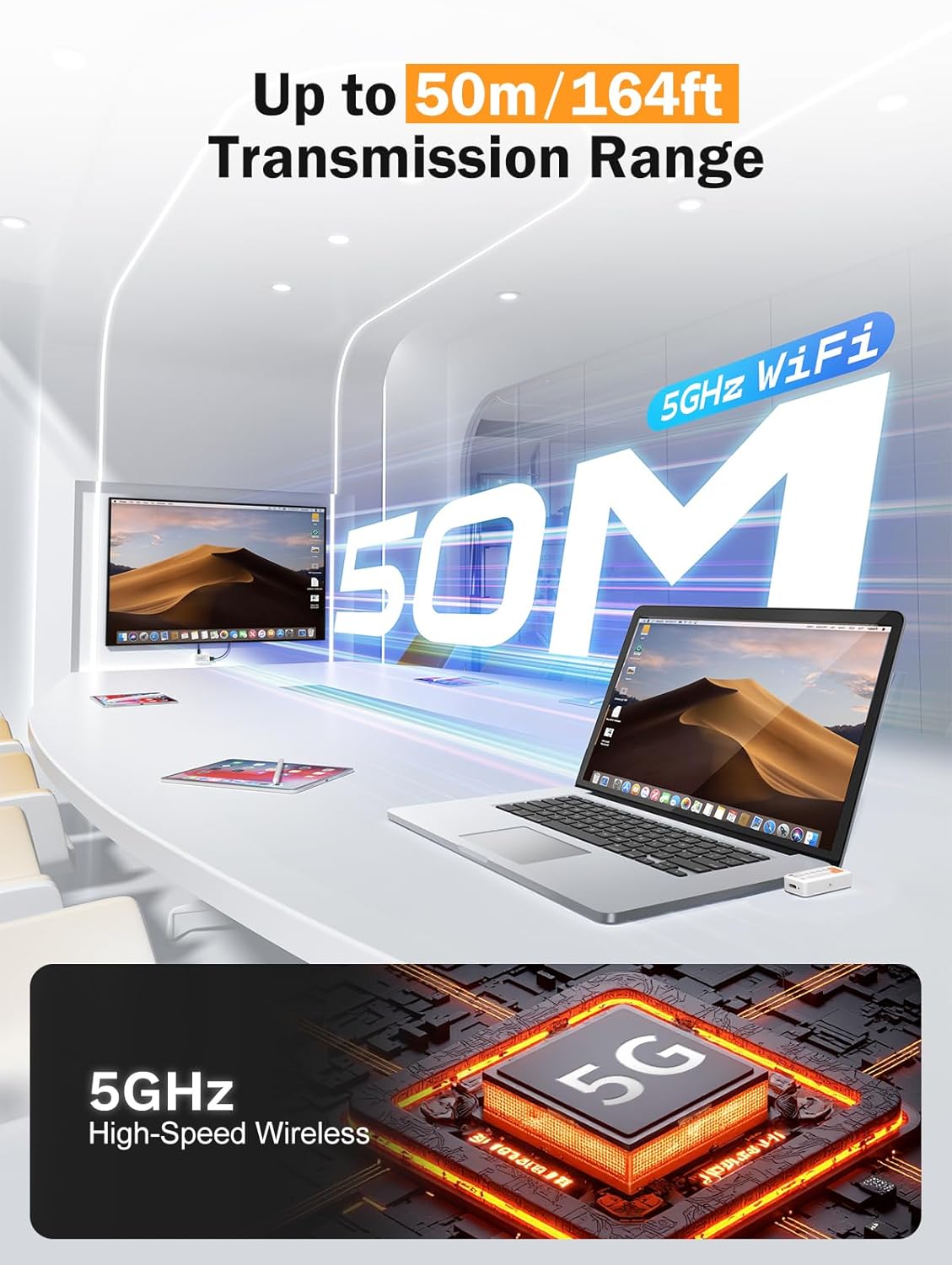
Image: Diagram illustrating the 50-meter wireless transmission range using 5GHz WiFi technology.
4. Instrukcja obsługi
4.1 Podstawowa obsługa (Plug & Play)
After successful setup and pairing, the device operates automatically. Your source device's screen will be mirrored or extended to the connected display.

Image: A laptop connected to the TX unit and a TV connected to the RX unit, demonstrating the plug-and-play functionality for wireless display.
4.2 Supported Modes
The device supports Miracast, AirPlay, and TX-RX direct transmission. The mode selection is typically handled automatically by your source device or the system's display settings.
- Miracast: For Windows and Android devices.
- AirPlay: For iOS and macOS devices.
- TX-RX Direct: For direct wireless connection between the transmitter and receiver units.
4.3 Scenariusze użycia
The compact and versatile design makes it suitable for various applications:
- Kino domowe: Enjoy movies and games on a large screen wirelessly.
- Prezentacje biznesowe: Share presentations (PPTs) and videos in meetings without cables.
- Classroom Projection: Facilitate interactive learning by projecting content wirelessly.
- Exhibitions: Showcase content on large displays with ease.

Image: Collage showing the device being used in a classroom for teaching, an office for presentations, and a home for entertainment.
5. Konserwacja
Aby zapewnić długą żywotność i optymalną wydajność urządzenia, należy przestrzegać poniższych wskazówek dotyczących konserwacji:
- Czyszczenie: Do czyszczenia urządzenia należy używać miękkiej, suchej ściereczki. Nie należy używać płynów czyszczących ani aerozoli.
- Składowanie: Przechowywać urządzenie w chłodnym i suchym miejscu, z dala od bezpośredniego światła słonecznego i ekstremalnych temperatur.
- Obsługiwanie: Unikaj upuszczania i narażania urządzenia na silne uderzenia.
- Moc: Always use the recommended 5V/2A power source for the RX unit.
- Ciepło: The TX unit may become warm during extended use. This is normal. Ensure adequate ventilation around the device.
6. Rozwiązywanie Problemów
If you encounter issues with your Lemorele Wireless USB C HDMI Transmitter and Receiver, refer to the following troubleshooting tips:
| Problem | Możliwa przyczyna | Rozwiązanie |
|---|---|---|
| Brak obrazu na ekranie. |
|
|
| Przerywany sygnał lub słaba jakość obrazu. |
|
|
| Dźwięk nie działa. |
|
|
| TX unit gets warm. | Normalna praca. | Ensure adequate ventilation around the TX unit. If it becomes excessively hot or malfunctions, discontinue use and contact support. |
7. Specyfikacje
| Funkcja | Szczegół |
|---|---|
| Marka | Lemorele |
| Numer modelu | P400 |
| Technologia łączności | Miracast, AirPlay, HDMI |
| Cechy specjalne | TX-RX, Full HD 1080p@60Hz, Plug & Play |
| Kompatybilne urządzenia | Smart Television, Tablet, Smartphone, Laptop, Personal Computer |
| Typ złącza | HDMI (output from RX), USB-C (input to TX) |
| Kolor | Czarny |
| Pobór mocy | 10 watów |
| Typ wyjścia audio | HDMI |
| Technologia bezprzewodowa | 5GHz WiFi, Miracast |
| Zasięg transmisji | Do 50 metrów (164 stóp) |
| Kraj pochodzenia | Chiny |
8. Informacje o gwarancji
The Lemorele Wireless USB C HDMI Transmitter and Receiver comes with a standard manufacturer's warranty. Please refer to the product packaging or the official Lemorele webSzczegółowe warunki gwarancji można znaleźć na naszej stronie.
In France, consumers are entitled to a legal guarantee of conformity for 2 years from the date of purchase for any defects or non-conformities. A legal guarantee against hidden defects also applies.
9. Obsługa klienta
For technical assistance, troubleshooting beyond this manual, or warranty claims, please contact Lemorele customer support:
- Wsparcie online: Visit the official Lemorele webwitryna z odpowiedziami na często zadawane pytania, zasobami pomocy i informacjami kontaktowymi.
- E-mail: Refer to your product packaging or the Lemorele webwitryna internetowa zawierająca adres e-mail pomocy technicznej.
Before contacting support, please have your product model number (P400) and purchase information ready.


