
Wstęp
The Chargeworx Kids Digital Watch is designed to provide children with a simple, durable timepiece while offering parents the added security of Apple Find My tracking. This watch combines essential functions with a robust, water-resistant build and a comfortable silicone strap, making it suitable for daily wear and active play. It is an alternative to complex smartwatches, focusing on core utility and location tracking without distractions.
This manual provides instructions for setting up, operating, maintaining, and troubleshooting your Chargeworx Kids Digital Watch.
Produkt ponadview
The Chargeworx Kids Digital Watch features a bright digital display, easy-to-use buttons, and a built-in Apple Find My tracker. It includes a light, stopwatch, and alarm functions. The watch is designed for durability and comfort, with a soft silicone strap and water-resistant construction.

Obraz: Ponadview of the Chargeworx Kids Digital Watch highlighting its key features such as the Find My button, mode switching, light, stopwatch, reset button, and bright digital display.
Organizować coś
1. Instalacja/aktywacja baterii
Your Chargeworx Kids Digital Watch comes with a non-standard battery included. If the watch display is not active, the battery may need to be activated or replaced. This watch uses a replaceable coin cell battery.
- Carefully remove the back cover of the watch using a small screwdriver (not included).
- If a plastic tab is present, gently pull it out to activate the pre-installed battery.
- If replacing the battery, insert a new compatible coin cell battery, ensuring correct polarity (+/-).
- Ponownie załóż tylną pokrywę.
2. Ustawianie czasu i daty
The watch features easy-to-use buttons for setting the time and date.
- Naciśnij TRYB Naciskaj przycisk aż do wyświetlenia się trybu ustawiania czasu (zazwyczaj wskazywanego przez migające cyfry).
- Użyj NASTAWIĆ button to adjust the flashing digit (hours, minutes, etc.).
- Naciśnij ST / STP button to move to the next setting (e.g., from hours to minutes, then to date).
- Powtarzaj kroki 2 i 3, aż wszystkie ustawienia czasu i daty będą poprawne.
- Naciśnij TRYB przycisk, aby wyjść z trybu ustawień.
3. Connecting to Apple Find My
The watch integrates with Apple's Find My network, allowing you to locate it using the Find My app on your iOS device.

Image: The Chargeworx Kids Digital Watch next to an iPhone displaying the Apple Find My app interface, showing the watch's location on a map.
- Ensure your iPhone or iPad is running the latest iOS/iPadOS version and has Bluetooth enabled.
- Otwórz Znajdź mój aplikację na urządzeniu z systemem iOS.
- Kliknij Rzeczy patka.
- Uzyskiwać + Dodaj element and follow the on-screen instructions to add your Chargeworx watch.
- Naciśnij i przytrzymaj Znajdź mój button on the watch to put it into pairing mode if prompted.
- Po sparowaniu możesz view the watch's location on the map within the Find My app.
Instrukcja obsługi
1. Podstawowy wyświetlacz czasu
The watch defaults to displaying the current time (hours, minutes, seconds) and date.
2. Using the Light Function
To illuminate the display in low-light conditions:
- Naciśnij ST / STP button briefly. The backlight will activate for a few seconds.
3. Tryb stopera
Aby użyć funkcji stopera:
- Naciśnij TRYB button until the stopwatch display appears (usually 00:00:00).
- Naciskać ST / STP aby uruchomić stoper.
- Naciskać ST / STP ponownie, aby wstrzymać/wznowić.
- Naciskać NASTAWIĆ aby wyzerować stoper.
- Naciskać TRYB to return to the time display.
4. Funkcja alarmu
Aby ustawić i aktywować alarm:
- Naciśnij TRYB button until the alarm setting mode is displayed (usually indicated by 'AL' or a bell icon).
- Użyj NASTAWIĆ przycisk, aby dostosować czas alarmu.
- Naciśnij ST / STP przycisk umożliwiający przełączanie się między godzinami i minutami.
- Po ustawieniu godziny alarmu naciśnij TRYB wyjść.
- Aby włączyć/wyłączyć alarm, w trybie wyświetlania alarmu naciśnij ST / STP to toggle the alarm icon.
5. Using the Find My Button
Poświęcony Znajdź mój button on the watch is primarily used for pairing and can also be used to trigger a sound on your iPhone if the watch is nearby and you are looking for your phone (if supported by the Find My app functionality for items).
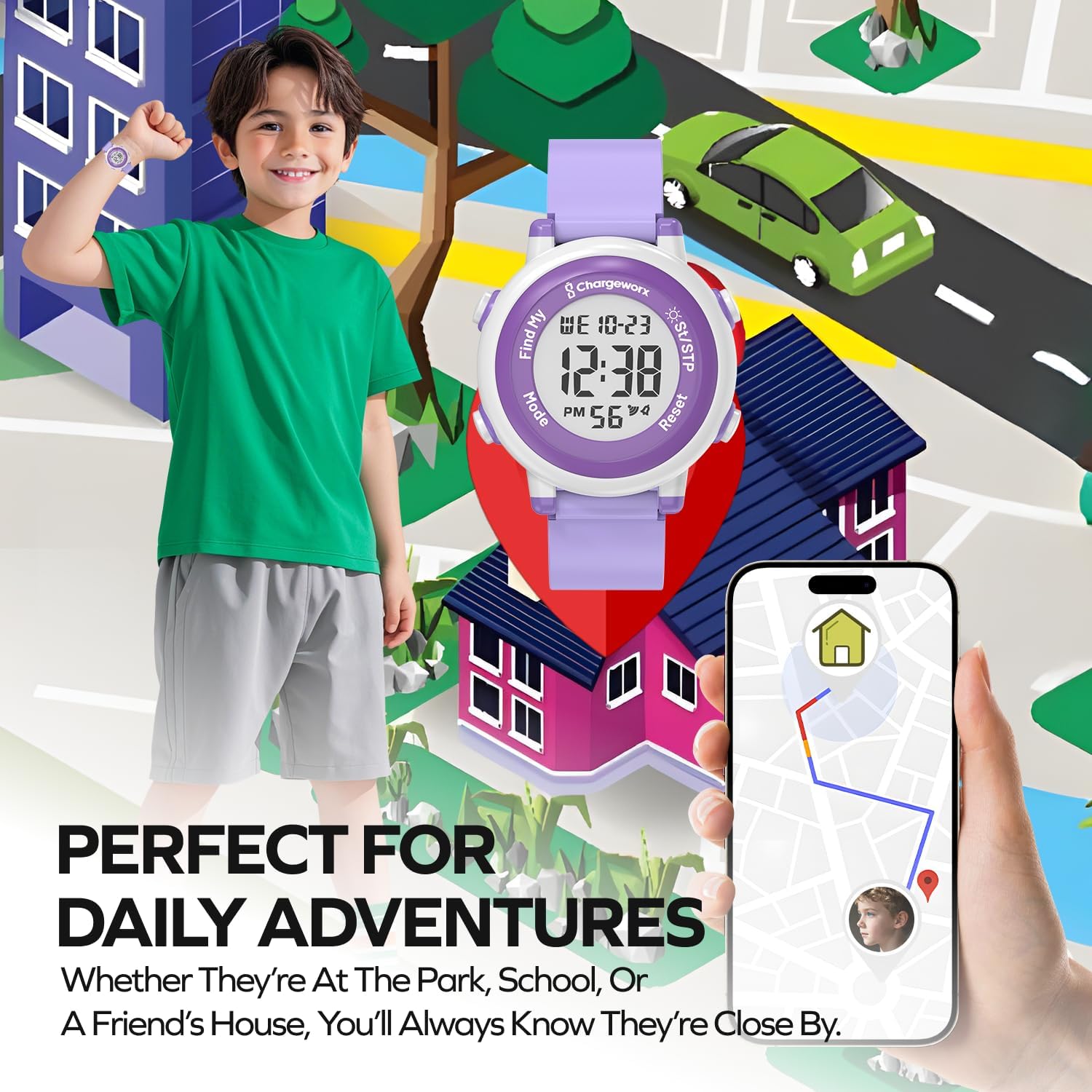
Image: A child wearing the Chargeworx watch in an outdoor setting, with an iPhone displaying the Find My map, illustrating the watch's use for daily adventures and location tracking.
Konserwacja
1. Czyszczenie
To keep your watch clean:
- Przetrzyj zegarek i pasek miękką ściereczką.amp płótno.
- Unikaj stosowania silnych środków chemicznych i ściernych środków czyszczących.
- Ensure the watch is dry before wearing.
2. Wodoodporność
The Chargeworx Kids Digital Watch is water-resistant, meaning it can withstand splashes, rain, and brief immersion. It is suitable for everyday use, including hand washing and playing near water.

Image: The Chargeworx Kids Digital Watch being splashed with water, demonstrating its water-resistant design suitable for active children.
Ważny: Do not press buttons while the watch is submerged in water. Not suitable for swimming, diving, or hot water activities.
3. Wymiana baterii
When the display dims or the watch stops functioning, it's time to replace the battery.
- Refer to the "Battery Installation/Activation" section under Setup for detailed steps.
- Use a compatible coin cell battery for replacement.
Rozwiązywanie problemów
| Problem | Możliwa przyczyna | Rozwiązanie |
|---|---|---|
| Watch not keeping correct time | Low battery; incorrect time setting | Replace battery; re-set time and date (refer to Setup section). |
| Wyświetlacz jest przyciemniony lub pusty | Rozładowana lub słaba bateria | Wymień baterię. |
| Przyciski nie reagują | Watch frozen; low battery | Try removing and reinserting the battery; replace battery. |
| Apple Find My not locating the watch | Watch out of range of Find My network; low watch battery; Bluetooth off on iPhone | Ensure watch battery is good; check iPhone Bluetooth; move watch closer to an iOS device with Find My enabled. |
Specyfikacje
- Numer modelu: 643620045435
- Marka: Chargeworx
- Typ wyświetlacza: Cyfrowy
- Cechy szczególne: Apple Find My tracking, Alarm, Stopwatch, Light
- Poziom wodoodporności: Water Resistant (splashes, rain)
- Materiał paska: Silikon
- Rodzaj zapięcia: Klamra
- Wejście interfejsu ludzkiego: Pikolak
- Technologia łączności: Bluetooth
- Zgodne urządzenia: iOS Smartphones (for Find My functionality)
- Bateria: 1 non-standard replaceable battery (included)
- Kształt przedmiotu: Okrągły
- Kolor: Fioletowy
- Wymiary: Około 14.22 x 6.6 x 2.03 cm
- Waga: Około 54.43 gramów
Gwarancja i wsparcie
For warranty information or technical support, please refer to the product packaging or contact Chargeworx customer service directly. Contact details can typically be found on the manufacturer's webna stronie internetowej lub u sprzedawcy.