
Wstęp
Thank you for choosing the UPERFECT 16-inch 2K 144Hz Portable Gaming Monitor. This manual provides essential information for setting up, operating, maintaining, and troubleshooting your new monitor. Please read it thoroughly to ensure optimal performance and longevity of your device.
Organizować coś
Zawartość opakowania
- UPERFECT 16-inch Portable Gaming Monitor
- Protective Case (may vary by model)
- Cables (USB-C, Mini HDMI - specific types and quantities may vary)
- Zasilacz (jeśli jest dołączony)
Konfiguracja fizyczna
- Umiejscowienie monitora: Place the monitor on a stable, flat surface. The integrated kickstand allows for adjustable viewkąty.
- Montaż VESA: For a more permanent setup, the monitor supports VESA mounting. Attach a compatible VESA mount (not included) to the designated mounting points on the back of the monitor. Ensure the mount can support the monitor's weight.
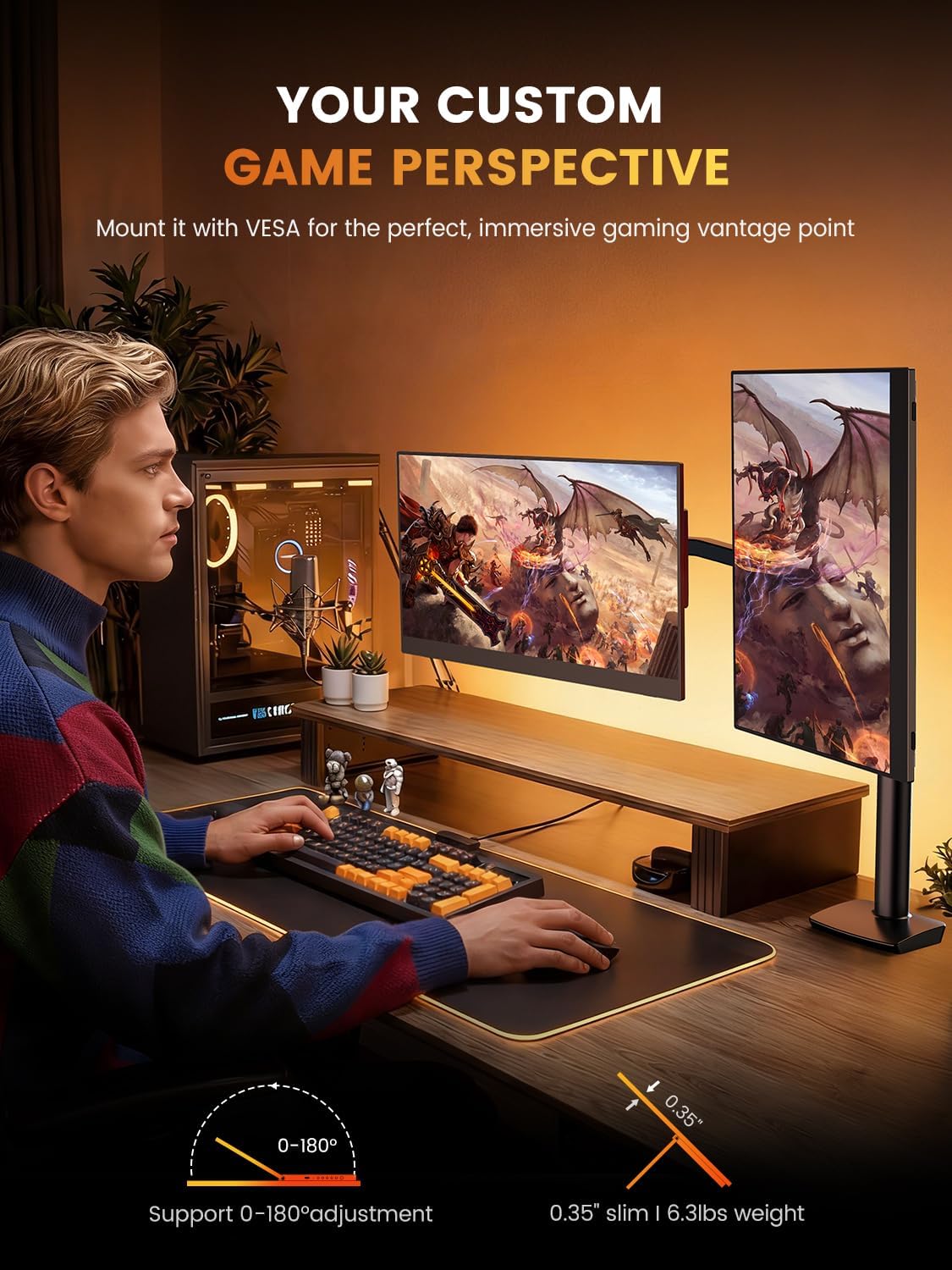
Image: The monitor can be mounted using a VESA arm for flexible positioning, as shown with a user at a desk with a gaming PC.
Łączenie się z urządzeniami
The monitor offers versatile connectivity for various devices including laptops, smartphones, gaming consoles, and cameras.
- Połączenie USB-C: For devices with a full-featured USB-C port (supporting DisplayPort Alternate Mode and power delivery), a single USB-C cable can provide both video signal and power to the monitor. Connect one end of the USB-C cable to your device and the other to the monitor's USB-C port.
- Złącze mini HDMI: For devices with an HDMI output, use a Mini HDMI to HDMI cable. Connect the Mini HDMI end to the monitor and the HDMI end to your device. An additional USB-C to USB-A cable or power adapter (5V) may be required to power the monitor if your device does not supply sufficient power via HDMI.
- Wyjście audio: The monitor features built-in speakers. For external audio, connect headphones or external speakers to the 3.5mm audio jack.
Instrukcja obsługi
Włączanie/wyłączanie
Press the power button located on the side or back of the monitor to turn it on or off. The monitor will automatically detect the input signal.
Ustawienia wyświetlania
Use the OSD (On-Screen Display) menu buttons to adjust various display settings. Common adjustments include:
- Jasność/Kontrast: Adjust the image brightness and contrast levels. The monitor supports up to 400 nits brightness and a 1500:1 contrast ratio.
- Ustawienia kolorów: Fine-tune color temperature, hue, and saturation. The monitor offers 100% DCI-P3 color gamut for accurate color reproduction.
- Źródło sygnału wejściowego: Manually select between USB-C and Mini HDMI input sources if auto-detection fails.
- Audio: Adjust the volume of the built-in speakers or connected headphones.
- Cechy szczególne: Enable or disable features like Blue Light Filter and Flicker-Free technology for eye care.
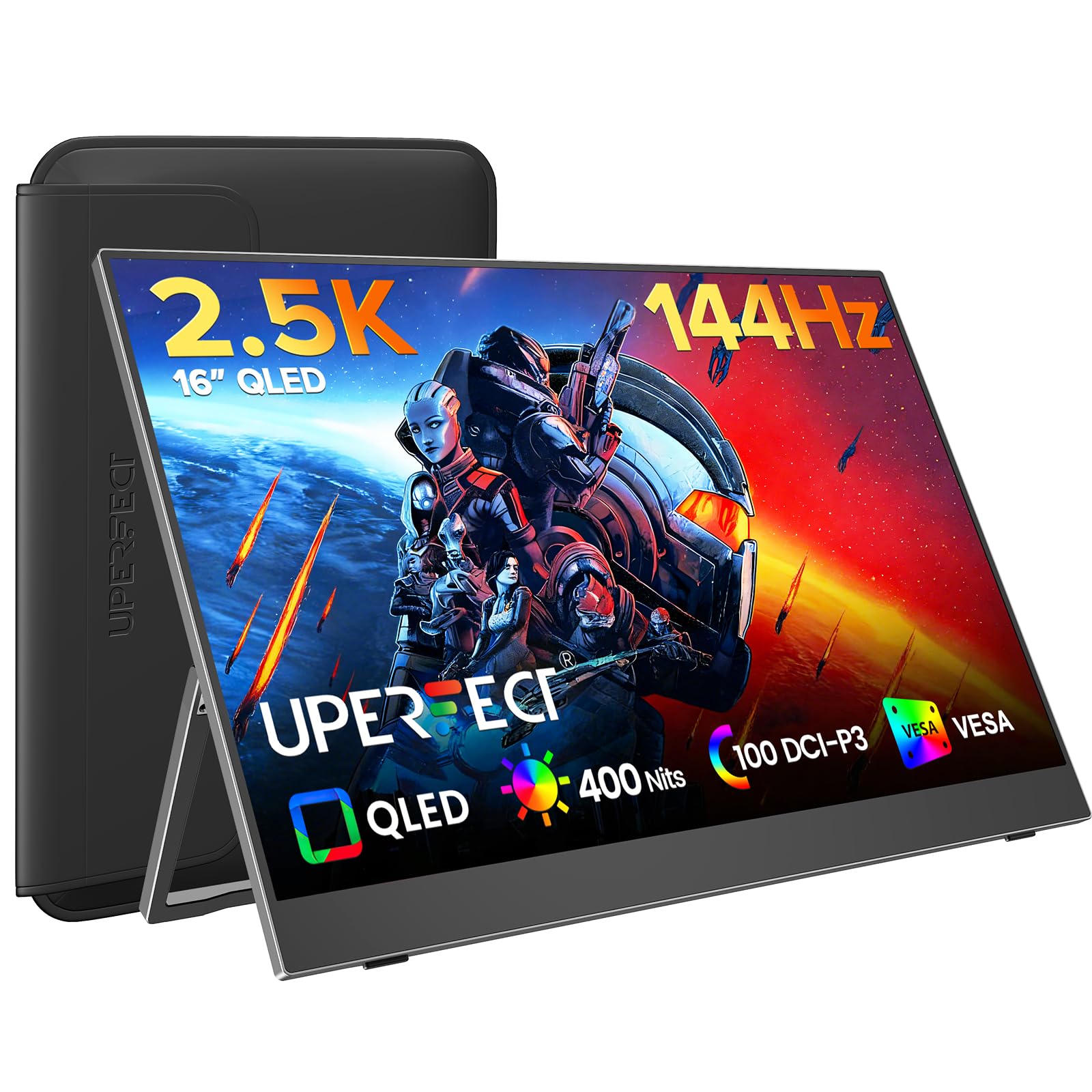
Image: The monitor features a 0.1ms response time and 144Hz refresh rate for smooth motion in gaming.

Image: Enjoy a smooth gaming experience and stunning 2.5K visual effects with the 144Hz refresh rate.

Image: QLED technology provides true color reproduction with 100% DCI-P3, 400 Nits brightness, and 2000:1 contrast.

Image: The monitor achieves 100% DCI-P3 color space, a cinema standard, for a stunning visual experience.

Image: The 400 Nits high brightness screen ensures rich details and strong contrast in various lighting conditions.
Konserwacja
Czyszczenie monitora
- Zawsze wyłączaj monitor i odłączaj go od zasilania przed czyszczeniem.
- Użyj miękkiej, niestrzępiącej się ściereczki, lekko wyczyśćampCzyścić wodą lub nieściernym środkiem do czyszczenia ekranów.
- Nie rozpylać środka czyszczącego bezpośrednio na ekran.
- Avoid using alcohol, ammonia, or abrasive cleaners, as these can damage the matte screen surface.
Protective Case Care
If your monitor came with a protective case, ensure it is used during transport to prevent scratches and damage. The case is designed to be waterproof, anti-scratch, durable, and breathable.
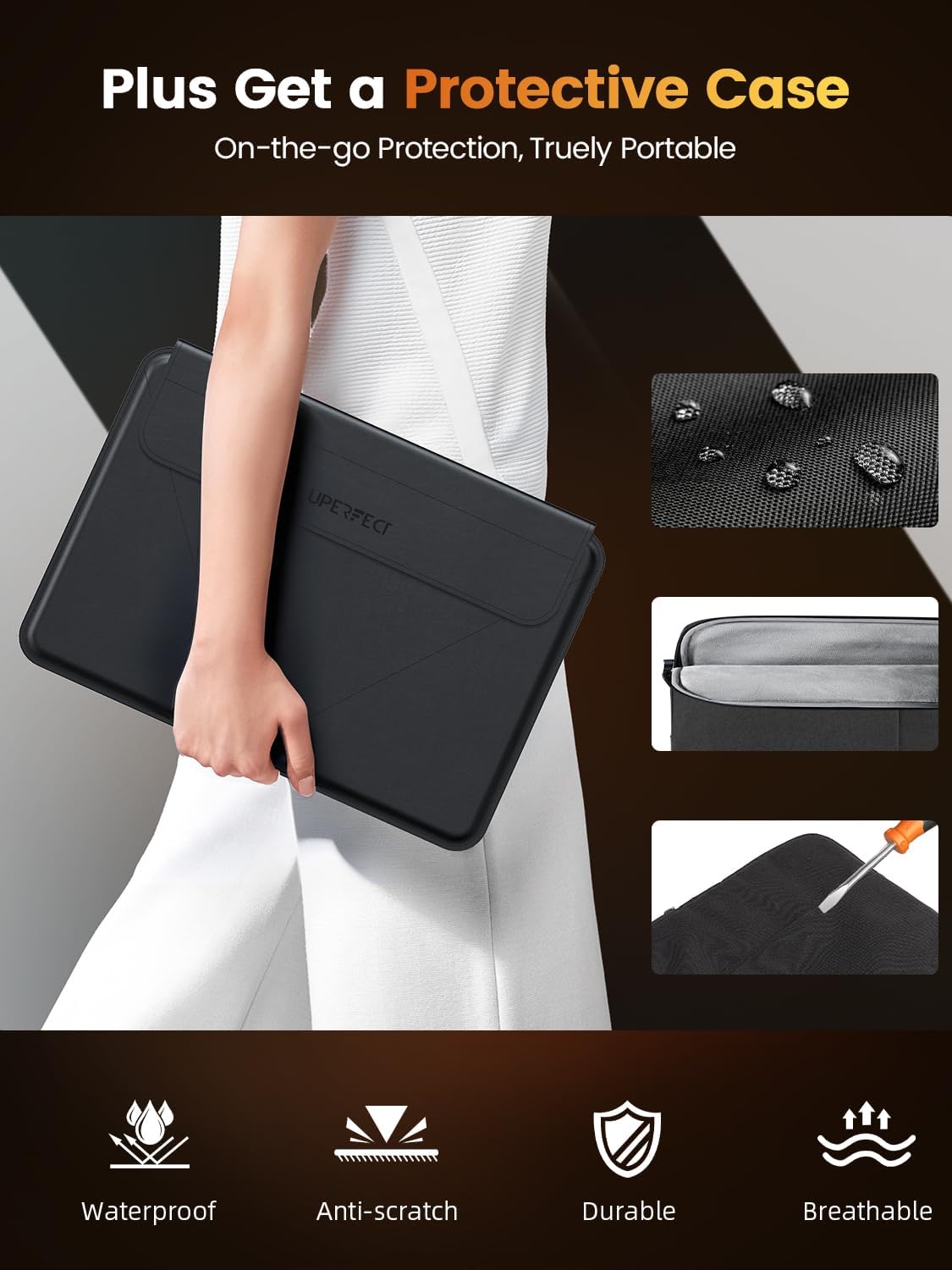
Image: The included protective case offers on-the-go protection, featuring waterproof, anti-scratch, durable, and breathable properties.
Rozwiązywanie problemów
Jeśli masz problemy z monitorem, zapoznaj się z poniższymi, typowymi rozwiązaniami:
- Brak sygnału:
- Ensure all cables (USB-C, Mini HDMI) are securely connected to both the monitor and your device.
- Verify that your device's display output is enabled and configured correctly (e.g., extended display, duplicate display).
- Try selecting the input source manually via the OSD menu.
- Brak zasilania:
- Confirm the power adapter (if used) is properly connected to a working power outlet and the monitor.
- If using a single USB-C cable, ensure your device's USB-C port supports power delivery to external displays.
- Spróbuj użyć innego źródła zasilania lub kabla.
- Migotanie ekranu:
- Sprawdź połączenia kabli pod kątem luzu.
- Adjust the refresh rate settings on your connected device.
- Ensure the monitor's power supply is stable.
- Problemy z jakością obrazu (rozmazany, zniekształcony):
- Ensure your device's display resolution is set to the monitor's native resolution (2560x1600).
- Dostosuj ustawienia jasności, kontrastu i koloru za pomocą menu OSD.
Specyfikacje
| Funkcja | Specyfikacja |
|---|---|
| Marka | DOSKONAŁE |
| Model | 16 |
| Rozmiar ekranu | 16 cali |
| Rozdzielczość wyświetlacza | 2560 x 1600 pikseli (2K) |
| Częstotliwość odświeżania | 144 Hz |
| Czas reakcji | 0.1 milisekund |
| Technologia wyświetlania | QLED |
| Jasność | X NUMX Nits |
| Współczynnik kontrastu | 1500:1 |
| Viewing kąt | 178 stopni |
| Gama kolorów | 100% DCI-P3 |
| Proporcje obrazu | 16:10 |
| Interfejs sprzętowy | 3.5mm Audio, USB 3.0 Type C, Mini HDMI |
| Cechy specjalne | Blue Light Filter, Built-In Speakers, Eye Care, Flicker-Free, Lightweight |
| Kompatybilne urządzenia | Camera, Desktop, Gaming Console, Laptop, Smartphone |
| Tomtage | 5 wolty |
| Wymiary produktu | Wymiary 0.58 x 35.56 x 24.13 cm |
| Waga przedmiotu | 680.39 gramów |
Gwarancja i wsparcie
For warranty information or technical support, please refer to the documentation included with your purchase or visit the official UPERFECT website. If you have further questions or require assistance, please contact UPERFECT customer service.