
1. Wprowadzenie
Welcome to the future of wearable technology with your new Demabon AI Smart Glasses. These glasses integrate advanced features such as a high-resolution camera, real-time translation, AI object recognition, and a voice assistant, all within a lightweight and stylish design. This manual will guide you through the setup, operation, and maintenance of your device to ensure an optimal user experience.
2. Co znajduje się w pudełku
Sprawdź zawartość paczki, aby upewnić się, że znajdują się w niej wszystkie elementy:
- AI Smart Camera Glasses x1
- Glasses Instruction Manual x1
- Kabel USB do ładowania x1
- Pudełko do pakowania x1
- Eyeglass Dust Pouch x1
- Ściereczka do okularów x1
- Silicone Ear Pads x2

Image: All items included in the Demabon AI Smart Glasses package.
3. Konfiguracja
3.1 Ładowanie okularów
Before first-time use, ensure your glasses are fully charged. Connect the magnetic charging cable to the designated port on the temple of the glasses. The indicator light will show red during charging and turn blue when fully charged. A full charge typically takes approximately 40 minutes and provides up to 12 hours of music playback or over 7 days of standby time.
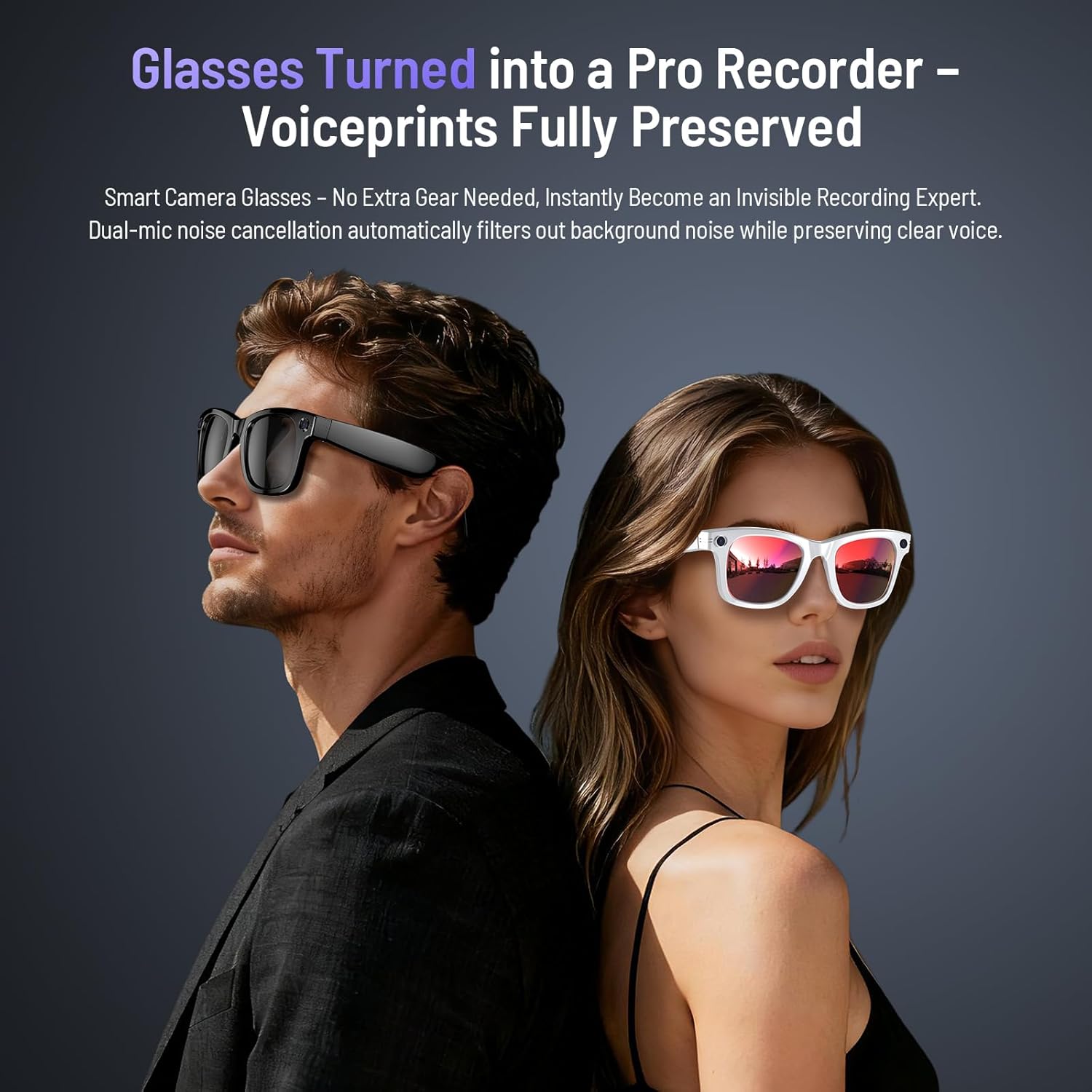
Image: Magnetic charging port on the glasses temple.
3.2 Pobieranie i parowanie aplikacji
To unlock the full potential of your Demabon AI Smart Glasses, download the companion app, "HeyCyan".
- Włącz Bluetooth w swoim smartfonie.
- Scan the QR code provided in the instruction manual or search for "HeyCyan" in your phone's app store (Google Play or Apple App Store).
- Open the "HeyCyan" app and tap "Connect Device".
- Select "DM-01" from the list of available devices to pair.
- Allow smart glasses to use wireless data if prompted. Once connected, all features will be available.

Image: Visual guide for app download and device pairing.
Aby pobrać aplikację bezpośrednio, odwiedź stronę: http://fitcloud.hetangsmart.com/qrcode/
4. Instrukcja obsługi
4.1 Włączanie/wyłączanie zasilania
Long press the front button on the right temple for 2 seconds to power on. Long press for 5 seconds to power off.
4.2 Nagrywanie zdjęć i filmów
The Demabon AI Smart Glasses are equipped with an 8-megapixel HD camera and a three-axis anti-shake sensor, capable of capturing clear 4K videos and photos. The camera is discreetly located on the frame.
- Zrób zdjęcie: Single-click the designated button on the temple.
- Nagraj wideo: Double-click the designated button to start recording. Double-click again to stop and save.
- Nagrywanie bez użycia rąk: Capture point-of-view video of activities without needing to hold a phone.
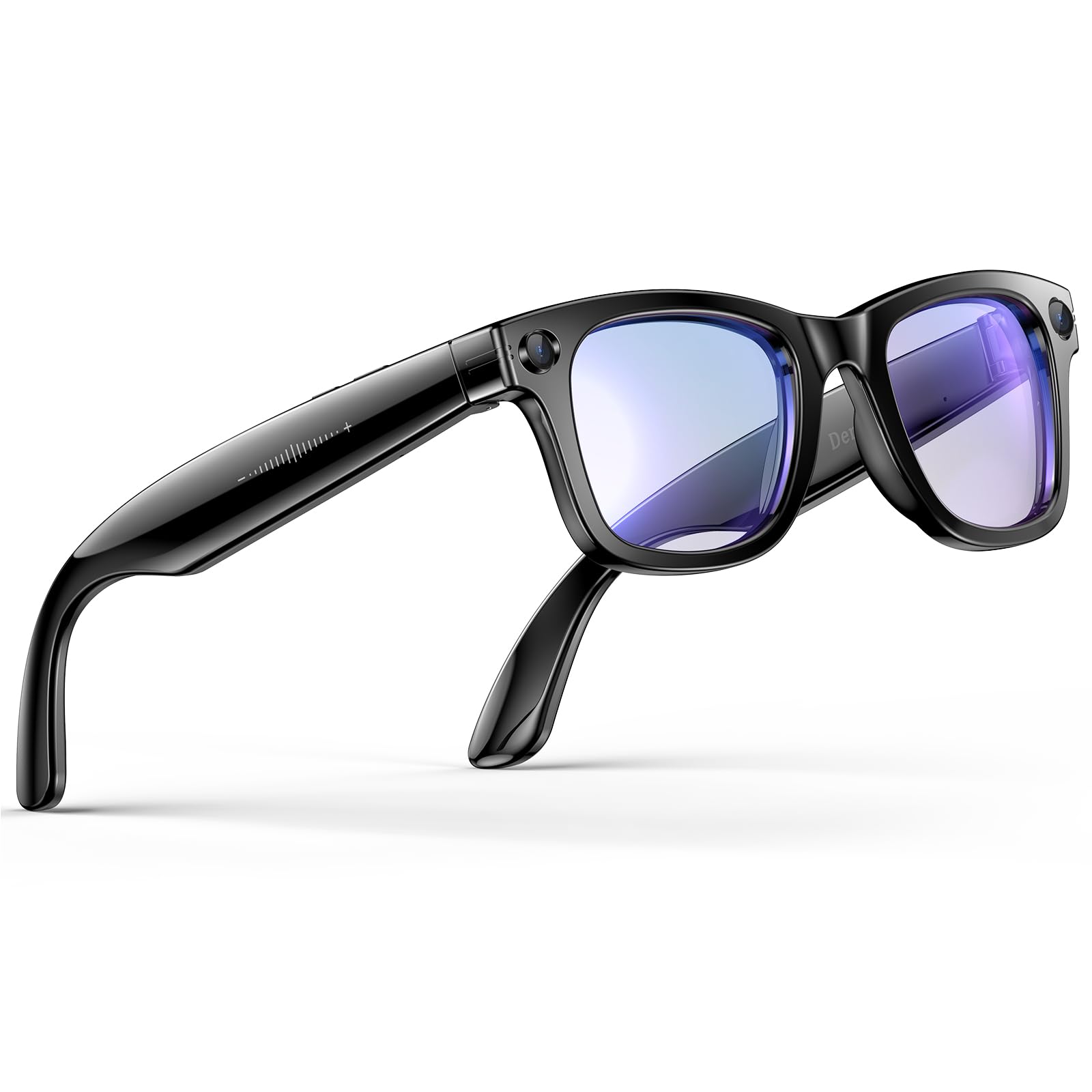
Image: 8MP camera lens with EIS stabilization technology.

Image: EIS Ultra-Stabilization for capturing vivid moments.
4.3 Asystent głosowy AI
Activate your personal AI assistant by saying "HeyCyan". The intelligent voice assistant can provide emotional support, take notes, summarize meetings, or offer daily life advice.

Image: Interacting with the AI voice assistant for hands-free Q&A.
4.4 AI Object Recognition
The AI object recognition feature allows the glasses to instantly identify and provide information about landmarks, plants, animals, or everyday objects. This feature is permanently free.
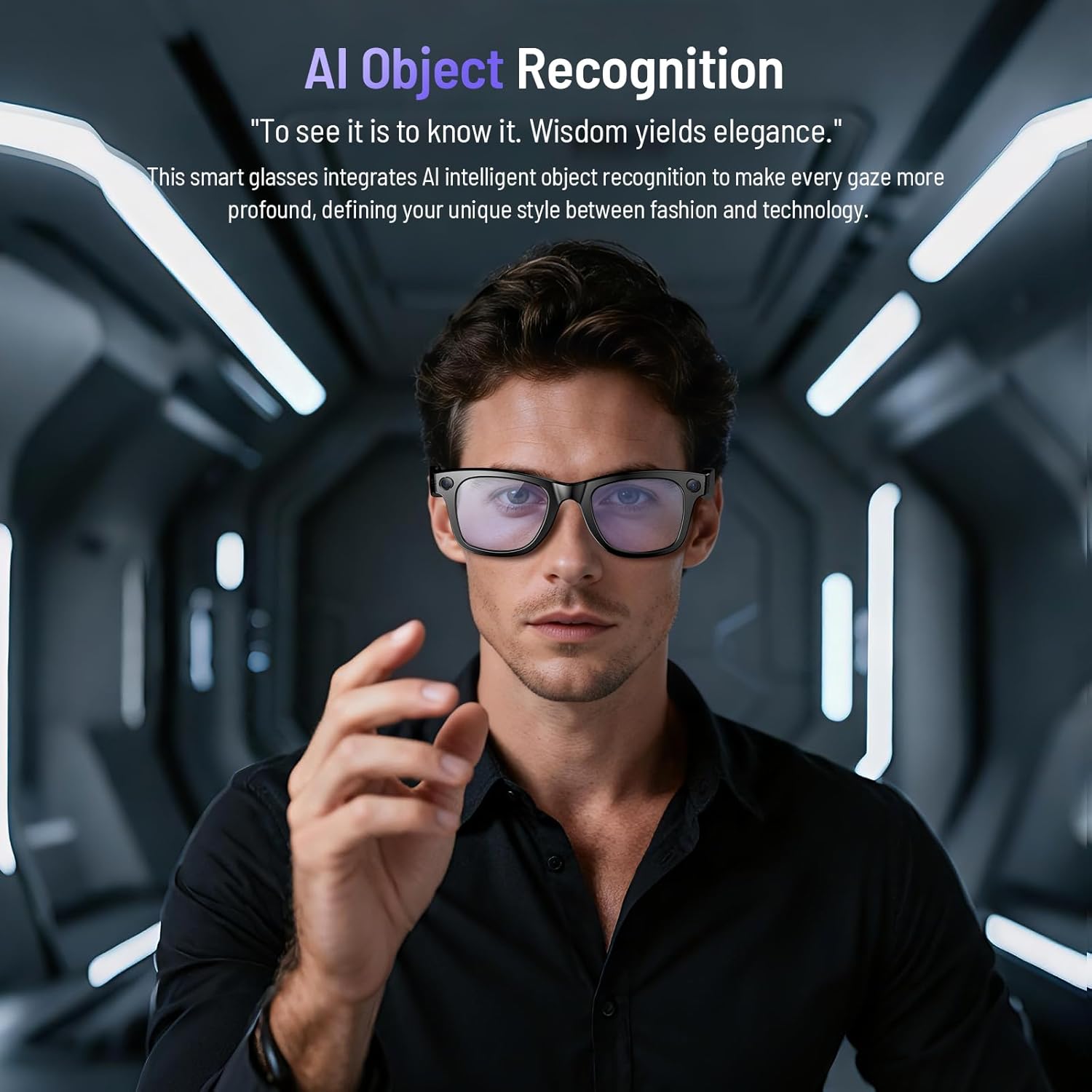
Image: AI Object Recognition in action, identifying items in the user's view.
4.5 Tłumaczenie w czasie rzeczywistym
Break language barriers with seamless simultaneous translation. These glasses make communication effortless for business, travel, or social interactions.
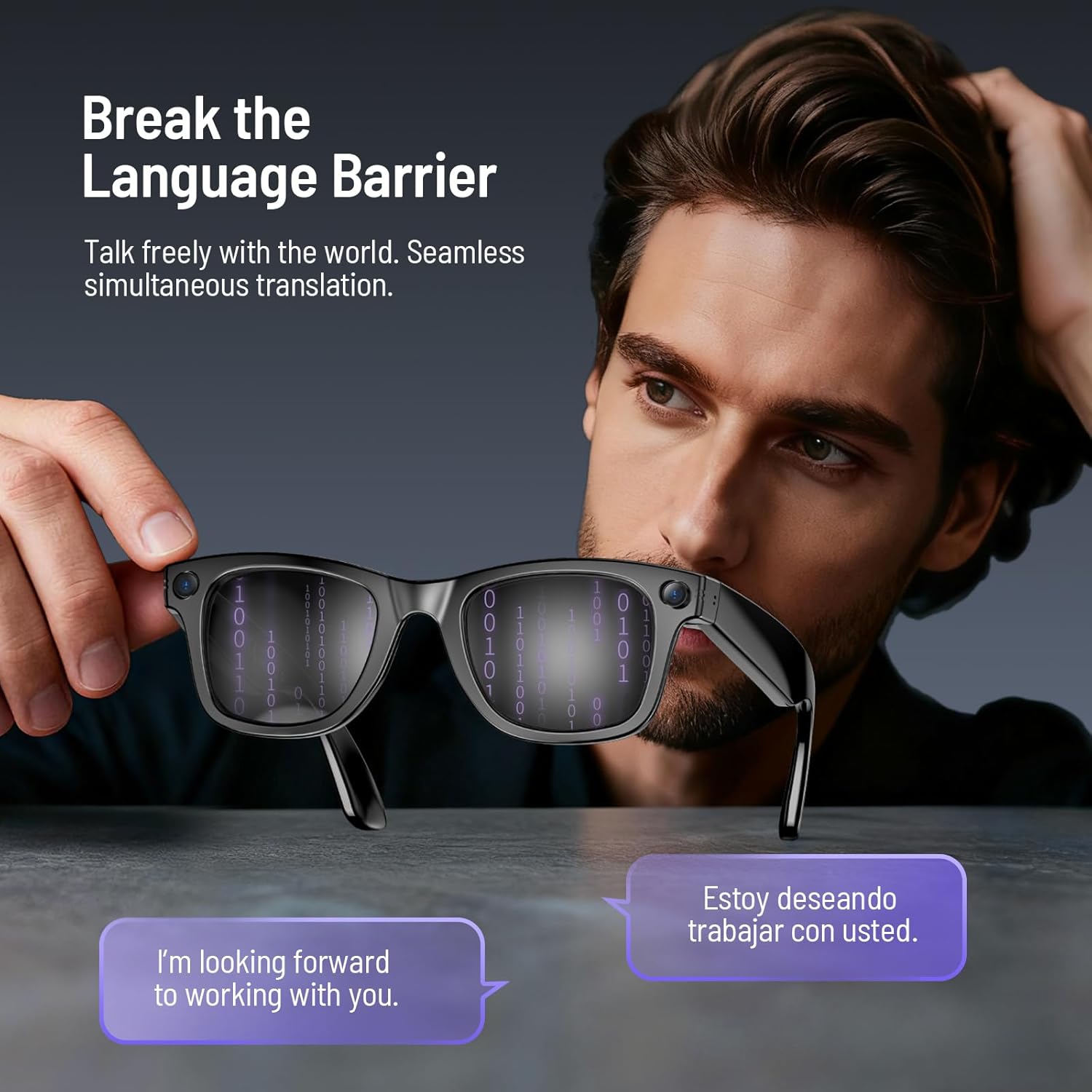
Image: Real-time translation feature displayed on the glasses lenses.
4.6 Odtwarzanie muzyki i połączenia
Enjoy crystal-clear audio for music and Bluetooth calls with dual-microphone noise cancellation and surround sound.
- Odbieranie/odrzucanie połączeń: Single button press.
- Odtwórz/wstrzymaj muzykę: Double-touch.
- Dostosuj głośność: Swipe on the touch area.

Image: Dual-microphone noise cancellation for clear audio during calls.
4.7 Wykrywanie noszenia
The intelligent sensing system allows you to customize the "Automatically stop recognition when glasses are removed" feature in the companion app. When enabled, the system pauses to save energy. When disabled, it continues to operate even when removed.

Image: Smart wearing detection system for power saving.
5. Soczewki
The Demabon AI Smart Glasses feature detachable lenses, allowing for quick and easy style changes. They are available with blue light blocking lenses, sunglasses lenses, or red coated lenses.
Image: Detachable multi-color lenses for different styles and functions.
6. Konserwacja
To ensure the longevity and optimal performance of your Demabon AI Smart Glasses, follow these maintenance guidelines:
- Czyszczenie: Use the provided glasses cloth to gently clean the lenses and frame. Avoid abrasive materials or harsh chemicals.
- Składowanie: Store the glasses in the provided protective case when not in use to prevent scratches and damage.
- Wodoodporność: The glasses are IP67 waterproof, meaning they can resist sweat, rain, and everyday splashes. However, avoid submerging them in water or exposing them to high-pressure water.
- Temperatura: Avoid exposing the glasses to extreme temperatures (hot or cold) for extended periods.
7. Rozwiązywanie Problemów
If you encounter any issues with your Demabon AI Smart Glasses, please refer to the following common solutions:
- Urządzenie nie włącza się: Ensure the glasses are fully charged. Long press the power button for 2 seconds.
- Problemy z parowaniem: Ensure Bluetooth is enabled on your phone and the glasses are in pairing mode. Try restarting both devices and attempting to pair again.
- Problemy z łącznością aplikacji: Verify your phone's Wi-Fi is enabled and stable. Ensure the HeyCyan app is updated to the latest version.
- Słaba jakość dźwięku: Check the volume settings on both the glasses and your phone. Ensure the speakers are not obstructed.
- Problemy z nagrywaniem: Ensure sufficient storage space (32 GB internal memory). Check battery level.
- Przywrócenie ustawień fabrycznych: If issues persist, you may perform a factory reset. Refer to the app's settings or the detailed instruction manual for specific steps.
8. Specyfikacje
| Marka | Demabon |
| Numer modelu | Inteligentne okulary |
| Wymiary produktu | 7.4 x 3.26 x 2.87 cala |
| Waga przedmiotu | 42 gramów (1.48 uncji) |
| Kamera | 8-megapixel HD lens, 4K video recording, 3-axis anti-shake sensor |
| Pojemność pamięci masowej | 32 GB |
| Pojemność baterii | 270 mAh |
| Żywotność baterii | Up to 12 hours music playback, over 7 days standby time |
| Czas ładowania | Około 40 minut |
| Stopień wodoodporności | IP67 |
| Technologia łączności | Bluetooth, Wi-Fi (for fast file przenosić) |
| Zgodność z systemem operacyjnym | Systemy Android i iOS |
| Cechy specjalne | Detachable lenses, AI Voice Wake-Up, AI Object Recognition, AI Intelligent Translation, Stabilized Video Recording, High-Definition Photos, Clear Audio Recording, Bluetooth Calling, Music Player, Wi-Fi Photo Transfer, Smart Wear Detection, UV 400 Protection, Dustproof |
9. Gwarancja i wsparcie
Demabon AI Smart Glasses come with a three-year product warranty. We offer hassle-free returns and exchanges within 30 days of purchase. Our customer support team is available 24/7 to assist you with any questions or issues you may encounter. Please refer to your purchase documentation for specific warranty terms and contact information.