
1. Ważne instrukcje bezpieczeństwa
Please read all instructions carefully before using the pooboo Under Desk Elliptical Machine. Retain this manual for future reference.
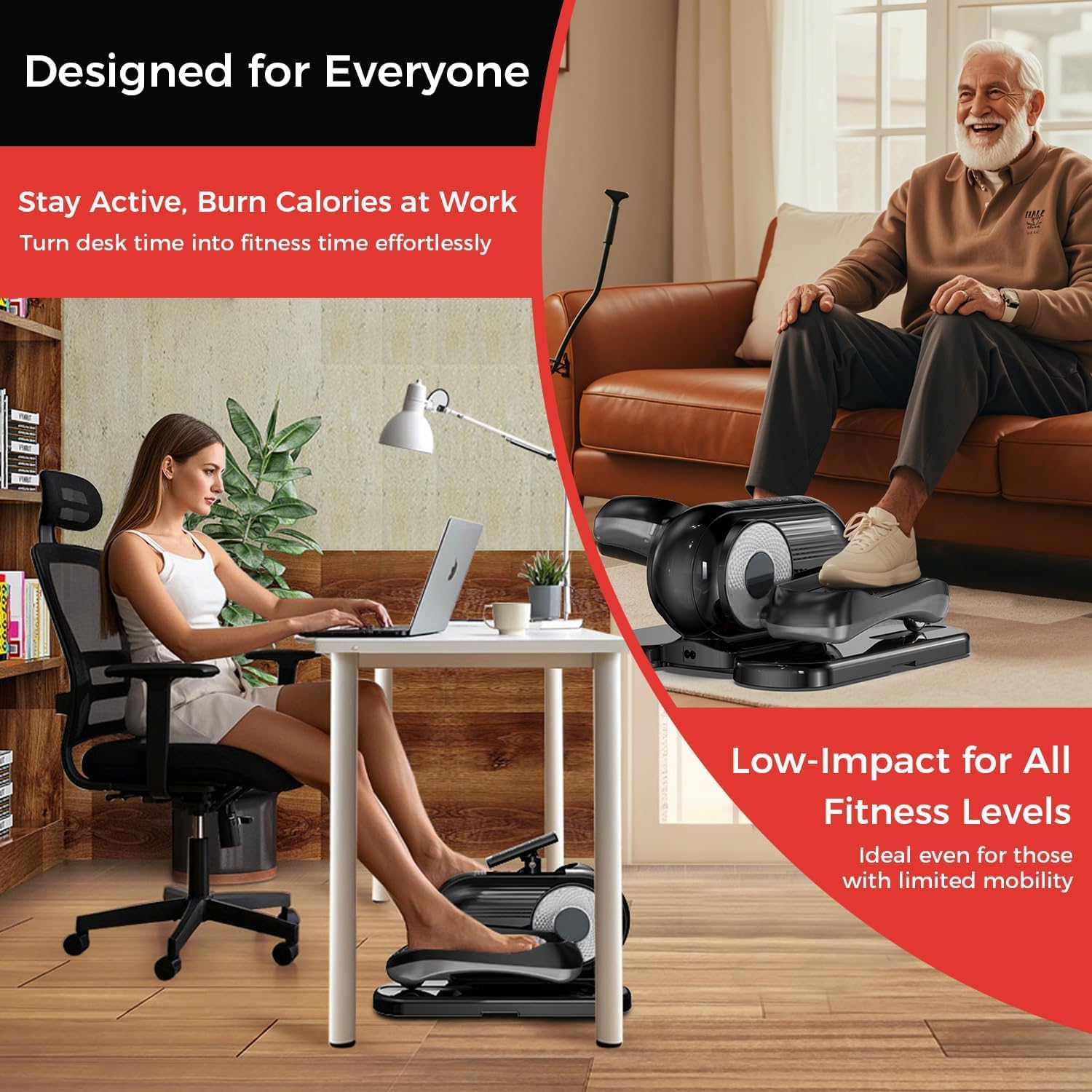
- Przeznaczenie: This machine is designed for seated leg exercise only. Do not stand on the pedals.
- Umieszczenie: Use the machine on a flat, stable surface. Ensure adequate space around the unit.
- Źródło zasilania: Use only the provided power cord. Ensure the power outlet matches the machine's voltagi wymagania.
- Dzieci i zwierzęta: Trzymaj dzieci i zwierzęta z dala od maszyny podczas pracy.
- Stany chorobowe: Przed rozpoczęciem jakiegokolwiek programu ćwiczeń skonsultuj się z lekarzem, zwłaszcza jeśli cierpisz na jakieś schorzenia.
- Konserwacja: Do not attempt to service the machine beyond the maintenance instructions provided in this manual. Contact customer support for repairs.
2. Składniki produktu
The pooboo Under Desk Elliptical Machine comes fully assembled. Please check the package contents:
- 1 × Under Desk Elliptical Machine
- 1 × pilot zdalnego sterowania
- 1 × przewód zasilający
- 1 × Instrukcja obsługi (ten dokument)
- 1 × Non-Slip Mat
- 1 × Set of Pedal Straps
- 1 × Set of Resistance Cables
3. Konfiguracja
The pooboo Under Desk Elliptical Machine is designed for immediate use with no assembly required.
- Rozpakowywanie: Ostrożnie wyjmij maszynę eliptyczną i wszystkie akcesoria z opakowania.
- Umieszczenie: Place the elliptical machine on a flat, stable surface under your desk or in your desired exercise area. Ensure there is enough clearance for your legs to move freely.
- Mata antypoślizgowa: For added stability and floor protection, place the provided non-slip mat underneath the elliptical machine.
- Podłączenie zasilania: Podłącz przewód zasilający do wejścia zasilania urządzenia, a następnie podłącz go do standardowego gniazdka elektrycznego.
- Zdalne sterowanie: Ensure the remote control has batteries installed (if not pre-installed) and is ready for use. The machine features a built-in storage slot for the remote.
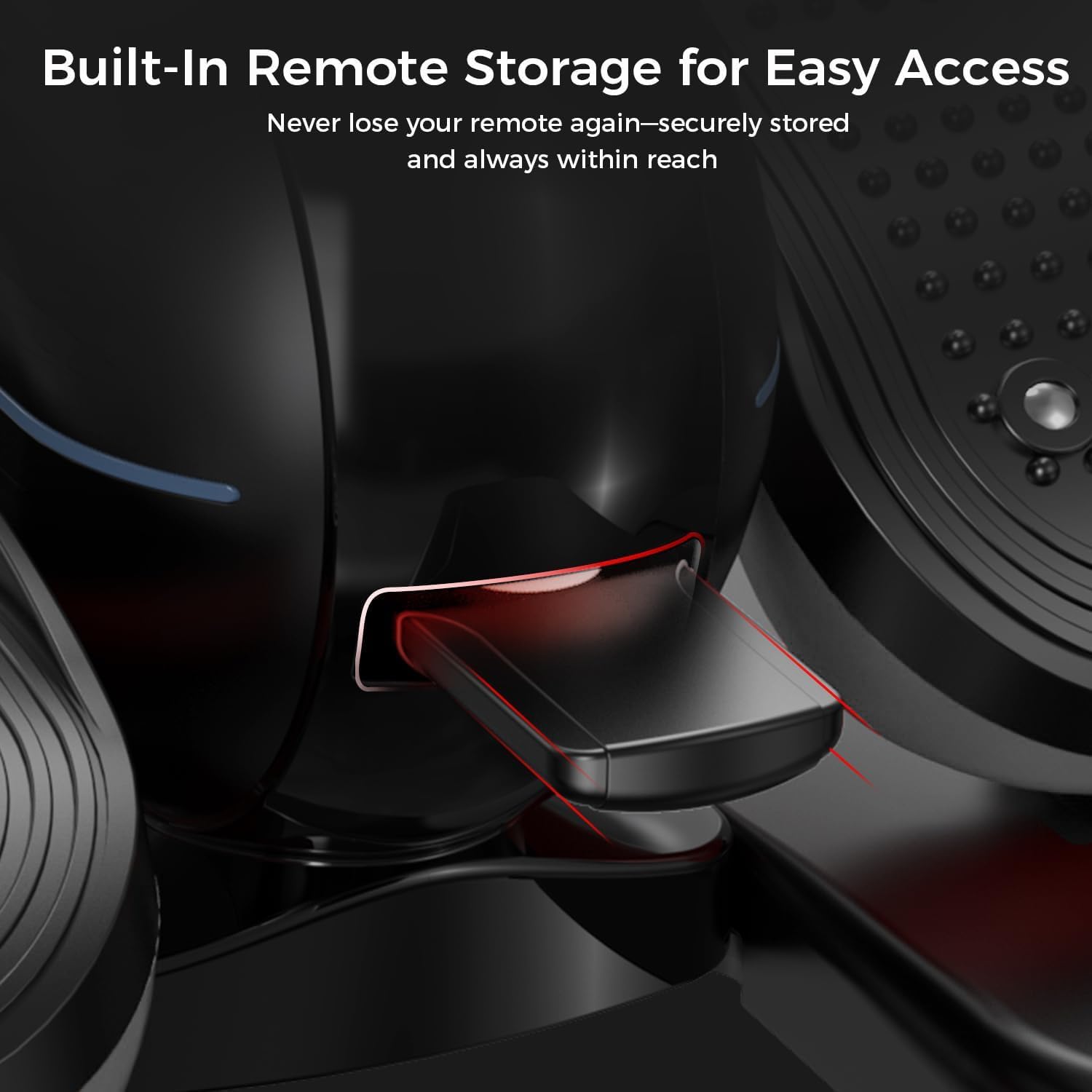
Rysunek 3.1: Built-in remote storage for convenient access.
4. Instrukcja obsługi
4.1 Włączanie/wyłączanie
- Aby włączyć, naciśnij MOC button on the remote control. The digital display will illuminate.
- Aby wyłączyć, naciśnij MOC naciśnij przycisk ponownie.
4.2 Digital Display and Handle
The machine features a 2-in-1 handle and digital monitor. The monitor can be adjusted for optimal viewkąt.
Rysunek 4.1: Adjustable monitor and integrated handle for portability.
The digital display shows various workout metrics:
- SKANDOWAĆ: Automatycznie przełącza wszystkie metryki.
- PRĘDKOŚĆ: Aktualna prędkość obrotu pedału.
- CZAS: Czas trwania bieżącej sesji treningowej.
- DYSTANS: Szacunkowy pokonany dystans.
- KALORIA: Szacunkowa liczba spalonych kalorii.
- LADA: Całkowita liczba obrotów.

Rysunek 4.2: Digital display metrics for tracking progress.
4.3 Korzystanie z pilota zdalnego sterowania
The remote control allows you to manage all functions without bending down.
Rysunek 4.3: Pilot zdalnego sterowania zapewniający wygodną obsługę.
- ZACZĄĆ ZAKOŃCZYĆ: Press to begin or pause the exercise.
- Sposób użycia: Switches between Auto Mode (P1-P12) and Manual Mode (1-12 speed levels).
- KIERUNEK: Changes the pedal rotation direction (forward or reverse).
- PRĘDKOŚĆ (+/-): In Manual Mode, increases or decreases the speed level.
- FUNKCJONOWAĆ: Cycles through display metrics (Time, Speed, Distance, Calorie, Counter).
4.4 Tryby ćwiczeń
- Tryb automatyczny (P1-P12):
Select this mode for pre-programmed workout routines. Each program (P1 to P12) offers varying speeds and durations. Use the TRYB button to cycle through programs.
- Manual Mode (1-12 Speed Levels):
In Manual Mode, you can manually adjust the speed from level 1 (slowest) to 12 (fastest) using the PRĘDKOŚĆ (+/-) buttons on the remote. You can also set the desired workout time.
4.5 Zmiana kierunku
Naciśnij KIERUNEK button on the remote control to switch between forward and reverse pedal motion. This allows for targeting different muscle groups.
5. Konserwacja
Regularna konserwacja gwarantuje długowieczność i optymalną wydajność Twojego orbitreka.
- Czyszczenie: Wytrzyj maszynę miękką, damp Po każdym użyciu przetrzyj szmatką kurz i pot. Nie używaj środków czyszczących ani rozpuszczalników o działaniu ściernym.
- Składowanie: Przechowuj urządzenie w chłodnym i suchym miejscu, z dala od bezpośredniego światła słonecznego i ekstremalnych temperatur.
- Przewód zasilający: Regularnie sprawdzaj przewód zasilający pod kątem uszkodzeń. W przypadku uszkodzenia, zaprzestań użytkowania i skontaktuj się z obsługą klienta.
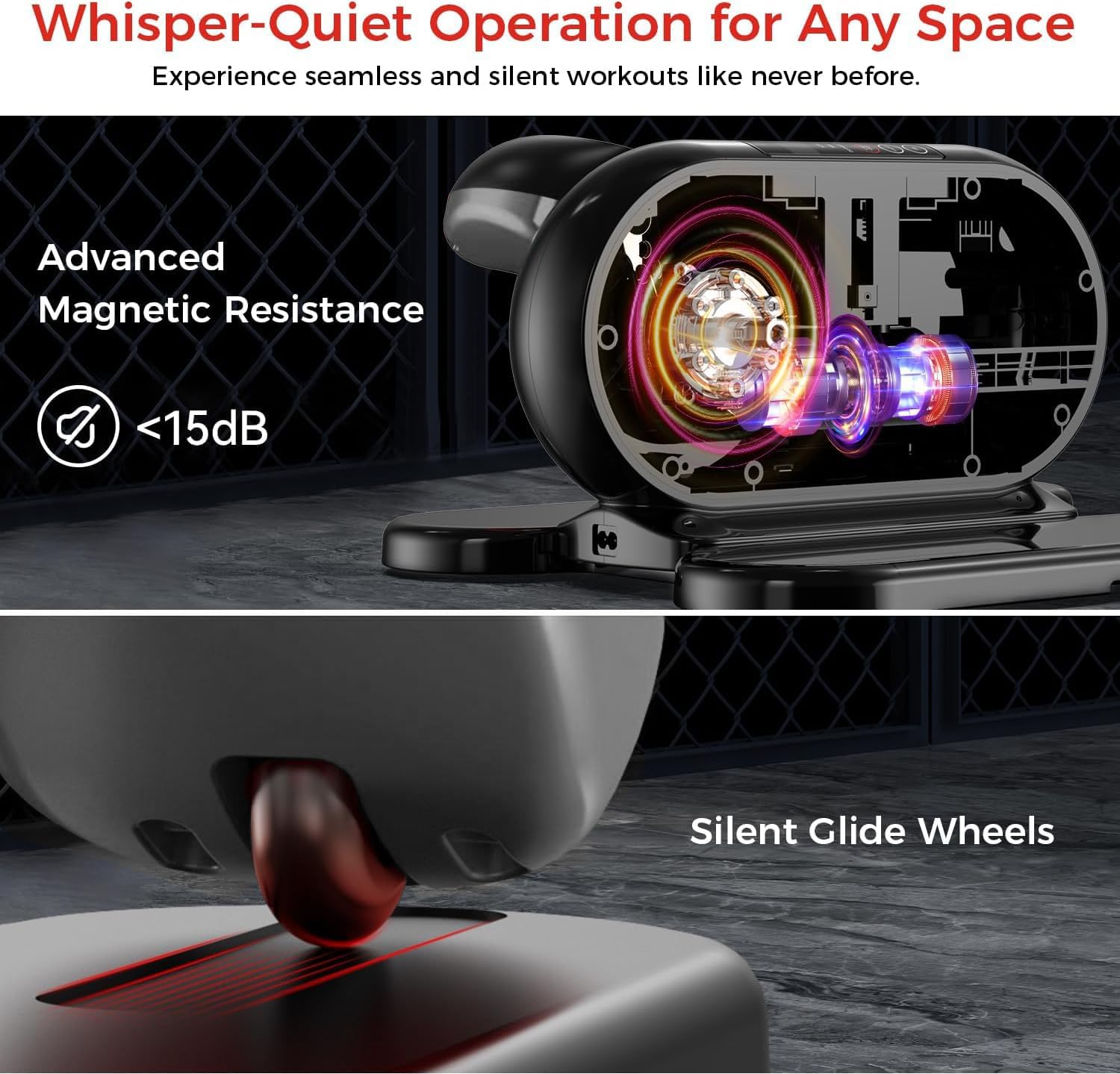
- Przenoszenie maszyny: Utilize the integrated handle for easy portability when moving the machine.
6. Rozwiązywanie Problemów
Jeśli napotkasz jakiekolwiek problemy, zapoznaj się z poniższymi typowymi krokami rozwiązywania problemów:
| Problem | Możliwa przyczyna | Rozwiązanie |
|---|---|---|
| Maszyna nie włącza się. | Przewód zasilający nie jest prawidłowo podłączony. Gniazdo zasilania nie działa. | Ensure the power cord is securely plugged into both the machine and a working electrical outlet. Try a different outlet. |
| Pilot zdalnego sterowania nie reaguje. | Baterie są słabe lub nieprawidłowo włożone. Obstruction between remote and machine. | Replace remote control batteries. Ensure batteries are inserted with correct polarity. Remove any objects blocking the remote's signal path to the machine. |
| Pedały nie poruszają się płynnie. | Debris caught in mechanism. Maszyna nie stoi na równej powierzchni. | Inspect for any foreign objects and remove them. Ensure the machine is placed on a flat, stable surface. |
| Display is not showing correct metrics. | Problem z czujnikiem. Machine needs reset. | Power off the machine, unplug it for 30 seconds, then plug it back in and power on. If the issue persists, contact customer support. |
If the problem persists after attempting these solutions, please contact pooboo customer support.
7. Specyfikacje
| Funkcja | Szczegół |
|---|---|
| Nazwa modelu | E38101 |
| Marka | kupa |
| Kolor | Czarny |
| Wymiary produktu (dł. x szer. x wys.) | 18" gł. x 15" szer. x 11" wys. |
| Tworzywo | Stal stopowa |
| Mechanizm oporu | Magnetyczny |
| Liczba poziomów oporu | 12 |
8. Informacje o gwarancji
The pooboo Under Desk Elliptical Machine Model E38101 comes with a 1-letnia gwarancja producenta od daty zakupu.
Niniejsza gwarancja obejmuje wady materiałowe i wykonawcze powstałe w wyniku normalnego użytkowania. Nie obejmuje ona uszkodzeń wynikających z niewłaściwego użytkowania, wypadku, nieautoryzowanej modyfikacji lub nieprzestrzegania instrukcji zawartych w niniejszej instrukcji.
Proszę zachować dowód zakupu na potrzeby roszczeń gwarancyjnych.
9. Obsługa klienta
For any questions, technical assistance, or warranty claims, please contact pooboo customer support.
Dane kontaktowe (np. website, email, phone number) are typically provided on the product packaging or the official brand webstrona.
Please have your model number (E38101) and proof of purchase ready when contacting support.