
1. Wprowadzenie
The SofaBaton R1 Infrared Repeater is designed to extend the infrared (IR) control range of your SofaBaton X2 or U3 universal remote. This device enables you to control IR-dependent equipment that is located in different rooms or concealed behind obstacles such as cabinet doors. The R1 receives commands from your SofaBaton X2/U3 via RF (Radio Frequency) signals and then re-transmits them as powerful IR signals to your devices.
Key features include 360-degree IR coverage with seven internal high-power IR emitters, strong RF wall penetration for reliable communication, and a wired IR blaster port for precise IR targeting.
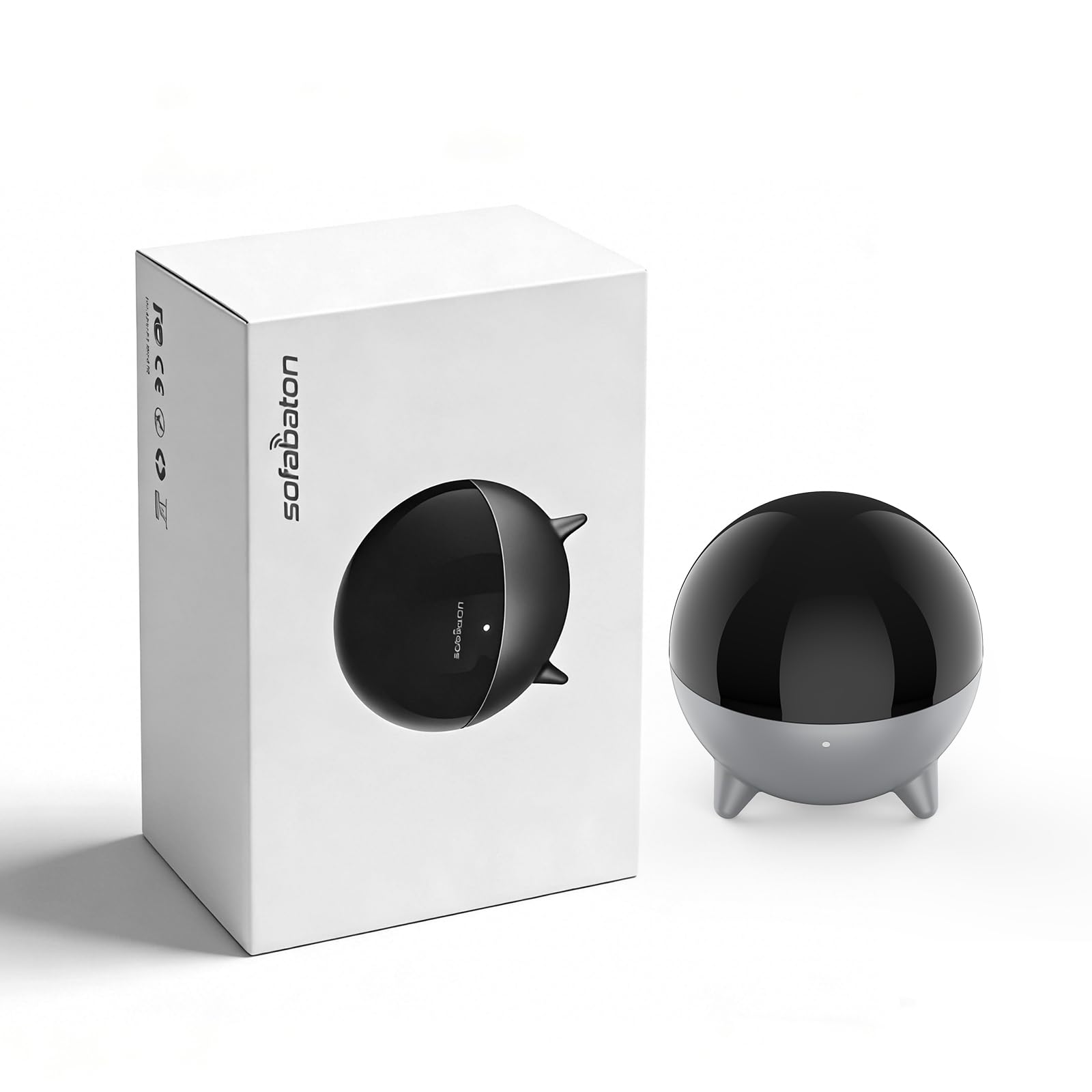
Figure 1: SofaBaton R1 Infrared Repeater
2. Zawartość opakowania
Sprawdź, czy w opakowaniu znajdują się wszystkie elementy:
- 1 x R1 IR Repeater
- 1 x zasilacz 5 V/1 A
- 1 x 1.2 m kabel USB-C do USB-A
- 1 x 3m 3.5mm IR Blaster Cable (single emitter)
- 1 x Instrukcja obsługi
3. Ważne uwagi
- The R1 Repeater is designed exclusively for use with the SofaBaton X2/U3 and newer universal remotes.
- An R1 Repeater can only be paired with one Hub at a time.
- Pairing an R1 to a new Hub will automatically erase its previous connection and settings.
- After pairing is complete, you must assign this R1 as the 'IR Emitter' for your desired devices within the SofaBaton APP.
4. Konfiguracja
Follow these steps to set up your SofaBaton R1 Infrared Repeater:
- Podłączenie zasilania: Connect the R1 Repeater to the provided 5V/1A power adapter using the USB-C to USB-A cable. Plug the adapter into a power outlet.
- Umieszczenie: Position the R1 Repeater in a central location within the area where you intend to control devices. Ensure it has a clear line of sight to the devices you wish to control, or use the included IR blaster cable for devices hidden in cabinets. The R1 broadcasts signals horizontally and upwards, but not downwards. For optimal performance, place devices on top of or level with the IR blaster.
- Parowanie aplikacji: Open the SofaBaton APP on your smartphone or tablet. Follow the in-app instructions to pair the R1 Repeater with your SofaBaton X2/U3 Hub.
- Assign IR Emitter: Within the SofaBaton APP, navigate to the settings for your specific devices. Assign the R1 Repeater as the 'IR Emitter' for each device you want it to control. This step is crucial for the R1 to function correctly.
- Optional IR Blaster Cable: For precise targeting of individual devices or those completely out of the R1's direct line of sight, connect the 3m 3.5mm IR Blaster Cable to the R1 Repeater. Position the single emitter end near the IR receiver of the target device.

Figure 2: R1 Dimensions and App Interface for Device Control Method Selection

Figure 3: R1 Repeater Placement for Controlling Entertainment Devices
5. Działanie
Once the SofaBaton R1 Repeater is set up and configured through the SofaBaton APP, it operates automatically to extend your remote's capabilities.
- RF Reception: The R1 Repeater continuously listens for RF commands sent from your SofaBaton X2/U3 remote. These RF signals can penetrate walls and obstacles, allowing you to control devices from virtually anywhere in your home.
- IR Re-transmission: Upon receiving an RF command, the R1 converts it into a powerful IR signal and broadcasts it to your assigned devices. The R1 features seven internal high-power IR emitters that provide 360-degree coverage, broadcasting signals horizontally and upwards.
- Wired IR Blaster: If you are using the optional wired IR blaster cable, the R1 will send the IR signal directly through this cable to the specific device it is targeting, ensuring precise control for hidden components.
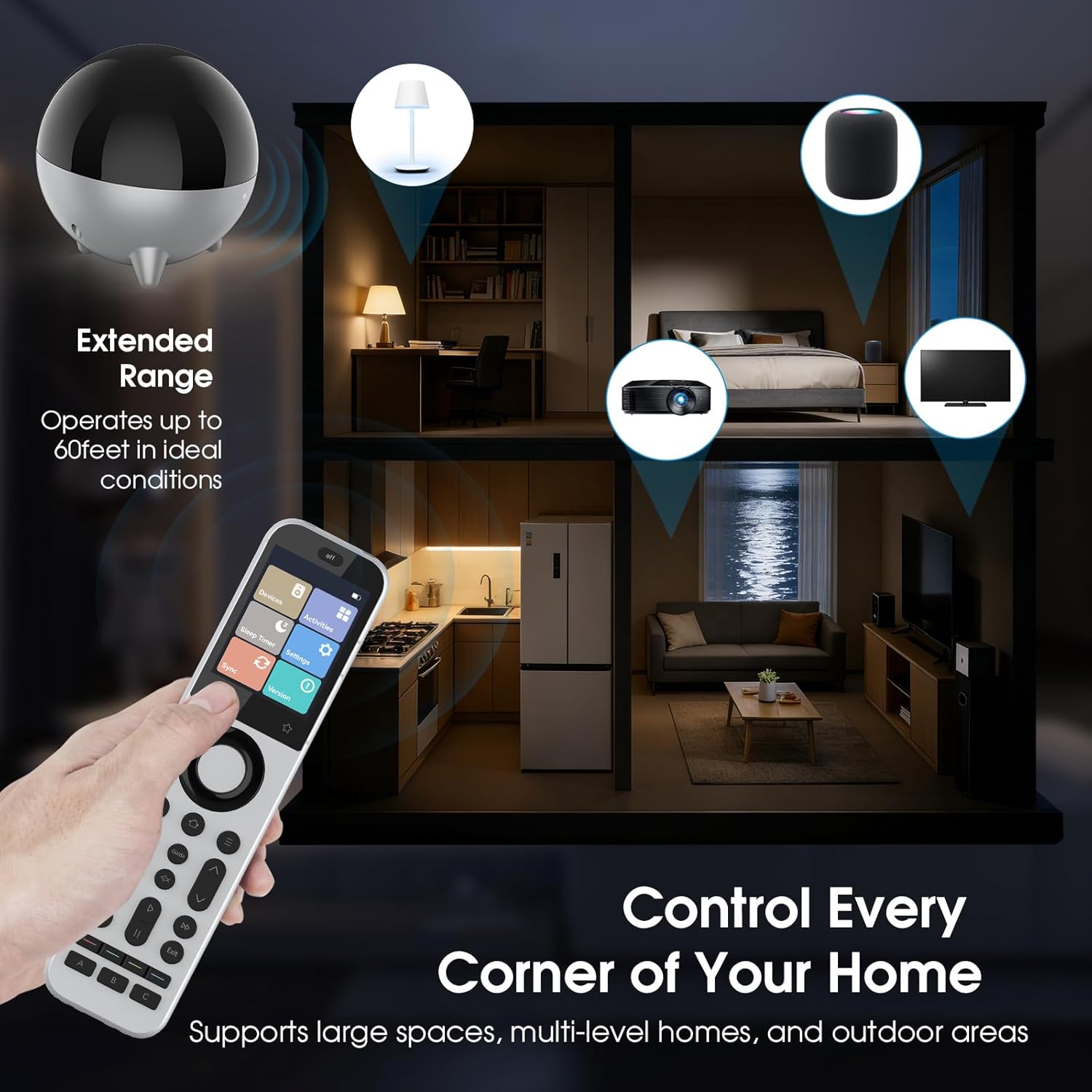
Figure 4: Extended Range Operation of R1 Repeater

Figure 5: R1 Repeater Controlling Hidden Devices
6. Konserwacja
To ensure the longevity and optimal performance of your SofaBaton R1 Infrared Repeater, follow these simple maintenance guidelines:
- Czyszczenie: Gently wipe the exterior of the R1 Repeater with a soft, dry cloth. Avoid using abrasive cleaners, solvents, or harsh chemicals, as these can damage the finish or internal components.
- Umieszczenie: Ensure the R1 is placed in a stable location, away from direct sunlight, excessive heat, moisture, or strong electromagnetic fields. Do not block the IR emitters on the device.
- Pielęgnacja kabli: Handle the power and IR blaster cables with care. Avoid bending or crimping them sharply, which can lead to damage.
7. Rozwiązywanie Problemów
If you encounter issues with your SofaBaton R1 Repeater, refer to the following troubleshooting tips:
- Urządzenie nie odpowiada:
- Ensure the R1 Repeater is powered on and its indicator light is active.
- Verify that the R1 is correctly paired with your SofaBaton X2/U3 Hub in the SofaBaton APP.
- Confirm that the R1 is assigned as the 'IR Emitter' for the specific device within the SofaBaton APP.
- Check the placement of the R1 and the target device. Ensure the R1's IR emitters have a clear path to the device's IR receiver, or that the wired IR blaster is correctly positioned.
- If using the wired IR blaster, ensure it is securely plugged into the R1 and positioned directly over the target device's IR receiver.
- Ograniczony zakres lub sterowanie przerywane:
- Relocate the R1 Repeater to a more central position or closer to the devices you wish to control.
- Ensure there are no new obstructions between the R1 and your devices.
- Check for potential sources of IR interference (e.g., direct sunlight, certain types of lighting).
- R1 Disconnects from Hub:
- Ensure your Wi-Fi network is stable and the R1 is within range of your Wi-Fi router.
- Restart the R1 Repeater by unplugging and re-plugging its power adapter.
- If the issue persists, try re-pairing the R1 with your Hub through the SofaBaton APP. Remember that re-pairing to a new Hub will erase previous settings.
For further assistance, please refer to the SofaBaton APP or contact SofaBaton customer support.
8. Specyfikacje
| Funkcja | Specyfikacja |
|---|---|
| Marka | SofaBaton |
| Nazwa modelu | R1 |
| Numer modelu | R1 |
| Technologia łączności | Podczerwieni (IR) |
| Funkcja specjalna | IR Signal Extension, IR Blaster, IR Extender Booster, Longer Range, Through Walls/Cabinets |
| Kompatybilne urządzenia | SofaBaton X2/U3 Universal Remotes, Audio Receiver, Cable Box, DVD/Blu-ray Player, Home Theater, Television |
| Maksymalny zasięg | 40 feet (in ideal conditions) |
| IR Coverage | 360 degrees (horizontally and upwards) with 7 internal high-power IR emitters |
| Waga przedmiotu | 2.72 uncji |
| Pozycja Wymiary (dł. x szer. x wys.) | 40"L x 3.5"W x 1.5"H (Note: This dimension seems incorrect based on product images, likely a typo in source data. Refer to Figure 2 for visual dimensions.) |
| Kolor | Czarny |
| UPC | 741421575882 |
9. Informacje o gwarancji
The SofaBaton R1 Infrared Repeater comes with a 1-letnia gwarancja producenta. Please retain your proof of purchase for warranty claims. For specific terms and conditions, refer to the official SofaBaton webodwiedź witrynę lub skontaktuj się z działem obsługi klienta.
10. Wsparcie
For technical support, troubleshooting assistance, or general inquiries regarding your SofaBaton R1 Infrared Repeater, please utilize the following resources:
- SofaBaton APP: The SofaBaton application provides detailed setup guides, FAQs, and direct access to support features.
- Urzędnik Webstrona: Odwiedź oficjalną stronę SofaBaton website for product information, updated manuals, and support contact details.
- Obsługa klienta: Refer to the contact information provided on the SofaBaton website or within the product packaging for direct customer service assistance.

