
Wstęp
This manual provides essential instructions for the safe and effective use of your Speediance Smart Body Fat Scale. Please read this guide thoroughly before operating the device to ensure proper setup, accurate measurements, and optimal performance. Retain this manual for future reference.
Produkt ponadview
Główne cechy
- Smart Tracking with Speediance App: Easily sync your measurements to the Speediance App to view trends, track progress, and review your body data in one place.
- Measures Key Body Metrics: Provides weight, BMI, body fat, and other essential indicators to help you understand changes in your daily fitness journey.
- Multi-Mode Measurement for Daily Use: Features multiple measurement modes designed for everyday monitoring, supporting different user preferences and needs.
- Works Seamlessly with Speediance Devices: Designed to complement Speediance smart fitness equipment. View your scale data in the same app used for Gym Monster and VeloNix to better support training consistency.
Komponenty
The Speediance Smart Body Fat Scale features a sleek design with a digital display and four conductive electrodes for body composition analysis.
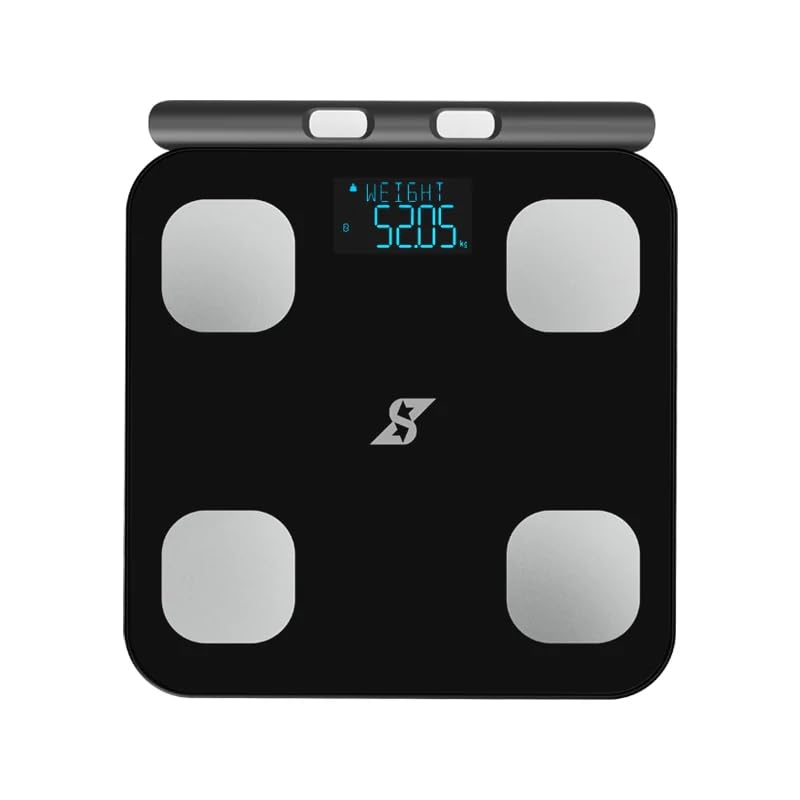
Rysunek 1: Widok z góry na dół view of the Speediance Smart Body Fat Scale. The scale is black with a digital display showing "WEIGHT 52.05 kg" and four silver electrode pads at each corner. The Speediance logo is visible at the bottom center.
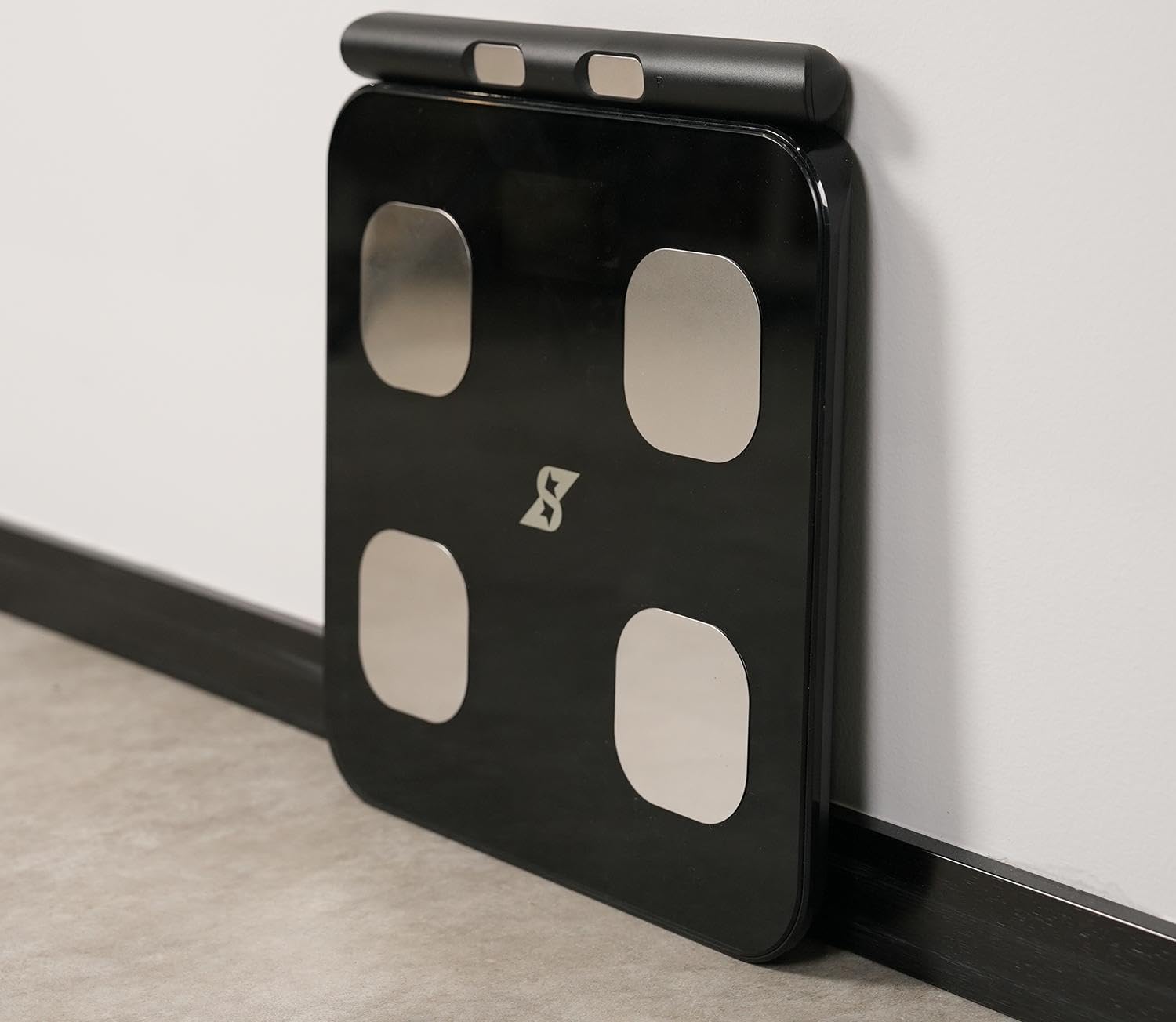
Figure 2: A woman standing on the Speediance Smart Body Fat Scale, demonstrating its use. The scale is black with a digital display. An overlay graphic indicates a "Dedicated link APP" with the Speediance logo.
Organizować coś
- Montaż baterii: Open the battery compartment on the underside of the scale. Insert the required batteries (typically AAA or AA, refer to packaging for exact type) ensuring correct polarity (+/-). Close the compartment securely.
- Umieszczenie: Place the scale on a hard, flat surface. Avoid carpets or uneven flooring, as this can affect measurement accuracy.
- Download the Speediance App: Szukaj "Speediance" in your smartphone's app store (iOS or Android) and download the official application.
- Początkowe parowanie:
- Włącz Bluetooth w swoim smartfonie.
- Open the Speediance App and follow the on-screen instructions to create an account or log in.
- The app will guide you through the process of connecting to your Speediance Smart Body Fat Scale. Ensure the scale is powered on (step on it briefly to activate) during the pairing process.
- Kalibracja początkowa: After placing the scale on a flat surface, step on it briefly until a reading appears, then step off. The scale will display "0.0" or similar, indicating it is calibrated and ready for use.
Instrukcja obsługi
Dokonywanie pomiaru
- Upewnij się, że Twoje stopy są czyste i suche.
- Step onto the scale barefoot, placing your feet evenly on the four electrode pads. Stand still.
- The scale will display your weight first, then cycle through other body composition metrics such as BMI and body fat percentage.
- Keep the Speediance App open on your smartphone and ensure Bluetooth is enabled for automatic data synchronization.
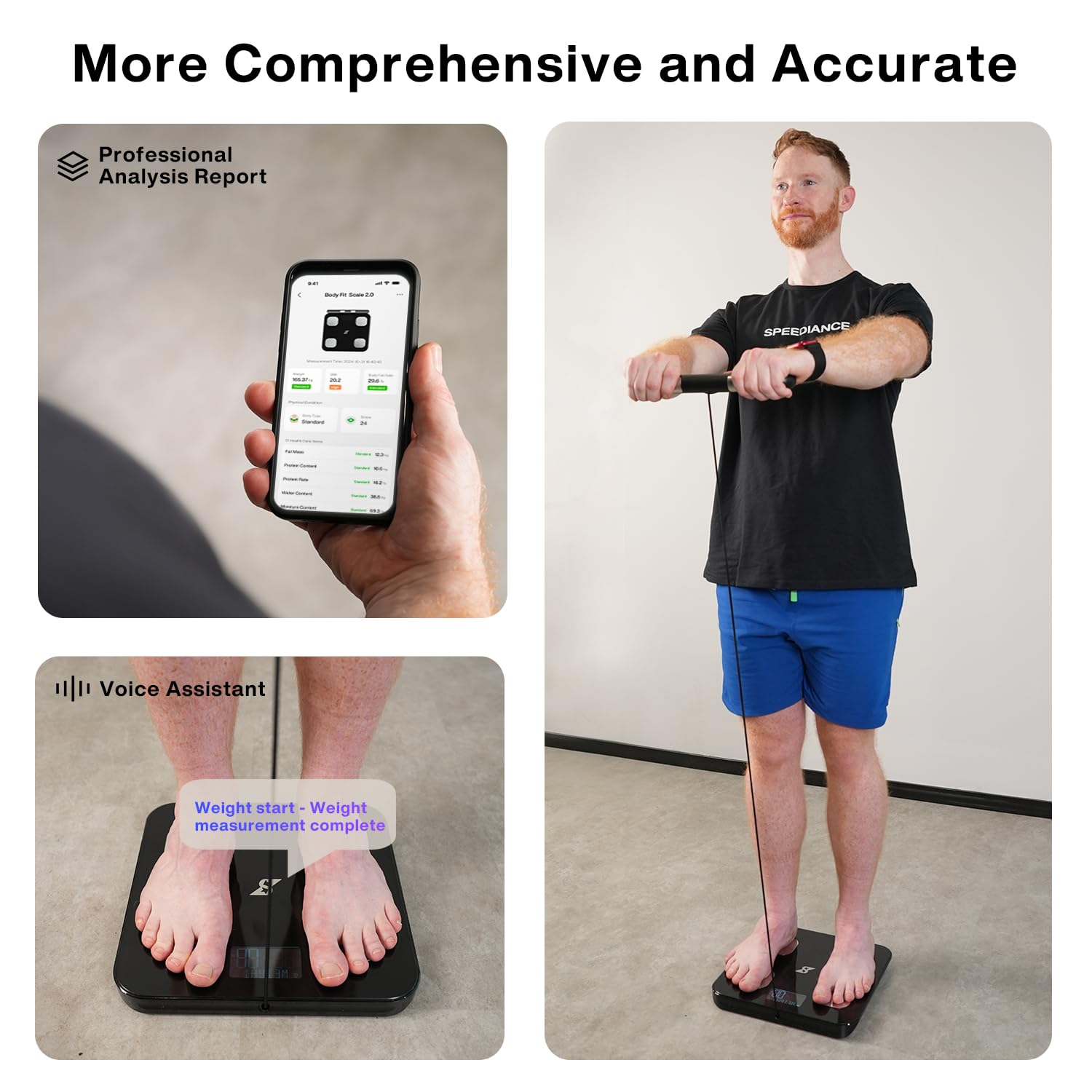
Figure 3: Visual guide to using the Speediance Smart Body Fat Scale. This image shows the Speediance app interface, a user standing on the scale, and a close-up of feet on the scale with a text overlay indicating the measurement process.
Understanding Display Readings
The scale's digital display will show your weight. For detailed body composition analysis (BMI, body fat, etc.), refer to the Speediance App, which provides a comprehensive professional analysis report.
Multi-Mode Measurement
The Speediance App allows for different measurement modes. Consult the app's help section or settings for details on how to select and utilize these modes, which may include standard measurement, athlete mode, or baby weighing mode (if supported).
Konserwacja
- Czyszczenie: Przetrzyj powierzchnię wagi miękką,amp ściereczką. Nie używaj środków czyszczących o właściwościach ściernych ani nie zanurzaj wagi w wodzie.
- Wymiana baterii: When the battery indicator appears on the display or the scale fails to power on, replace all batteries with new ones of the specified type. Ensure correct polarity.
- Składowanie: Przechowuj wagę w chłodnym i suchym miejscu, z dala od bezpośredniego światła słonecznego i ekstremalnych temperatur.
Rozwiązywanie problemów
- Waga się nie włącza:
- Check if batteries are installed correctly with the correct polarity.
- Wymień stare baterie na nowe.
- Upewnij się, że komora baterii jest bezpiecznie zamknięta.
- Niedokładne odczyty:
- Ensure the scale is placed on a hard, flat, and level surface.
- Perform initial calibration by stepping on and off the scale once.
- Ensure feet are clean and dry and positioned correctly on the electrodes.
- Unikaj przesuwania lub przenoszenia ciężaru podczas pomiaru.
- Problemy z połączeniem aplikacji:
- Upewnij się, że Bluetooth jest włączony w Twoim smartfonie.
- Make sure the Speediance App is open and running in the foreground or background.
- Uruchom ponownie smartfon i wagę (poprzez wyjęcie i ponowne włożenie baterii).
- Ensure the scale is within Bluetooth range of your smartphone.
- Dane dotyczące składu ciała nie są wyświetlane:
- Ensure you are stepping on the scale barefoot.
- Make sure your feet are making good contact with all four electrode pads.
- Zweryfikuj swojego profesjonalistęfile information (gender, age, height) is correctly entered in the Speediance App.
Specyfikacje
| Funkcja | Szczegół |
|---|---|
| Marka | Speediance |
| Model | Inteligentna skala tkanki tłuszczowej |
| Kolor | Czarny |
| Zalecane zastosowania | Dorośli |
| Cechy specjalne | Body Fat, Body Mass Index, Smart Connectivity |
| Typ wyświetlacza | Cyfrowy |
| Ograniczenie wagowe | 250 kilograma |
| Współczynnik kształtu | Waga podłogowa |
| Dokładność odczytu | 0.1kg |
| Waga przedmiotu | 5.49 funta |
| Wymiary opakowania | 16 x 15 x 2 cala |
Gwarancja i wsparcie
Speediance products are designed for reliability and performance. For specific warranty details, please refer to the warranty card included with your product or visit the official Speediance website. Typically, a standard manufacturer's warranty covers defects in materials and workmanship for a specified period from the date of purchase.
For technical support, troubleshooting assistance, or warranty claims, please contact Speediance customer service through their official website or the contact information provided in the Speediance App. Please have your product model and purchase information ready when contacting support.
Ważna uwaga: As per user feedback, ensure to check battery installation and try new batteries if the device does not power on. If issues persist, contact customer support.