
Wstęp
Welcome to the Ameta S20 4K UHD GPS Drone instruction manual. This guide provides essential information for setting up, operating, and maintaining your drone. Designed for both adults and beginners, the Ameta S20 offers advanced features such as a 4K UHD camera, extended flight time, and reliable GPS for a superior flying experience. Please read this manual thoroughly before your first flight to ensure safe and optimal performance.
Co jest w pudełku
Your Ameta S20 drone package includes the following components:
- Dron GPS z kamerą 4K
- Zdalne sterowanie
- 2 baterie 3000 mAh
- Instrukcja obsługi
- Etui transportowe
- Kabel ładujący USB
- Śrubokręt
- Zapasowe śmigła

Organizować coś
1. Rozkładanie drona
Before flight, carefully unfold the drone arms. Always unfold the front arms first, then the rear arms. Ensure all arms are fully extended and locked into place.
2. Montaż i ładowanie akumulatora
Insert the fully charged 3000mAh battery into the drone's battery compartment until it clicks securely. To charge the battery, use the provided USB charging cable. The top indicator light changes color to show charging progress: red for less than 30%, green for 30% or more, and solid green when fully charged.

3. Konfiguracja kontrolera
Unfold the handles and the phone holder on the remote control. Insert three AAA batteries (not included) into the controller's battery compartment, securing the cover with the provided screwdriver. Mount your mobile phone securely into the phone holder.
4. Pobieranie aplikacji i łączenie
Download and install the 'AMETA Drone' app from Google Play or the App Store. Ensure your phone's Wi-Fi is enabled. Szukaj the drone's Wi-Fi network (e.g., 'AMETA S20-XXXXXX') and connect. Launch the app and tap 'Start' to enter the live preview interfejs.
5. Włączanie i parowanie
Place the drone on a flat, level surface. Press and hold the power button on the drone for 2 seconds to power it on. Do the same for the remote control. The drone will automatically pair with the remote. Status indicators will flash rapidly during pairing and show two quick green flashes in a loop when successful.
6. Kalibracja
For the first time use, it is recommended to calibrate the drone. You can perform compass calibration by pressing and holding the Compass Calibration button on the remote for 3 seconds. Alternatively, launch the app, go to 'Control', and tap 'Calibrate Compass' to follow on-screen instructions for horizontal and vertical calibration. For gyroscope calibration, simultaneously push the left control stick to the lower left corner and the right control stick to the upper right corner, or tap 'Gyroscope Calibration' in the app.

7. Szukaj GPS Signals
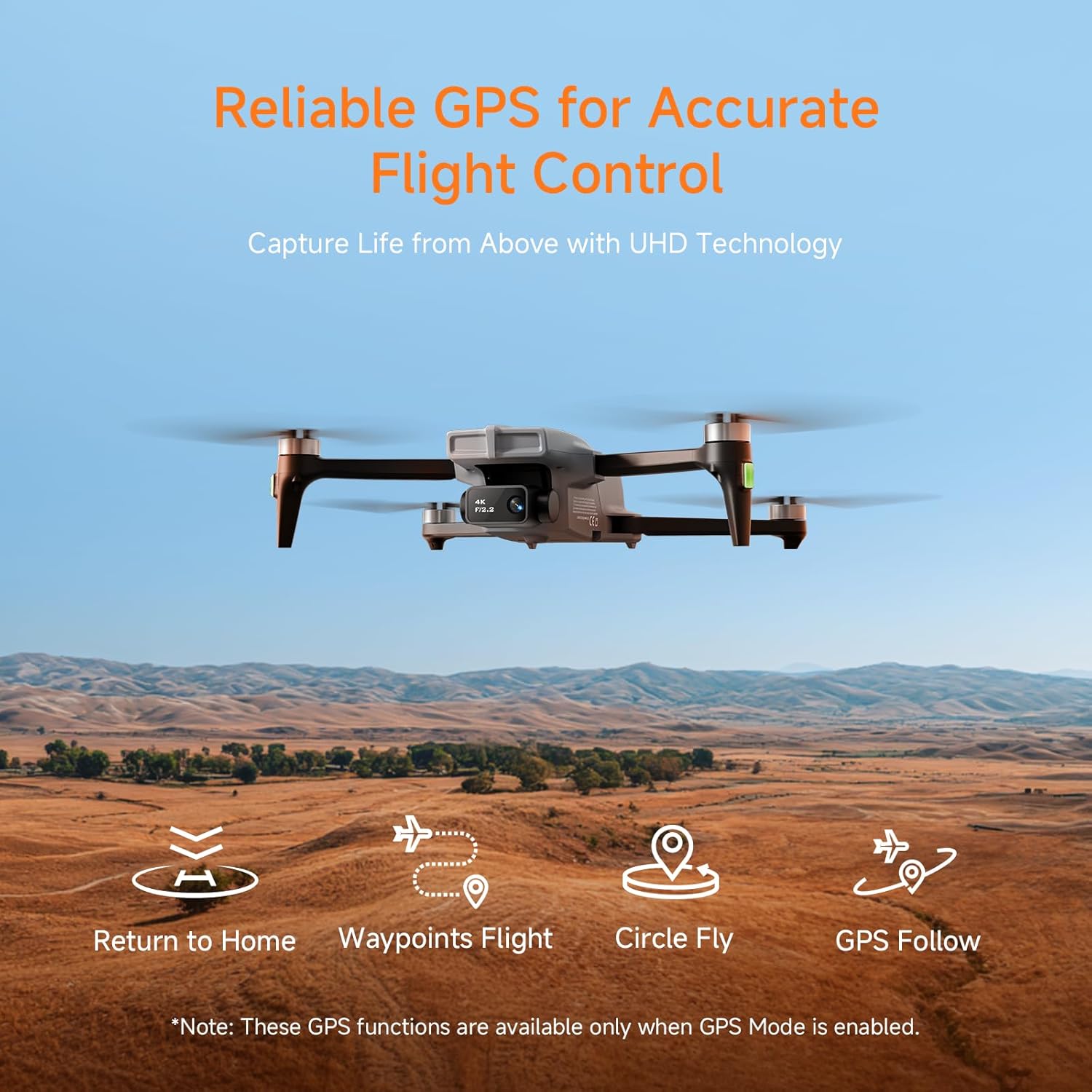
After calibration, wait for the drone to search for GPS signals. The drone will enter GPS mode once a sufficient signal is acquired. This ensures stable flight and access to GPS-dependent features. Once GPS is located, the drone is ready for takeoff.
Operacyjny
1. Start i lądowanie
Ensure you are in an open area for flight. For manual takeoff, push both control sticks inward at a 45-degree angle to unlock the motors, then push the left control stick forward to ascend. For one-key takeoff, press and hold the One Key Take-off button for 1 second to make the drone ascend and hover at a height of 1.2 meters. For landing, push the left control stick backward to descend, or press and hold the landing button for 1 second for a one-key landing.
2. Sterowanie lotem
The left control stick adjusts flight altitude (up/down) and nose direction (left/right rotation). The right control stick controls forward, backward, left, and right movement. Practice these controls in an open, safe environment.
3. Tryby lotu
The Ameta S20 offers various intelligent flight modes: Rocket, Orbit, Dolly Zoom, Panorama, Time-lapse, and Gesture Selfie. These modes allow for creative shots with simplified controls. Additionally, GPS AI Follow Me and Waypoint Flight modes enable the drone to track your movements or follow a preset route.

4. Robienie zdjęć i filmów
The photo and video buttons are located at the top left of the remote controller. Press the photo button or tap the photo icon in the app to take a photo. Press the video button or tap the video icon in the app to start/stop recording. You can tilt the camera between 0 and 90 degrees using the camera up/down buttons on the remote. Photos and videos are saved on both your mobile phone and the inserted memory card.

Główne cechy
- Kamera 4K UHD: Equipped with a SONY CMOS IMX175 sensor and a 90° adjustable lens for crystal-clear 4K photos and videos. Features 5G WiFi transmission for smooth, real-time FPV up to 984.25ft.
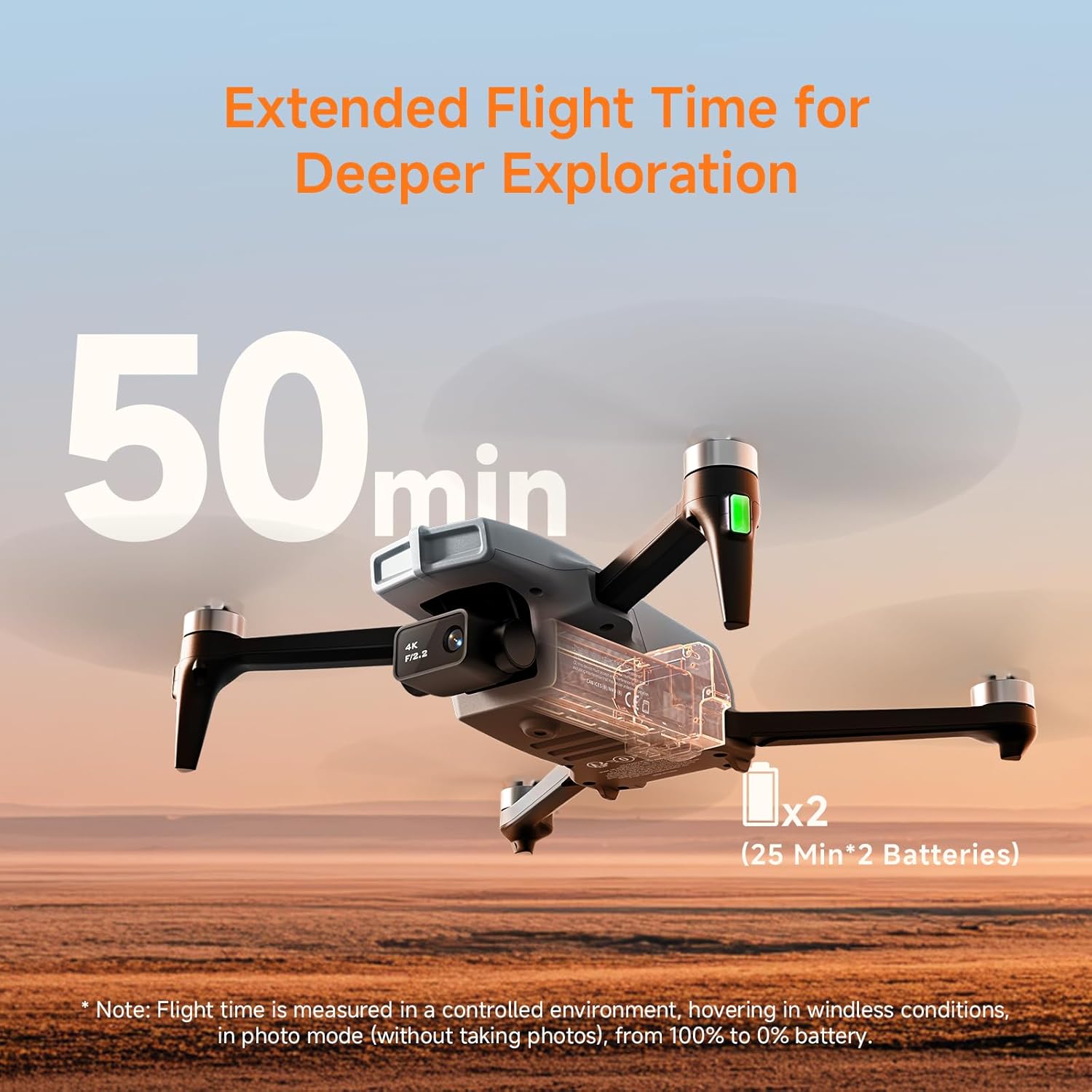
- Wydłużony czas lotu: Two high-capacity 3000mAh batteries provide up to 50 minutes of total flight time (25 min per battery).
- Reliable GPS: Advanced GPS positioning system offers smart Return-to-Home functions (one-tap RTH, low-battery RTH, signal-loss RTH) and intelligent flight modes like GPS AI Follow Me and Waypoint Flight.
- Łatwy w obsłudze: Features one-button takeoff/landing, optical flow and GPS altitude hold, three speed settings, and auto return for beginner-friendly control.
- Kreatywne tryby fotografowania: Includes Rocket, Orbit, Dolly Zoom, Panorama, Time-lapse, and Gesture Selfie for cinematic aerial shots.
- Compact & Registration-Free: Weighs under 249g, making it registration-free in most countries and ideal for beginners and travelers.
Konserwacja
- Czyszczenie: Regularly wipe the drone and remote control with a soft, dry cloth. Avoid using harsh chemicals.
- Kontrola śmigła: Inspect propellers for any damage before each flight. Replace damaged propellers immediately using the provided spare parts.
- Pielęgnacja baterii: Store batteries in a cool, dry place. Do not overcharge or over-discharge. Remove batteries from the drone and remote when not in use for extended periods.
- Składowanie: When not in use, fold the drone arms and store all components in the carrying case to protect them from dust and damage.
Rozwiązywanie problemów
Wi-Fi Password Reset
If you need to clear the Wi-Fi password, press and hold the 'Photo' button on the remote control for 5 seconds. After you hear a prompt sound, the Wi-Fi password has been cleared. You can then reset the password in the app.

Problemy z połączeniem
If connection fails, restart the drone and try again. Ensure you stay within 10 meters (33 ft) of the drone during pairing. Make sure the drone isn't connected to another phone, as it can only connect to one device at a time. Avoid signal interference by not connecting near high-rise buildings, power stations, or Wi-Fi routers.

Specyfikacje
| Marka | Ameta |
| Nazwa modelu | S20 |
| Waga przedmiotu | 185 gram |
| Pozycja Wymiary (dł. x szer. x wys.) | 5.3" dł. x 3.1" szer. x 2" wys. |
| Rozdzielczość przechwytywania wideo | 4K |
| Efektywna rozdzielczość obrazu nieruchomego | 8 MP |
| Pojemność baterii | 3000 mlnamp Godziny |
| Technologia łączności | Wi-Fi |
| Poziom umiejętności | Początkujący |
| Tworzywo | ABS |
Gwarancja i wsparcie
For any product inquiries, technical support, or warranty claims, please contact Ameta customer service. Refer to the official Ameta website or the contact information provided in your product packaging for details.