
1. Wprowadzenie
The Redragon GS821 Soundbar is a versatile audio system designed to enhance your entertainment experience. It features dual powerful drivers and dual diaphragms for high-fidelity stereo sound, rich bass, and clear dialogue. With multiple connectivity options including HDMI ARC, Optical, Bluetooth 5.3, AUX, and USB, it integrates seamlessly with various devices such as TVs, PCs, projectors, and smartphones. The soundbar also offers three specialized equalizer modes to optimize audio for movies, music, and dialogue.
This manual provides detailed instructions for setting up, operating, and maintaining your Redragon GS821 Soundbar. Please read it thoroughly before use to ensure proper functionality and to maximize your audio experience.
2. Zawartość opakowania
Sprawdź, czy w przesyłce znajdują się wszystkie elementy wymienione poniżej:
- Redragon GS821 Soundbar
- Zdalne sterowanie
- Zasilacz
- Kabel audio 3.5 mm
- Zestaw do montażu na ścianie (śruby i kotwy)
- Instrukcja obsługi (ten dokument)
3. Koniec produktuview
3.1 Przód i bok View
The soundbar features a sleek, compact design suitable for various placements.

The Redragon GS821 Soundbar, a compact audio device designed for TV and PC use.
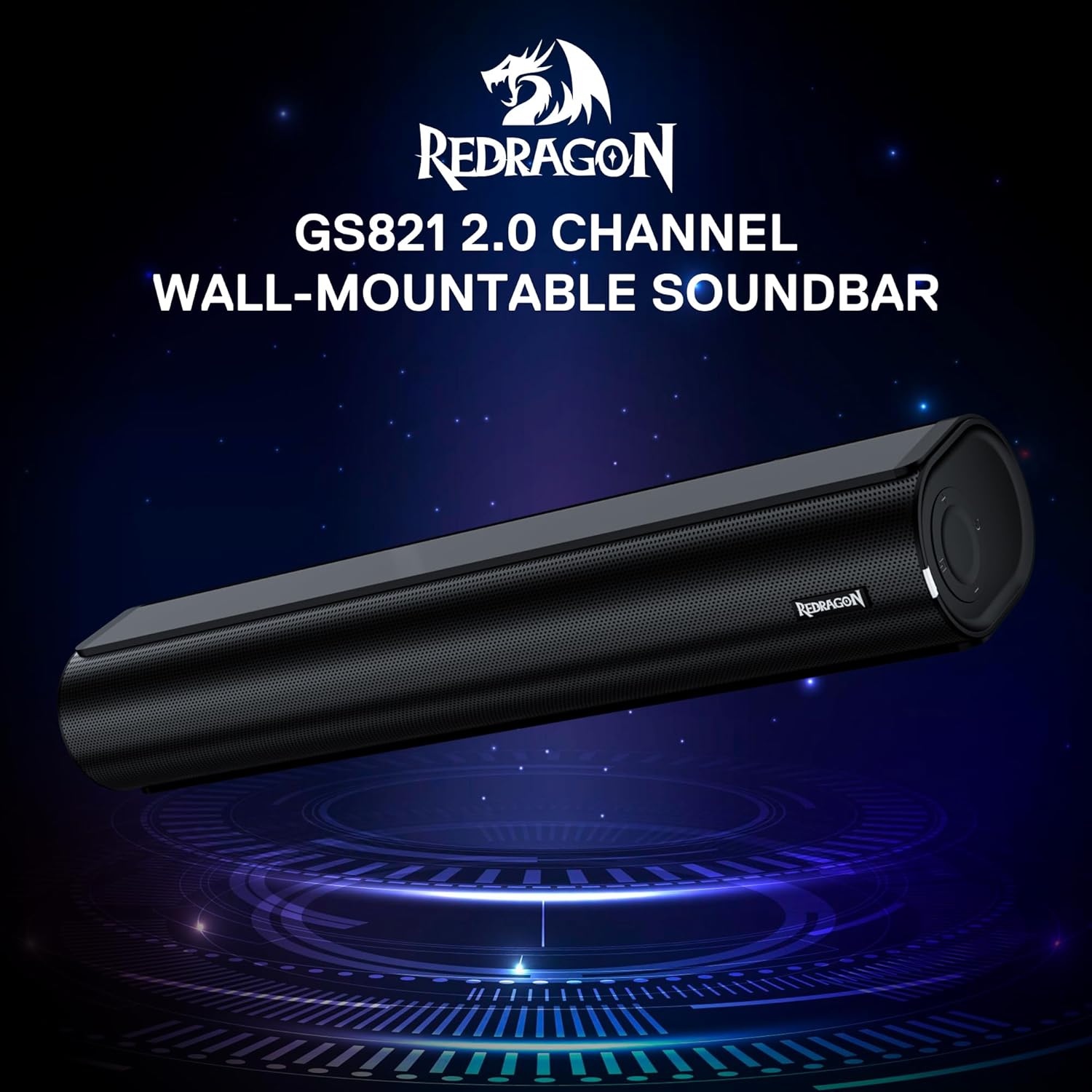
The Redragon GS821 Soundbar showing its compact dimensions: 15.9 inches wide, 4 inches deep, and 2.8 inches high.

eksplodował view illustrating the dual 45mm sound units and internal components of the Redragon GS821 Soundbar, designed for Hi-Fi stereo sound.
3.2 Panel tylny i złącza
The rear panel provides various ports for connecting to your devices.
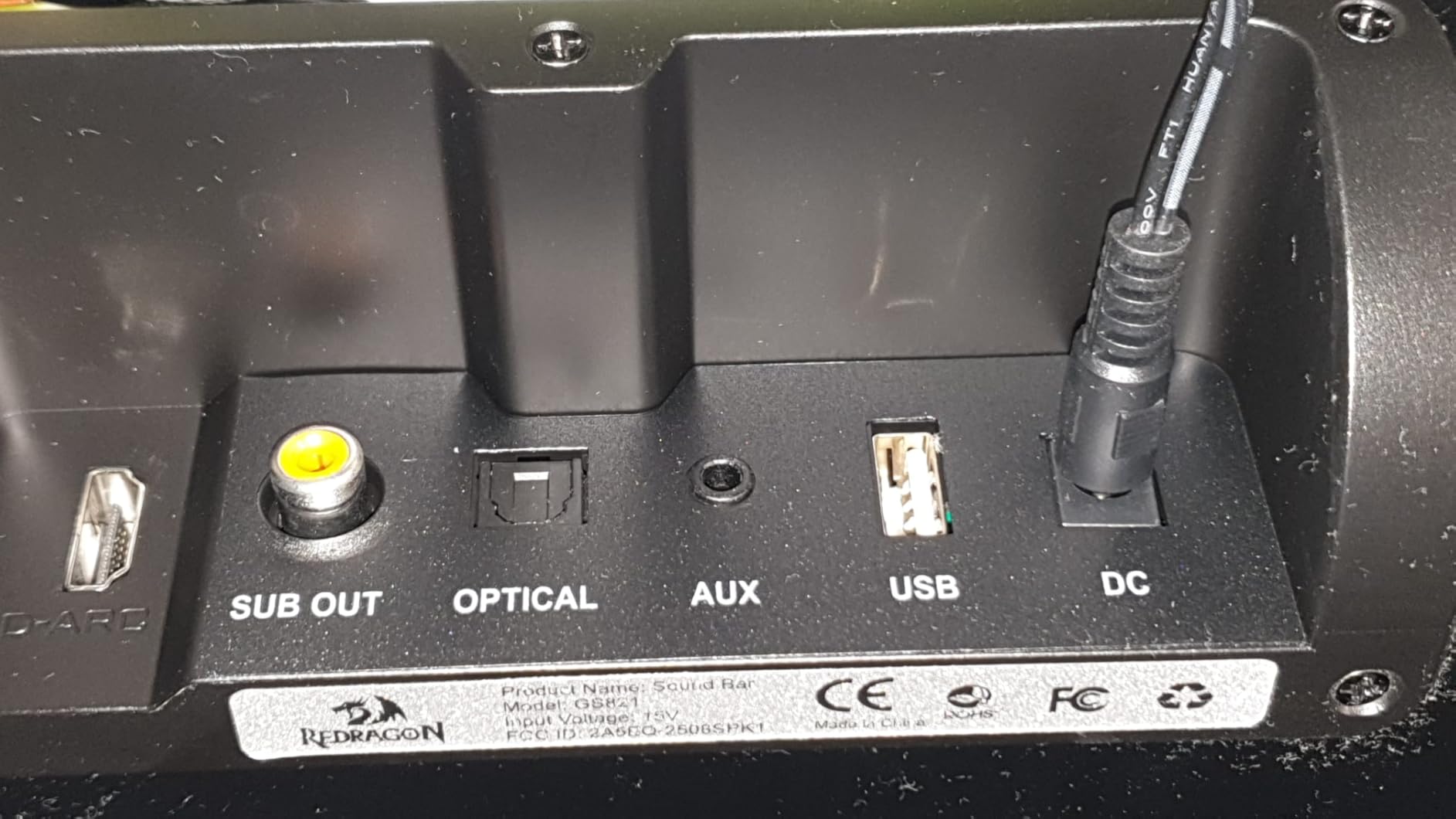
The rear panel of the Redragon GS821 Soundbar, featuring various input ports including HDMI ARC, Optical, AUX, and USB for versatile connectivity.
3.3 Controls and Remote
The soundbar can be controlled via its side buttons or the included remote control.

The included remote control for the Redragon GS821 Soundbar, alongside the manual control buttons located on the side of the soundbar for easy access.
4. Konfiguracja
4.1 Umieszczenie
The Redragon GS821 Soundbar can be placed on a tabletop or mounted on a wall.
- Umiejscowienie blatu: Position the soundbar on a flat, stable surface directly in front of your TV or monitor. Ensure it does not block any sensors or the screen.
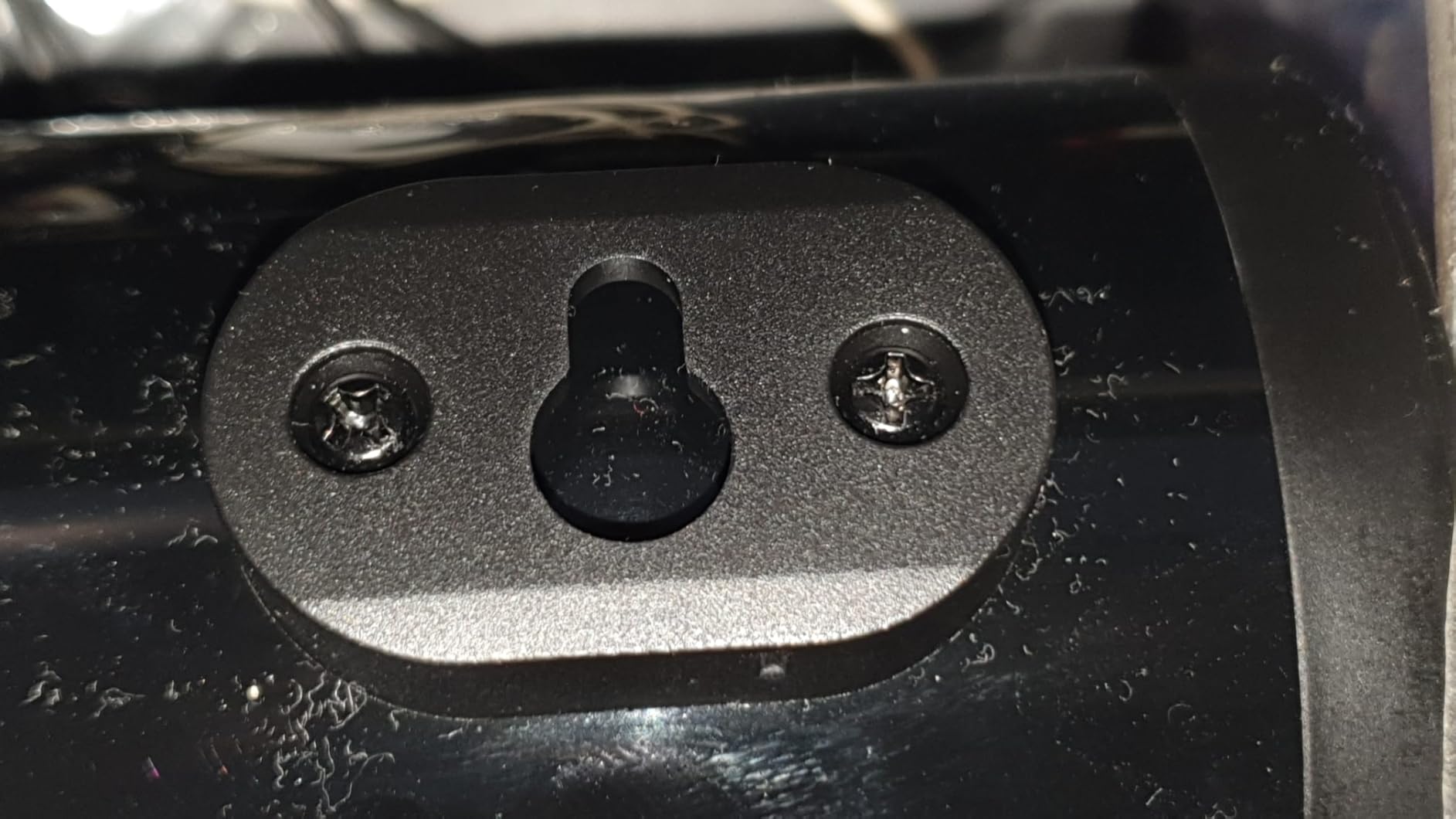
- Montaż na ścianie: Use the provided wall mounting kit. Mark the desired positions on the wall, drill pilot holes, insert anchors, and secure the soundbar using the screws. Ensure the soundbar is level and securely fastened.
4.2 Połączenie zasilania
- Podłącz zasilacz do portu DC IN w soundbarze.
- Podłącz zasilacz do gniazdka ściennego.
4.3 Połączenia audio
Choose one of the following methods to connect the soundbar to your audio source:
- Łuk HDMI: Connect an HDMI cable from the soundbar's HDMI ARC port to your TV's HDMI ARC port. Ensure your TV's HDMI ARC function is enabled in its settings.
- Optyczny: Connect an optical cable from the soundbar's OPTICAL port to your TV's or device's optical output port.
- AUX (3.5 mm): Use the provided 3.5mm audio cable to connect the soundbar's AUX port to the headphone jack or audio output of your device.
- USB: Włóż dysk flash USB zawierający dźwięk files into the USB port. The soundbar will automatically detect and play compatible audio files.
- Bluetooth: For wireless connection, refer to section 5.3 Bluetooth Pairing.
5. Instrukcja obsługi
5.1 Włączanie/wyłączanie zasilania
- Naciśnij przycisk zasilania na soundbarze lub pilocie, aby włączyć lub wyłączyć urządzenie.
5.2 Wybór wejścia
Cycle through input modes using the 'M' button on the soundbar or the 'Input' button on the remote control. The LED indicator will change color to show the active input:
A guide to the LED indicator colors on the Redragon GS821 Soundbar, showing which color corresponds to each input mode (Standby, BT, ARC, Optical, AUX, USB).
- Czerwony: Czuwanie
- Niebieski: Bluetooth (BT)
- Cyjan: ARC HDMI
- Biały: Optyczny
- Żółty: AUX
- Fioletowy: USB
5.3 parowanie Bluetooth
Aby połączyć urządzenie przez Bluetooth:

A visual representation of the advanced Bluetooth 5.3 technology integrated into the Redragon GS821 Soundbar, ensuring ultra-low latency for perfect audio synchronization.
- Switch the soundbar to Bluetooth mode (Blue LED). The soundbar will enter pairing mode automatically.
- Włącz Bluetooth na swoim urządzeniu (smartfonie, tablecie itp.) i wyszukaj dostępne urządzenia.
- Select "Redragon GS821" from the list to pair.
- Po sparowaniu wskaźnik LED przestanie migać i pozostanie ciągłym niebieskim światłem.
5.4 tryby korektora
The soundbar offers three specialized EQ modes to optimize your listening experience. Press the EQ button on the remote control to cycle through them:

An illustration of the three specialized sound modes available on the Redragon GS821 Soundbar: Music, Movie, and Dialogue, each optimized for different audio experiences.
- Tryb filmu: Enhances surround sound effects for cinematic immersion.
- Tryb muzyczny: Boosts bass and high frequencies for a rich, full-bodied audio experience.
- Tryb dialogu: Isolates and clarifies human voices, ideal for news, podcasts, or talk shows.
5.5 Regulacja głośności
Adjust the volume using the volume buttons on the soundbar or the remote control.
- Naciskać + aby zwiększyć głośność.
- Naciskać - zmniejszyć głośność.
- Naciśnij Niemy button on the remote to mute/unmute the sound.
6. Konserwacja
- Czyszczenie: Do czyszczenia powierzchni soundbara używaj miękkiej, suchej ściereczki. Nie używaj płynnych środków czyszczących ani materiałów ściernych.
- Składowanie: Jeśli soundbar nie będzie używany przez dłuższy czas, należy przechowywać go w chłodnym, suchym miejscu, z dala od bezpośredniego światła słonecznego i ekstremalnych temperatur.
- Unikaj przeszkód: Ensure the speaker grilles are not obstructed to maintain optimal sound quality.
7. Rozwiązywanie Problemów
| Problem | Rozwiązanie |
|---|---|
| Brak zasilania | Sprawdź, czy zasilacz jest prawidłowo podłączony do soundbara i do działającego gniazdka elektrycznego. |
| Brak dźwięku | Check the input source selection. Ensure the volume is not muted and is turned up. Verify audio cables are correctly connected. If using HDMI ARC, ensure the TV's ARC function is enabled. |
| Problemy z parowaniem Bluetooth | Ensure the soundbar is in Bluetooth mode. Turn off and on Bluetooth on your device. Move your device closer to the soundbar. Forget the device from your Bluetooth list and try pairing again. |
| Pilot nie działa | Check the battery in the remote control and replace if necessary. Ensure there are no obstructions between the remote and the soundbar. |
| Słaba jakość dźwięku / Zniekształcenia | Adjust the volume level. Try different EQ modes. Ensure the audio source is of good quality. Check cable connections for any damage. |
8. Specyfikacje
| Funkcja | Wartość |
|---|---|
| Marka | Czerwony smok |
| Numer modelu | GS821 |
| Maksymalna moc wyjściowa głośnika | 20 watów |
| Odpowiedź częstotliwościowa | 20000 Hz |
| Technologia łączności | Bluetooth (BT 5.3), HDMI ARC, Optical, USB, 3.5mm AUX |
| Tryb wyjścia audio | Stereofoniczny |
| Typ montażu | Montaż na blacie stołu, montaż na ścianie |
| Kolor | Czarny |
| Wymiary przedmiotu (gł. x szer. x wys.) | 2.8" gł. x 15.9" szer. x 4" wys. |
| Stosunek sygnału do szumu | 80dB |
| Kompatybilne urządzenia | Desktop, Laptop, Projector, Tablet, Television |
9. Informacje o gwarancji
The Redragon GS821 Soundbar comes with a 1-letnia gwarancja from the date of purchase. This warranty covers manufacturing defects and workmanship under normal use. It does not cover damage caused by misuse, accidents, unauthorized modifications, or external factors. Please retain your proof of purchase for warranty claims.
10. Obsługa klienta
If you encounter any issues or have questions regarding your Redragon GS821 Soundbar that are not addressed in this manual, please contact Redragon customer support. Refer to the official Redragon webAby uzyskać najaktualniejsze dane kontaktowe, odwiedź witrynę lub opakowanie produktu.
For online support and FAQs, visit: www.redragonzone.com