
1. Informacje dotyczące bezpieczeństwa
Please read all safety instructions carefully before using the innioasis G1 MP3 Player. Keep this manual for future reference.
- Nie wystawiaj urządzenia na działanie ekstremalnych temperatur, bezpośredniego światła słonecznego i wysokiej wilgotności.
- Unikaj upuszczania i narażania urządzenia na silne uderzenia.
- Nie próbuj samodzielnie demontować ani naprawiać urządzenia. Spowoduje to unieważnienie gwarancji.
- Do ładowania należy używać wyłącznie dołączonego kabla USB-C.
- Trzymaj urządzenie z dala od wody i innych płynów.
- Długotrwałe słuchanie przy wysokim poziomie głośności może spowodować uszkodzenie słuchu.
2. Zawartość opakowania
Sprawdź, czy w przesyłce znajdują się wszystkie elementy:
- 1 x innioasis G1 MP3 Player
- 1 x 64GB SD card (pre-installed or separate)
- 1 x kabel ładujący USB-C
- 1 x Wired headphones
- 1 x Instrukcja obsługi

Image: The innioasis G1 MP3 Player, USB-C cable, wired headphones, 64GB SD card, and user manual included in the package.
3. Urządzenie ponadview
The innioasis G1 MP3 Player features a compact design with a 4-inch full-touch screen. It includes physical buttons for power and volume control, and ports for charging and headphones.

Obraz: Przód view of the innioasis G1 MP3 Player displaying various preinstalled applications on its touch screen.
Główne cechy:
- 4-inch Full Touch Screen
- Android OS with 1.9GHz Octa-core CPU and 2GB RAM
- 80GB Storage (16GB ROM + 64GB TF card), expandable up to 1TB
- Łączność Bluetooth 4.2
- Wi-Fi (2.4 GHz i 5 GHz)
- Pre-installed streaming apps (Spotify, Spotify Kids, Amazon Music, Pandora, Tidal, Deezer, Audible)
- Kontrola rodzicielska
- FM Radio, Voice Recorder, Video Player, Ebook Reader, Calculator, Clock, Gallery, Browser, Calendar
4. Konfiguracja
4.1 Pierwsze ładowanie
Przed pierwszym użyciem należy w pełni naładować urządzenie za pomocą dołączonego kabla USB-C i kompatybilnego zasilacza (brak w zestawie). Wskaźnik baterii na ekranie pokaże stan ładowania.
4.2 Włączanie/wyłączanie zasilania
- Włączanie: Naciśnij i przytrzymaj przycisk zasilania znajdujący się z boku urządzenia, aż ekran się zaświeci.
- Aby wyłączyć: Naciśnij i przytrzymaj przycisk zasilania, a następnie wybierz opcję „Wyłącz” z listy opcji na ekranie.
4.3 Ustawienia języka i czasu
Upon first startup, you may be prompted to select your preferred language and set the date and time. Follow the on-screen instructions.
4.4 Połączenie Wi-Fi
Aby uzyskać dostęp do usług przesyłania strumieniowego i funkcji online, podłącz urządzenie do sieci Wi-Fi:
- Idź do Ustawienia > Sieć i Internet > Wi-Fi.
- Przełącz Wi-Fi On.
- Wybierz interesującą Cię sieć z listy.
- Wprowadź hasło, jeśli zostaniesz o to poproszony i dotknij Łączyć.

Image: The innioasis G1 MP3 Player displaying its home screen with app icons, illustrating its strong network connection capabilities.
5. Instrukcja obsługi
5.1 Podstawowa nawigacja
The device features a full touch screen for navigation. Swipe left/right to browse app pages, tap an icon to open an app, and use the navigation buttons at the bottom of the screen (Back, Home, Recent Apps) to move between screens and applications.
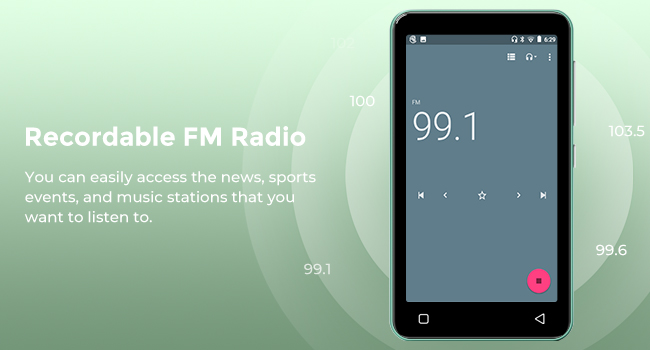
Image: A hand demonstrating touch screen interaction on the innioasis G1 MP3 Player, highlighting its ease of use.
5.2 Odtwarzanie muzyki
The innioasis G1 supports various audio formats including MP3, FLAC, WAV, AAC, APE, OGG, M4A, WMA, and MP2.
- Local Music Player: Open the "Music" app to play files stored on the device or SD card. You can create playlists, search for songs, and use the graphic equalizer to adjust sound.
- Aplikacje do strumieniowania: Access pre-installed apps like Spotify, Spotify Kids, Amazon Music, Pandora, Tidal, and Deezer. Ensure you are connected to Wi-Fi for streaming.

Image: The innioasis G1 MP3 Player displaying its local music player interface, showing song categories, search function, playlist creation, and equalizer options.
5.3 Łączność Bluetooth
Connect your MP3 player to Bluetooth headphones, speakers, or car stereos.
- Idź do Ustawienia > Podłączone urządzenia > Bluetooth.
- Przełącz Bluetooth On.
- Make sure your Bluetooth accessory is in pairing mode.
- Select your accessory from the list of available devices to pair.
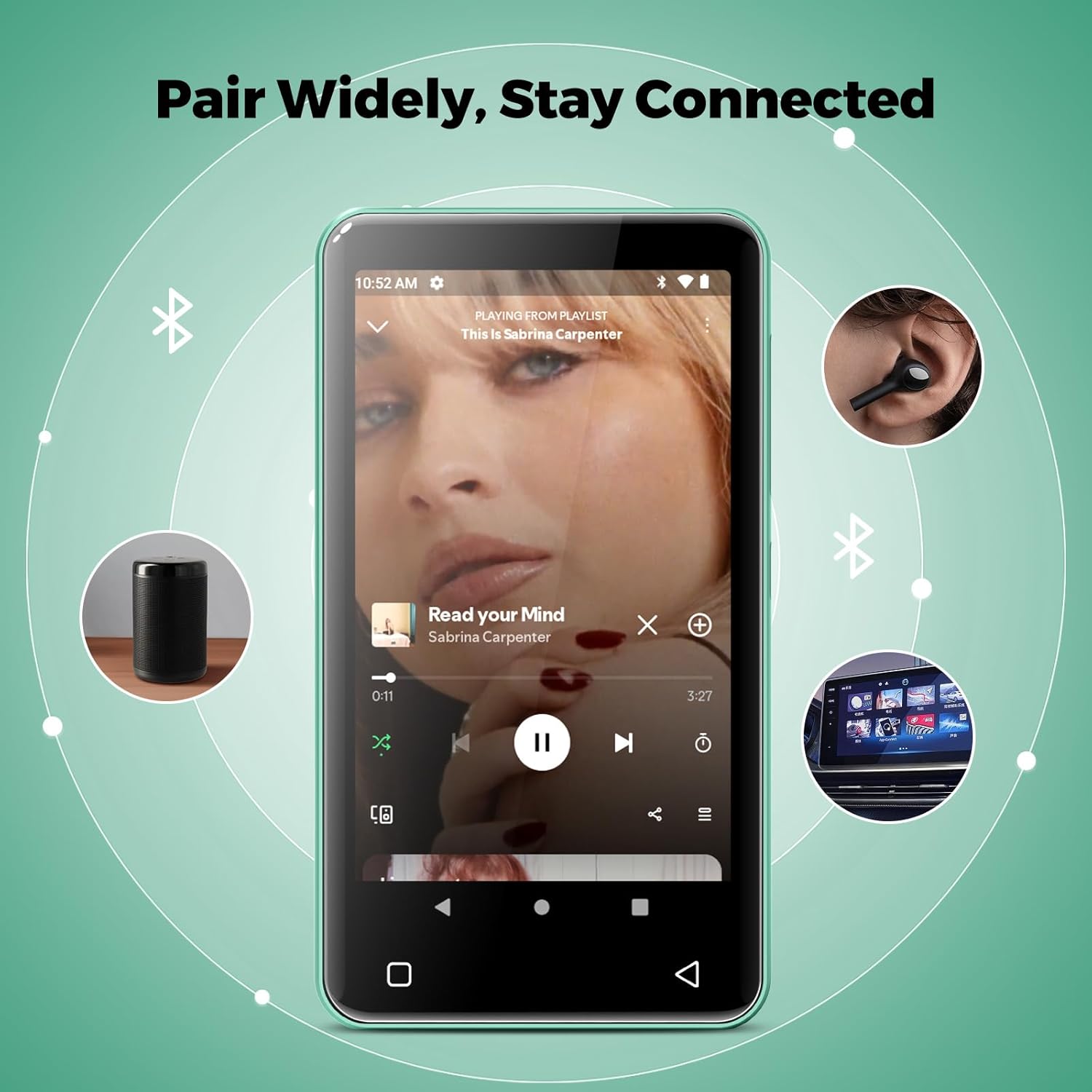
Image: The innioasis G1 MP3 Player showing its Bluetooth connection capabilities, pairing with headphones, a portable speaker, and a car stereo system.
5.4 Kontrola rodzicielska
The device includes parental control features to manage app access and settings.
- Idź do Ustawienia > Kontrola rodzicielska.
- Set a parental control password.
- You can enable/disable app installation, limit internet usage, and restrict device usage time.
- Preloaded apps can be removed, and settings can be locked with the passcode.

Image: The innioasis G1 MP3 Player displaying its parental control settings, including options for password management, app installation, internet usage limits, and device usage limits.
5.5 File Przenosić
To transfer music, videos, and other files from a computer:
- Podłącz odtwarzacz MP3 do komputera za pomocą kabla USB-C.
- On the MP3 player, swipe down from the top of the screen to open the notification panel.
- Tap the USB notification (e.g., "USB charging this device") and select "File transfer" or "MTP".
- Your computer should now recognize the device as a removable storage drive. You can drag and drop files to the internal storage or the SD card.
5.6 Inne aplikacje
The innioasis G1 comes with several other useful applications:
- Radio FM: Tune into local radio stations. Some models may support recording.
- Odtwarzacz wideo: Supports 1080P HD video playback and various formats including AVI, MKV, MP4, MPEG, MOV, VOB, WMV, WEBM, DIVX, F4V, FLV, XviD, 3GP.
- Dyktafon: Nagrywaj dźwięk za pomocą wbudowanego mikrofonu.
- Ebook Reader: Access pre-loaded Audible for audiobooks and other e-book formats.
- Calculator, Clock, Gallery, Browser, Calendar: Standard utility apps for daily use.
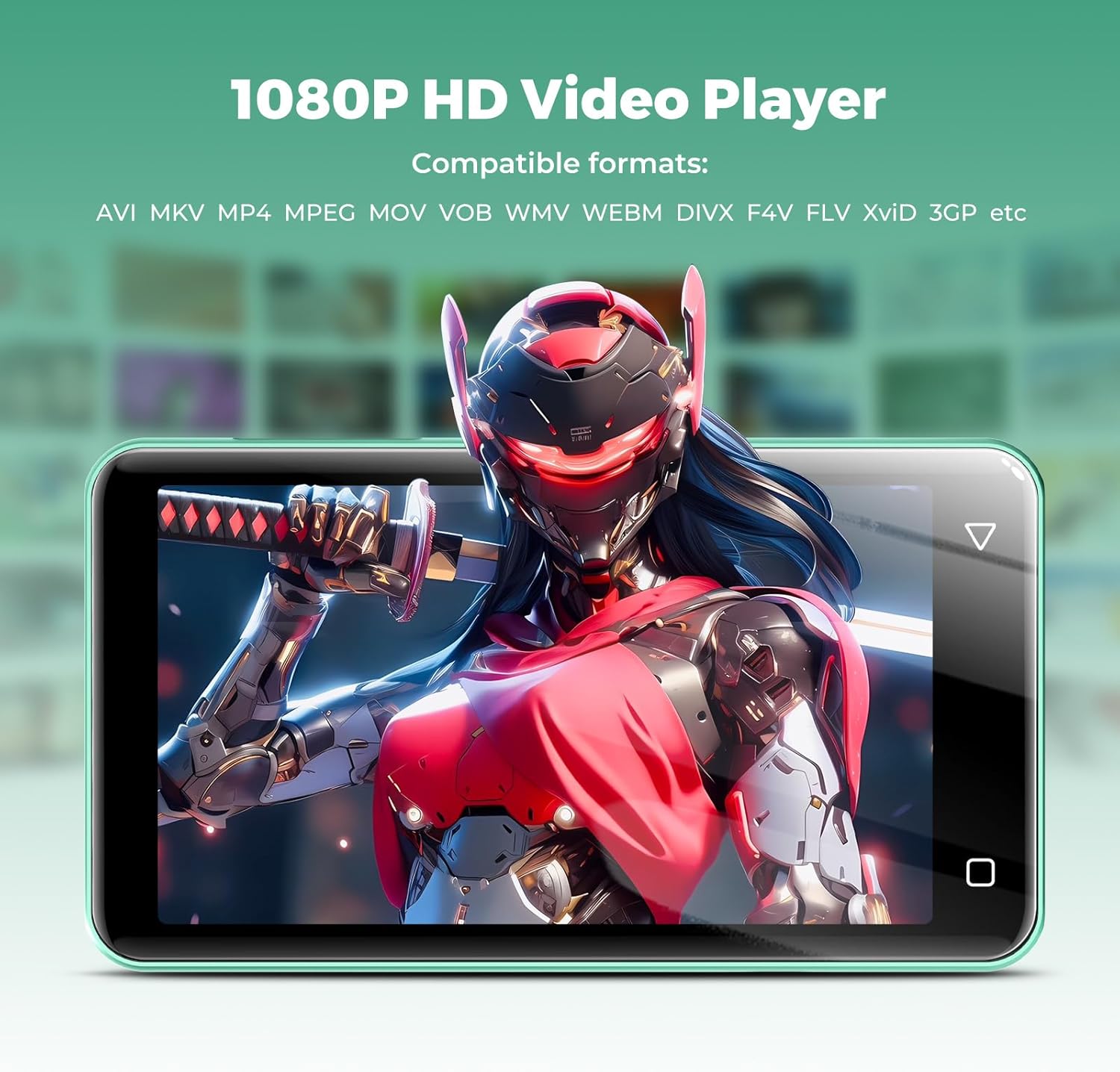
Image: The innioasis G1 MP3 Player displaying a high-definition video on its screen, illustrating its 1080P HD video playback capability.
6. Konserwacja
- Czyszczenie: Do czyszczenia urządzenia należy używać miękkiej, suchej ściereczki. Nie należy używać płynów czyszczących ani aerozoli.
- Pielęgnacja baterii: To prolong battery life, avoid fully discharging the battery frequently. Charge the device regularly. If storing for a long period, charge it to about 50% every few months.
- Aktualizacje oprogramowania: Periodically check for software updates in the device settings to ensure optimal performance and security.
7. Rozwiązywanie Problemów
| Problem | Możliwe rozwiązanie |
|---|---|
| Urządzenie nie włącza się. | Ensure the battery is charged. Connect to a charger for at least 30 minutes. If unresponsive, press and hold the power button for 10-15 seconds to force a restart. |
| Nie można połączyć się z siecią Wi-Fi. | Check if Wi-Fi is enabled in settings. Verify the Wi-Fi password. Restart your router and the MP3 player. Ensure you are within range of the Wi-Fi signal. |
| Urządzenie Bluetooth nie łączy się. | Ensure Bluetooth is enabled on both devices and the accessory is in pairing mode. Move the devices closer together. Try restarting both devices. |
| Aplikacje działają wolno lub nie odpowiadają. | Close unused background apps. Clear app cache in Settings > Apps. Restart the device. Ensure sufficient storage space is available. |
| Nie można przenieść files do/z komputera. | Ensure the USB-C cable is properly connected and functioning. On the MP3 player, select "File transfer" mode from the USB notification. Try a different USB port or computer. |
| Niska jakość dźwięku. | Check headphone connection. Test with different headphones. Adjust equalizer settings in the music player. Ensure audio filenie są uszkodzone. |
8. Specyfikacje
- Nazwa modelu: G1
- Wymiary produktu: 0.39 x 2.56 x 4.13 cala
- Waga przedmiotu: 5.9 uncji
- Producent: INNIOAZA
- Pojemność pamięci: 80 GB (16GB ROM + 64GB TF card)
- Możliwość rozbudowy pamięci masowej: Up to 1TB (SDXC/SDHC compatible)
- Rozmiar ekranu: 4 cali
- Technologia łączności: Bluetooth 4.2, Wi-Fi (2.4 GHz i 5 GHz)
- Cechy szczególne: Equalizer, FM Radio, Hi-Res Audio, Video Playback, Voice Recorder, Parental Controls
- Zgodne urządzenia: Headphones, Earphones
- Typ nośnika: Micro SD, Micro SDHC, Micro SDXC, Karta SD, SDHC
- Bateria: 1500mAh (up to 25 hours music, 5 hours video playback)

Image: The innioasis G1 MP3 Player screen displaying battery life indicators for video (5 hours) and music (25 hours) playback.
9. Gwarancja i wsparcie
The innioasis G1 MP3 Player comes with a standard manufacturer's warranty. For detailed warranty information, please refer to the warranty card included in your package or contact innioasis customer support.
If you encounter any issues or have questions about your device, please contact innioasis customer support through their official webwitryny lub danych kontaktowych znajdujących się na opakowaniu produktu.