
Wstęp
Thank you for choosing the Grandder 55x28 Inch Electric Standing Desk. This manual provides detailed instructions for assembly, operation, and maintenance to ensure optimal performance and longevity of your desk. Please read this manual thoroughly before assembly and use, and retain it for future reference.
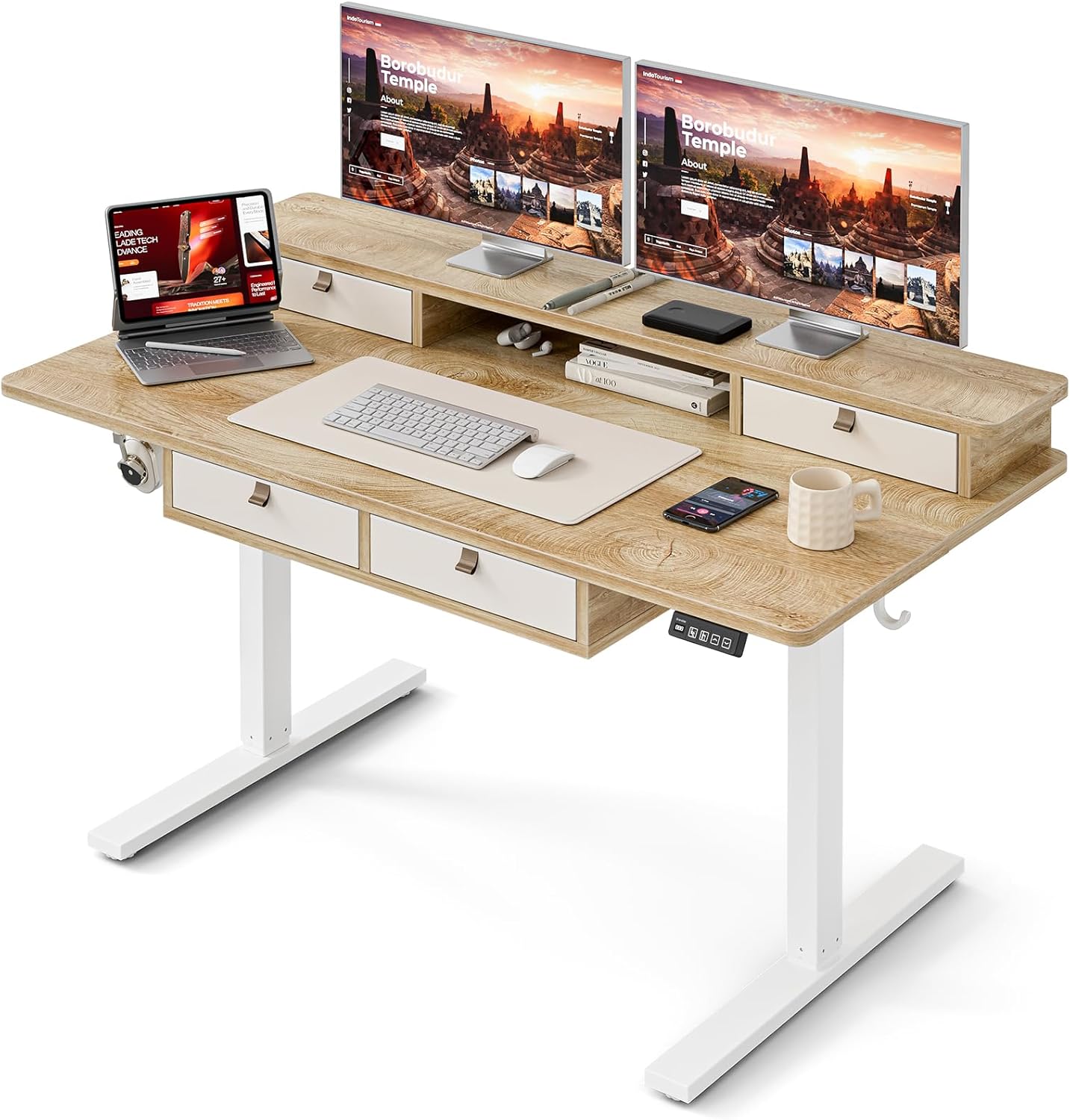
Image: The Grandder electric standing desk, showcasing its spacious desktop, integrated storage, and monitor stand.
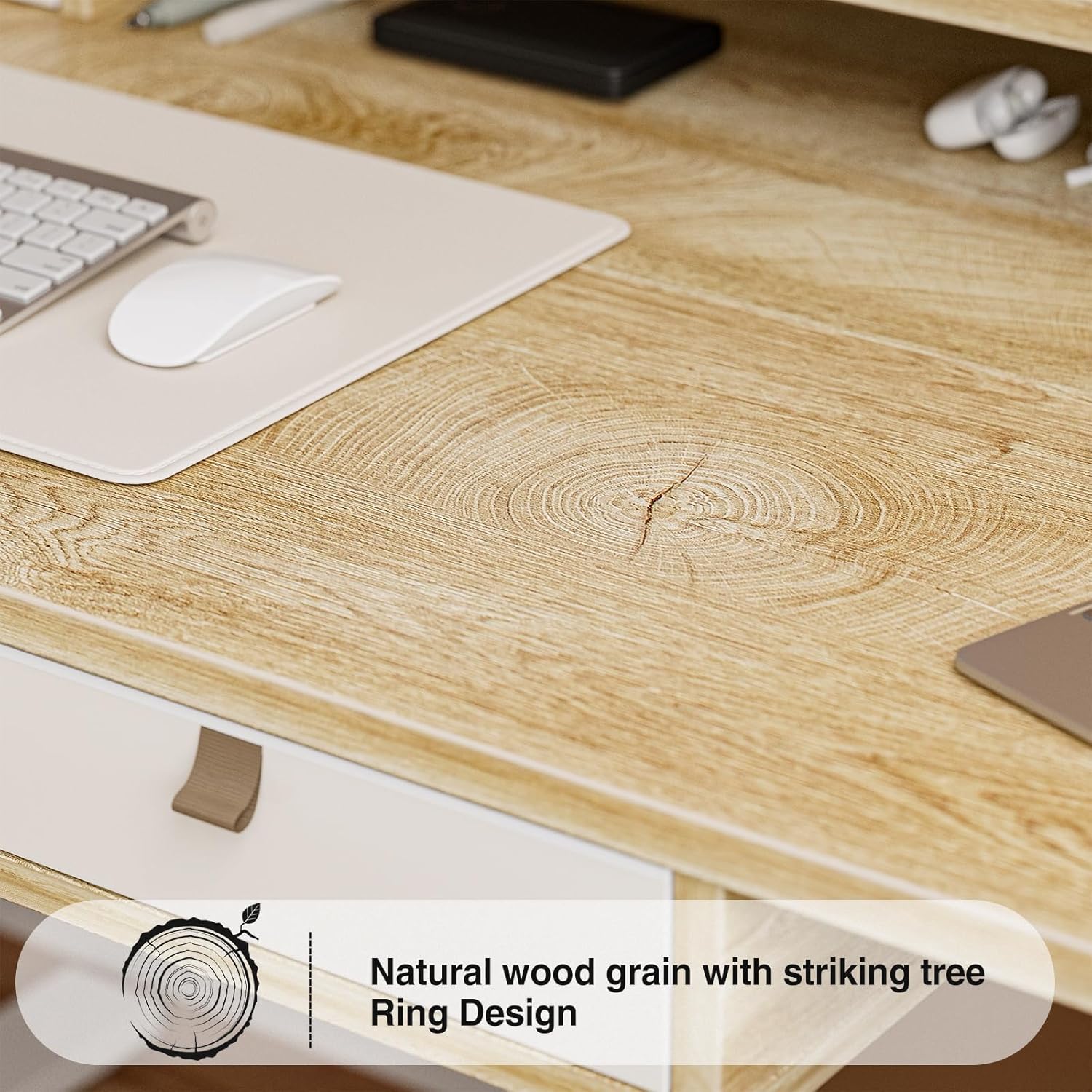
Image: Detail of the natural wood grain desktop finish.

Image: The desk's robust construction, tested for over 50,000 lifts, ensuring stability and durability.
Informacje dotyczące bezpieczeństwa
Aby zapobiec obrażeniom lub uszkodzeniom biurka, należy przestrzegać następujących środków ostrożności:
- Przed użyciem upewnij się, że wszystkie elementy są bezpiecznie zamocowane.
- Podczas pracy urządzenia należy trzymać dzieci i zwierzęta z dala od biurka.
- Nie przeciążaj biurka. Zapoznaj się ze specyfikacją, aby poznać maksymalny udźwig.
- Unikaj wylewania płynów bezpośrednio na panel sterowania i elementy silnika.
- Przed czyszczeniem lub konserwacją należy odłączyć zasilanie.
- Do not attempt to modify the desk's electrical components.
- Upewnij się, że podczas regulacji wysokości biurka nie ma żadnych przeszkód na jego drodze.
Zawartość opakowania
Przed rozpoczęciem montażu należy sprawdzić, czy wszystkie części są obecne. Jeśli brakuje którejkolwiek części lub jest ona uszkodzona, prosimy o kontakt z działem obsługi klienta.
- Desktop (Splice Board)
- Rama biurka (nogi i poprzeczka)
- Electric Lifting Mechanism (Motor and Control Box)
- Panel sterowania
- 4 szuflad do przechowywania
- Monitor Stand/Upper Shelf
- Przelotki kablowe
- Zaczep na słuchawki
- Assembly Hardware (Screws, Allen Wrenches, etc.)
- Zasilacz
- Instrukcja obsługi
Instrukcja montażu
Assembly typically requires two people. Follow the steps below carefully. An estimated assembly time is 50-60 minutes.
- Rozpakuj komponenty: Ostrożnie wyjmij wszystkie części z opakowania i rozłóż je na czystej, miękkiej powierzchni, aby zapobiec zarysowaniom. Sprawdź zgodność wszystkich części z listą zawartości opakowania.
- Złóż ramę biurka: Attach the desk legs to the crossbar using the provided hardware. Ensure all connections are secure.
- Dołącz pulpit: Carefully place the desktop onto the assembled frame. Align the pre-drilled holes and secure the desktop to the frame with screws.
- Install Electric Mechanism: Mount the motor and control box to the designated areas under the desktop. Connect all necessary cables according to the wiring diagram (refer to specific diagrams in the full manual, if available).
- Zainstaluj Panel sterowania: Attach the control panel to the underside of the desktop, typically on the right side, and connect its cable to the control box.
- Assemble Storage Elements: Install the four storage drawers into their respective slots. Attach the monitor stand/upper shelf to the desktop.
- Dołącz akcesoria: Install cable grommets and the headphone hook as desired.
- Podłącz zasilanie: Podłącz zasilacz do skrzynki sterowniczej, a następnie do gniazdka ściennego.
- Test wstępny: Perform an initial test of the height adjustment function to ensure smooth operation.

Image: Desk dimensions for reference during assembly and placement.
Instrukcja obsługi
Your Grandder electric standing desk features an intuitive control panel for easy height adjustment and memory presets.
Funkcje panelu sterowania

Image: The hand controller for the electric standing desk, showing the digital display and control buttons.
- Strzałki w górę/w dół (▲ / ▼): Press and hold to manually adjust the desk height. Release to stop at the desired position.
- Wyświetlacz cyfrowy: Pokazuje aktualną wysokość biurka w calach lub centymetrach.
- Preset Buttons (Icons): Your desk features preset buttons to save and recall preferred sitting and standing heights.
- Aby zapisać ustawienie wstępne: Adjust the desk to your desired height using the up/down arrows. Press and hold one of the preset icon buttons (e.g., sitting person icon) until the display flashes or beeps, indicating the height is saved.
- Aby przywołać ustawienie wstępne: Briefly press the corresponding preset icon button. The desk will automatically move to the saved height.
Regulacja wysokości
The desk allows for smooth electric height adjustment, enabling you to switch between sitting and standing positions. The height range is approximately 28 inches to 45.6 inches.
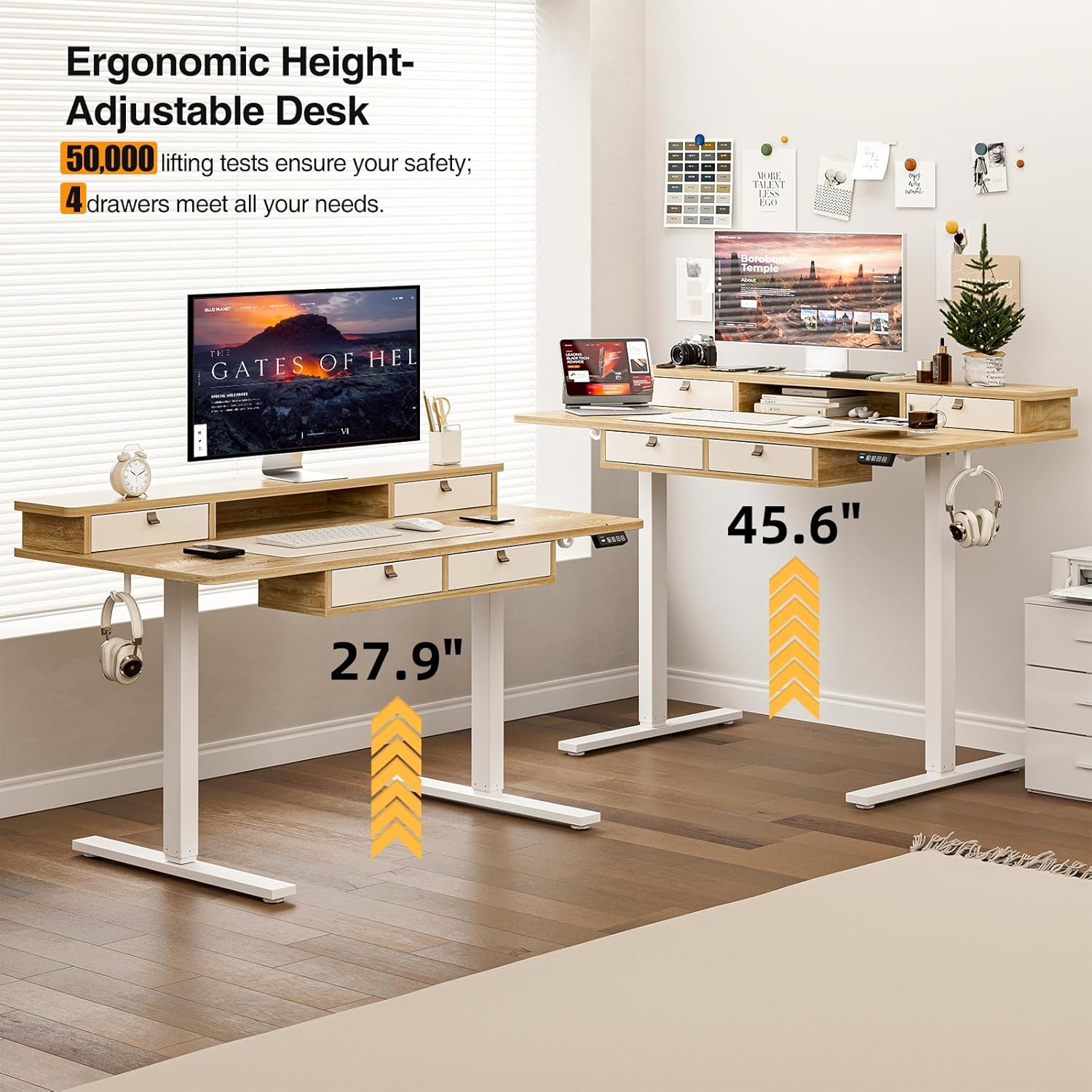
Ilustracja: Wizualna reprezentacja zakresu regulacji wysokości biurka, od pozycji siedzącej do stojącej.
Funkcje przechowywania
The desk includes four integrated drawers and an upper shelf for organized storage of office essentials, helping to maintain a tidy workspace.

Image: The four storage drawers providing ampprzestrzeń do organizacji.

Image: Comparison illustrating the enhanced storage capabilities of the Grandder desk.
Dodatkowe funkcje
- Anti-Collision Design: The desk is equipped with an anti-collision system that automatically stops movement if an obstruction is detected, preventing damage or injury.
- Regulowane podnóżki: The desk features adjustable foot pads to ensure stability on uneven floors.
- Haczyk na słuchawki: A convenient hook is included for hanging headphones or other accessories.

Image: Details of the control panel, adjustable foot pads, and anti-collision feature.
Konserwacja
Regular maintenance ensures the longevity and smooth operation of your desk.
- Czyszczenie: Przetrzyj blat i ramę miękką szmatką.amp szmatką. Unikaj środków czyszczących o działaniu ściernym i silnych środków chemicznych, które mogłyby uszkodzić wykończenie.
- Zarządzanie kablami: Periodically check and organize cables to prevent tangles and ensure they do not interfere with the desk's movement.
- Kontrola elementów złącznych: Every few months, check all screws and fasteners to ensure they are tight. Retighten if necessary.
- Pielęgnacja silnika: The electric motor is designed for maintenance-free operation. Do not attempt to lubricate or disassemble it.
Rozwiązywanie problemów
| Problem | Możliwa przyczyna | Rozwiązanie |
|---|---|---|
| Biurko się nie porusza. | Odłączony kabel zasilający, przeciążenie silnika, problem z panelem sterowania. | Check power connections. Unplug and replug the power cable. Reduce weight on the desk. Contact customer support if the issue persists. |
| Nierównomierna regulacja wysokości. | Uneven load; loose fasteners. | Distribute weight evenly on the desktop. Check and tighten all assembly fasteners. |
| Biurko zatrzymuje się w połowie ruchu. | Overload protection activated; anti-collision system triggered. | Reduce weight on the desk. Check for obstructions under or around the desk. Wait a few moments before attempting to adjust again. |
| Control panel display not working. | Power issue; loose cable connection. | Ensure the power cable is securely connected. Check the connection between the control panel and the control box. |
Specyfikacje
| Marka | Grandder |
| Numer modelu | A205-55DX |
| Wymiary produktu (Gł. x Szer. x Wys.) | 27.6"D x 55"W x 37"H (at lowest point, approximate) |
| Zakres regulacji wysokości | Approx. 28" - 45.6" |
| Materiał na biurko | Engineered Wood with Laminated Finish |
| Materiał ramy | Metal |
| Kolor | Dąb |
| Waga przedmiotu | 59 funtów |
| Nośność | Do 220 funtów |
| Cechy specjalne | Ergonomic, 4 Storage Drawers, Monitor Stand, Cable Grommets, Headphone Hook |

Image: The desk's capacity to hold various office items, up to 220 lbs.
Gwarancja i wsparcie
Grandder products are designed for quality and durability. For warranty information, technical support, or assistance with missing/damaged parts, please contact Grandder customer service through the retailer's platform or the official Grandder website. Please have your model number (A205-55DX) and purchase date ready when contacting support.