
1. Wprowadzenie
This manual provides detailed instructions for the setup, operation, and maintenance of your MELCAM 2K Webcam (Model DS042K). Please read this manual thoroughly before using the product to ensure proper functionality and to maximize your user experience. This webcam is designed to enhance your video communication with high-resolution video, integrated lighting, and clear audio.
2. Co znajduje się w pudełku
- MELCAM 2K Webcam (DS042K)
3. Konfiguracja i instalacja
3.1 Fizyczna instalacja
The MELCAM 2K Webcam features a flexible clip for easy attachment to various devices:
- Attach to Monitor/Laptop: Otwórz elastyczny klips i umieść webcam securely on top of your monitor or laptop screen. Adjust the clip to ensure stability.
- Umieszczenie na pulpicie: The flexible clip can also be folded to create a stable base for placing the webkamera bezpośrednio na Twoim biurku.
- Montaż na statywie: Ten webcam is compatible with standard tripods. Locate the tripod screw hole on the bottom of the clip and attach it to your tripod (tripod not included unless specified).
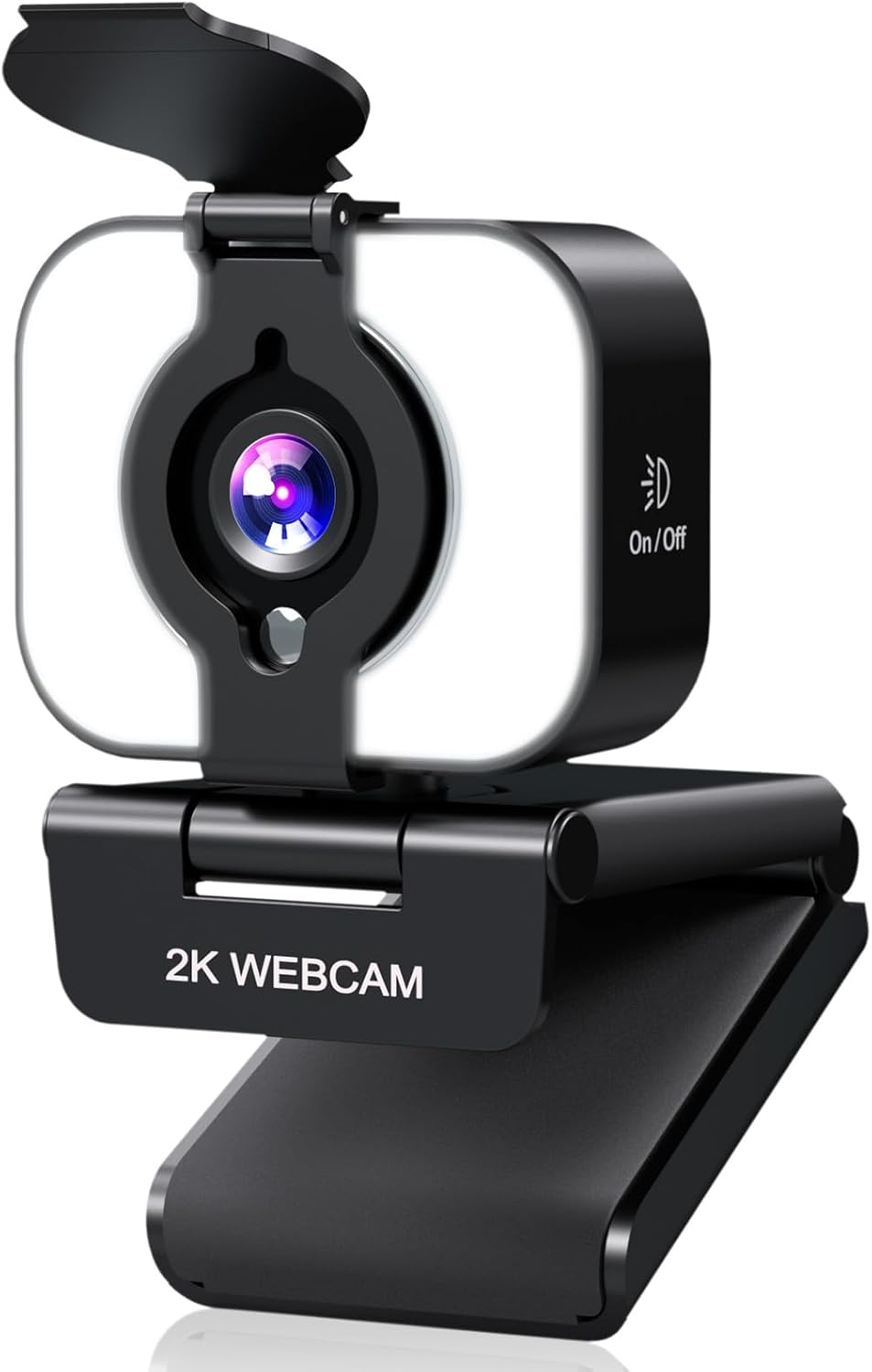
Figure 1: MELCAM 2K Webcam with its flexible mounting clip.
3.2 Plug & Play Connectivity
The MELCAM 2K Webcam is designed for simple plug-and-play operation, requiring no additional drivers for most operating systems.
- Połącz przez USB: Podłącz kabel USB do webcam into an available USB port on your computer (PC or Mac).
- Rozpoznawanie systemu: Your operating system should automatically detect and install the necessary components for the webcam. This may take a few moments.
- Select Camera in Application: Open your preferred video conferencing or streaming application (e.g., Zoom, Skype, Microsoft Teams, OBS). Navigate to the video/camera settings within the application and select "MELCAM 2K Webcam" jako urządzenie wejściowe wideo.

Figure 2: Simple USB plug-and-play setup.
4. Główne cechy i działanie
4.1 Crystal-Clear 2K Resolution
The MELCAM 2K Webcam delivers video at a resolution of 2560 x 1440 pixels, providing sharp and detailed images for your video calls, streaming, and recordings. This higher resolution ensures a professional and clear visual presence.
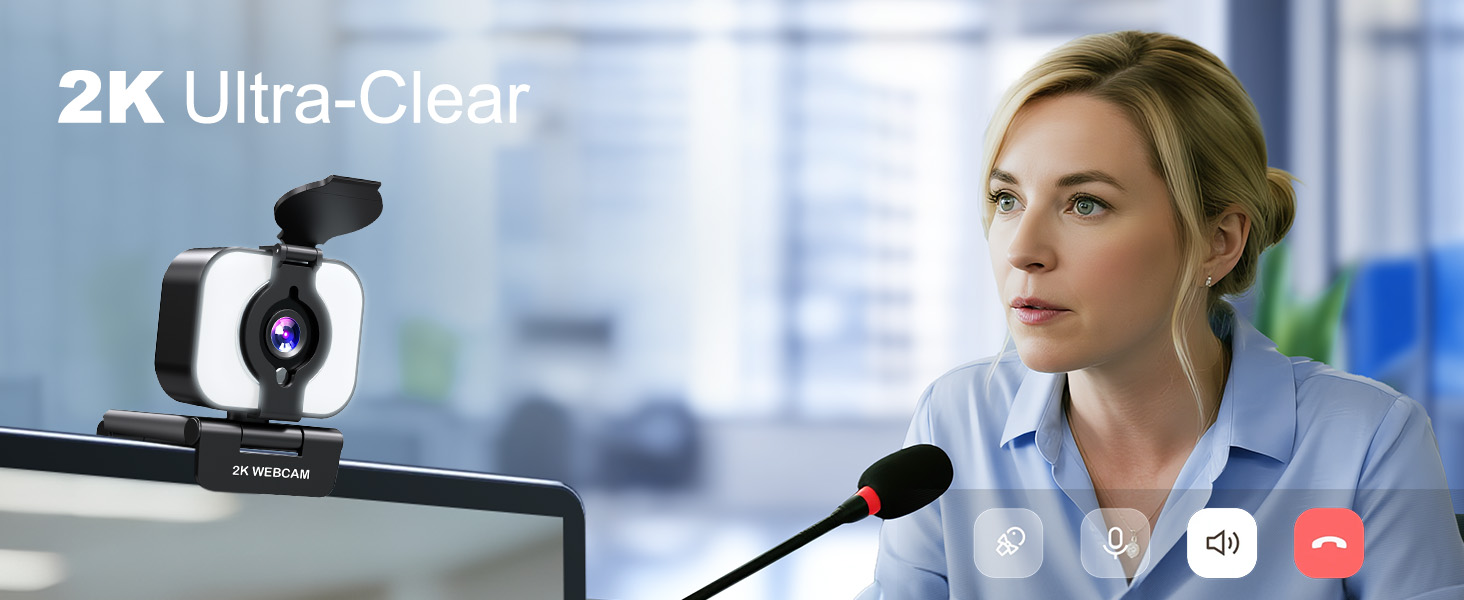
Figure 3: Enhanced clarity with 2K resolution.
4.2 Integrated 3-Level Ring Light
Ten webcam features an integrated ring light with three adjustable brightness levels to ensure optimal lighting in various environments.
- Regulacja jasności: Tap the touch-sensitive button on the front of the webcam to cycle through Low, Medium, and High brightness settings.
- Włączanie/wyłączanie: Continue tapping to turn the light off.

Figure 4: Adjusting the 3-level fill light.
4.3 Built-in Privacy Cover
Aby zapewnić większą prywatność i bezpieczeństwo, webcam includes a physical privacy cover.
- Activate Privacy: Simply slide the cover over the lens when the webkrzywka nie jest używana.
- Deactivate Privacy: Slide the cover back to expose the lens when you are ready to use the webkamera

Figure 5: Using the built-in flip privacy cover.
4.4 Autofocus and Noise-Canceling Microphone
Ten webcam features an autofocus function that keeps you sharp and clear, even if you move during a call. The integrated noise-canceling microphone reduces background distractions, ensuring your voice is heard clearly.

Figure 6: PDAF Autofocus in action.

Figure 7: Noise-Canceling Microphone for clear communication.
4.5 Flexible Angle Adjustment
Ten webcam offers versatile positioning options:
- Obrót poziomy: The camera head can rotate 360 degrees horizontally.
- Pochylenie pionowe: The camera lens can tilt 90 degrees up/down.
- Szeroki Viewkąt ing: Provides an 81.6-degree wide viewing angle to capture more of your surroundings.

Figure 8: Flexible angle adjustment for optimal positioning.
4.6 Szeroka kompatybilność
The MELCAM 2K Webcam is compatible with a broad range of operating systems and applications:
- Systemy operacyjne: Supports Mac and Windows.
- Zastosowania: Works seamlessly with popular platforms such as Zoom, Microsoft Teams, Skype, OBS, and more.

Figure 9: Wide compatibility with various platforms.
5. Specyfikacje
| Funkcja | Opis |
|---|---|
| Marka | MELCAM |
| Numer modelu | DS042K |
| Rozdzielczość przechwytywania wideo | 2K (2560x1440) |
| Technologia czujnika fotograficznego | CMOS |
| Technologia łączności | USB |
| Cechy specjalne | Ring Light, Privacy Cover, Autofocus, Noise-Canceling Microphone |
| Waga przedmiotu | 5.6 uncji |
| Wymiary opakowania | 4.57 x 3.43 x 2.6 cala |
6. Rozwiązywanie Problemów
- No Video/Image:
- Upewnij się, że kabel USB jest bezpiecznie podłączony do obu urządzeń. webkamera i komputer.
- Spróbuj podłączyć webpodłączoną do innego portu USB.
- Verify that the privacy cover is not blocking the lens.
- Check your application's settings to ensure the MELCAM 2K Webkamera jest wybrana jako wejście wideo.
- Uruchom ponownie komputer i spróbuj jeszcze raz.
- Brak dźwięku/słaba jakość dźwięku:
- Zapewnij webcam jest wybrane jako wejście mikrofonowe w ustawieniach dźwięku aplikacji.
- Sprawdź ustawienia dźwięku komputera, aby upewnić się, że mikrofon jest włączony i nie wyciszony.
- Adjust the microphone volume in your system or application settings.
- Minimize background noise in your environment for optimal performance of the noise-canceling microphone.
- Ring Light Not Working:
- Zapewnij webcam is properly connected via USB, as the light draws power from the USB connection.
- Tap the touch-sensitive button on the front of the webcam to cycle through brightness levels and turn it on.
7. Oficjalny film o produkcie
Video: MELCAM 2K Webcam for PC with light. This video demonstrates the webcam's features and functionality, including the integrated light.
8. Gwarancja i wsparcie
For warranty information and customer support, please refer to the contact details provided on the product packaging or the official MELCAM webstrona. Zachowaj dowód zakupu na potrzeby roszczeń gwarancyjnych.