
Wstęp
Thank you for choosing the 1MORE Piston P20 Type-C Wired Earphones. This manual provides detailed instructions for setting up, operating, maintaining, and troubleshooting your earphones to ensure optimal performance and longevity. Please read this manual thoroughly before using the product.
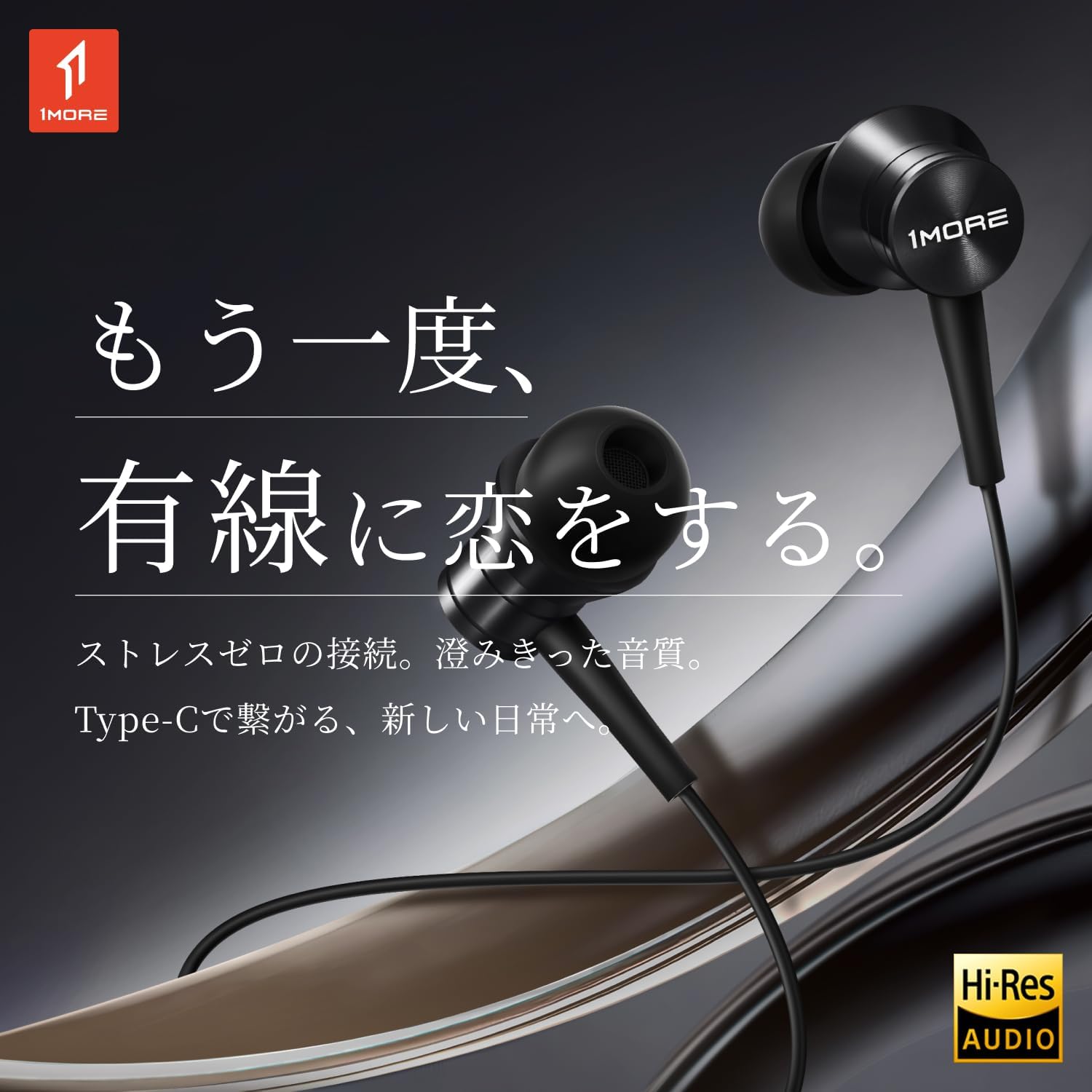
Image: The 1MORE Piston P20 Type-C Wired Earphones, showcasing their sleek black design and the Hi-Res Audio certification logo.
Zawartość opakowania
Sprawdź, czy w przesyłce znajdują się wszystkie elementy:
- 1MORE Piston P20 Type-C Wired Earphones
- Końcówki douszne (różne rozmiary)
Organizować coś
Łączenie z urządzeniem
The 1MORE Piston P20 earphones feature a Type-C connector for direct digital audio transmission. No additional setup or pairing is required.
- Locate the Type-C port on your smartphone, tablet, or other compatible device.
- Insert the Type-C connector of the earphones firmly into the device's port.
- The earphones are ready for use once connected.

Image: A hand connecting the Type-C earphones to a smartphone, illustrating the simple plug-and-play setup.
Noszenie słuchawek
The earphones are designed for a comfortable and secure fit:
- Identify the left (L) and right (R) earpieces. These markings are located on the inner side of each earbud.
- Gently insert each earbud into the corresponding ear canal. The 45° angled nozzle and two-stage angle design are engineered for an ergonomic fit.
- Adjust the earpieces until they feel secure and comfortable. Proper fit helps optimize sound quality and noise isolation.
Obraz: Zbliżenie view of an earphone, highlighting the clear 'L' marking for proper left ear placement.

Image: Two individuals wearing the 1MORE Piston P20 earphones, demonstrating the ergonomic and comfortable fit.
Instrukcja obsługi
Funkcje zdalnego sterowania
The earphones are equipped with an intuitive inline remote control for easy management of audio playback and calls.
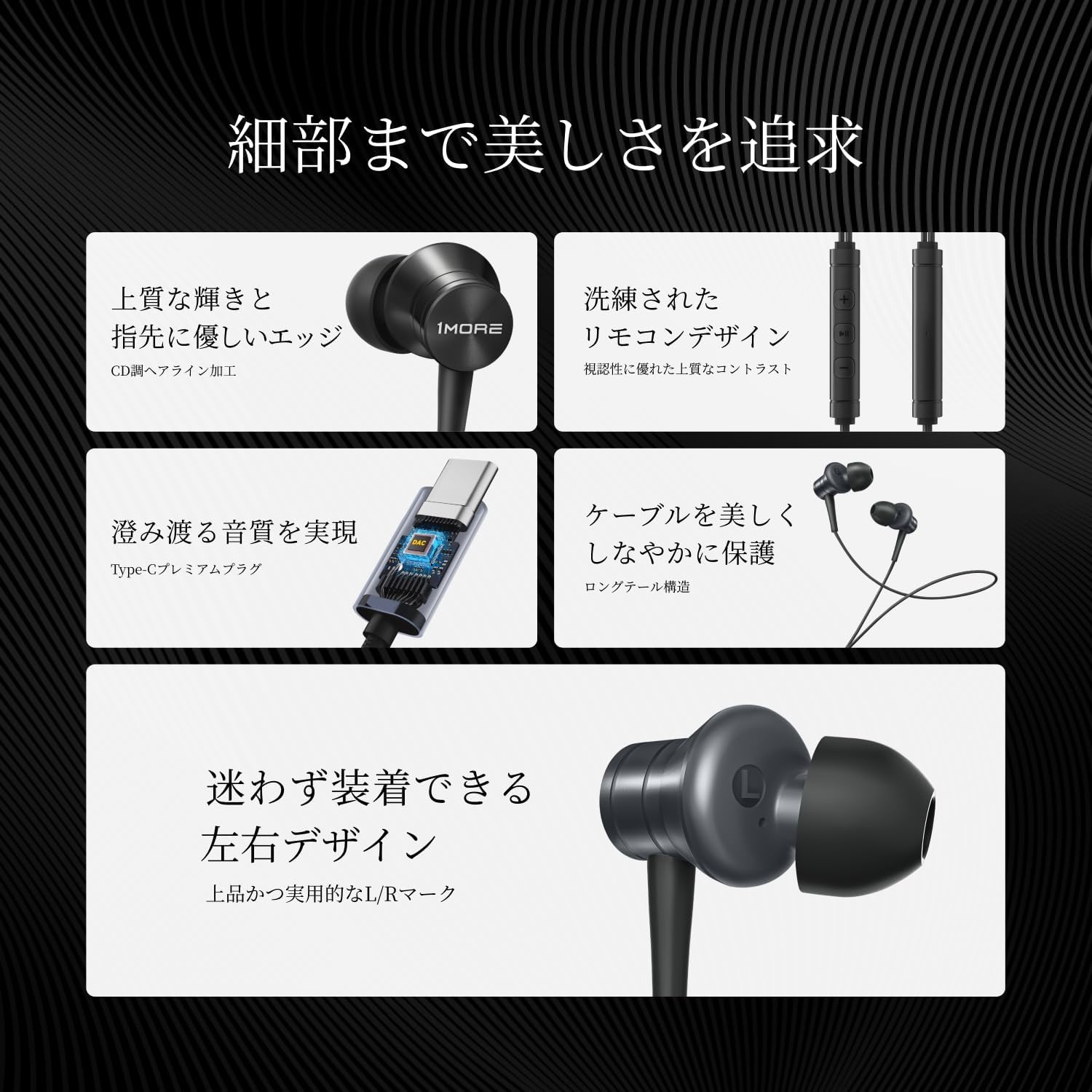
Obraz: szczegółowy view of the inline remote control, showing the volume and multi-function buttons.
| Funkcjonować | Działanie |
|---|---|
| Odtwórz/wstrzymaj muzykę | Naciśnij środkowy przycisk jeden raz. |
| Zwiększ głośność | Naciśnij przycisk '+'. |
| Zmniejsz głośność | Naciśnij przycisk '-'. |
| Następny utwór | Dwukrotnie naciśnij środkowy przycisk. |
| Poprzedni utwór | Press the center button three times. |
| Odbierz/Zakończ połączenie | Press the center button once during a call. |
| Odrzuć połączenie | Naciśnij i przytrzymaj środkowy przycisk. |
| Aktywuj Asystenta Głosowego | Press and hold the center button (functionality may vary by device). |
| Wycisz mikrofon | Naciśnij i przytrzymaj przycisk „-”. |
Użycie mikrofonu
The integrated AI ENC (Environmental Noise Cancellation) MEMS microphone ensures clear voice capture during calls and recordings, minimizing ambient noise.

Image: A person engaged in a phone call using the earphones, demonstrating the microphone's position for clear communication.

Image: A diagram illustrating the AI ENC technology, showing how environmental noise is suppressed for clearer voice transmission.
Konserwacja
Czyszczenie słuchawek
Regular cleaning helps maintain hygiene and sound quality.
- Gently remove the ear tips from the earbuds.
- Clean the ear tips with a mild soap solution and water, then rinse thoroughly and allow them to dry completely before reattaching.
- Use a soft, dry cloth to wipe the earbud surfaces and cable. Avoid using harsh chemicals or abrasive materials.
- Ensure no moisture enters the earbud nozzles or the Type-C connector.
Pielęgnacja kabli
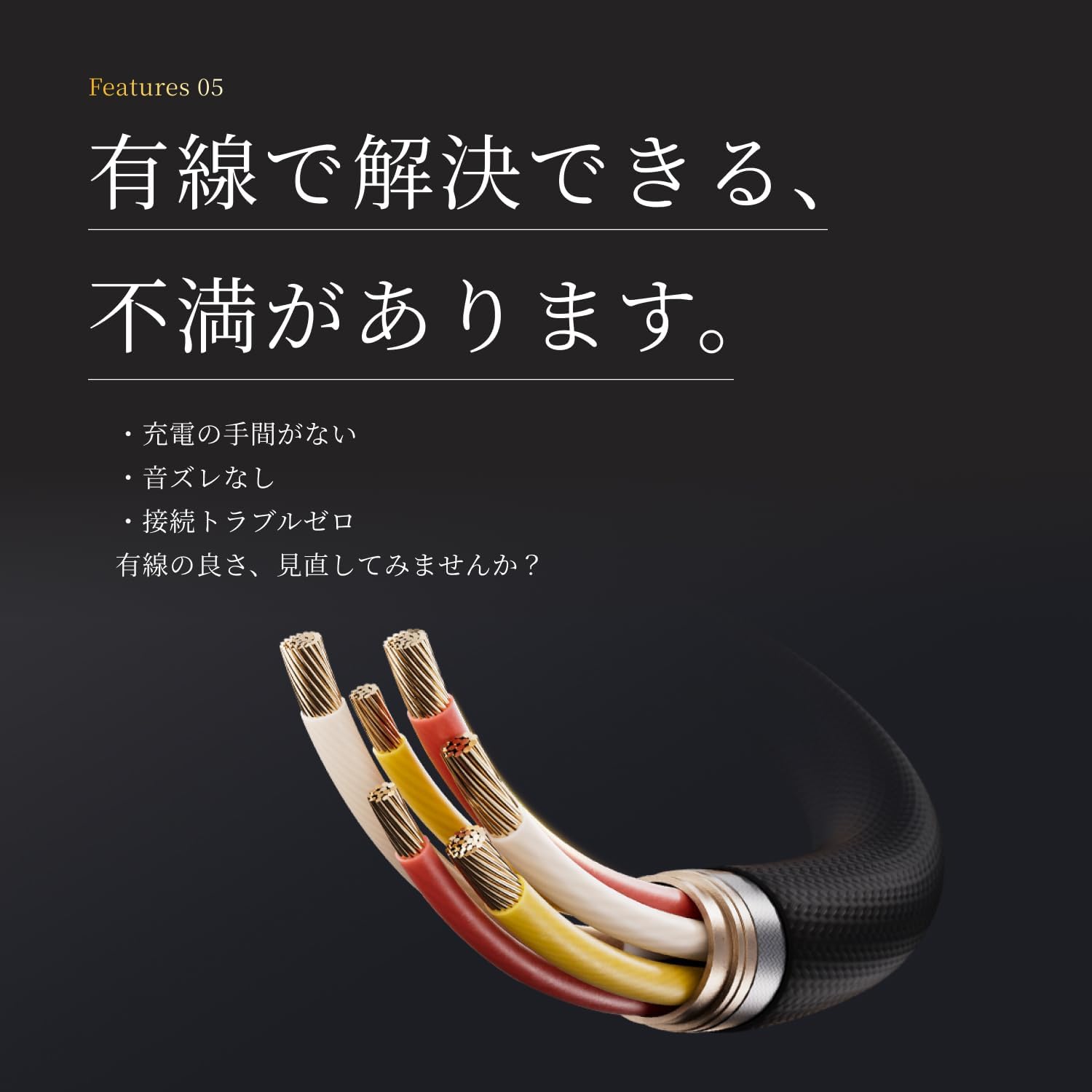
The earphones feature a tension-reinforced fiber and braided cable cover for durability. To prolong the cable's life:
- Unikaj ostrych zgięć i nadmiernego ciągnięcia kabla.
- Store the earphones neatly to prevent tangling.
- Do not expose the cable to extreme temperatures or direct sunlight for extended periods.

Image: A close-up of the earphone cable, highlighting its durable braided construction designed to resist wear and tear.
Rozwiązywanie problemów
If you encounter any issues with your earphones, refer to the following common problems and solutions:
| Problem | Możliwe rozwiązanie |
|---|---|
| Brak dźwięku w słuchawkach. |
|
| Niska jakość dźwięku lub zniekształcenia. |
|
| Mikrofon nie działa lub jest niewyraźny. |
|
| Inline remote not responding. |
|
Specyfikacje
Detailed technical specifications for the 1MORE Piston P20 Type-C Wired Earphones:
| Funkcja | Szczegół |
|---|---|
| Model | P20 |
| Typ połączenia | Typ C (przewodowy) |
| Styl noszenia | Douszne |
| Kierowca | 10mm DLC (Diamond-Like Carbon) Diaphragm Dynamic Driver |
| Odpowiedź częstotliwościowa | 20Hz – 40,000Hz |
| Impedancja | 32Ω |
| Wrażliwość | 100dB |
| Moc znamionowa | 5mW |
| Długość kabla | 1.25m |
| Waga | 19g |
| Mikrofon | AI ENC MEMS Microphone |
| Układ DAC | Zintegrowany |
| Dźwięk wysokiej rozdzielczości | Atestowany |
| Kraj pochodzenia | Chiny |
Gwarancja i wsparcie
Gwarancja producenta
The 1MORE Piston P20 Type-C Wired Earphones come with a 1-letnia gwarancja producenta od daty zakupu. Niniejsza gwarancja obejmuje wady materiałowe i wykonawcze powstałe w wyniku normalnego użytkowania. Nie obejmuje ona uszkodzeń spowodowanych niewłaściwym użytkowaniem, wypadkami, nieautoryzowanymi modyfikacjami ani normalnym zużyciem.
Obsługa klienta
For technical assistance, warranty claims, or general inquiries, please contact 1MORE customer support through their official website or the retailer from whom you purchased the product. Please have your proof of purchase and product model number (P20) ready when contacting support.
For more information, visit the official 1MORE webstrona: www.1more.com