
1. Koniec produktuview
The AJAZZ AJ139 V2 MC is a versatile tri-mode gaming mouse designed for precision and responsiveness. It features a PAW3311 sensor for accurate tracking, a 1000Hz return rate for smooth performance, and a long-lasting 500mAh battery. Its compact and lightweight design makes it suitable for extended use and portability.
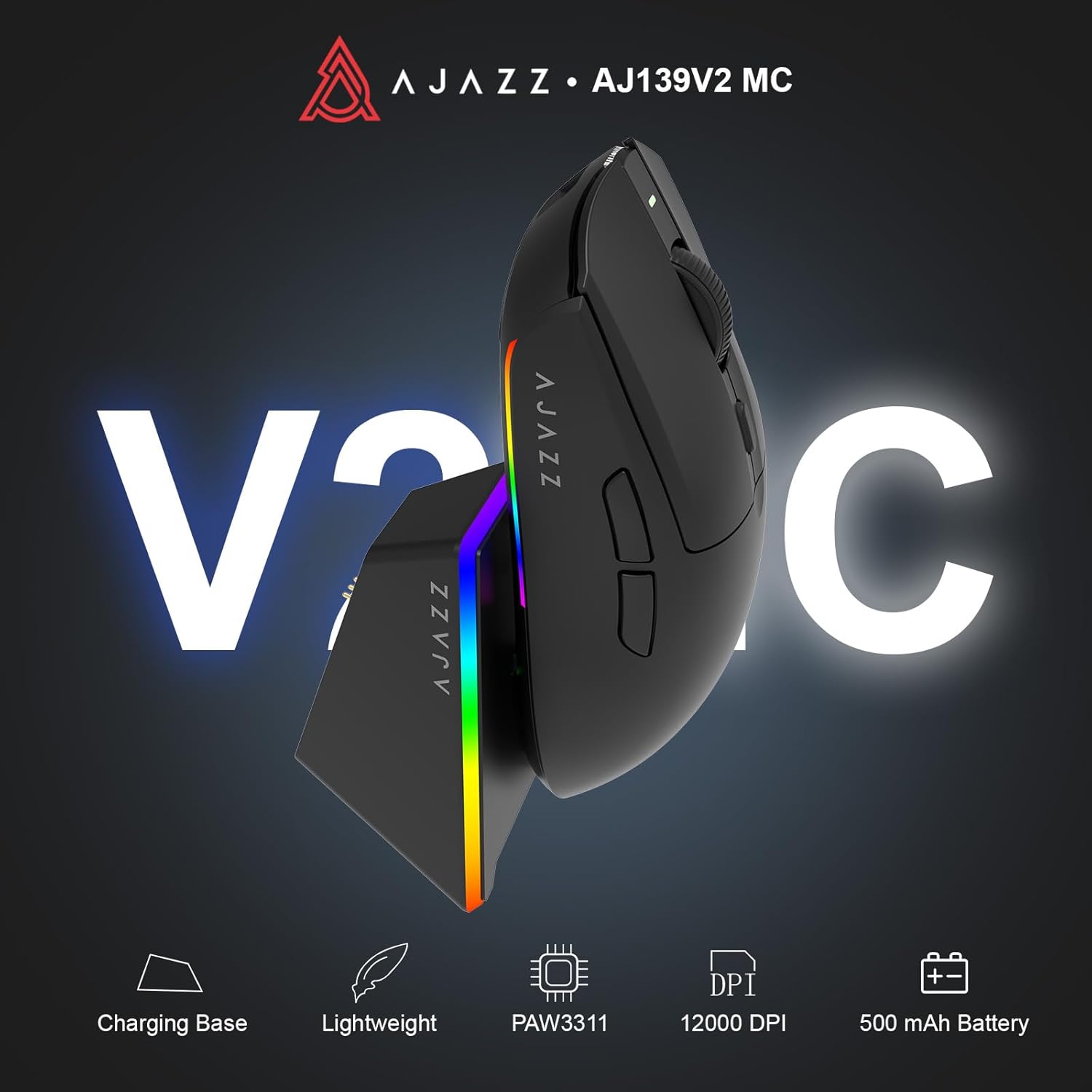
Figure 1.1: AJAZZ AJ139 V2 MC Gaming Mouse and Charging Dock.
Wideo 1.1: Overview of the AJAZZ AJ139 V2 MC Gaming Mouse, highlighting its features and design.
2. Zawartość opakowania
Sprawdź, czy w przesyłce znajdują się wszystkie elementy:
- AJAZZ AJ139 V2 MC Gaming Mouse
- Stacja ładująca
- Kabel ładujący USB-C
- Odbiornik USB 2.4G (klucz sprzętowy)
- Instrukcja obsługi
3. Główne cechy
- PAW3311 Sensor Technology: Equipped with the PAW3311 sensor, this mouse ensures precise tracking and accurate cursor control for optimal performance.
- High 1000Hz Return Rate: Experience smooth and responsive performance with a 1000Hz return rate, enhancing your gaming or work experience.
- Długotrwała bateria 500mAh: The integrated 500mAh battery provides extended power, ensuring uninterrupted use for prolonged periods.
- Łączność trójmodowa: Supports versatile connectivity options including Wired, 2.4G Wireless, and Bluetooth, adapting to various devices and setups.
- Kompaktowa i lekka konstrukcja: Weighing approximately 66 grams, the mouse features a compact design for easy portability and comfortable use during long sessions.
- Konfigurowalne oświetlenie RGB: Features integrated RGB lighting for personalized aesthetics.
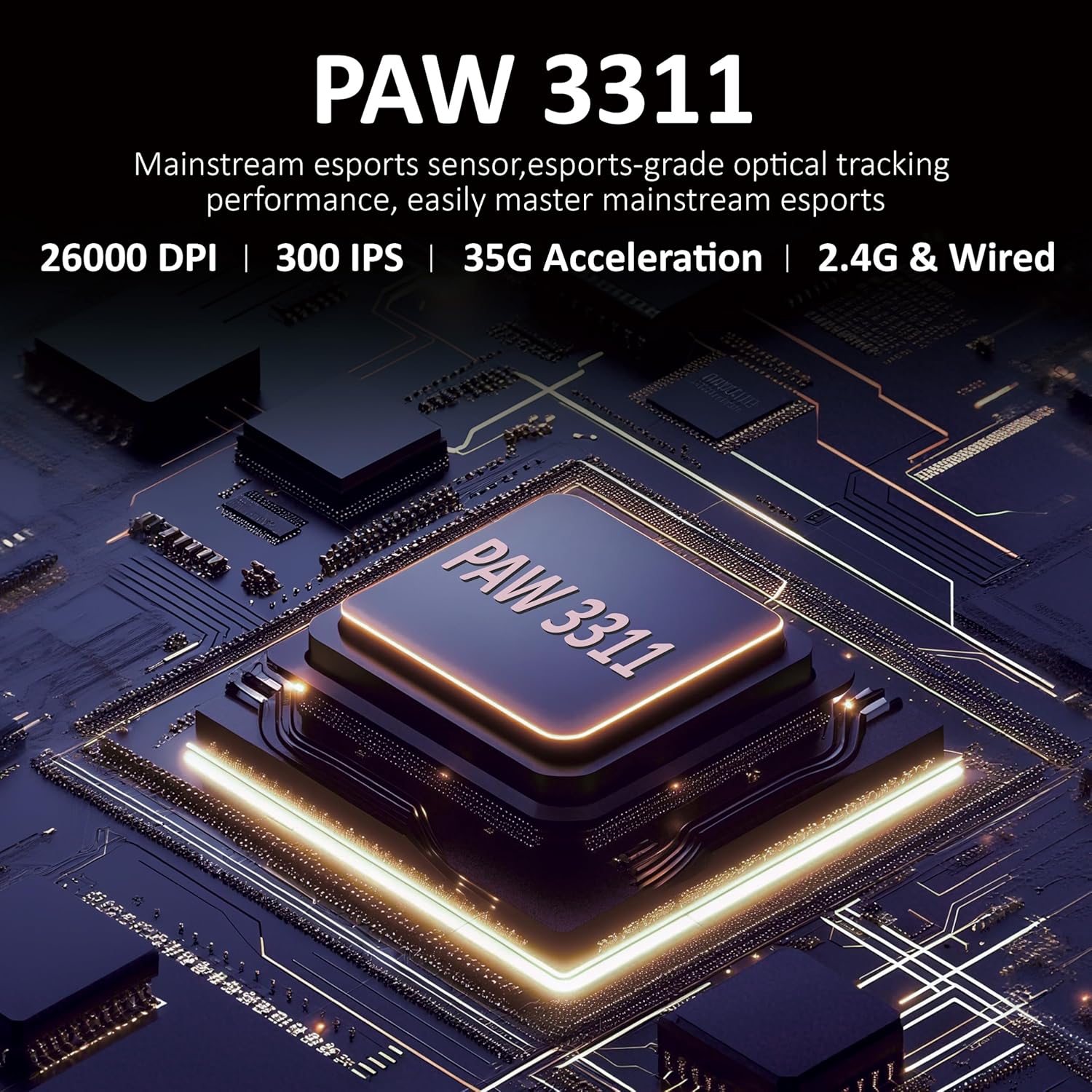
Rysunek 3.1: Szczegółowy view of the PAW3311 sensor technology.
Video 3.1: Demonstration of the mouse's 500mAh battery life.

Figure 3.2: The lightweight design of the AJAZZ AJ139 V2 MC mouse.
4. Przewodnik konfiguracji
4.1. Podłączanie myszy
The AJAZZ AJ139 V2 MC offers three connection modes:
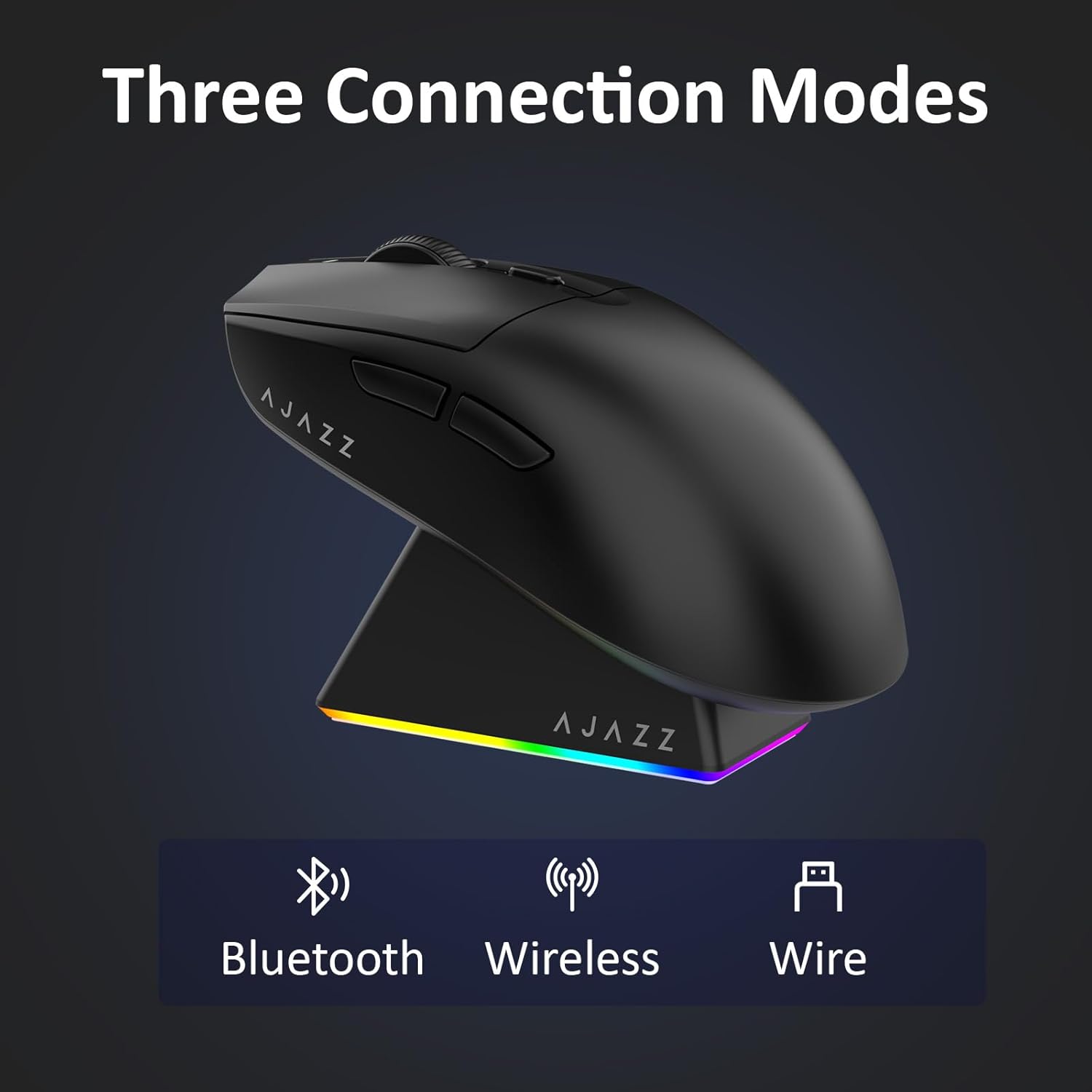
Figure 4.1: Visual representation of the three connection modes.
- Tryb bezprzewodowy 2.4G:
- Znajdź odbiornik USB 2.4G znajdujący się w schowku na spodzie myszy.
- Podłącz odbiornik USB do dostępnego portu USB w komputerze.
- Slide the switch on the bottom of the mouse to the '2.4G' position. The mouse will automatically connect.
- Tryb Bluetooth:
- Przesuń przełącznik znajdujący się na spodzie myszy na pozycję „BT”.
- Na swoim urządzeniu otwórz ustawienia Bluetooth i wyszukaj nowe urządzenia.
- Select 'AJAZZ AJ139 V2 MC' from the list to pair.
- Tryb przewodowy:
- Connect the USB-C charging cable to the mouse and the other end to your computer's USB port.
- Mysz będzie działać jak urządzenie przewodowe i jednocześnie się ładować.
4.2. Ładowanie myszy
The mouse can be charged using the included charging dock or directly via the USB-C cable.
- Korzystanie ze stacji ładującej:
- Connect the USB-C charging cable to the charging dock and then to a power source (e.g., computer USB port, USB wall adapter).
- Place the mouse onto the charging dock, aligning the magnetic contacts. The RGB lighting on the dock and mouse will indicate charging status.
- Bezpośrednie ładowanie przez USB-C:
- Connect the USB-C charging cable directly to the mouse and a power source.
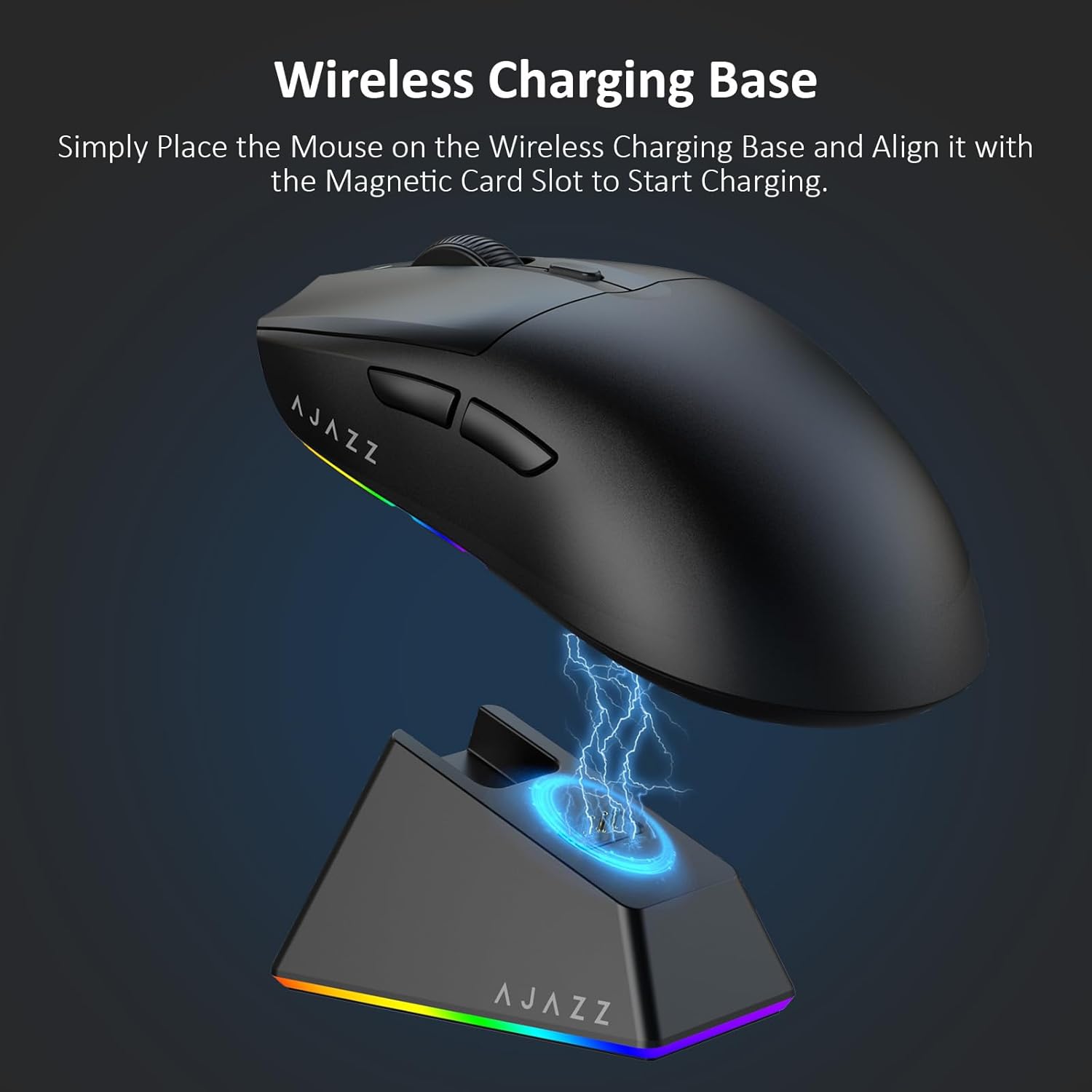
Figure 4.2: The mouse being charged on its wireless charging base.
5. Instrukcja obsługi
5.1. Regulacja DPI
The mouse features a dedicated DPI adjustment button on its underside, allowing you to cycle through different sensitivity levels. Press the button to change the DPI setting to suit your preference.
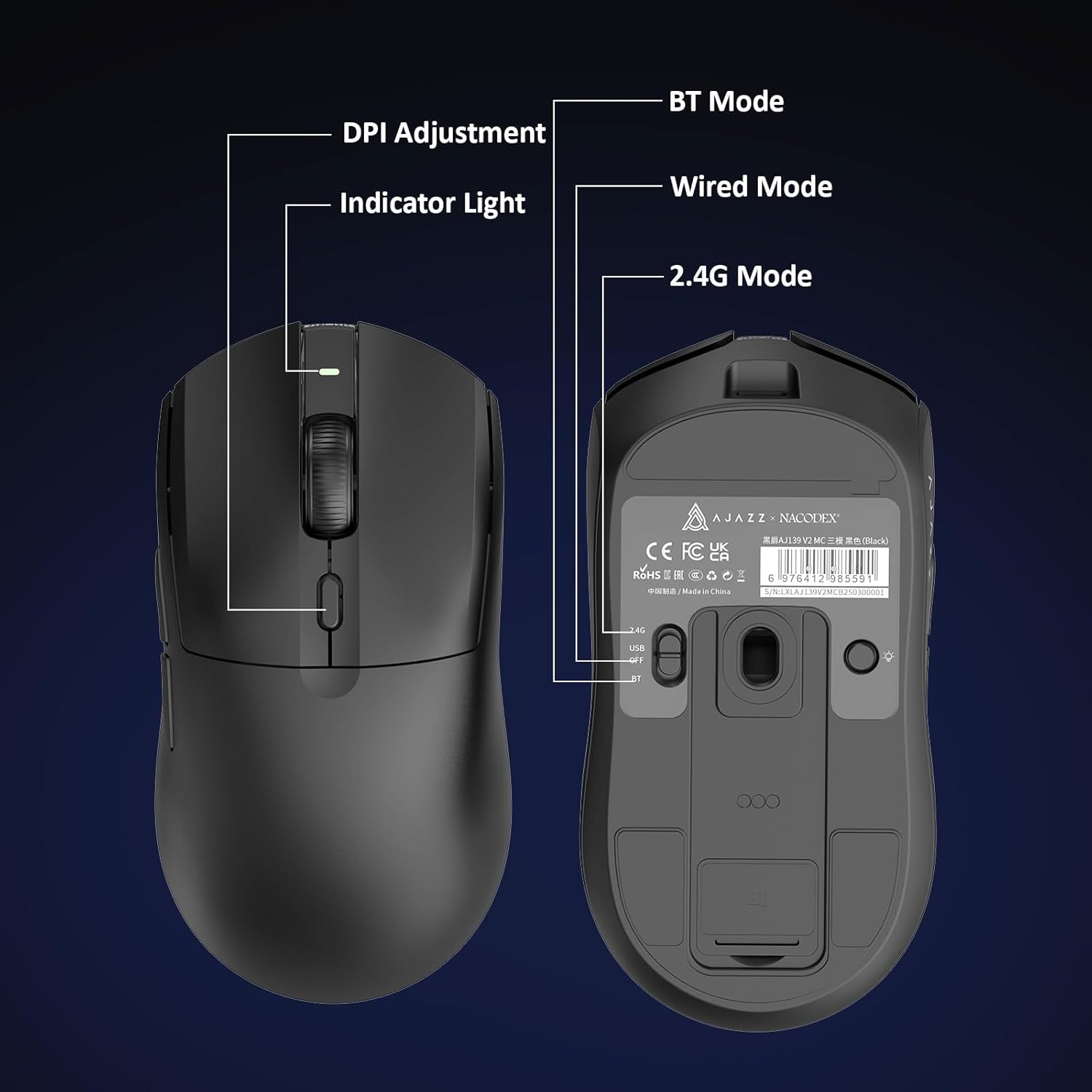
Figure 5.1: Location of the DPI adjustment button and connection mode switch on the mouse underside.
5.2. Funkcje przycisków
The mouse is equipped with 6 programmable buttons:
- Lewy przycisk myszy
- Prawy przycisk myszy
- Kółko przewijania (klikalne)
- DPI Adjustment Button (on underside)
- Two Side Buttons (typically for forward/backward navigation)
For advanced customization of button functions and macros, please refer to the official AJAZZ software (downloadable from the manufacturer's webStrona).
5.3. Sterowanie oświetleniem RGB
The mouse and charging dock feature customizable RGB lighting. Specific controls for lighting modes and colors are typically managed through the official AJAZZ software. A dedicated light button on the underside of the mouse allows for basic cycling or turning off the lighting.
6. Konserwacja
- Czyszczenie: Do czyszczenia powierzchni myszy użyj miękkiej, suchej ściereczki. W przypadku uporczywych zabrudzeń, delikatnie przetrzyj powierzchnię.amp Można użyć ściereczki, aby mieć pewność, że do wnętrza podzespołów nie dostanie się wilgoć.
- Pielęgnacja czujnika: Utrzymuj czujnik optyczny znajdujący się na spodzie myszy w czystości i zapobiegaj jego zakurzeniu lub zanieczyszczeniom, aby zapewnić dokładność śledzenia.
- Żywotność baterii: Aby przedłużyć żywotność baterii, unikaj częstego całkowitego rozładowywania myszy. Ładuj ją, gdy wskaźnik poziomu naładowania baterii jest niski.
7. Rozwiązywanie Problemów
| Problem | Możliwe rozwiązanie |
|---|---|
| Mouse not responding in 2.4G Wireless mode. | Ensure the 2.4G USB receiver is securely plugged into a USB port and the mouse switch is set to '2.4G'. Try a different USB port. |
| Mouse not pairing via Bluetooth. | Ensure the mouse switch is set to 'BT' and your device's Bluetooth is enabled and discoverable. Try unpairing and re-pairing the device. |
| Mysz się nie ładuje. | Verify the USB-C cable is properly connected to both the dock/mouse and the power source. Ensure the mouse is correctly seated on the charging dock's magnetic contacts. |
| Inconsistent tracking or cursor movement. | Wyczyść czujnik optyczny na spodzie myszy. Upewnij się, że używasz myszy na odpowiedniej powierzchni (np. podkładce pod mysz). |
| Oświetlenie RGB nie działa. | Check the mouse's software settings for lighting control. Ensure the mouse has sufficient battery charge. |
8. Specyfikacje techniczne
| Funkcja | Specyfikacja |
|---|---|
| Marka | AJAZZ |
| Nazwa modelu | Aj139 V2 MC |
| Kolor | V2 MC Black |
| Technologia łączności | Bluetooth, USB, bezprzewodowa sieć 2.4G |
| Technologia wykrywania ruchu | Optyczny (czujnik PAW3311) |
| Mouse Maximum Sensitivity | 12000 Dots per Inch (DPI) |
| Stopa zwrotu | 1000 Hz |
| Pojemność baterii | 500mAh |
| Ilość przycisków | 6 |
| Orientacja dłoni | Prawidłowy |
| Kompatybilne urządzenia | Komputer stacjonarny |
| System operacyjny | Okna |
| Zakres | 10 metrów |
| Waga przedmiotu | 4 uncji (ok. 113 gramów) |
| Wymiary przedmiotu Dł. x Szer. | 5"L x 2.5"W (approx. 12.7cm x 6.35cm) |
| Funkcja zdobienia | Oświetlenie RGB |
| Materiał obudowy | Plastikowy |
| Skończyć | Matowy |
9. Gwarancja i wsparcie
This product comes with a standard manufacturer's warranty. For detailed warranty information, please refer to the official AJAZZ webstronie internetowej lub skontaktuj się ze sprzedawcą.
For technical support, troubleshooting assistance, or any product-related inquiries, please visit the AJAZZ official support page or contact their customer service team.
Zasoby internetowe:
AJAZZ Official Store