
1. Wprowadzenie
This manual provides essential information for the setup, operation, maintenance, and troubleshooting of your Cooler Master TD5 Pro Gaming PC. Please read this manual thoroughly before using your new system to ensure proper functionality and longevity.
The Cooler Master TD5 Pro is a high-performance desktop computer designed for demanding gaming and professional computing tasks. It features an Intel Ultra 9 285K processor, an NVIDIA RTX 5090 32GB graphics card, 64GB DDR5 6000MHz RAM, and a 2TB Gen4 M.2 SSD, all housed in a TD 500 Mesh ARGB Case with a 360L liquid cooler and a Platinum 1100W power supply.
2. Zawartość opakowania
Sprawdź, czy w opakowaniu znajdują się wszystkie elementy:
- Cooler Master TD5 Pro Gaming PC
- Kabel zasilający
- Water Cooling System (pre-installed)
- Dokumentacja (skrócony przewodnik, informacje o gwarancji)
- Additional accessories (e.g., Wi-Fi antenna, extra cables, screws)
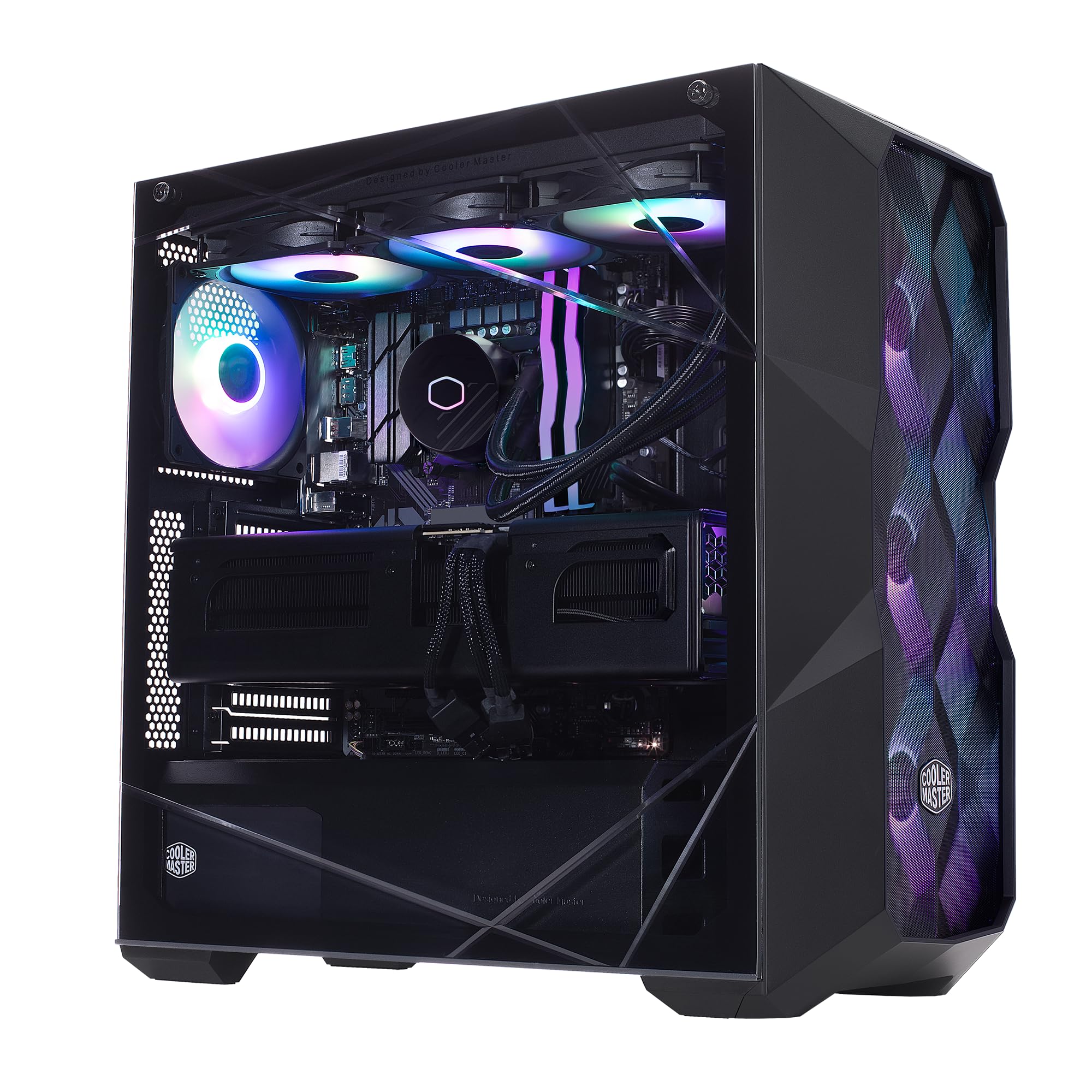
Image: The Cooler Master TD5 Pro Gaming PC, showcasing its internal components and RGB lighting.
3. Konfiguracja
3.1 Rozpakowywanie i umieszczanie
- Ostrożnie wyjmij komputer z opakowania. Zachowaj wszystkie materiały opakowaniowe na wypadek transportu lub serwisowania w przyszłości.
- Place the PC on a stable, flat surface with adequate ventilation. Ensure there is sufficient space around the case for airflow.
- Remove any internal packing materials or foam inserts from inside the PC case. Refer to the quick start guide for instructions on opening the side panel.
3.2 Podłączanie urządzeń peryferyjnych
- Monitor: Connect your monitor(s) to the graphics card (RTX 5090) ports (HDMI or DisplayPort). Avoid connecting to motherboard video outputs if a dedicated graphics card is present.
- Klawiatura i mysz: Podłącz klawiaturę i mysz do dostępnych portów USB.
- Sieć: Connect an Ethernet cable to the LAN port for a wired internet connection, or attach the Wi-Fi antenna(s) for wireless connectivity.
- Moc: Connect the power cable to the power supply unit (PSU) at the rear of the PC, then plug it into a grounded electrical outlet.
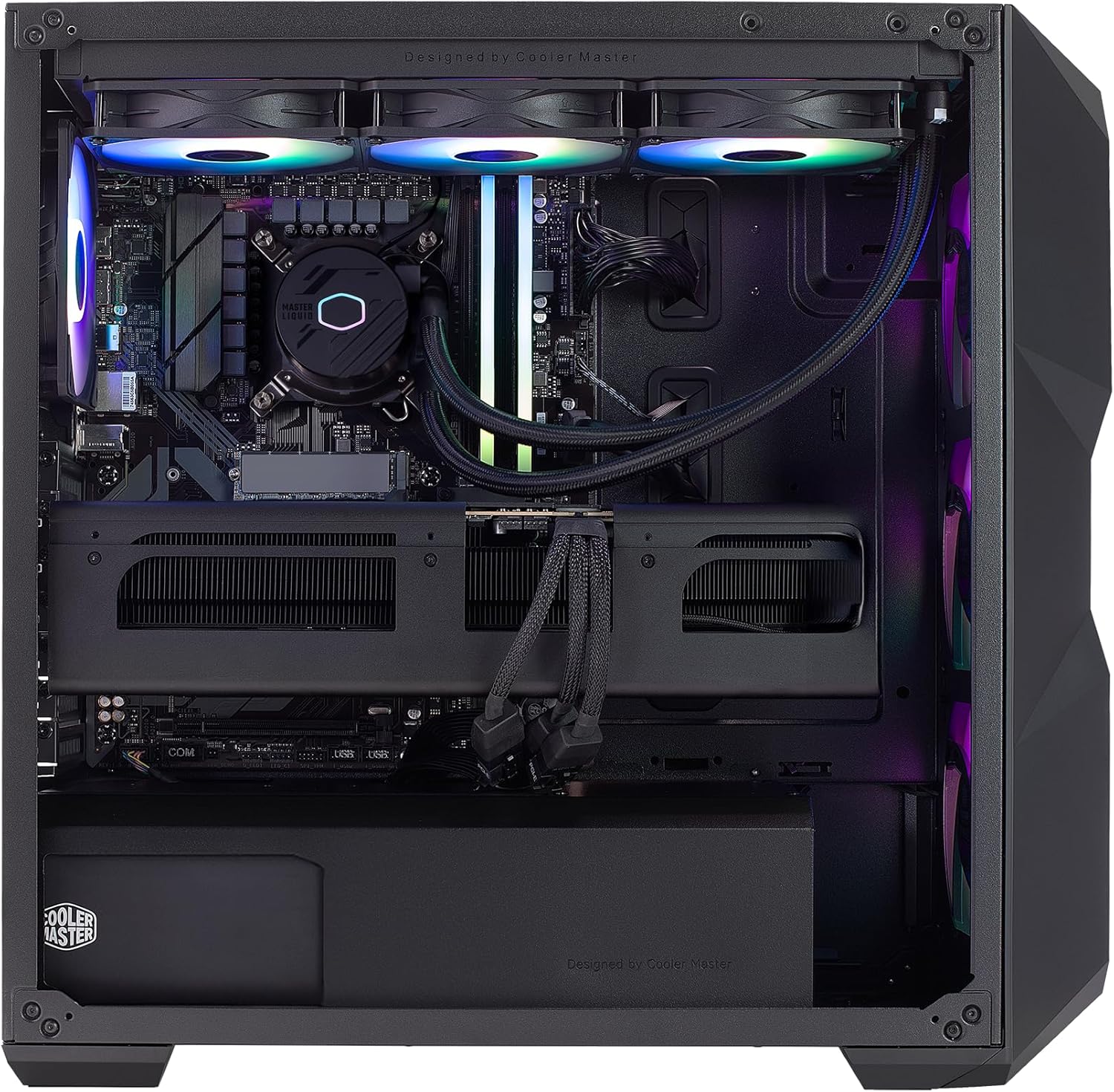
Obraz: Wewnętrzny view of the PC, highlighting the liquid cooler, RAM, and graphics card.
4. Instrukcja obsługi
4.1 Pierwsze uruchomienie i konfiguracja systemu Windows
- Press the power button located on the top of the PC case.
- Follow the on-screen instructions to complete the Windows 11 Home setup. This typically involves selecting your region, language, creating a user account, and connecting to a network.
- Once Windows is set up, ensure all drivers are installed and updated. You can check for updates via Windows Update or by visiting the Cooler Master and component manufacturer webwitryny.
4.2 Kluczowe funkcje i wydajność
- Edytor: Intel Ultra 9 285K 3.7GHz (5.7 GHz Turbo) 24-Core (8 P-cores + 16 E-cores) for exceptional multitasking and gaming performance.
- Grafika: NVIDIA RTX 5090 32GB for stunning visuals, high frame rates, and AI acceleration in games and creative applications.
- Pamięć: 64GB (2x32GB) DDR5 6000MHz RGB RAM with heatsink for blazing speed and vibrant lighting.
- Składowanie: 2TB Gen4 M.2 SSD for high-speed data access and rapid application loading.
- Chłodzenie: 360L Liquid Cooler with a Gen S Dual Chamber Pump for superior thermal management.
- Zasilanie: V Platinum 1100 V2 80+ Platinum Efficiency Power Supply for stable and efficient power delivery.

Image: The NVIDIA RTX 5090 graphics card, a core component for high-performance visuals.
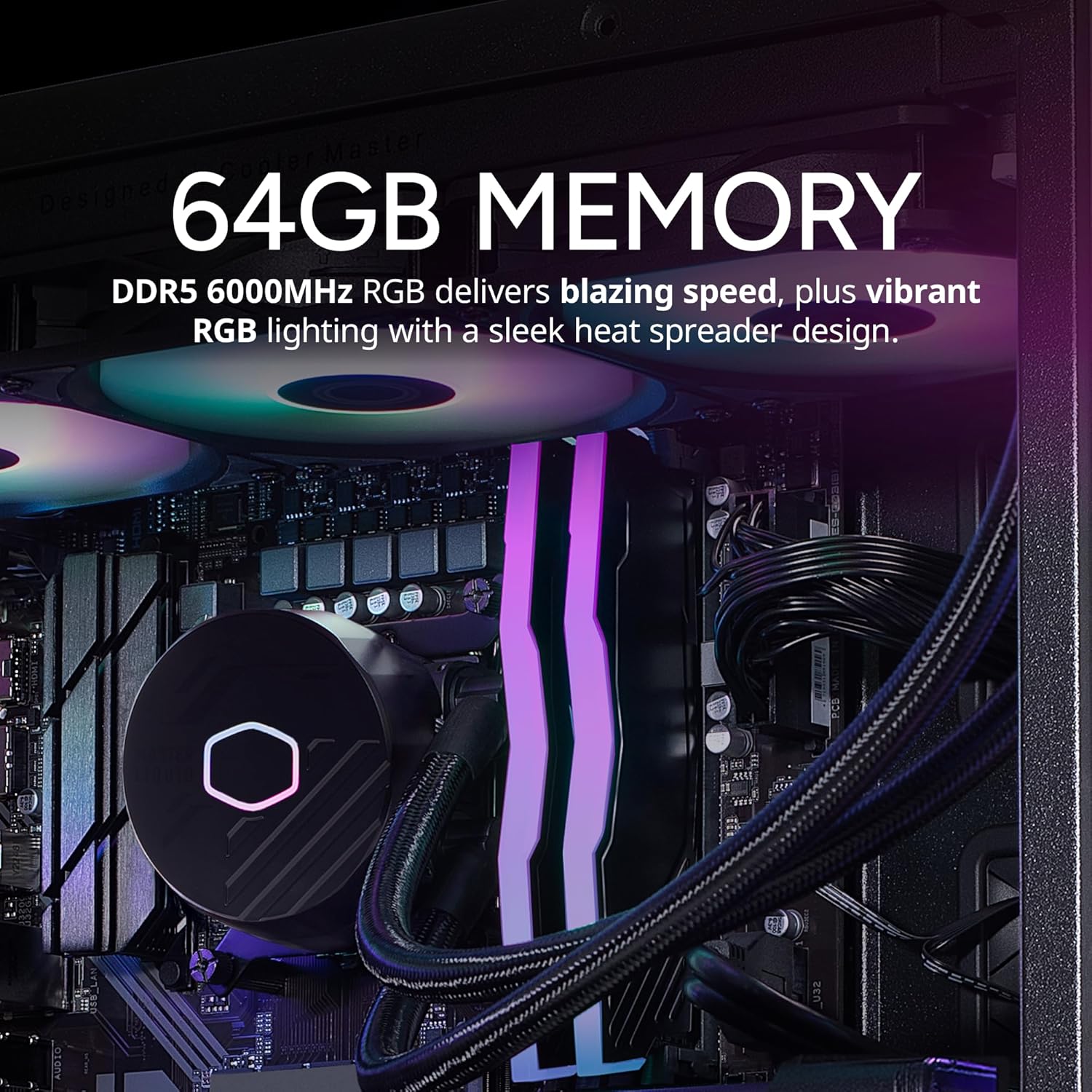
Image: The 64GB DDR5 6000MHz RGB RAM modules with heatsinks.
5. Konserwacja
5.1 Czyszczenie
- Zewnętrzny: Użyj miękkiego, damp cloth to clean the exterior of the case. Avoid abrasive cleaners.
- Filtry przeciwpyłowe: Regularly clean the dust filters (if present) on the case to maintain optimal airflow.
- Komponenty wewnętrzne: Periodically use compressed air to remove dust from internal components, especially fans and heatsinks. Ensure the PC is powered off and unplugged before cleaning.
5.2 Aktualizacje oprogramowania
- Regularnie sprawdzaj dostępność aktualizacji systemu Windows i instaluj je, aby zapewnić stabilność i bezpieczeństwo systemu.
- Update graphics drivers (NVIDIA GeForce Experience) and motherboard drivers (Gigabyte website) for optimal performance and compatibility.

Image: The 360L liquid cooler, essential for maintaining CPU temperatures.
6. Rozwiązywanie Problemów
6.1 Brak zasilania
- Upewnij się, że kabel zasilający jest solidnie podłączony zarówno do komputera, jak i do gniazdka ściennego.
- Check the power switch on the PSU at the rear of the PC; it should be in the 'ON' position.
- Test the outlet with another device to confirm it is functional.
6.2 Brak wyświetlacza
- Verify that the monitor is powered on and the video cable is securely connected to the graphics card (RTX 5090) and the monitor.
- Ensure the monitor input source is correctly selected.
- If using multiple monitors, try connecting only one to isolate the issue.
6.3 Niestabilność lub awarie systemu
- Ensure all drivers (graphics, chipset, etc.) are up to date.
- Monitor system temperatures using software utilities to check for overheating.
- Uruchom narzędzie diagnostyczne pamięci, aby sprawdzić, czy występują problemy z pamięcią RAM.
7. Specyfikacje
| Część | Specyfikacja |
|---|---|
| Marka | Mistrz chłodnicy |
| Szereg | TD5 Pro |
| Numer modelu | AYG-M6C9-N69GIA32-N1 |
| System operacyjny | Windows 11 Home |
| Edytor | Intel Ultra 9 285K (3.7 GHz, 5.7 GHz Turbo, 24-Core) |
| Koprocesor graficzny | NVIDIA RTX 5090 32GB |
| BARAN | 64 GB DDR5 6000 MHz |
| Składowanie | Dysk SSD M.2 Gen4 o pojemności 2 TB |
| Zasilacz | V Platinum 1100 V2 80+ Platinum Efficiency |
| Chłodzenie | 360L Liquid Cooler |
| Łączność bezprzewodowa | Wi-Fi 802.11a/b/g/n/ac, Bluetooth |
| Porty USB | 7x USB 3.0, 1x Type-C, 2x USB 3.2 Gen 2 Type-C |
| Wyjścia wideo | 1x HDMI, 2x DisplayPort |
| Wymiary (dł. x szer. x wys.) | 19.7 x 8.3 x 19.7 cala |
| Waga | 38 funta |

Image: The V Platinum 1100 V2 80+ Platinum Efficiency Power Supply.
8. Gwarancja i wsparcie
Your Cooler Master TD5 Pro Gaming PC comes with a Roczna gwarancja na części i robociznę I Dożywotnie wsparcie techniczneNiniejsza gwarancja obejmuje wady materiałowe i wykonawcze powstałe w wyniku normalnego użytkowania.
For technical assistance, troubleshooting, or warranty claims, please contact Cooler Master customer support. Refer to the documentation included with your PC for specific contact details or visit the official Cooler Master webstrona.
Zmontowane w USA