
Wstęp
Welcome to the user manual for your Tophorse AI Voice Recorder NOTE-1. This document provides essential information for setting up, operating, maintaining, and troubleshooting your device. The NOTE-1 is designed to capture audio with high fidelity and leverage advanced AI technology for transcription, summarization, and translation across multiple languages, enhancing productivity for various applications.

Image: The Tophorse AI Voice Recorder NOTE-1 shown with its magnetic protective case.
Zawartość opakowania
Sprawdź, czy w przesyłce znajdują się wszystkie poniższe elementy:
- 1 x Tophorse AI Voice Recorder NOTE-1
- 1 x Magnetic Case
- 1 x Pierścień magnetyczny
- 1 x kabel ładujący
- 1 x Instrukcja obsługi (ten dokument)

Image: A visual representation of the items included in the Tophorse AI Voice Recorder package: the recorder, magnetic case, magnetic ring, charging cable, and user manual.
Produkt ponadview
The Tophorse AI Voice Recorder NOTE-1 is a compact and powerful audio recording device. It features a sleek design, integrated microphone, and Bluetooth connectivity for seamless interaction with its companion application.
- Wymiary: Około 0.16 x 2.17 x 3.39 cala
- Waga: Approximately 1.6 ounces (0.1 pounds)
- Pamięć: 64 GB pamięci wewnętrznej
- Łączność: Bluetooth
- Mikrofon: Wbudowany
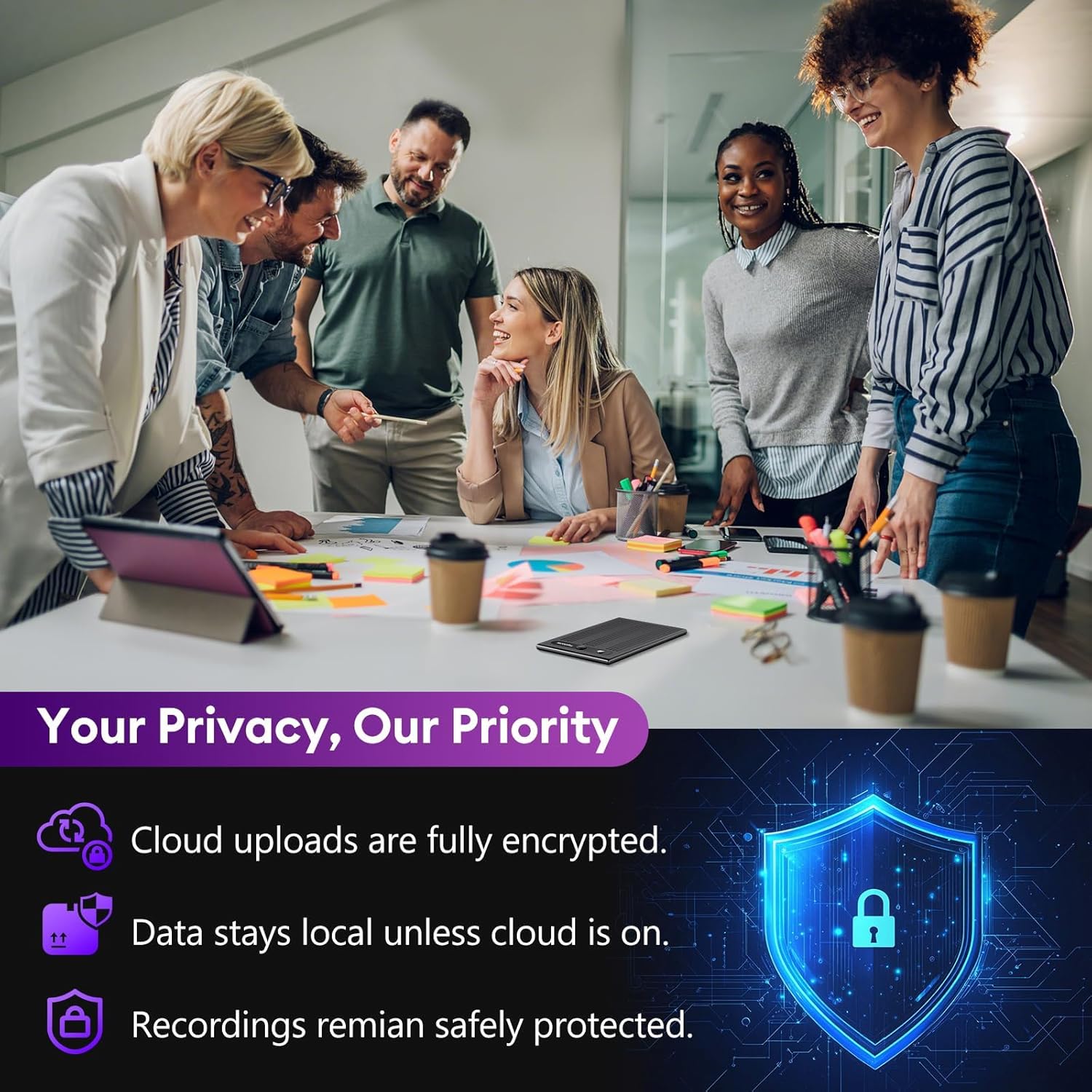
Image: The Tophorse AI Voice Recorder NOTE-1 displaying its compact dimensions of 2.2 inches by 3.4 inches.
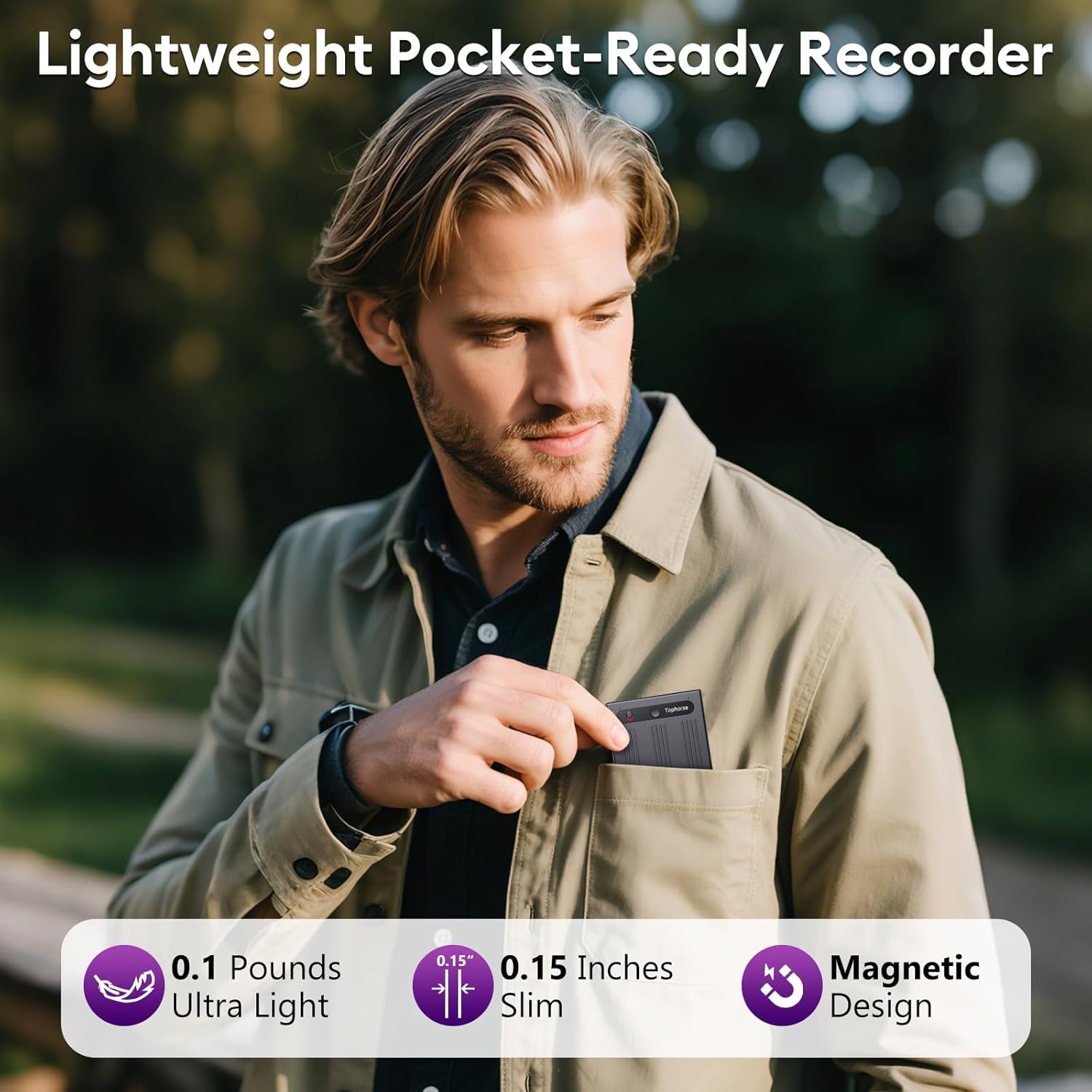
Image: A man demonstrating the portability of the Tophorse AI Voice Recorder NOTE-1 by placing it into a shirt pocket, highlighting its slim and lightweight design.
Organizować coś
1. Ładowanie urządzenia
Before initial use, fully charge your Tophorse AI Voice Recorder. Connect the dedicated charging cable to the device and a compatible USB power source. The device will indicate charging status, and a full charge typically provides up to 18 hours of battery life.

Image: The Tophorse AI Voice Recorder NOTE-1 connected to its dedicated charging cable, illustrating the charging process.
2. App Installation (Voxwave)
The full functionality of the Tophorse AI Voice Recorder is accessed through the Voxwave mobile application. Download and install the app on your smartphone:
- For iOS devices, search for "Voxwave" in the Sklep z aplikacjami.
- For Android devices, search for "Voxwave" in the Sklep Google Play.

Image: A smartphone screen displaying the Voxwave app icon and options to download from the App Store or Google Play.
3. Parowanie urządzeń
After installing the Voxwave app, follow these steps to pair your recorder:
- Upewnij się, że Bluetooth jest włączony w Twoim smartfonie.
- Open the Voxwave app.
- Follow the in-app instructions to add a new device. The app will guide you through connecting to your NOTE-1 recorder.
Image: A smartphone screen within the Voxwave app, showing the 'Add Device' interface and a 'Connect now' button to pair the recorder.
Instrukcja obsługi
1. Podstawowe nagrywanie
To start recording, simply slide the physical switch on the side of the Tophorse AI Voice Recorder upwards. The device will indicate that recording has begun. To stop recording, slide the switch downwards.
Image: A close-up of the Tophorse AI Voice Recorder NOTE-1, with an arrow indicating to slide the switch upwards to initiate recording.
2. Tryby nagrywania
The device supports multiple recording modes to optimize audio capture for different environments:
- Close-Range Recording: Ideal for capturing audio from 0.5 to 2 meters, suitable for personal notes or small discussions.
- Far-Range Recording: Designed for distances of 5 to 8 meters, perfect for lectures, meetings, or larger rooms.
- Nagrywanie rozmów: Enables recording of phone conversations when connected to your smartphone via the app.

Image: A visual guide within the Voxwave app interface, illustrating the three distinct recording modes: Close-Range (0.5-2m), Far-Range (5-8m), and Call Recording.

Image: Three distinct scenarios demonstrating the recorder's capabilities: a close-range recording during an interview, a far-range recording in a meeting room, and a call recording during a phone conversation.
3. Using the Voxwave App for AI Features
The Voxwave app unlocks the full potential of your AI Voice Recorder, offering advanced processing of your recordings.
Transkrypcja
The app provides real-time speech-to-text transcription with over 99% accuracy, supporting 152 languages. Recorded audio is converted into editable text documents.
Podsumowanie
Utilize the app's AI to generate concise summaries of your recordings, saving time and highlighting key information. Over 30 professional summary templates are available.
Mind Mapping
Create visual mind maps from your transcribed content, helping to organize thoughts and concepts effectively.
Tłumaczenie
Translate transcribed text into various languages directly within the app, facilitating communication across language barriers.

Image: A smartphone screen displaying the Voxwave app interface, highlighting the AI-powered features including recording, summarization, mind mapping, transcription, and translation.

Image: A sequence of smartphone screenshots demonstrating the app's capabilities to summarize, create mind maps, transcribe, and translate recorded conversations into documents.
4. Prywatność danych
Your privacy is a priority. Recordings are first encrypted by the device's hardware and then encrypted again before being uploaded to the cloud. Data remains local on the device unless cloud upload is explicitly enabled. This dual-layer encryption ensures your recordings are securely protected.

Image: An infographic titled 'Your Privacy, Our Priority', detailing that cloud uploads are fully encrypted, data stays local unless cloud is on, and recordings remain safely protected.
Konserwacja
Czyszczenie
To maintain the device's performance and appearance, gently wipe the exterior with a soft, dry, lint-free cloth. Avoid using abrasive cleaners, solvents, or aerosol sprays, as these can damage the device. Ensure no moisture enters the microphone or charging port.
Składowanie
When not in use, store the recorder in a cool, dry place, away from direct sunlight and extreme temperatures. Use the provided magnetic protective case to prevent scratches and minor impacts. Avoid storing near strong magnetic fields to prevent potential interference.
Rozwiązywanie problemów
If you encounter issues with your Tophorse AI Voice Recorder, please refer to the following common problems and solutions:
- Device not connecting to the Voxwave app:
Ensure Bluetooth is active on your smartphone and the recorder is powered on. Try restarting both the recorder and the app. Verify that the app is updated to the latest version. - Słaba jakość nagrania:
Check that the microphone is not obstructed. Ensure the recording environment is not excessively noisy. Adjust the distance to the sound source according to the recommended range for Close-Range or Far-Range recording modes. - Transcription inaccuracies:
Ensure the audio is clear and free from background noise. Verify that the correct language is selected in the Voxwave app for transcription. Speak clearly and at a moderate pace during recording. - Bateria nie ładuje się:
Confirm that the dedicated charging cable is securely connected to both the recorder and a functional USB power source. Try using a different USB port or power adapter. - App issues or crashes:
Ensure your smartphone's operating system is up to date. Clear the app's cache or reinstall the Voxwave app if problems persist.
Specyfikacje
| Funkcja | Szczegół |
|---|---|
| Wymiary produktu | 0.16 x 2.17 x 3.39 cala |
| Waga przedmiotu | 1.6 uncji (0.1 funta) |
| Pojemność pamięci masowej | 64 GB |
| Żywotność baterii | 18 godzin |
| Marka | Tophorse |
| Numer modelu przedmiotu | UWAGA-1 |
| Kompatybilne urządzenia | Smartfon |
| Interfejs sprzętowy | Bluetooth |
| Współczynnik kształtu mikrofonu | Wbudowany |
| Format | Cyfrowy |
| Gniazdo słuchawkowe | NIE |
Gwarancja i wsparcie
This Tophorse AI Voice Recorder NOTE-1 comes with a standard manufacturer's warranty. For specific details regarding warranty coverage, duration, and terms, please refer to the documentation included with your product or visit the official Tophorse webstrona.
For technical support, troubleshooting assistance beyond this manual, or inquiries about your product, please contact Tophorse customer service. You can find contact information on the official Tophorse Official Store on Amazon or through the Voxwave application.


