
Wstęp
This manual provides essential information for setting up, operating, maintaining, and troubleshooting your Lenovo Legion 5 15AHP10 gaming laptop. Please read this guide thoroughly to ensure optimal performance and longevity of your device.
1. Rozpoczęcie pracy (konfiguracja)
1.1 Rozpakowanie i wstępna inspekcja
Carefully remove all components from the packaging. Verify that all items listed in the 'What's in the Box' section are present and undamaged. If any items are missing or damaged, contact your retailer.
1.2 Podłączanie zasilania
- Podłącz zasilacz do portu zasilania laptopa.
- Podłącz kabel zasilający do uziemionego gniazdka elektrycznego.
- The laptop will begin charging. It is recommended to fully charge the battery before first use.
1.3 Początkowa konfiguracja systemu Windows 11 Pro
Upon first power-on, you will be guided through the Windows 11 Pro setup process. Follow the on-screen instructions to configure your language, region, network connection, and user account. An active internet connection is required for initial setup and updates.
1.4 Bundled PCO Laptop Cooler Setup
The PCO Notebook Folding Radiator Laptop Cooler is designed to enhance cooling performance. Place your laptop securely on the cooler. Connect the cooler's USB cable to an available USB port on your laptop to power its fans.
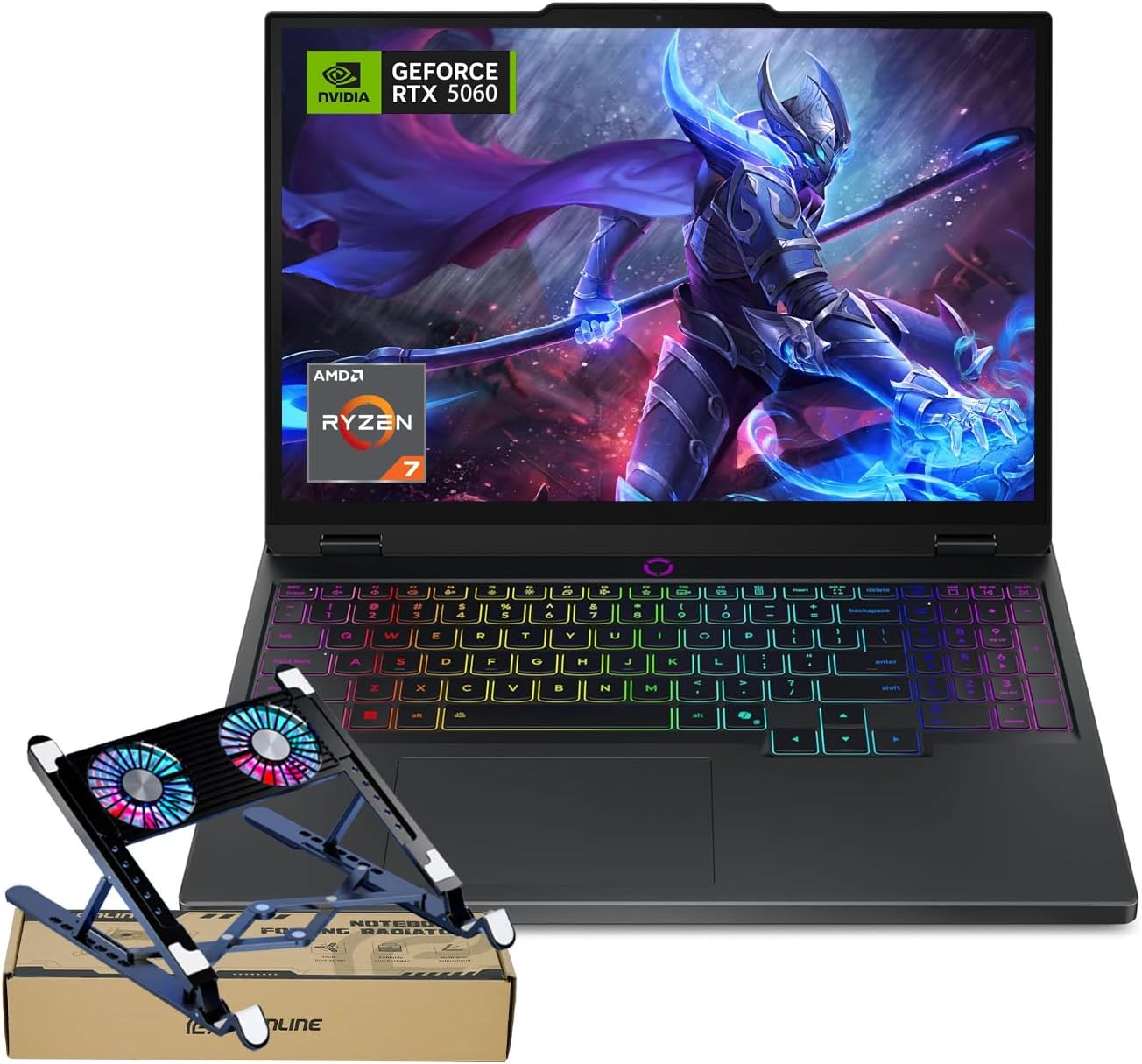
Image: The Lenovo Legion 5 15AHP10 laptop shown with the included PCO laptop cooler, ready for setup.
2. Korzystanie z laptopa
2.1 Zarządzanie energią
- Włączanie: Naciśnij przycisk zasilania znajdujący się na laptopie.
- Tryb uśpienia: Zamknij pokrywę lub wybierz opcję „Uśpij” z menu Start systemu Windows.
- Zamknięcie: Wybierz opcję „Zamknij” w menu Start systemu Windows.
2.2 Klawiatura i touchpad
The laptop features an RGB backlit keyboard with a numeric keypad. You can adjust the backlight settings through the system's control panel or dedicated function keys. The precision touchpad supports multi-touch gestures for navigation.
2.3 Funkcje wyświetlacza
Your laptop is equipped with a 15.1-inch OLED WQXGA (2560 x 1600) display, offering a 165Hz refresh rate, 500 nits peak brightness, and 100% DCI-P3 color accuracy for vibrant visuals and smooth motion.
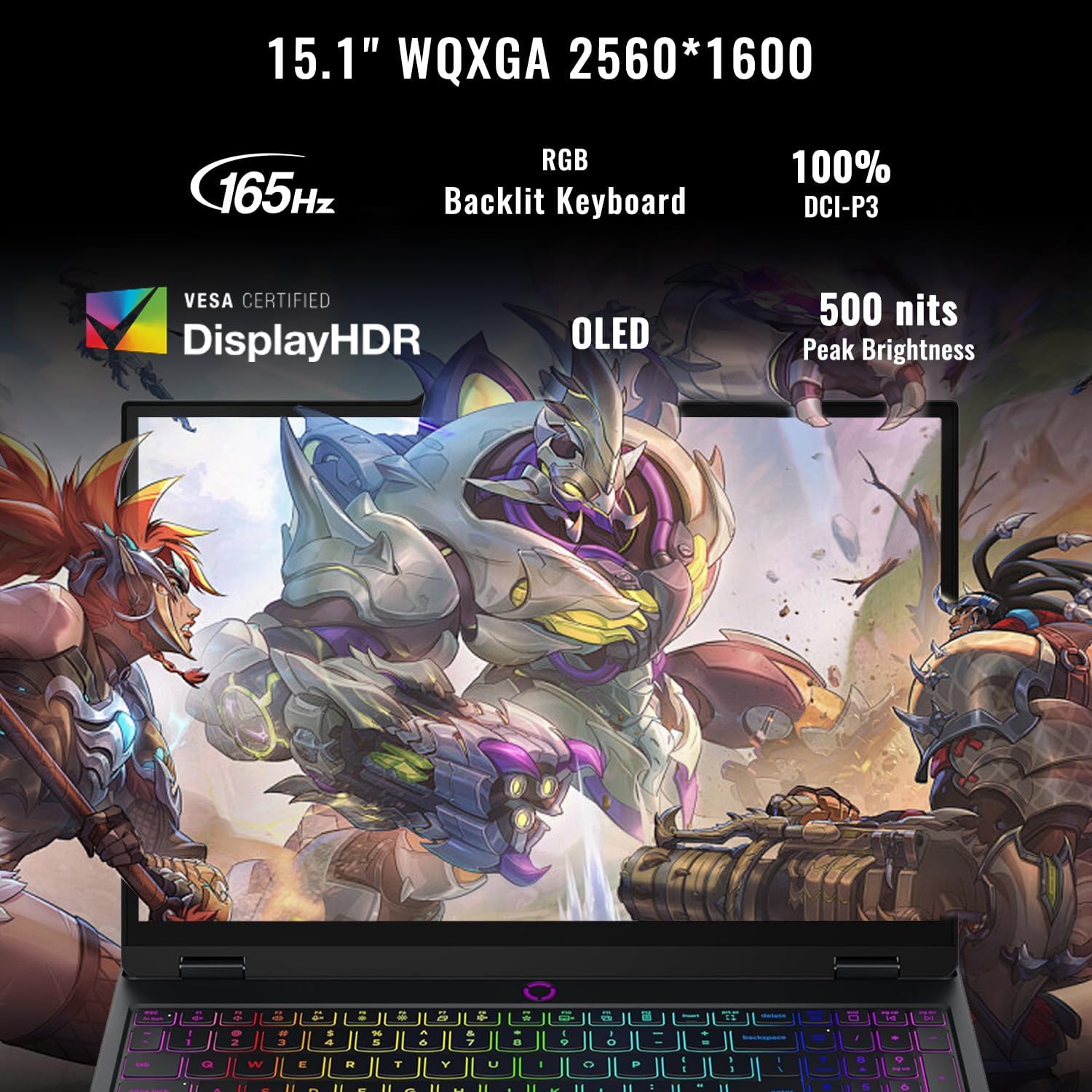
Obraz: szczegółowy view of the laptop's OLED WQXGA display, emphasizing its high refresh rate, color accuracy, and brightness.
2.4 Connecting Peripherals (Ports Overview)
The Legion 5 15AHP10 offers a variety of ports for connectivity:
- Porty USB-C: Two USB-C ports are available. One supports USB4 40Gbps with DisplayPort 1.4, and the other supports USB 10Gbps with Power Delivery 3.0 and DisplayPort 2.1.
- Porty USB-A: Three USB-A (USB 5Gbps) ports are provided for standard USB devices.
- HDMI 2.1: Connect to external displays, supporting up to 8K@60Hz.
- Ethernet (RJ45): Do przewodowych połączeń sieciowych.
- Gniazdo słuchawkowe/mikrofonowe: Do wejścia i wyjścia audio.
- Moc w: Dedicated port for the power adapter.
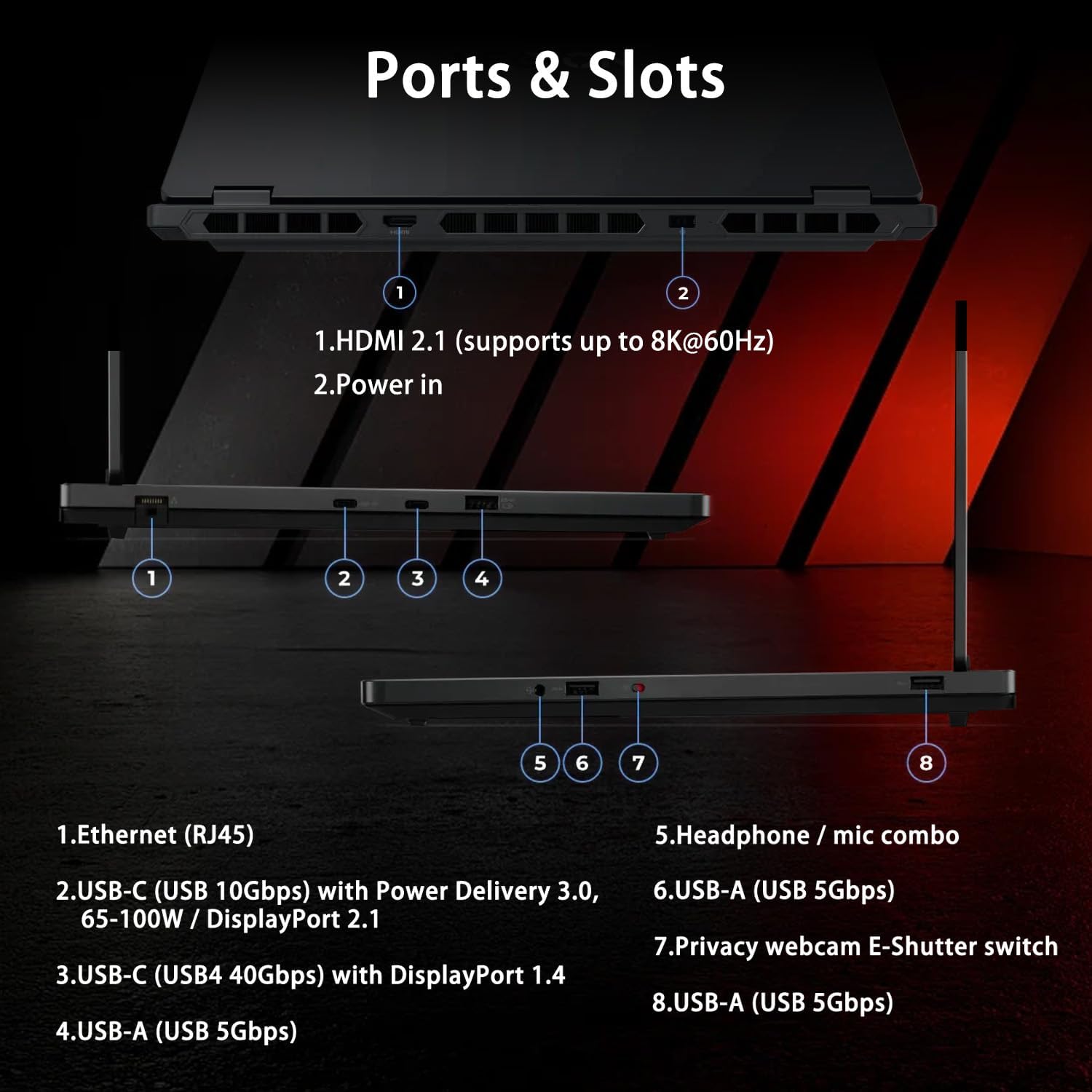
Image: A visual guide to the laptop's ports and slots, including HDMI, USB-C, USB-A, Ethernet, and audio jack.
2.5 Łączność bezprzewodowa
The laptop supports Wi-Fi 7 for high-speed wireless internet access and Bluetooth for connecting wireless peripherals such as headphones or mice.
2.6 WebUżycie kamery
The integrated 5MP webcam includes an E-shutter for privacy. You can physically slide the E-shutter to block the camera lens when not in use.
2.7 Wydajność w grach
Equipped with an AMD Ryzen 7 260 processor and NVIDIA GeForce RTX 5060 graphics, this laptop is designed for demanding gaming and creative tasks. Ensure drivers are updated for optimal performance.
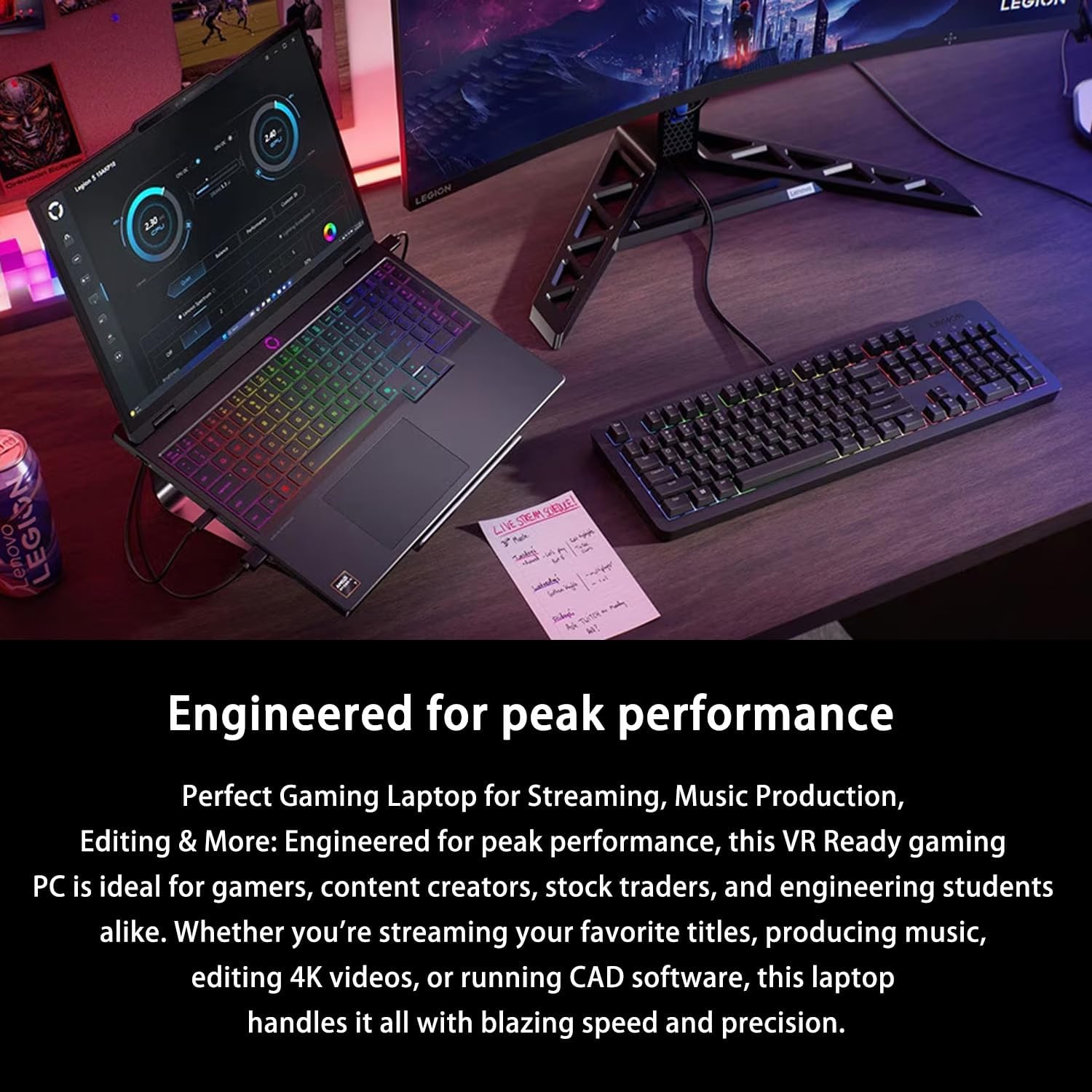
Image: The Lenovo Legion 5 15AHP10 laptop displayed in a high-performance computing environment, indicating its suitability for intensive applications.
3. Konserwacja i pielęgnacja
3.1 Czyszczenie laptopa
- Użyj miękkiej, niestrzępiącej się ściereczki, lekko wyczyśćampPrzetrzeć wodą lub środkiem do czyszczenia ekranów.
- Do czyszczenia klawiatury i obudowy należy używać miękkiej ściereczki. Unikać silnych środków chemicznych.
- Usuń kurz z otworów wentylacyjnych i szczelin wokół klawiatury za pomocą sprężonego powietrza.
3.2 Optymalizacja baterii
To prolong battery life, avoid extreme temperatures and allow the battery to discharge partially before recharging. For extended periods of storage, charge the battery to approximately 50-60%.
3.3 Aktualizacje oprogramowania
Regularly update your Windows operating system, graphics drivers (NVIDIA), and other system drivers to ensure stability, security, and optimal performance. These updates often include performance enhancements and bug fixes.
3.4 Cooling System Care
The Legion Coldfront: Hyper cooling system utilizes turbo-charged fans and copper heat pipes. Ensure the laptop's vents are unobstructed. The bundled PCO laptop cooler further aids in heat dissipation, especially during intensive use.

Image: An internal diagram showcasing the advanced cooling components of the Legion Coldfront Hyper system, including fans and heat pipes.
4. Rozwiązywanie Problemów
W tej sekcji omówiono typowe problemy, które możesz napotkać. W przypadku bardziej złożonych problemów zapoznaj się z oficjalnymi zasobami pomocy technicznej Lenovo.
4.1 Problemy z zasilaniem
- Laptop się nie włącza: Upewnij się, że zasilacz jest prawidłowo podłączony, a gniazdko działa. Sprawdź poziom naładowania akumulatora.
- Bateria nie ładuje się: Sprawdź, czy zasilacz i kabel nie są uszkodzone. Spróbuj użyć innego gniazdka.
4.2 Problemy z wyświetlaniem
- Brak wyświetlacza: Podłącz zewnętrzny monitor, aby sprawdzić, czy problem dotyczy wewnętrznego wyświetlacza laptopa. Uruchom ponownie laptopa.
- Migotanie ekranu: Update graphics drivers. Adjust display refresh rate settings.
4.3 Problemy z łącznością
- Brak połączenia Wi-Fi: Upewnij się, że Wi-Fi jest włączone. Uruchom ponownie router i laptopa. Sprawdź ustawienia sieciowe w systemie Windows.
- Urządzenie Bluetooth nie łączy się: Upewnij się, że Bluetooth jest włączony na obu urządzeniach. Sprawdź zgodność urządzeń i sterowniki.
4.4 Ogólne problemy z wydajnością
- Niska wydajność: Zamknij niepotrzebne aplikacje. Sprawdź procesy działające w tle. Zapewnij wystarczającą ilość wolnego miejsca na dysku.
- Przegrzanie: Ensure vents are clear. Use the bundled laptop cooler. Monitor system temperatures with diagnostic software.
5. Specyfikacje produktu
Detailed technical specifications for the Lenovo Legion 5 15AHP10 laptop:

Image: An infographic presenting the core specifications of the Lenovo Legion 5 15AHP10, including CPU, GPU, RAM, storage, and display details.
| Funkcja | Specyfikacja |
|---|---|
| Nazwa modelu | Legion 5 15AHP10 |
| Edytor | AMD Ryzen 7 260 (8 Cores, 16 Threads, 16MB L3 Cache, up to 5.1 GHz) |
| Grafika | NVIDIA GeForce RTX 5060 (8 GB GDDR6) |
| BARAN | 32GB DDR5 (4800 MHz, expandable up to 64GB) |
| Składowanie | 1TB PCIe M.2 SSD (expandable up to 4TB) |
| Wyświetlacz | 15.1" OLED WQXGA (2560 x 1600), 165Hz, 500 Nits, 100% DCI-P3 |
| System operacyjny | Windows 11 Pro |
| Porty | 2x USB-C (1x USB4 40Gbps DP 1.4, 1x USB 10Gbps PD 3.0), 3x USB-A (USB 5Gbps), 1x HDMI 2.1, 1x Headphone/mic combo, 1x Ethernet (RJ45), 1x Power in |
| Łączność bezprzewodowa | Wi-Fi 7, Bluetooth |
| Webkrzywka | 5 MP z migawką elektroniczną |
| Klawiatura | Klawiatura podświetlana RGB, klawiatura numeryczna |
| Wymiary (dł. x szer. x wys.) | 0.85 x 13.85 x 10.05 cala |
| Waga | 4.1 funta |
| Kolor | Czarny |
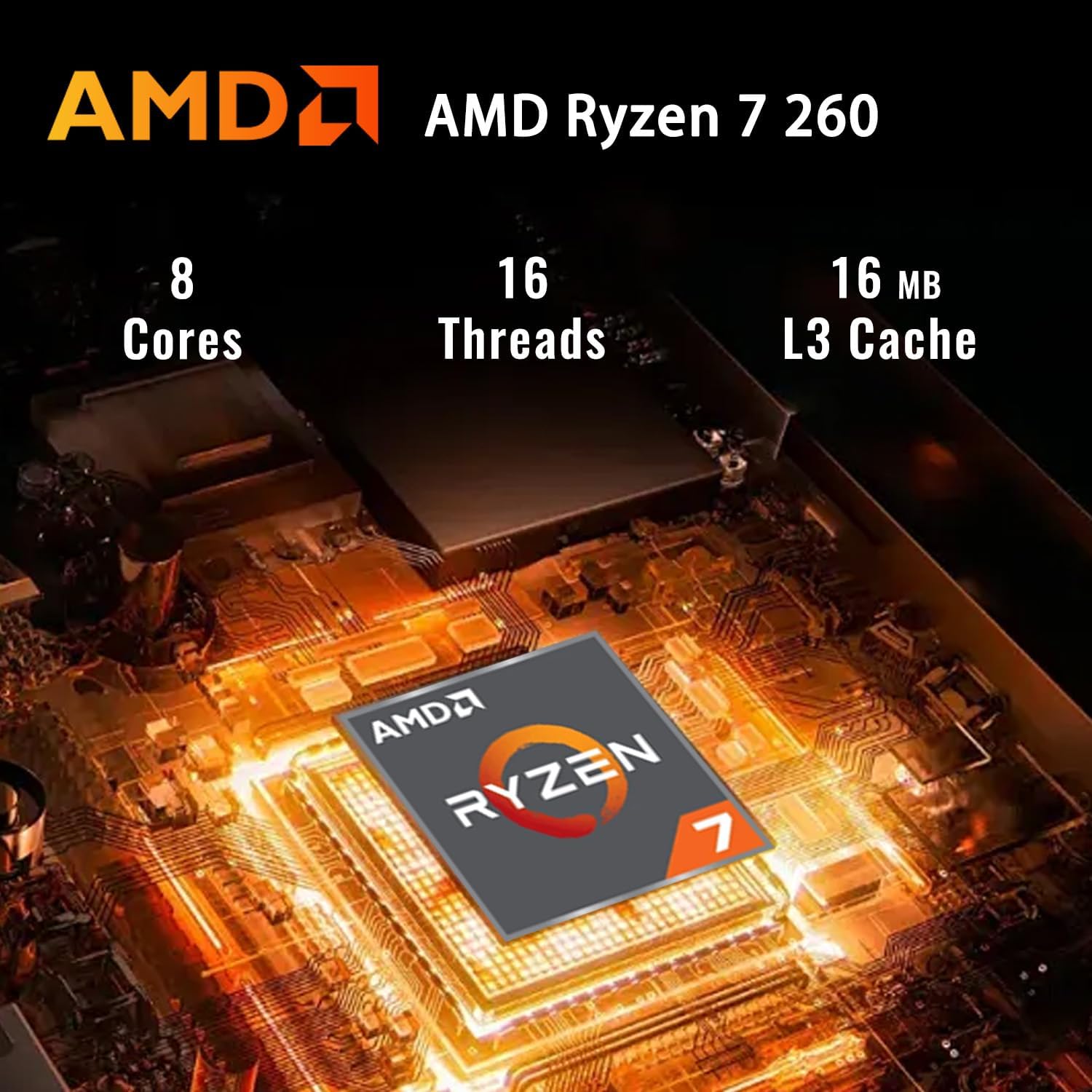
Image: A close-up of the AMD Ryzen 7 260 processor, highlighting its core specifications.
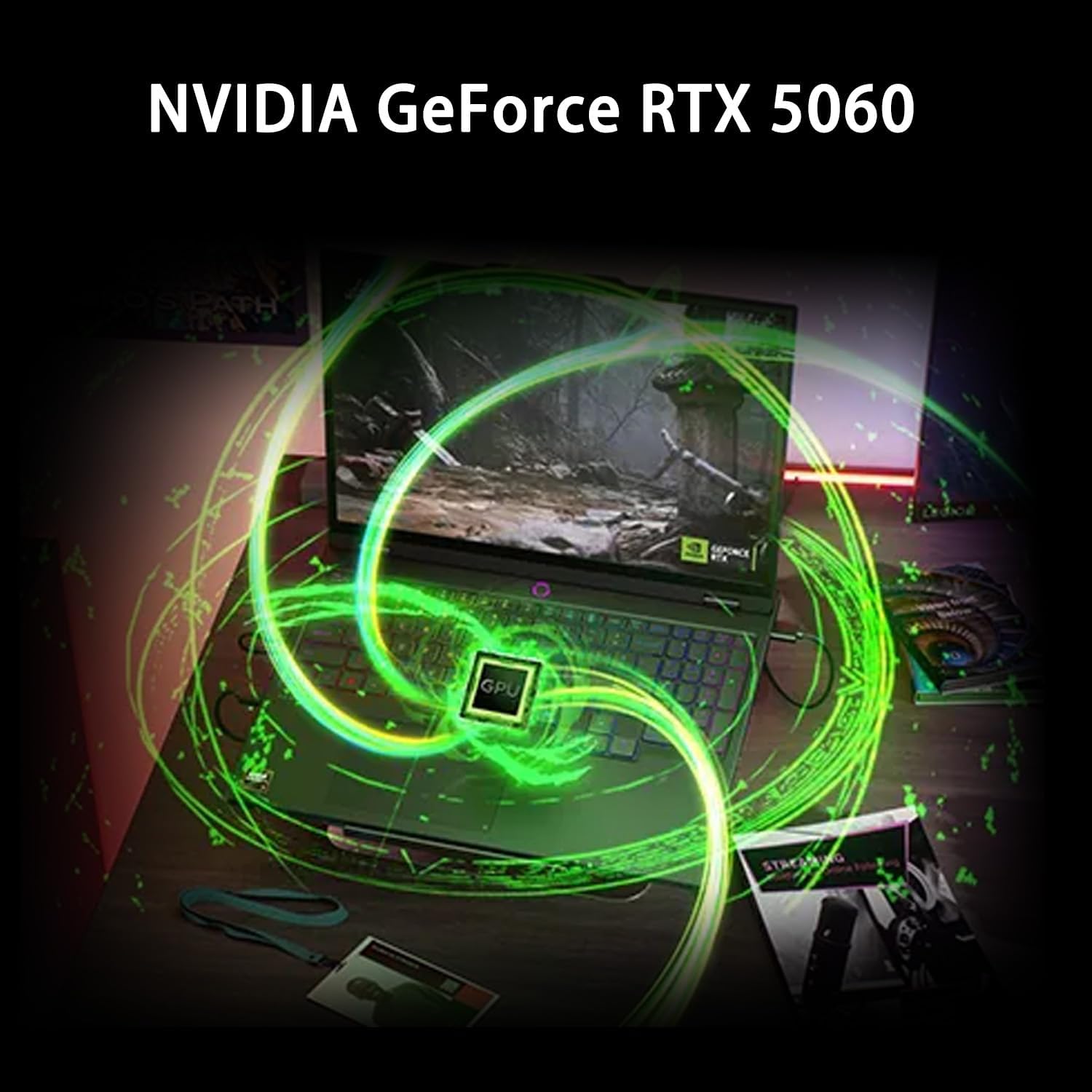
Image: A visual representation of the NVIDIA GeForce RTX 5060 graphics card, indicating its presence and function.
6. Gwarancja i wsparcie
6.1 Informacje o gwarancji
Your Lenovo Legion 5 15AHP10 laptop comes with a standard manufacturer's warranty. Please refer to the warranty card included with your product or visit the official Lenovo support website for detailed terms and conditions, including coverage period and service options.
6.2 Kontakt z pomocą techniczną
For technical assistance, warranty claims, or service inquiries, please visit the official Wsparcie Lenovo webstrona or contact their customer service directly. Have your product's serial number ready when contacting support.
7. Co znajduje się w pudełku
The following items are included with your Lenovo Legion 5 15AHP10 Gaming Laptop:
- LENOVO Legion 5 Gaming Laptop
- Zasilacz i kabel
- PCO Notebook Folding Radiator Laptop Cooler
- Dokumentacja (skrócony przewodnik, informacje o gwarancji)