
NUISK MZXJ-4K
NUISK 4K Thumb Action Camera MZXJ-4K User Manual
Model: MZXJ-4K | Brand: NUISK
Wstęp
This manual provides essential instructions for the safe and efficient operation of your NUISK 4K Thumb Action Camera. Please read this manual thoroughly before using the device and retain it for future reference.
Informacje dotyczące bezpieczeństwa
- Nie wystawiaj aparatu na działanie ekstremalnych temperatur ani bezpośredniego światła słonecznego przez dłuższy czas.
- Przed zanurzeniem aparatu w wodzie należy upewnić się, że obudowa wodoodporna jest szczelnie zamknięta.
- Keep the device away from strong magnetic fields to prevent data corruption.
- Używaj wyłącznie zatwierdzonych kabli ładujących i zasilaczy.
- Unikaj upuszczania aparatu i narażania go na silne uderzenia.
Zawartość opakowania
Sprawdź, czy w przesyłce znajdują się wszystkie elementy:
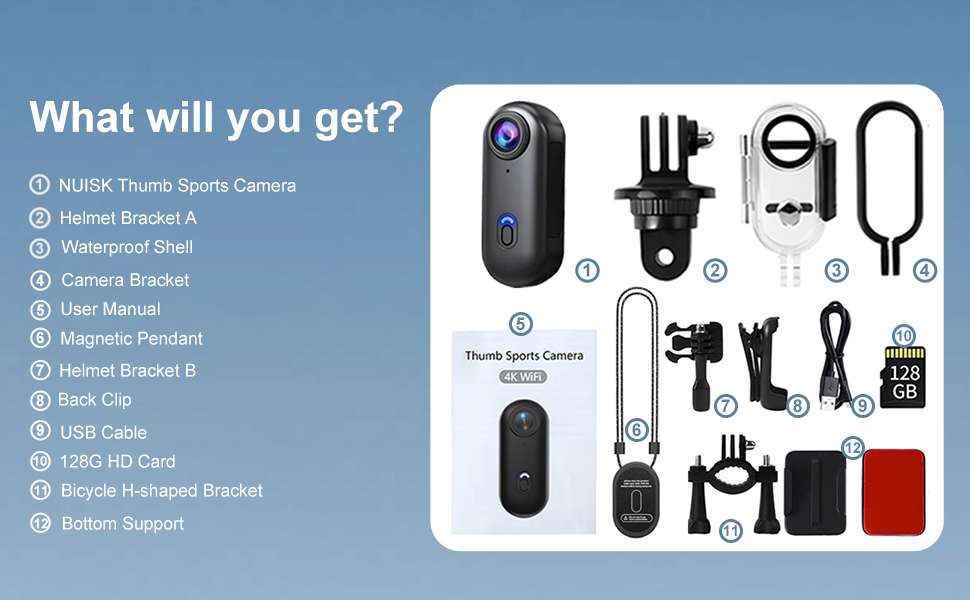
- NUISK 4K Thumb Action Camera
- Karta Micro SD 128 GB (wstępnie zainstalowana)
- Wodoodporna obudowa
- Wisiorek magnetyczny
- Klips tylny
- Kabel ładujący USB (typ C)
- Helmet Bracket A
- Helmet Bracket B
- Bicycle H-shaped Bracket
- Uchwyt kamery
- Wsparcie dolne
- Instrukcja obsługi

Produkt ponadview
The NUISK 4K Thumb Action Camera is a compact device designed for capturing high-quality video and photos in various environments. Its small size and versatile mounting options make it suitable for a wide range of activities.

- Anti-collision Lens: Protects the camera optics.
- Przycisk zasilania: Used for powering on/off and initiating recording.
- 128G High-speed SD Card Interface: Slot for the included Micro SD card.
- Port ładowania typu C: Do ładowania wewnętrznego akumulatora.
Organizować coś
1. Ładowanie aparatu
Before first use, fully charge the camera. Connect the supplied USB Type-C cable to the camera's charging port and a compatible USB power adapter (not included). The charging indicator light will show the charging status.
2. Włączanie/wyłączanie zasilania
- To power on: Press and hold the Power Button for approximately 3 seconds until the indicator light illuminates.
- To power off: Press and hold the Power Button for approximately 3 seconds until the indicator light turns off.
3. Inserting/Removing SD Card
The camera comes with a 128GB Micro SD card pre-installed. To access or replace the card, gently open the protective flap on the side of the camera. Insert the Micro SD card with the gold contacts facing down until it clicks into place. To remove, push the card in slightly until it springs out.
4. App Installation & Wi-Fi Connection
Download the official NUISK app from your smartphone's app store. Once installed, enable Wi-Fi on your camera and smartphone. Connect to the camera's Wi-Fi network (SSID and password typically found in the camera's settings or quick start guide). The app allows for remote control, live view, I file przenosić.

Instrukcja obsługi
1. Nagrywanie wideo
With the camera powered on, press the Power Button once to start video recording. The indicator light will change to confirm recording is in progress. Press the Power Button again to stop recording. Videos are saved to the Micro SD card in 4K resolution.
2. Robienie zdjęć
While in standby mode, a quick double-press of the Power Button will capture a still image. Photos are saved to the Micro SD card.
3. Korzystanie z załączników
The NUISK camera includes various attachments for diverse usage scenarios:
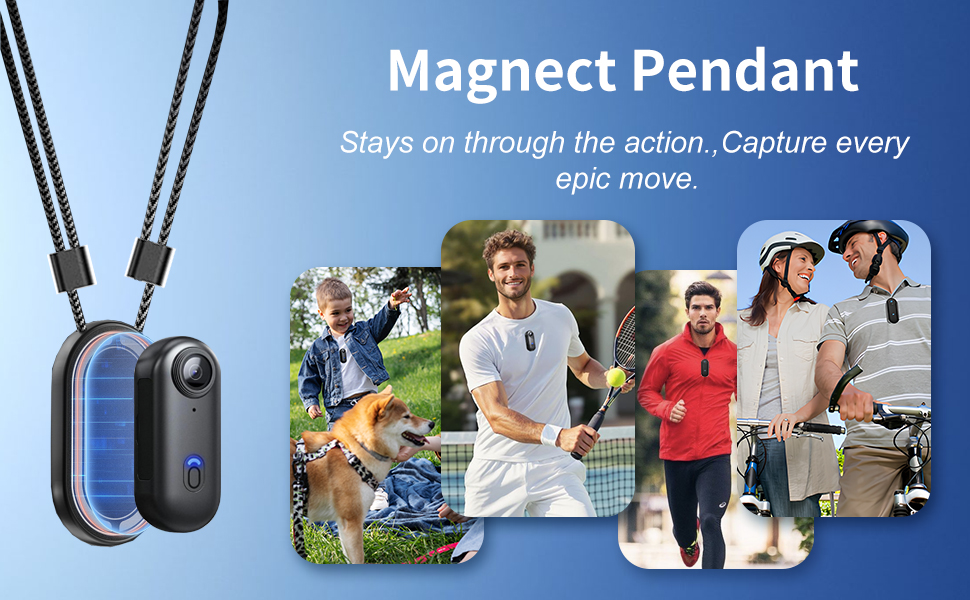
- Magnetic Pendant: Attach the camera to the magnetic pendant and wear it around your neck for hands-free, first-person perspective (POV) recording.
- Klip z tyłu: Insert the camera into the back clip for attaching to clothing, backpack straps, or other surfaces.
- Wodoodporna obudowa: For underwater activities up to 40 meters (131 feet), place the camera inside the waterproof case. Ensure the case is securely latched before submersion.
- Helmet & Bicycle Mounts: Use the provided helmet brackets (A and B) and the bicycle H-shaped bracket to securely attach the camera to helmets or bicycle handlebars for action-oriented footage.

4. Nagrywanie w pętli
Kamera obsługuje nagrywanie w pętli, które automatycznie nadpisuje najstarsze nagrania files when the memory card is full. This feature is ideal for continuous recording without manual file kierownictwo.
Konserwacja
- Czyszczenie: Do czyszczenia korpusu aparatu używaj miękkiej, suchej ściereczki. Do czyszczenia obiektywu użyj specjalnej ściereczki i płynu do czyszczenia obiektywów.
- Składowanie: Przechowuj kamerę w chłodnym i suchym miejscu, z dala od bezpośredniego światła słonecznego i wilgoci.
- Pielęgnacja baterii: To prolong battery life, avoid fully discharging the battery frequently. Charge the camera regularly, even when not in use, to maintain battery health.
Rozwiązywanie problemów
| Problem | Możliwa przyczyna | Rozwiązanie |
|---|---|---|
| Kamera się nie włącza. | Niski poziom naładowania baterii. | Naładuj kamerę całkowicie. |
| Nie można nagrywać wideo. | Karta SD jest pełna lub nieprawidłowo włożona. | Check SD card insertion, delete old files, or replace card. |
| Problemy z połączeniem Wi-Fi. | Incorrect password or camera too far from phone. | Ensure correct password, move closer to camera, restart both devices. |
| Słaba jakość wideo. | Dirty lens, low light, or incorrect settings. | Clean the lens, ensure adequate lighting, check resolution settings in the app. |
Specyfikacje
| Funkcja | Szczegół |
|---|---|
| Marka | NUISK |
| Numer modelu | MZXJ-4K |
| Rozdzielczość przechwytywania wideo | 4K |
| Format przechwytywania wideo | MP4 |
| Typ pamięci flash | Micro SD (128GB included) |
| Technologia łączności | Wi-Fi |
| Głębokość wodoodporności (z obudową) | Do 40 metrów (131 stóp) |
| Waga przedmiotu | 1.27 uncji |
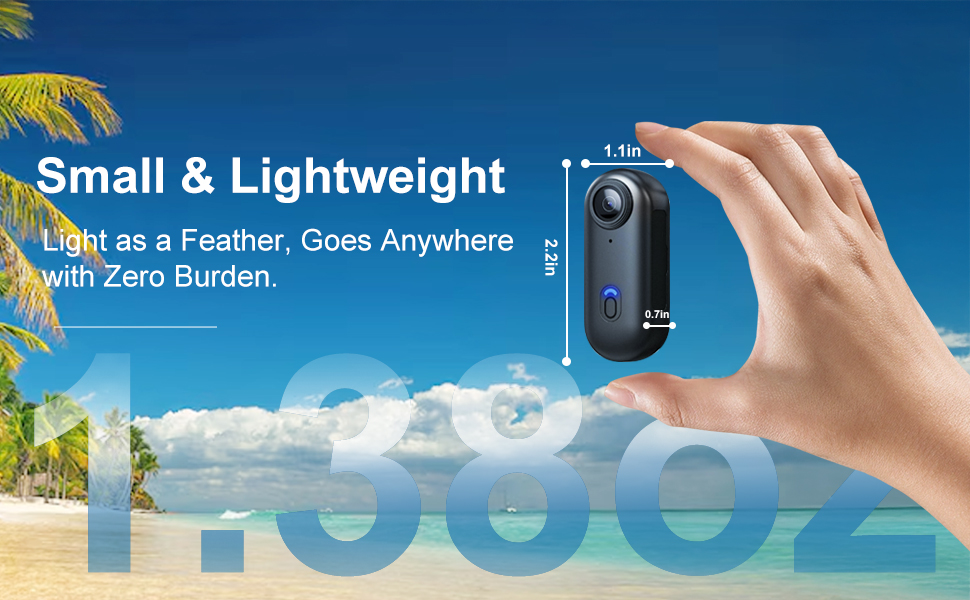
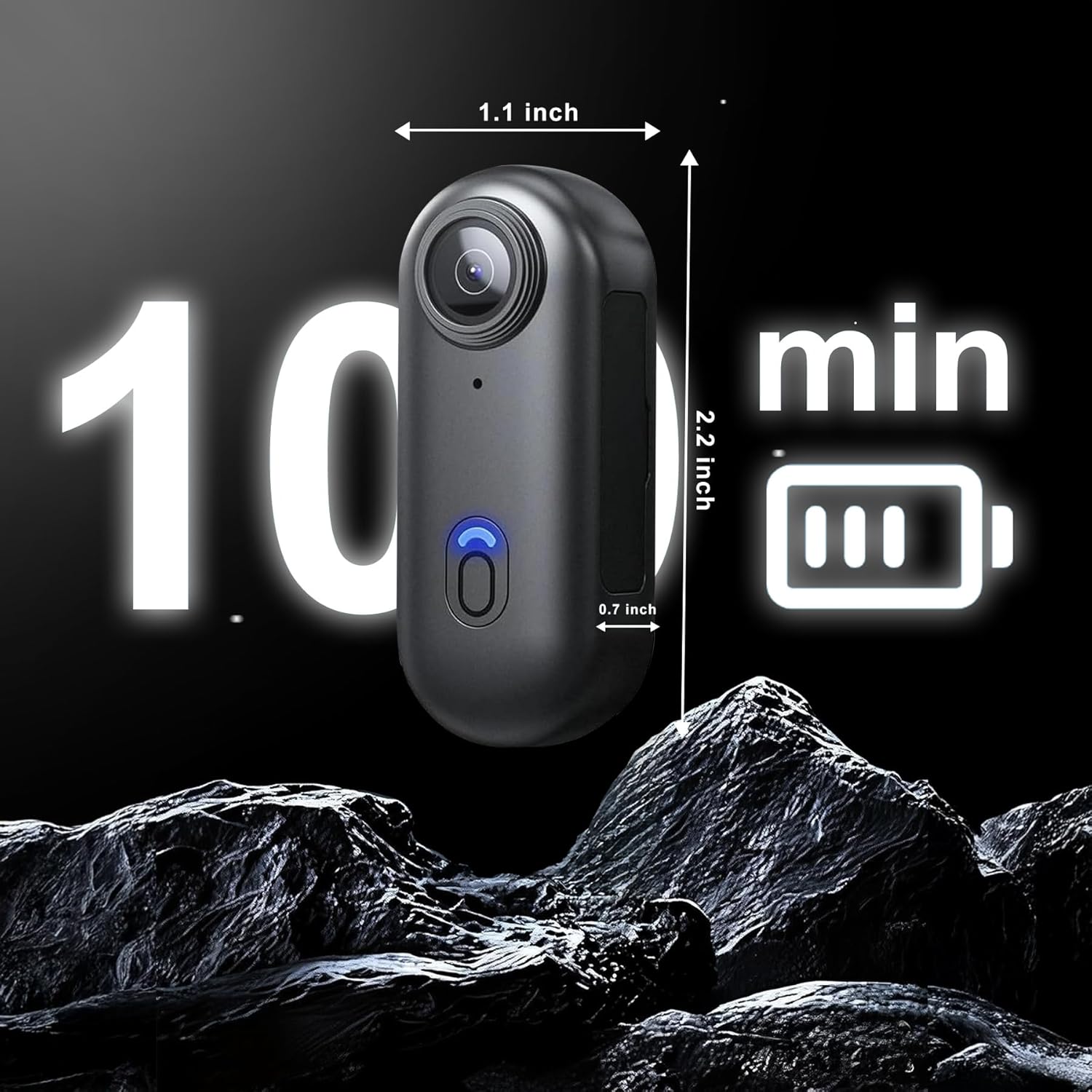
| Wymiary produktu | 0.7 x 1.1 x 2.2 cala |
| Bateria | 1 niestandardowa bateria (w zestawie) |

Gwarancja i wsparcie
For warranty information and technical support, please refer to the contact details provided on the product packaging or visit the official NUISK website. Our 24/7 support team is available to assist with any inquiries.
Ask a question about this manual
Ask about setup, troubleshooting, compatibility, parts, safety, or missing instructions. Manuals+ will review the question and use this page’s manual context to help answer it.