
1. Wprowadzenie
This manual provides essential information for the installation, operation, and maintenance of your Hikvision IDS-7208HQHI-M1/XT 8-Channel 5MP Turbo HD DVR. Please read this manual thoroughly before using the product to ensure correct and safe operation. Keep this manual for future reference.
The Hikvision IDS-7208HQHI-M1/XT is an advanced 8-channel Digital Video Recorder designed for high-definition surveillance systems. It supports various video input formats, including Turbo HD, AHD, CVI, CVBS, and IP cameras, offering versatile compatibility. Key features include 5MP recording capability, H.265+ video compression for efficient storage, AcuSense technology for intelligent motion detection, and remote access via the Hik-Connect app.
2. Zawartość opakowania
Verify that all items are present and in good condition upon unpacking. If any items are missing or damaged, contact your supplier immediately.
- DVR main unit
- Zasilacz
- Mysz USB
3. Funkcje produktu
The Hikvision IDS-7208HQHI-M1/XT DVR offers a range of features designed for effective surveillance:
- 8-Channel DVR with 5MP HD Support: Supports multiple analog HD camera formats and up to 8 channels of real-time video monitoring and recording.
- Two-Way Audio Support: Enables audio communication through compatible cameras.
- Built-In AcuSense Technology: Smart analysis minimizes false alarms by focusing on human and vehicle-based motion detection.
- Remote Access via Hik-Connect App: View live video, playback recordings, and receive alerts anytime on your smartphone.
- Efficient Storage with H.265+ Compression: Saves bandwidth and hard disk space while maintaining clear video quality.
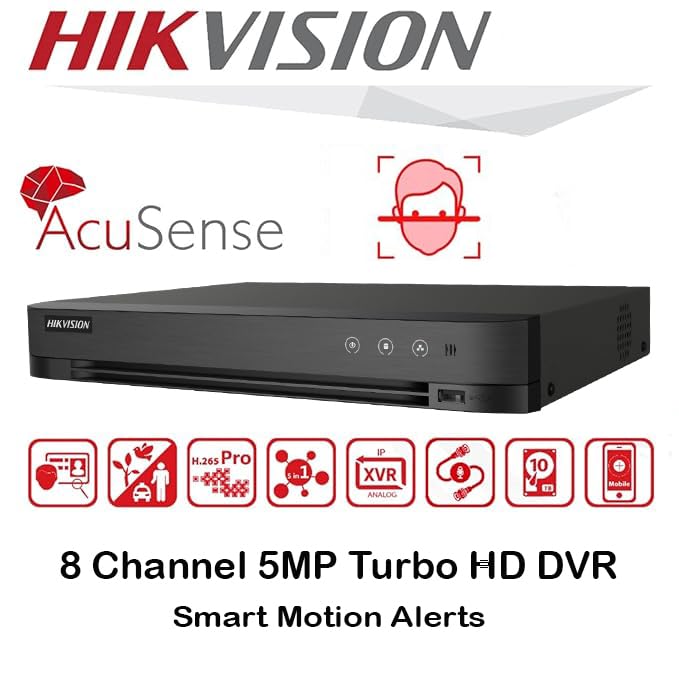
Obraz: Ponadview of key features including AcuSense, H.265+ compression, and 5MP resolution support.
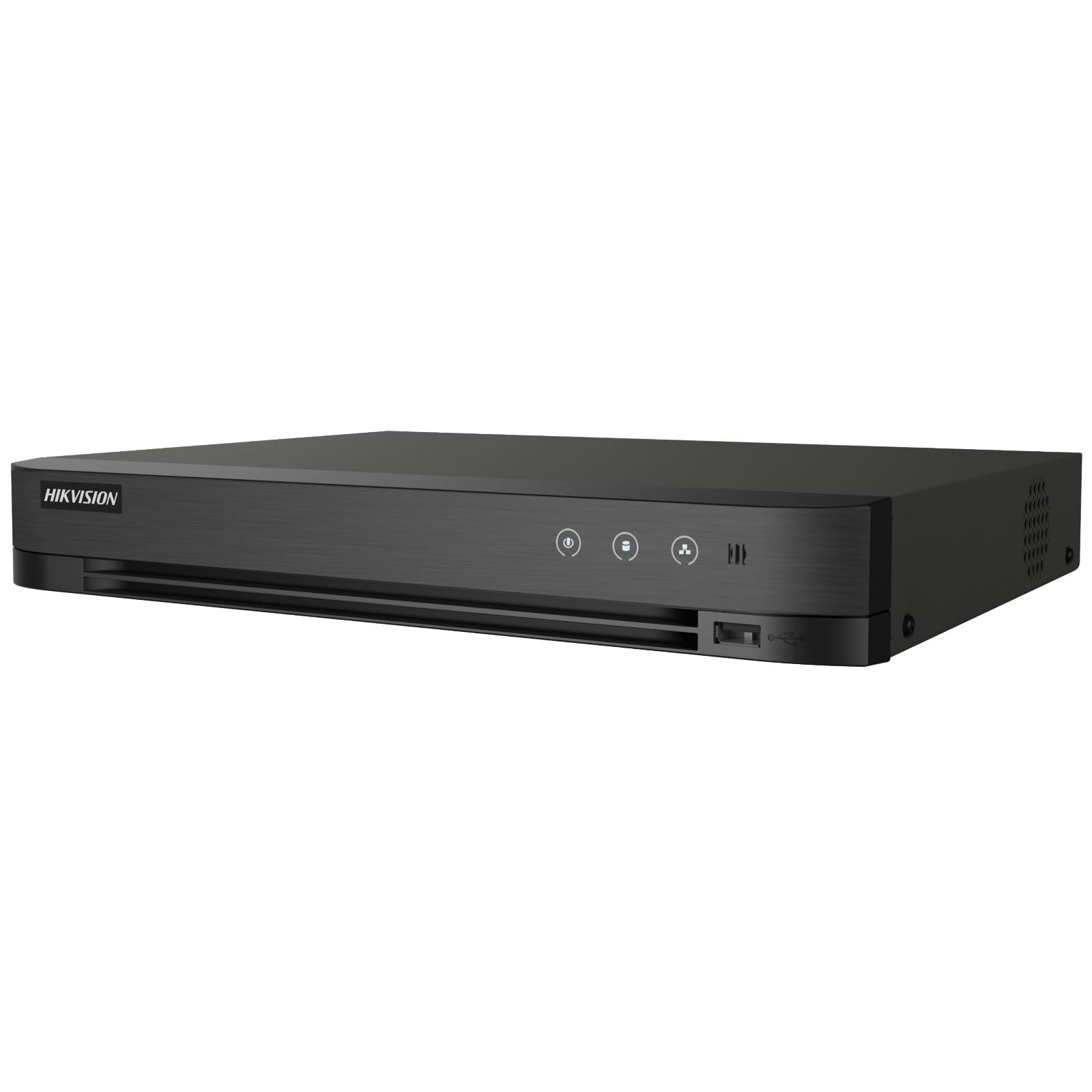
Image: The Hikvision Turbo HD DVR highlighting its support for two-way audio cameras, enabling interactive communication.
4. Interfejs fizyczny
Familiarize yourself with the ports and indicators on the DVR unit. The following diagram illustrates the rear panel of the Hikvision IDS-7208HQHI-M1/XT DVR:

Image: Rear panel connections of the DVR, showing video inputs, audio ports, network, and power.
- Wejście wideo (BNC): Connect analog HD cameras (Turbo HD, AHD, CVI, CVBS).
- Video Out (BNC): Connect to a monitor for local display.
- Wejście audio (RCA): Connect external audio input devices.
- Wyjście HDMI: Connect to an HDMI-compatible monitor or TV for high-definition video output.
- Wyjście VGA: Connect to a VGA-compatible monitor.
- Wyjście audio (RCA): Connect to external audio output devices.
- Porty USB: Connect a USB mouse, USB flash drive for backup, or external storage.
- Port LAN (RJ45): Connect to your network for remote access and IP camera integration.
- RS-485: For PTZ camera control (if supported).
- Wejście zasilania 12 V DC: Podłącz dołączony zasilacz.
- Terminal uziemiający: Do uziemienia urządzenia.
5. Konfiguracja
Follow these steps for initial setup of your DVR system:
5.1 Instalacja dysku twardego (jeśli nie został zainstalowany fabrycznie)
- Odkręć i zdejmij górną pokrywę rejestratora DVR.
- Podłącz kabel danych SATA i kabel zasilający do dysku twardego.
- Przymocuj dysk twardy do obudowy rejestratora DVR za pomocą dołączonych śrub.
- Załóż górną pokrywę i przykręć ją śrubami.
5.2 Podłączanie urządzeń peryferyjnych
- Connect your cameras to the Wejście wideo (BNC) ports.
- Connect a monitor to the HDMI or VGA port wyjściowy.
- Connect the USB mouse to a Port USB.
- Connect the DVR to your network router using an Ethernet cable plugged into the Port LAN.
- Podłącz zasilacz do Wejście zasilania 12 V DC and then plug it into a power outlet.
5.3 Konfiguracja początkowa
- Po pierwszym uruchomieniu rejestrator DVR przeprowadzi Cię przez kreator konfiguracji.
- Ustaw silne hasło dla konta administratora.
- Skonfiguruj ustawienia sieciowe (DHCP jest zazwyczaj wystarczający dla większości sieci domowych).
- Initialize the hard drive if prompted. This will format the drive for recording.
- Adjust date, time, and other system preferences as needed.
6. Obsługa
Once the DVR is set up, you can begin monitoring and recording.
6.1 Na żywo View
Po zalogowaniu rejestrator DVR wyświetli obraz na żywo view z podłączonych kamer na monitorze. Możesz przełączać się między obrazami z pojedynczej kamery view i siatka wielokamerowa view za pomocą elementów sterujących na ekranie lub myszy.
6.2 Nagrywanie
The DVR is typically configured to record continuously or based on motion detection. You can adjust recording schedules and settings through the DVR's menu system (Konfiguracja > Rekord > Harmonogram).
6.3 Odtwarzanie
Aby ponownieview nagrano footage, przejdź do Odtwarzanie nagranego dźwięku menu. Select the date, time, and camera channel to view recordings. Use the playback controls (play, pause, fast forward, rewind) to navigate through the footage.
6.4 Remote Access (Hik-Connect App)
The Hik-Connect app allows you to access your DVR remotely from a smartphone or tablet.
- Pobierz aplikację Hik-Connect ze sklepu z aplikacjami na swoim urządzeniu.
- Create a Hik-Connect account and log in.
- Add your DVR by scanning the QR code on the DVR's label or by manually entering its serial number.
- Follow the in-app instructions to complete the device addition.
- Po dodaniu możesz view live feeds, play back recordings, and receive push notifications for events.

Image: Illustration of the Hik-Connect mobile application interface, demonstrating remote access to live video and recordings.
7. Konserwacja
Regularna konserwacja zapewnia optymalną wydajność i długowieczność systemu DVR.
- Clean the DVR: Periodically clean the exterior of the DVR with a soft, dry cloth. Ensure ventilation openings are free from dust to prevent overheating.
- Aktualizacje oprogramowania układowego: Sprawdź oficjalną stronę Hikvision website for firmware updates. Updating firmware can improve performance, add features, and fix bugs. Follow update instructions carefully.
- Stan dysku twardego: Monitor the health of your hard drive through the DVR's system menu (Zarządzanie dyskami twardymi). Replace the hard drive if it shows signs of failure.
- Kopia zapasowa ważnych danychtage: Regularnie twórz kopie zapasowe ważnych plików wideotage na zewnętrzny dysk USB lub do sieciowej pamięci masowej.
- Bezpieczeństwo hasła: Change your DVR and Hik-Connect passwords periodically to maintain security.
8. Rozwiązywanie Problemów
W tej sekcji omówiono typowe problemy, na które możesz natrafić.
8.1 Brak wyjścia wideo na monitorze
- Check if the monitor is powered on and correctly connected to the DVR's HDMI or VGA port.
- Sprawdź, czy na monitorze wybrano właściwe źródło sygnału wejściowego.
- Spróbuj podłączyć się do innego monitora lub użyć innego kabla.
8.2 Brak wyświetlania kamer
- Verify that cameras are powered on and properly connected to the DVR's BNC inputs.
- Check camera power supplies.
- Ensure the camera type (TVI, AHD, CVI, CVBS) is compatible with the DVR and configured correctly in the DVR settings.
8.3 Dostęp zdalny nie działa
- Upewnij się, że rejestrator DVR jest podłączony do Internetu poprzez port LAN.
- Sprawdź ustawienia sieciowe na dekoderze DVR (Configuration > Network).
- Verify that the Hik-Connect service is enabled on the DVR.
- Upewnij się, że Twój smartfon ma aktywne połączenie z Internetem.
- Re-add the device to the Hik-Connect app if necessary.
8.4 Brak nagrywania
- Check if a hard drive is installed and properly initialized (Configuration > HDD).
- Verify recording schedules are set correctly (Konfiguracja > Rekord > Harmonogram).
- Sprawdź, czy na dysku twardym jest wystarczająca ilość wolnego miejsca.
9. Specyfikacje
Detailed technical specifications for the Hikvision IDS-7208HQHI-M1/XT DVR:
| Funkcja | Specyfikacja |
|---|---|
| Numer modelu | IDS-7208HQHI-M1/XT |
| Wejście wideo | 8-Channel (Turbo HD/AHD/CVI/CVBS/IP) |
| Kompresja wideo | H.265 + / H.265 / H.264 + / H.264 |
| Rozdzielczość nagrywania | Do 5 MP |
| Wyjście wideo | HDMI, VGA, BNC |
| Wejście/wyjście audio | 2-Way Audio Support |
| Interfejs sieciowy | 1 RJ45 10M/100M Ethernet Interface |
| Interfejs USB | 2x USB 2.0 |
| Obsługa dysków twardych | 1 SATA interface (up to 10 TB capacity per HDD) |
| Zasilacz | 12V prądu stałego |
| Wymiary (dł. x szer. x wys.) | Wymiary 19.7 x 19.2 x 4.1 cm |
| Waga | 1.5 kilogramów |
| Producent | HIKVISION, Prama Hikvision India Pvt. Ltd. |
10. Gwarancja i wsparcie
For warranty information and technical support, please refer to the warranty card included with your product or visit the official Hikvision webZachowaj paragon jako dowód zakupu na wypadek reklamacji.
For further assistance, contact Hikvision customer support or your authorized dealer.