
1. Wprowadzenie
This user manual provides detailed instructions for the Tangxi Portable 4G/5G Mobile Hotspot, model Tangxiwbt2r4vmkc. It covers everything from initial setup and operation to maintenance and troubleshooting, ensuring you can maximize your device's potential for reliable, high-speed internet access wherever you are.
2. Informacje dotyczące bezpieczeństwa
- Nie wystawiaj urządzenia na działanie ekstremalnych temperatur, bezpośredniego światła słonecznego i wilgoci.
- Unikaj upuszczania i narażania urządzenia na silne uderzenia.
- Należy używać wyłącznie dostarczonego lub zatwierdzonego kabla ładującego.
- Przechowywać w miejscu niedostępnym dla dzieci.
- Nie próbuj samodzielnie demontować ani naprawiać urządzenia.
3. Zawartość opakowania
Sprawdź, czy w przesyłce znajdują się wszystkie elementy:
- 1 x Tangxi Portable 4G/5G Mobile Hotspot
- 1 x USB Supply Cable (Type-C)
- 1 x Instrukcja obsługi (ten dokument)
4. Koniec produktuview
The Tangxi Portable 4G/5G Mobile Hotspot is a compact and powerful device designed to provide high-speed internet connectivity on the go. It supports 4G/5G networks, offering speeds up to 300Mbps, and can connect up to 10 devices simultaneously. Its built-in 3200mAh battery ensures over 10 hours of continuous use.
Główne cechy:
- 4G/5G Connectivity: Enjoy fast internet without broadband, simply by inserting a SIM card.
- Sieć dużej prędkości: Supports LTE CAT4 standard with speeds up to 300Mbps.
- Długa żywotność baterii: Integrated 3200mAh Lithium-ion battery provides over 10 hours of usage.
- Obsługa wielu urządzeń: Możliwość jednoczesnego podłączenia do 10 urządzeń.
- Podłącz i graj: Easy setup with USB-C power supply and SIM card insertion.
Elementy urządzenia:

Rycina 1: Przód view of the hotspot highlighting key features like Type-C interface, 4G/5G high-speed internet, and battery capacity.

Figure 2: The mobile hotspot demonstrating its high-performance battery, capable of over 10 hours of continuous use.
5. Konfiguracja
5.1 Wkładanie karty SIM
- Carefully remove the back cover of the hotspot device.
- Znajdź gniazdo karty SIM.
- Insert your 4G/5G SIM card into the designated slot, ensuring correct orientation.
- Załóż ponownie tylną pokrywę.
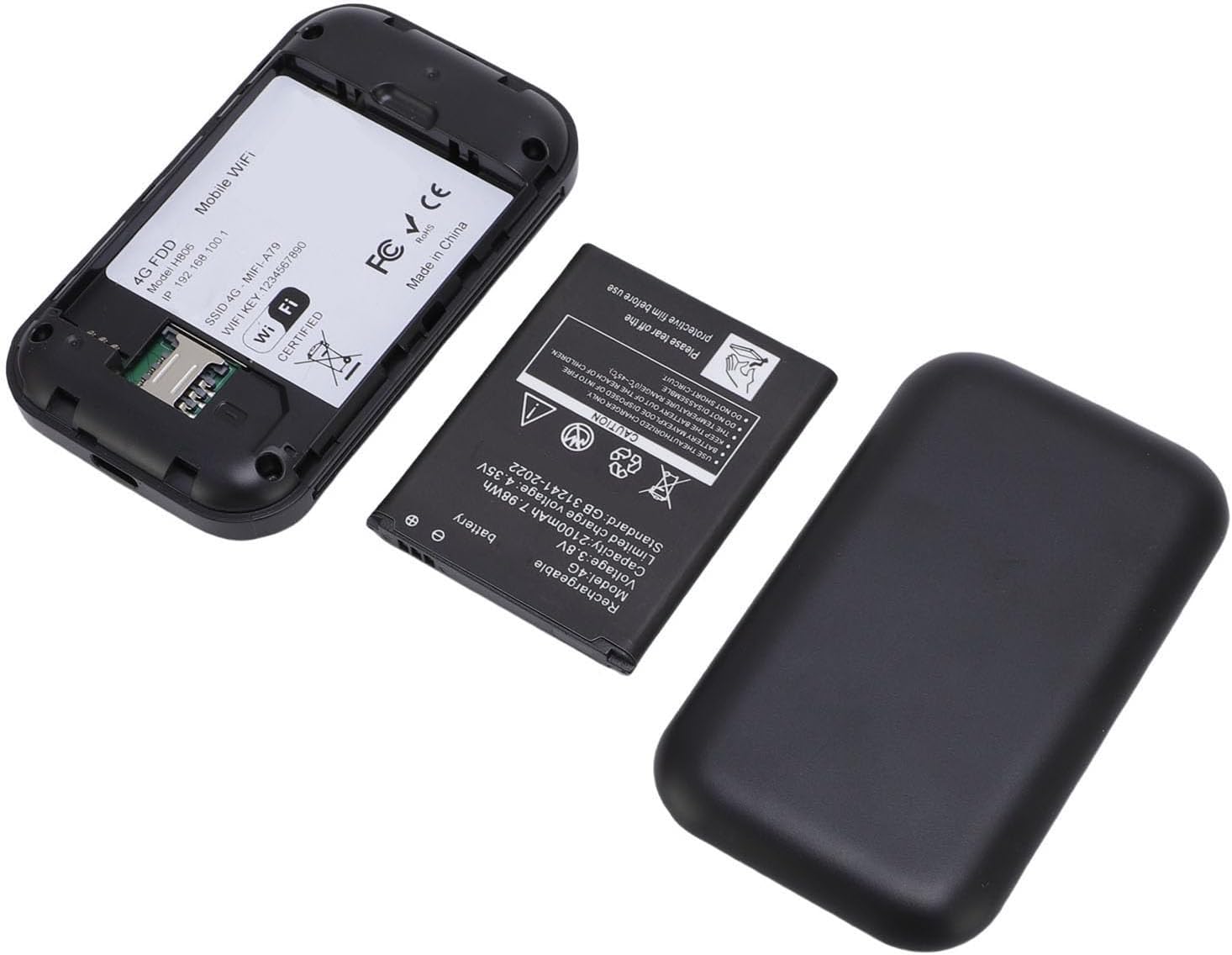
Figure 3: The internal view of the hotspot, showing the battery removed and the SIM card slot for easy insertion.
5.2 Włączanie i początkowe podłączanie
- Press and hold the power button on the device until the screen illuminates.
- The device will begin registering with the network. This may take a few moments.
- Once registered, the screen will display network status, remaining data, and Wi-Fi details.
- Na smartfonie, tablecie lub laptopie wyszukaj dostępne sieci Wi-Fi.
- Select the network name (SSID) displayed on your hotspot's screen.
- Enter the Wi-Fi password (Key) shown on the hotspot's screen to connect.
Video 1: A short demonstration of unboxing the mobile hotspot and inserting the SIM card, followed by powering on the device.
6. Instrukcja obsługi
6.1 Podłączanie wielu urządzeń
The hotspot supports simultaneous connections for up to 10 devices. Follow the initial connection steps (Section 5.2) for each device you wish to connect.
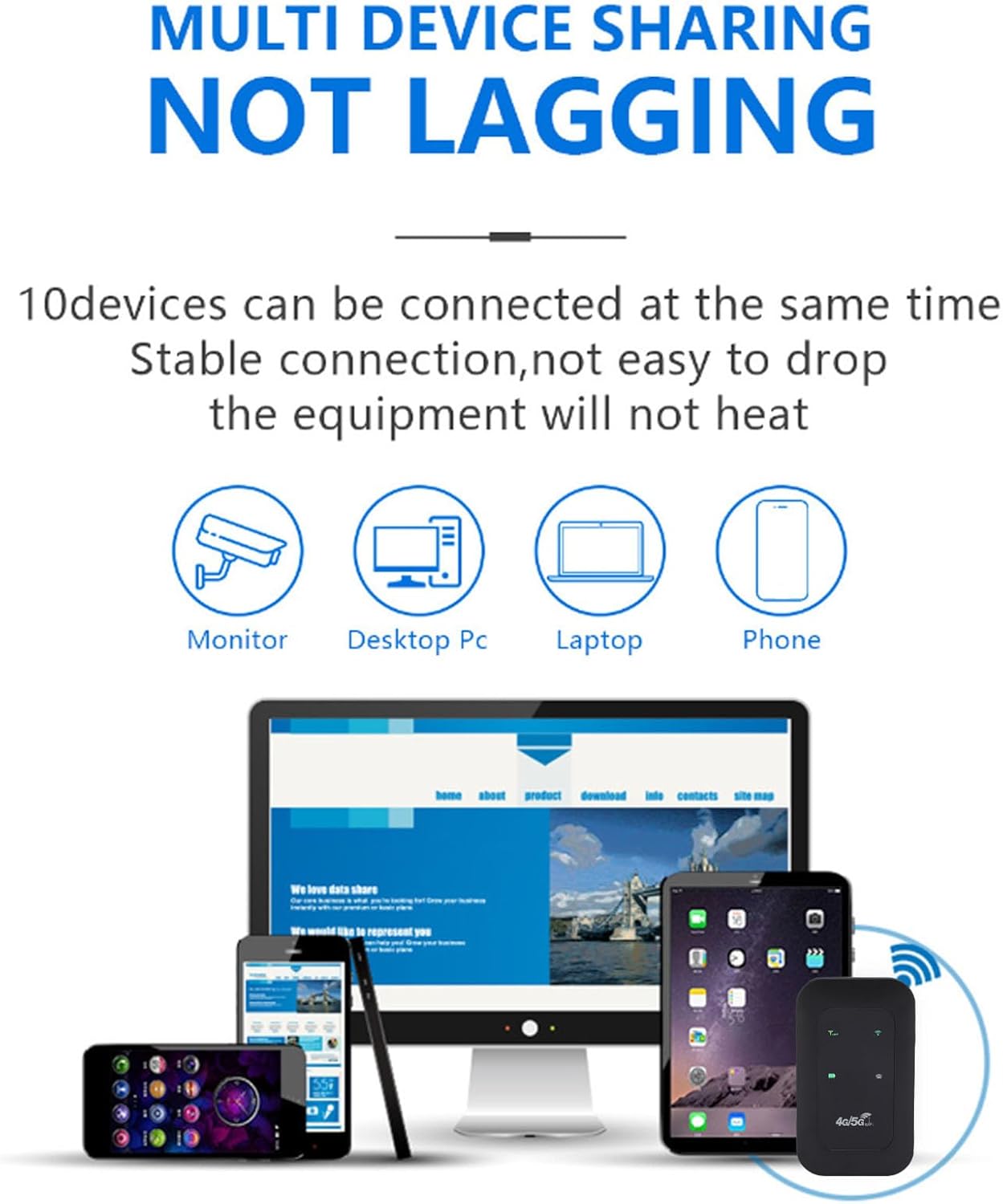
Figure 4: The hotspot providing stable internet to various devices including a monitor, desktop PC, laptop, and smartphone.
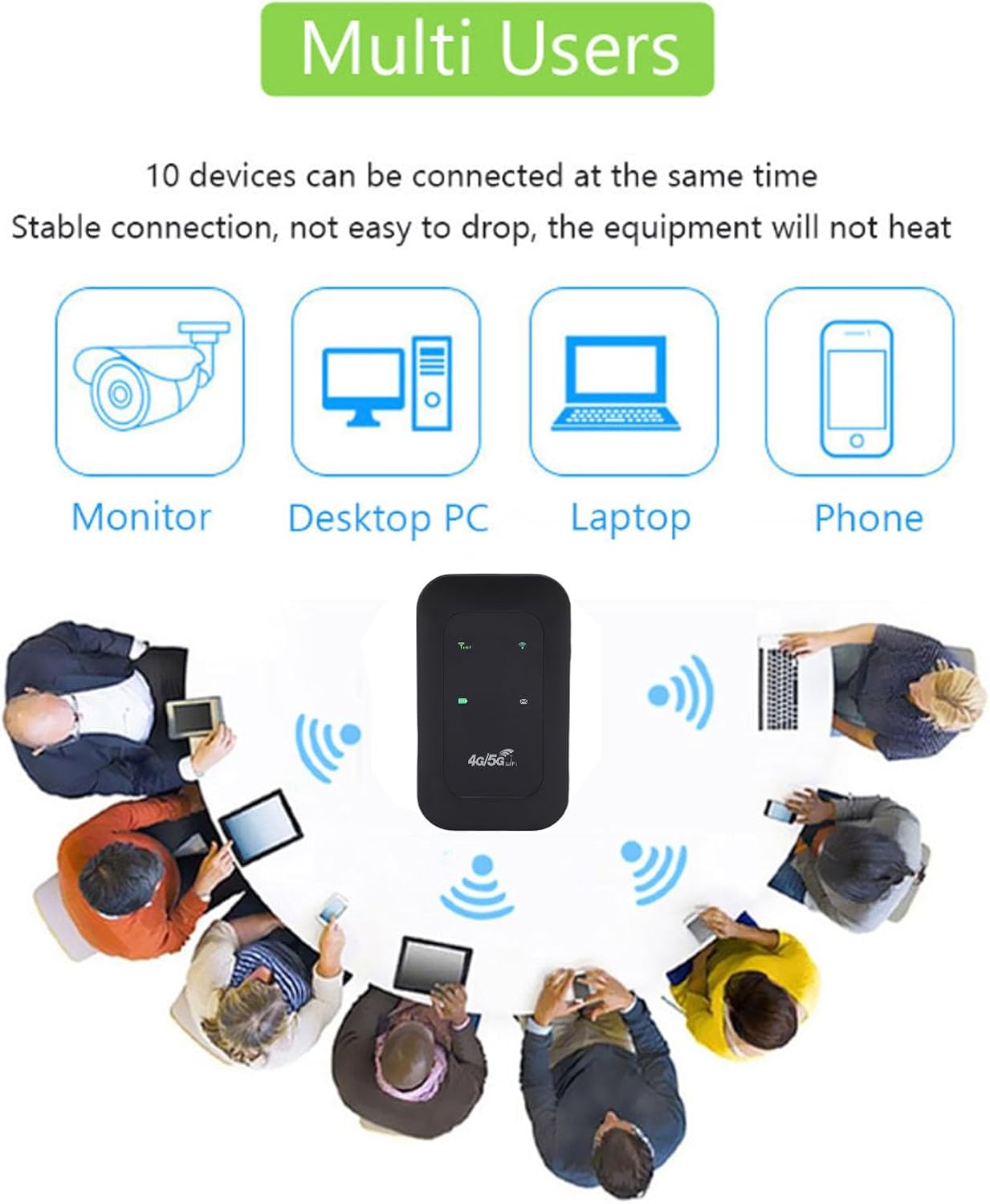
Figure 5: The mobile hotspot facilitating internet access for several individuals and their devices, emphasizing its multi-user capability.
6.2 Zrozumienie wskaźników
The device's display provides real-time information about its status:
- Siła sygnału: Bars indicate the strength of the 4G/5G cellular signal.
- Stan Wi-Fi: An icon indicates if Wi-Fi is active and broadcasting.
- Poziom naładowania baterii: Ikona pokazuje aktualny poziom naładowania baterii.
- Wykorzystanie danych: Displays remaining and total data usage (if applicable to your SIM plan).

Figure 6: The hotspot's ability to provide smooth network speed and accurate reception of high-frequency signals within a home environment.
7. Konserwacja
7.1 Pielęgnacja baterii
- Całkowicie naładuj urządzenie przed pierwszym użyciem.
- Aby przedłużyć żywotność baterii, należy unikać jej częstego całkowitego rozładowywania.
- If storing the device for an extended period, charge it to about 50% and store in a cool, dry place.
7.2 Czyszczenie i przechowywanie
- Wipe the device with a soft, dry cloth. Do not use liquid cleaners.
- Store the hotspot in a protective pouch or case when traveling to prevent scratches or damage.
8. Rozwiązywanie Problemów
8.1 Brak połączenia internetowego
- Sprawdź, czy karta SIM została prawidłowo włożona i aktywowana przy użyciu pakietu danych.
- Check the signal strength indicator on the hotspot. If signal is weak, move to an area with better reception.
- Restart the hotspot device and your connected device.
- Verify that your data plan has not been exhausted.
8.2 Niska prędkość połączenia
- Zmniejsz liczbę podłączonych urządzeń.
- Ensure you are in an area with good 4G/5G coverage.
- Check for any background applications consuming bandwidth on connected devices.
8.3 Urządzenie się nie włącza
- Upewnij się, że bateria jest naładowana. Podłącz urządzenie do źródła zasilania za pomocą kabla USB-C.
- Spróbuj użyć innego kabla USB-C i zasilacza.
Video 2: An instructional video demonstrating how to set up tethering, which can be a useful alternative connection method or troubleshooting step.
9. Specyfikacje
| Funkcja | Szczegół |
|---|---|
| Typ przedmiotu | Przenośny punkt dostępu |
| Tworzywo | ABS + elementy elektroniczne |
| Pasma sieciowe | LTE: B1/B3/B5/B40, WCDMA: B1 |
| Obsługa Wi-Fi | 802.11 b/g/n Wireless Network |
| Częstotliwość transmisji | Do 300 Mb/s |
| Gniazdo karty SIM | 1 (brak w zestawie) |
| Typ baterii | Wbudowana bateria litowo-jonowa 3200 mAh |
| Protokół łączności | 4G LTE, 5G |
| Kompatybilne urządzenia | Laptopa, smartfona |
| Protokół bezpieczeństwa | WPA2-PSK |
| Numer modelu | Tangxiwbt2r4vmkc |
10. Informacje o gwarancji
This product comes with a manufacturer warranty for 90 days from the date of purchase. Please retain your proof of purchase for any warranty claims.
11. Wsparcie
For further assistance, product information, or to explore other Tangxi products, please visit the official Tangxi store:
Visit the Tangxi Store on Amazon
Manufacturer: Tangxi