
Wstęp
This manual provides essential information for the safe and efficient use of your LG 40U990A-W 40-inch Ultrafine 5K2K WUHD Nano IPS Curved Monitor. Please read this manual thoroughly before operating the product and retain it for future reference.
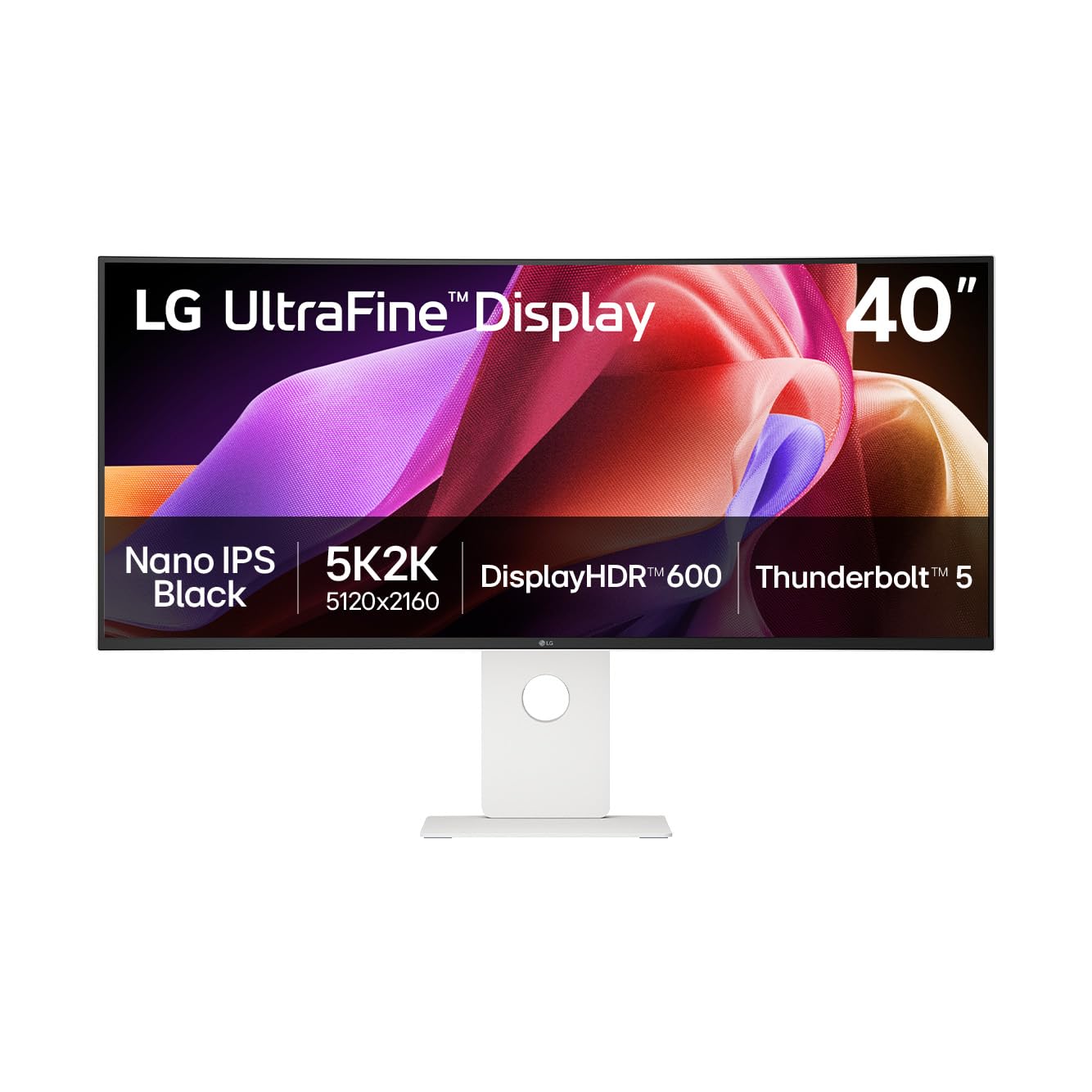
Rycina 1: Przód view of the LG 40U990A-W Ultrafine 5K2K WUHD Monitor.
Informacje dotyczące bezpieczeństwa
Always follow these safety precautions to prevent electric shock, fire, or damage to the product:
- Nie otwierać monitora casing. Wszelkie prace serwisowe należy zlecać wykwalifikowanemu personelowi.
- Nie wystawiaj monitora na działanie deszczu i wilgoci.
- Zapewnij odpowiednią wentylację wokół monitora.
- Należy używać wyłącznie przewodu zasilającego i zasilacza dostarczonych wraz z monitorem.
- Unikaj umieszczania ciężkich przedmiotów na przewodzie zasilającym.
- Odłączaj wtyczkę zasilającą podczas burzy z piorunami lub jeśli nie używasz urządzenia przez dłuższy czas.
Zawartość opakowania
Sprawdź, czy w pudełku znajdują się wszystkie elementy:
- LG 40U990A-W Monitor
- Kabel zasilający
- Kabel HDMI
- Kabel DisplayPort
- Kabel USB-C
Organizować coś
1. Montaż fizyczny
Carefully remove the monitor and stand components from the packaging. Attach the stand base to the stand neck, then secure the assembled stand to the monitor panel. Ensure all screws are tightened securely. Alternatively, the monitor supports VESA mounting for wall or arm installation (mounting hardware sold separately).
2. Łączenie się z urządzeniami
The LG 40U990A-W offers versatile connectivity options:
- Piorun 5: Connect compatible devices for high-speed data transfer (up to 80Gbps), 96W power delivery, and 5K2K display output using a single cable. The monitor features two Thunderbolt 5 ports (one in, one out for daisy-chaining).
- HDMI 2.1: Use the two HDMI 2.1 ports for connecting various multimedia devices.
- DisplayPort 2.1: Connect to devices supporting DisplayPort 2.1 (UHBR 13.5) for high-resolution video.
- USB typu C: Four downstream USB-C ports are available for connecting peripherals.
- Sieć LAN RJ45: Do przewodowego połączenia sieciowego.
- Gniazdo słuchawkowe: Do wyjścia audio.

Rysunek 2: Tył view illustrating the monitor's various input and output ports.

Figure 3: Thunderbolt 5 connection providing power, data, and display to a laptop.
3. Podłączenie zasilania
Connect the power cable to the monitor's power input and then to a wall outlet. Press the power button (usually a joystick on the bottom center) to turn on the monitor.
Obsługa monitora
1. Basic Controls (On-Screen Display)
The monitor features a joystick button located at the bottom center for navigating the On-Screen Display (OSD) menu. Press the joystick to open the OSD, then move it up/down/left/right to select and adjust settings.
2. Ustawienia wyświetlania i obrazu
- 5K2K WUHD Resolution: The 5120x2160 resolution provides an expansive workspace.
- Nano IPS Black: This technology delivers deep blacks and vibrant colors with a 2000:1 contrast ratio.
- WyświetlaczHDR 600: Certified for VESA DisplayHDR 600, ensuring dynamic range and vivid highlights.
- DCI-P3 Color Gamut: Offers up to 99% DCI-P3 coverage for accurate and rich color reproduction.
- Częstotliwość odświeżania 120 Hz: Provides smooth visuals, beneficial for fast-paced content and precise workflows.
- Czujnik światła: The monitor includes an adaptive brightness feature that adjusts screen brightness based on ambient light conditions.

Figure 4: The 5K2K resolution provides ample screen space for detailed work.

Figure 5: DisplayHDR 600 ensures dynamic range and vivid highlights.
3. Zaawansowane funkcje
- Łańcuch stokrotek: Connect two monitors and a laptop via Thunderbolt 5 and DisplayPort to expand your workspace.
- LG Switch App: Customize your display settings, utilize a personalized picture wizard, and enable smart screen split features. Download the latest version from LG.com.
- Dual Controller: Manage multiple devices with a single keyboard and mouse.
- Built-in KVM: Switch between connected devices seamlessly.
- Technologia AMD FreeSync Premium Pro: For smooth, tear-free gameplay, ideal for creators who also game.

Figure 6: Daisy chain setup for enhanced multitasking efficiency.
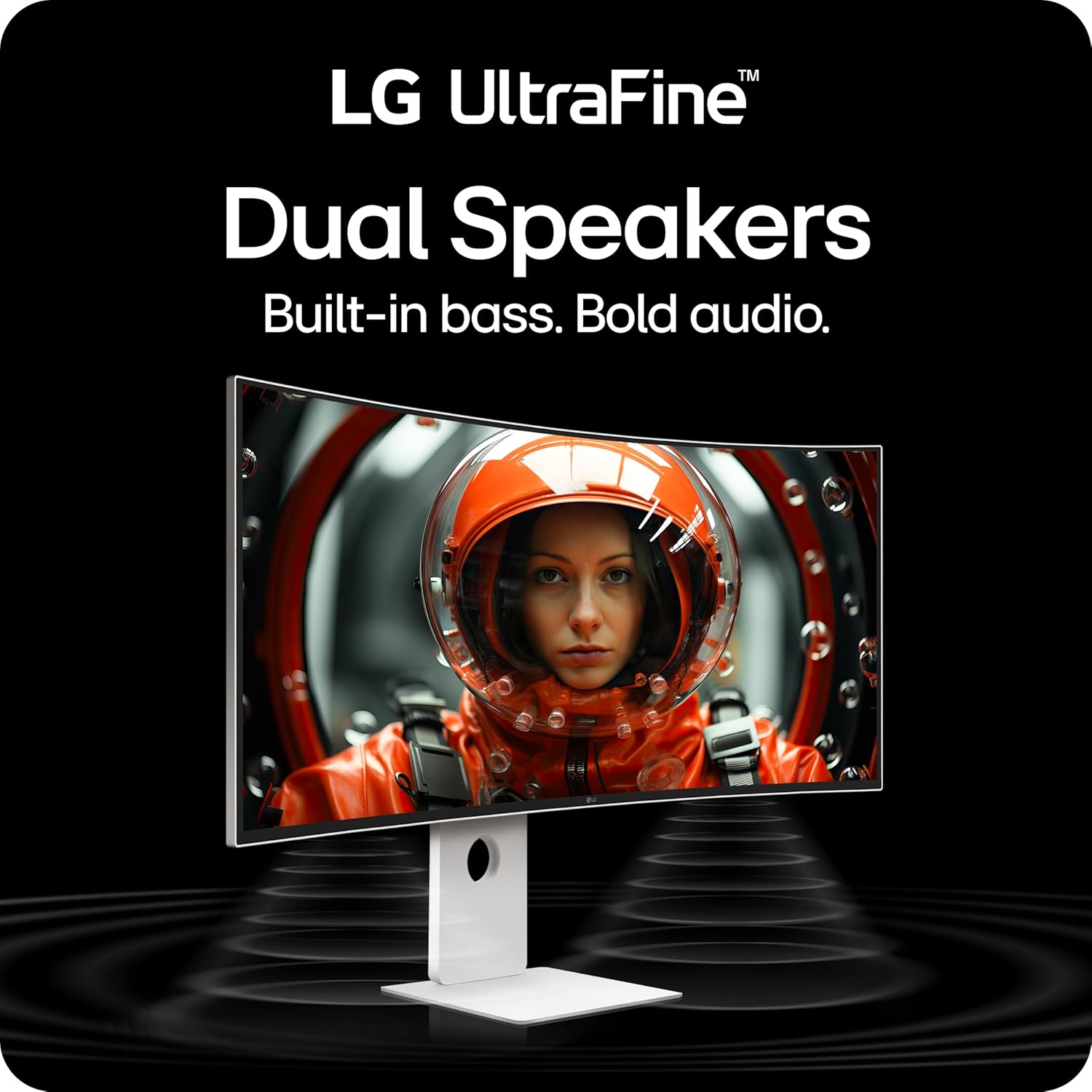
Figure 7: The LG Switch App allows for display customization and smart screen management.
4. audio
The monitor is equipped with dual speakers and Rich Bass technology for immersive sound.
5. Ergonomia
The stand allows for various adjustments to optimize your viewkomfort:
- Przechylenie: Możliwość dostosowania kąta nachylenia ekranu w zakresie od -5° do 20°.
- Wysokość: Możliwość regulacji wysokości ekranu w zakresie do 130 mm.
- Obracać: Rotate the screen horizontally by ±20°.

Figure 8: Ergonomic stand adjustments for personalized viewkomfort.
Konserwacja
1. Czyszczenie ekranu
Delikatnie przetrzyj ekran miękką, niepozostawiającą włókien ściereczką. W przypadku uporczywych zabrudzeń delikatnie przetrzyj.ampPrzetrzyj ściereczkę wodą lub specjalnym środkiem do czyszczenia ekranów. Unikaj stosowania silnych środków chemicznych i materiałów ściernych.
2. Ogólna opieka
Keep the monitor away from direct sunlight, heat sources, and excessive dust. Do not block ventilation openings. When moving the monitor, handle it carefully to avoid damage.
Rozwiązywanie problemów
Jeśli napotkasz problemy, zapoznaj się z poniższymi typowymi rozwiązaniami:
- Brak wyświetlacza: Ensure all cables (power, video) are securely connected. Check if the monitor is powered on and the correct input source is selected.
- Słaba jakość obrazu: Adjust resolution and refresh rate settings on your connected device. Check monitor OSD settings for brightness, contrast, and color. Ensure video cables are not damaged.
- Brak dźwięku: Verify that the audio cable (if used) is connected, and volume levels are adjusted on both the monitor and the connected device. Check the monitor's OSD for audio output settings.
- Connectivity Issues (Thunderbolt 5): Ensure you are using the Thunderbolt 5 cable included with the monitor. Confirm your device supports Thunderbolt 5 or DisplayPort 2.1 for full functionality (96W charging, 5K2K @120Hz).
For further assistance, consult the LG support webodwiedź witrynę lub skontaktuj się z obsługą klienta.
Specyfikacje
| Rozmiar ekranu | 40 cali |
| Rezolucja | 5120 x 2160 (5K2K WUHD) |
| Typ panelu | Nano IPS Black Curved (2500R) |
| Częstotliwość odświeżania | 120 Hz |
| Obsługa HDR | Wyświetlacz VESAHDR 600 |
| Gama kolorów | Do 99% DCI-P3 |
| Współczynnik kontrastu | 2000:1 (Nano IPS Black) |
| Łączność | Thunderbolt 5 (x2), HDMI 2.1 (x2), DisplayPort 2.1 (x1), USB-C Down (x4), RJ45 LAN, Headphone Out |
| Dostarczanie mocy | Up to 96W via Thunderbolt 5 |
| Wymiary (szer. x wys. x gł.) | 37.3 x 24.2 x 10.2 cala (z podstawką) |
| Waga | 31.1 funta (z podstawą) |
| Regulacja stojaka | Tilt (-5° to 20°), Height (130mm), Swivel (±20°) |
Gwarancja i wsparcie
Your LG 40U990A-W monitor is covered by a limited warranty. Please refer to the warranty card included in your product packaging for specific terms and conditions. For technical support, driver downloads, or service inquiries, visit the official LG webodwiedź witrynę lub skontaktuj się z obsługą klienta LG.
Oficjalny film o produkcie:
Wideo 1: Overview of the LG 40U990A-W UltraFine Monitor, highlighting its key features and benefits for professional use.