
1. Koniec produktuview
The aMagisn Bluetooth Wireless Remote Control is designed for seamless control of various action cameras and smartphones. It offers extended range, long battery life, and a durable, splash-resistant design, making it suitable for diverse shooting environments.
Zawartość opakowania
- Pilot zdalnego sterowania x 1
- Kabel ładujący x 1
- Short Wrist Strap x 1
- Long Wrist Strap x 1
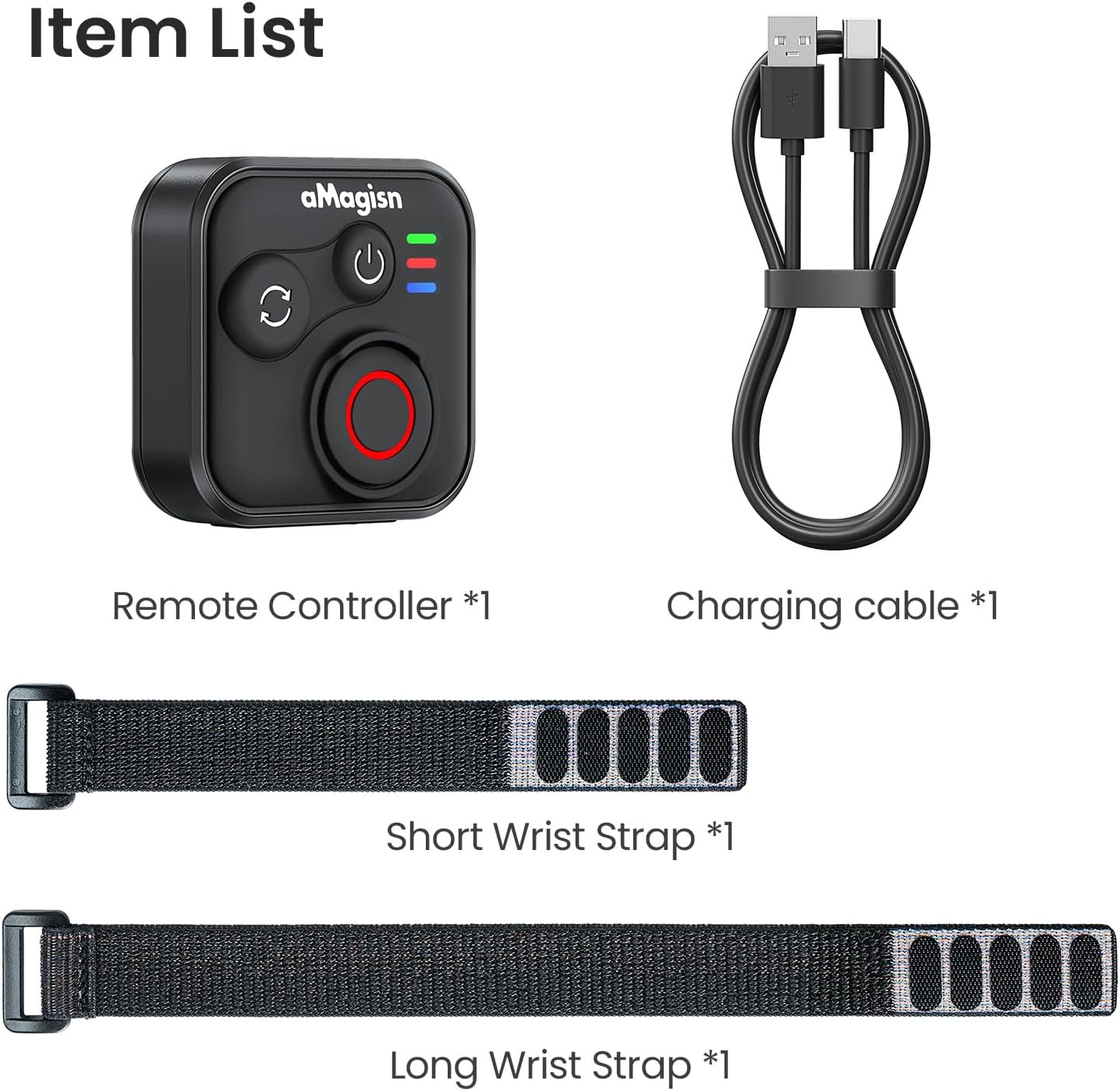
Image: Package contents including the remote, charging cable, and two wrist straps.
2. Specyfikacje
| Marka | Magia |
| Nazwa produktu | Sports Camera Bluetooth Remote Control |
| Kompatybilne urządzenia | Insta360 series cameras, GoPro Hero series cameras, Android smartphones, iOS smartphones |
| Tworzywo | Silikon ABS |
| Wymiary | Wymiary: 37.0 x 37.0 x 18.9 mm |
| Waga | 23g |
| Pojemność baterii | Litowo-jonowy 3.7 V/120 mAh |
| Czas ładowania | Około 3 godzin |
| Wejście ładowania | 5 V/100 mA |
| Maksymalny zasięg | Up to 76 meters (device dependent) |

Image: Visual representation of the remote control's dimensions and key specifications.
3. Konfiguracja
Ładowanie pilota zdalnego sterowania
Before first use, fully charge the remote control. Connect the provided charging cable to the USB-C port on the remote and to a standard USB power source. The charging indicator light will show the charging status.
Parowanie z urządzeniami
The remote control supports pairing with Insta360 cameras, GoPro cameras, and iOS/Android smartphones.
- Włączanie: Briefly press the Power Button to turn on the remote.
- Wejdź w tryb parowania: If pairing with a new device, perform an Ultra-long press on the Mode Switch Button to force the remote to re-pair. The light indicator will show alternating blue, red, and green flashes.
- Aktywuj Bluetooth na urządzeniu: On your camera or smartphone, enable Bluetooth and search for available devices.
- Select Remote: Select the aMagisn remote from the list of found devices to complete the pairing process.
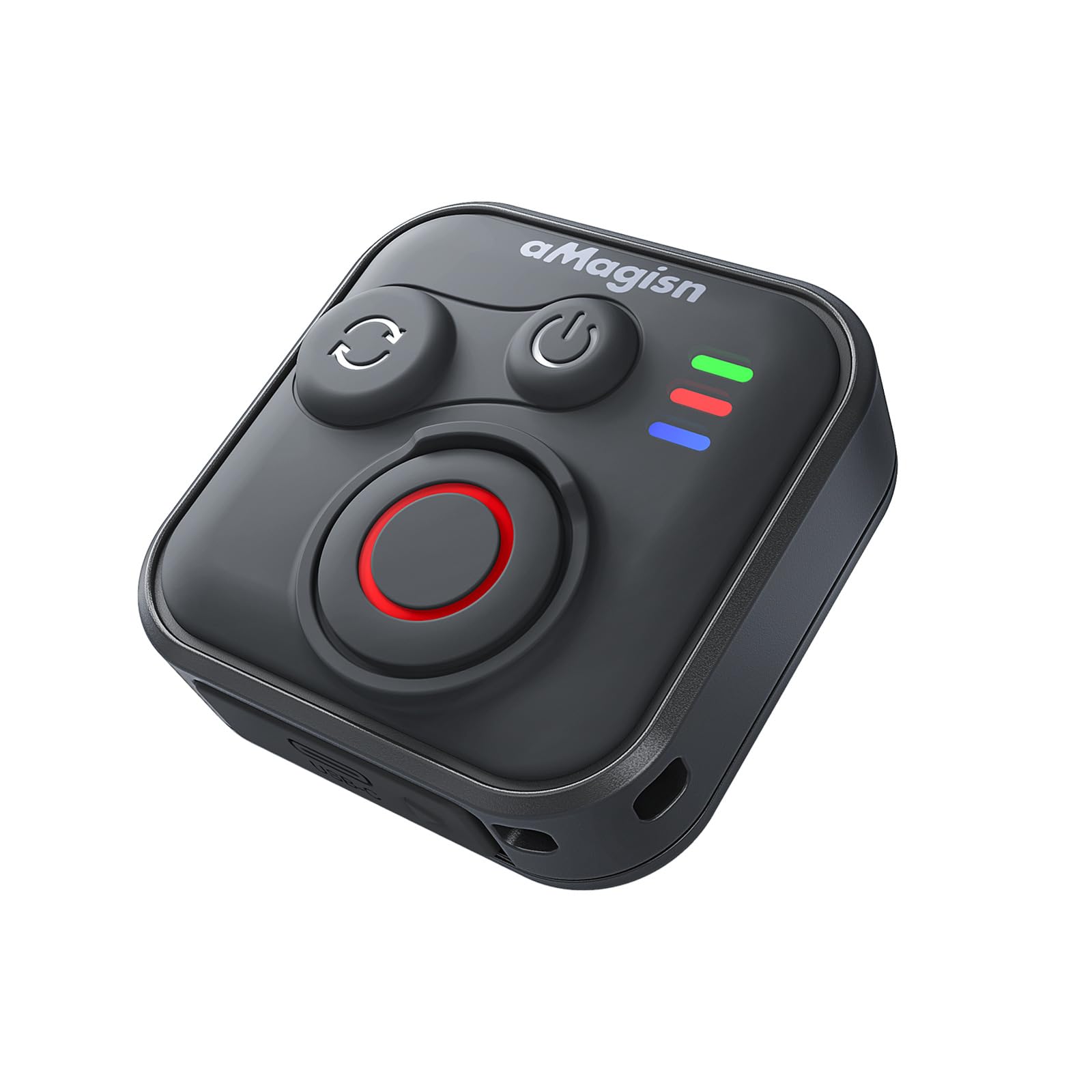
Image: The remote control demonstrating its Bluetooth 5.1 range, compatible with various devices.
4. Instrukcja obsługi
Funkcje przycisków
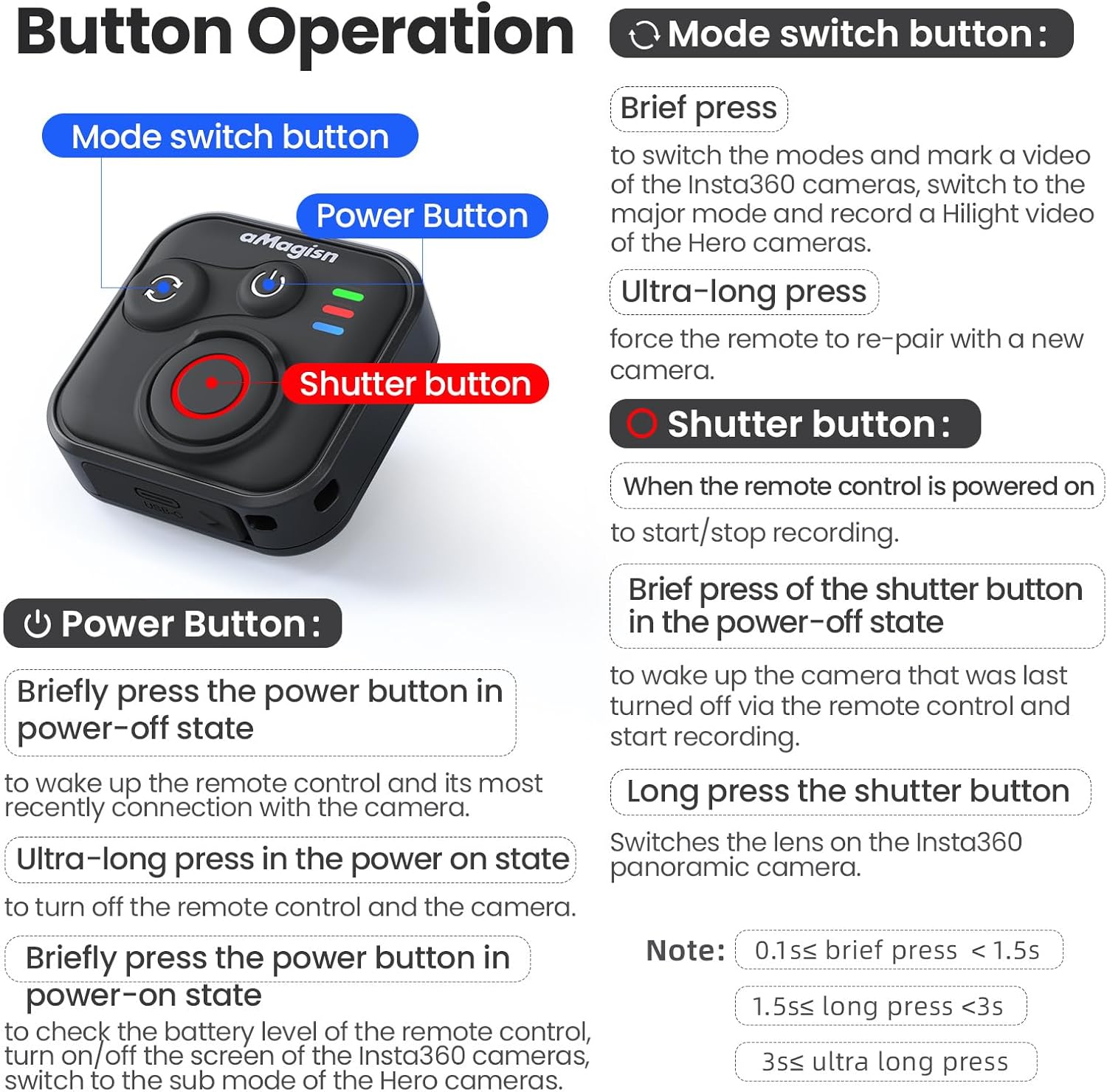
Obraz: Szczegółowyview of the remote control's buttons and their respective operations.
Przycisk zasilania
- Brief press (Power-off state): Wakes up the remote control and connects to the most recently paired device.
- Ultra-long press (Power-on state): Wyłącza pilota i podłączoną kamerę.
- Brief press (Power-on state): Checks battery level, turns on/off the screen of Insta360 cameras, or switches to the sub-mode of Hero cameras.
Przycisk przełączania trybu
- Krótkie naciśnięcie: Switches between modes (e.g., Photo/Video) and marks a video highlight (for GoPro HiLight).
- Bardzo długie naciśnięcie: Wymusza ponowne sparowanie pilota z nową kamerą.
Przycisk migawki
- Press (Remote powered on): Rozpoczyna lub zatrzymuje nagrywanie/przechwytywanie.
- Brief press (Power-off state): Włącza kamerę, która została ostatnio wyłączona za pomocą pilota i rozpoczyna nagrywanie.
- Długie naciśnięcie: Zmienia obiektyw w kamerach panoramicznych Insta360.
Stan wskaźnika świetlnego

Image: Explanation of the remote control's LED light indicators for battery, connection, and pairing status.
Red and Green Light (Battery Status - Press Power Button)
- Stałe zielone światło: Poziom naładowania baterii wynosi od 10% do 100%.
- Migające zielone światło: Poziom naładowania baterii wynosi od 0% do 10%.
- Migające czerwone światło: Poziom naładowania baterii wynosi 0%.
Blue Light (Bluetooth Status)
- Stałe niebieskie światło: Bluetooth jest połączony.
- Blinking Blue Light (Power light off): Oczekiwanie na połączenie z ostatnio podłączonym urządzeniem.
Status ładowania
- Stałe czerwone światło: Trwa ładowanie, bateria nie jest jeszcze w pełni naładowana.
- Stałe zielone światło: Trwa ładowanie, bateria jest pełna.
New Device Pairing
- Naprzemienne miganie światłem niebieskim, czerwonym i zielonym: Kamera oczekuje na sparowanie z nowym urządzeniem.
5. Installation and Usage Scenarios
The remote control features a versatile design with four pass-through holes, allowing for both horizontal and vertical wrist strap attachment. This ensures secure mounting on wrists, handlebars, selfie sticks, or other accessories.

Obraz: Byłyamples of how the remote control can be mounted horizontally or vertically using wrist straps, and various use cases like cycling, selfie sticks, and backpack clips.
Wodoodporna konstrukcja
The remote control features a waterproof build and a sealed USB port, making it resistant to splashes, rain, and suitable for use in wet conditions like surfing.
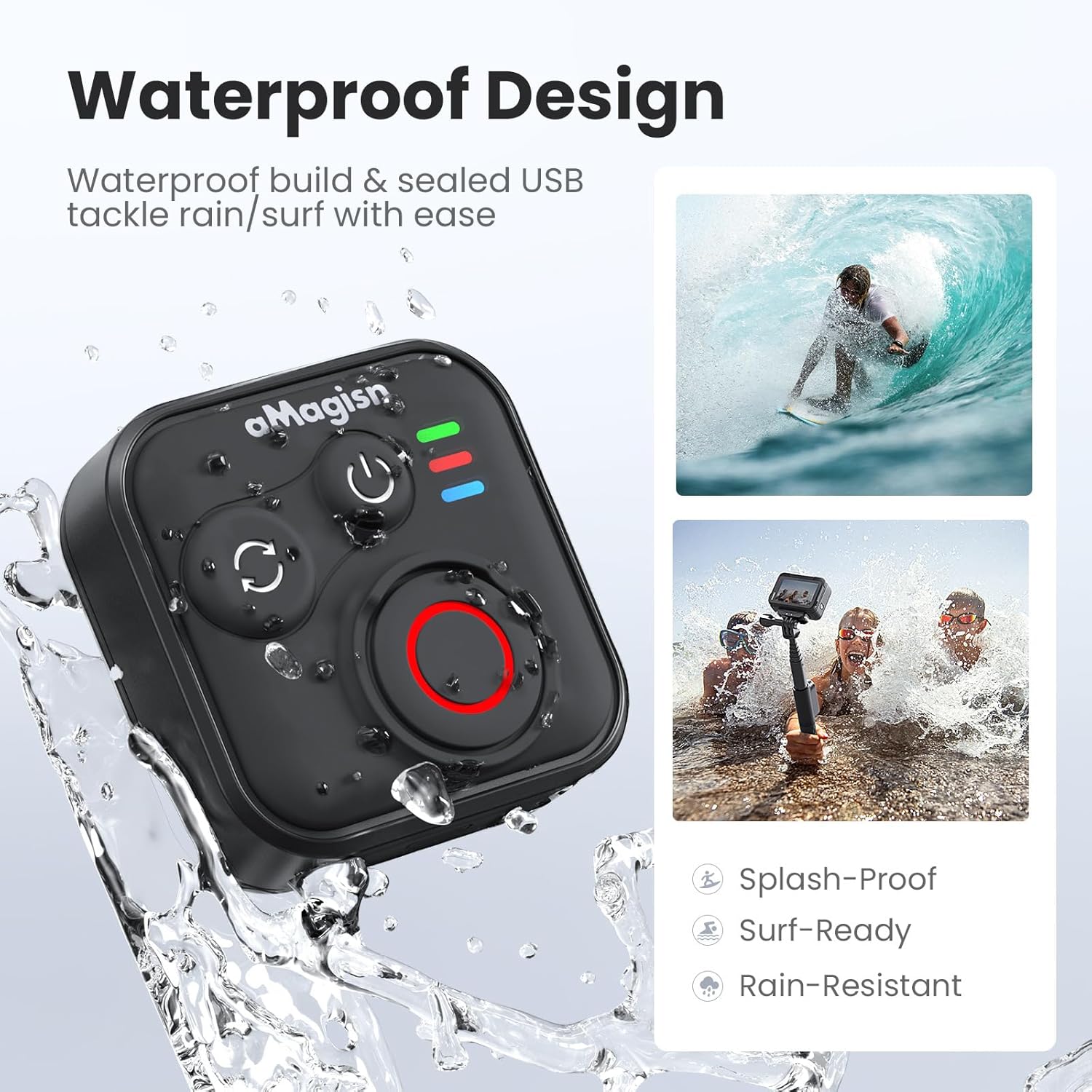
Image: The remote control demonstrating its waterproof capabilities, suitable for use in rain or near water.
6. Konserwacja
Czyszczenie
Przetrzyj pilota miękką, suchą ściereczką. W przypadku uporczywych zabrudzeń, delikatnie przetrzyj.amp Można użyć ściereczki. Nie należy używać silnych środków chemicznych ani ściernych środków czyszczących.
Składowanie
Store the remote control in a cool, dry place away from direct sunlight and extreme temperatures. If storing for an extended period, ensure the battery is partially charged (around 50%) to prolong its lifespan.
Żywotność baterii
The remote control offers up to 96 hours of continuous operation on a single charge, with a charging duration of approximately 3 hours.

Image: Visual representation of the remote control's impressive 96-hour battery life and 3-hour charging time.
7. Rozwiązywanie Problemów
- Pilot się nie włącza: Ensure the battery is charged. Connect to the charging cable and check the charging indicator light.
- Nie można sparować z urządzeniem:
- Sprawdź, czy w aparacie/smartfonie włączona jest funkcja Bluetooth.
- Wykonaj Ultra-long press on the Mode Switch Button on the remote to force re-pairing.
- Ensure the remote is within the effective Bluetooth range of your device.
- Restart both the remote and your device.
- Remote not controlling camera:
- Verify that the remote is successfully paired (solid blue light).
- Check camera settings to ensure it supports external Bluetooth remote control.
- Sprawdź, czy oprogramowanie sprzętowe kamery jest aktualne.
- Krótki zasięg działania: Environmental factors (e.g., obstacles, interference) can affect Bluetooth range. Try operating in an open area.
8. Gwarancja i wsparcie
For warranty information or technical support, please refer to the contact details provided with your purchase or visit the official aMagisn webZachowaj dowód zakupu na wypadek roszczeń gwarancyjnych.