
Wstęp
Thank you for choosing the boAt Rockerz Prime 255Z Bluetooth Neckband Earphones. This manual provides essential information for setting up, operating, and maintaining your device to ensure optimal performance and longevity. Please read these instructions carefully before use.
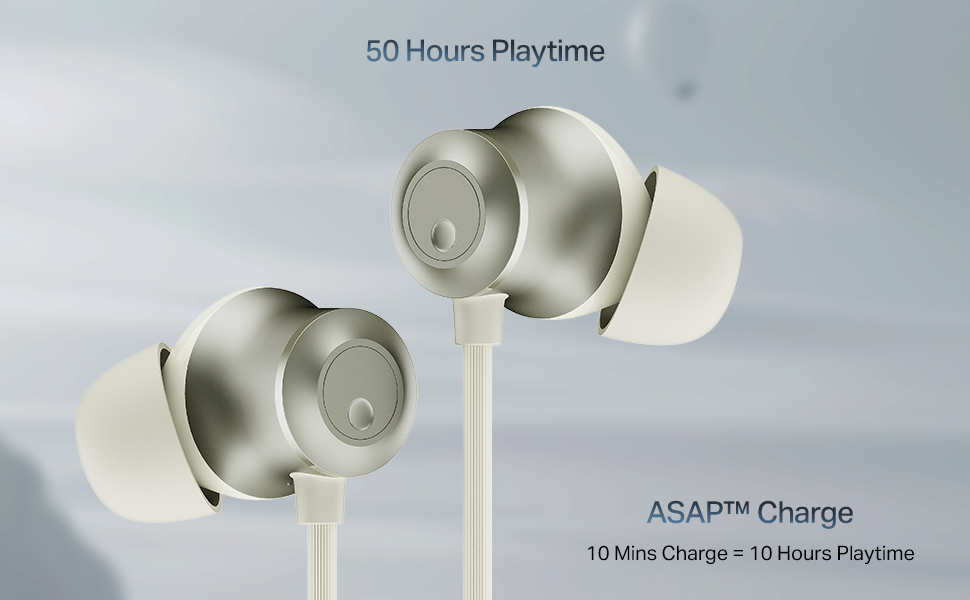
Image: The boAt Rockerz Prime 255Z neckband earphones, showcasinze względu na ich elegancki wygląd.
Co jest w pudełku
Sprawdź, czy w pakiecie znajdują się wszystkie poniższe elementy:
- boAt Rockerz Prime 255Z Bluetooth Neckband
- Additional Earbuds (various sizes)
- Kabel ładujący
- Instrukcja obsługi
Organizować coś
1. Ładowanie słuchawek
Before first use, fully charge your Rockerz Prime 255Z. Connect the provided charging cable to the charging port on the neckband and a compatible USB power source. The LED indicator will show charging status.
Opłata ASAP: A quick 10-minute charge provides approximately 10 hours of playtime. A full charge offers up to 50 hours of playback.
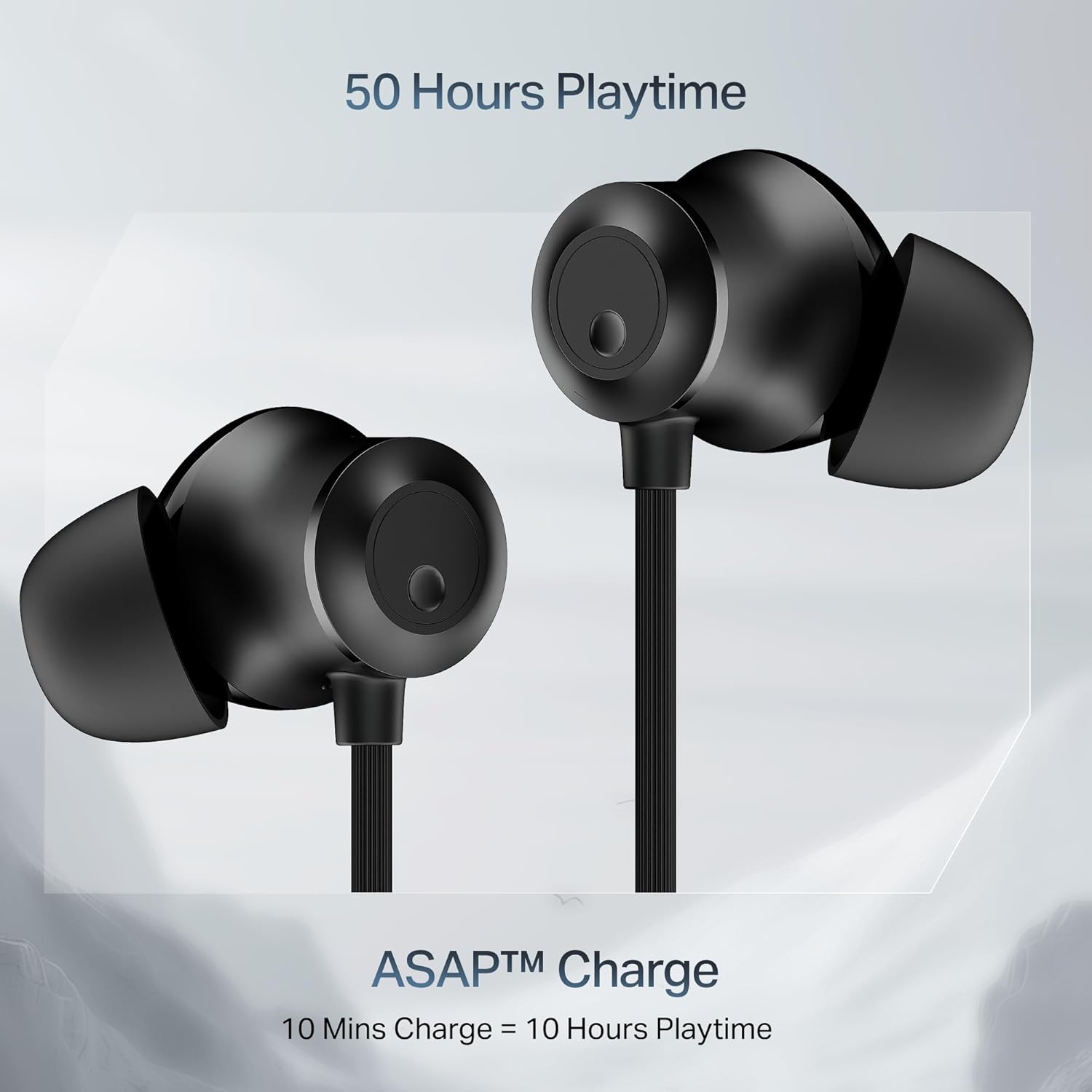
Image: Close-up of the earbuds with text highlighting '50 Hours Playtime' and 'ASAP Charge: 10 Mins Charge = 10 Hours Playtime'.
2. Włączanie/wyłączanie zasilania
- Włączanie: Separate the magnetic earbuds to automatically power on the device.
- Wyłączone: Attach the magnetic earbuds together to automatically power off the device. Alternatively, press and hold the multi-function button for a few seconds.
3. Parowanie Bluetooth
Początkowe parowanie:
- Ensure the neckband is charged and powered on (separate magnetic earbuds).
- The LED indicator will flash blue and red, indicating it is in pairing mode.
- Na swoim urządzeniu (smartfonie, tablecie, laptopie) włącz Bluetooth i wyszukaj dostępne urządzenia.
- Select "boAt Rockerz Prime 255Z" from the list.
- Po nawiązaniu połączenia dioda LED będzie okresowo migać na niebiesko.
Dual Pairing (Connect 2 Devices at once):
The Rockerz Prime 255Z supports dual pairing, allowing connection to two devices simultaneously.
- Pair the neckband with the first device as described above.
- Disable Bluetooth on the first device. The neckband will re-enter pairing mode.
- Pair the neckband with the second device.
- Enable Bluetooth on the first device. The neckband will automatically connect to both devices.
You can now switch between audio sources on the two connected devices.

Image: The boAt Rockerz Prime 255Z neckband connected to both a smartphone and a tablet, illustrating the dual pairing feature.
4. Google Fast Pair
For Android devices, Google Fast Pair enables quick and seamless connection. Simply power on your Rockerz Prime 255Z near your Android device, and a pop-up notification will appear for instant pairing.
Obsługa słuchawek
Sterownica
The neckband features integrated controls for easy management of music and calls.
- Odtwórz/Pauza: Naciśnij raz przycisk wielofunkcyjny.
- Zwiększenie głośności: Naciśnij krótko przycisk „+”.
- Ściszanie: Naciśnij krótko przycisk '-'.
- Następny utwór: Naciśnij i przytrzymaj przycisk „+”.
- Poprzedni utwór: Naciśnij i przytrzymaj przycisk '-'.
- Odbieranie/kończenie połączeń: Naciśnij raz przycisk wielofunkcyjny.
- Odrzuć połączenie: Naciśnij i przytrzymaj przycisk wielofunkcyjny.
- Aktywuj asystenta głosowego: Naciśnij dwukrotnie przycisk wielofunkcyjny.
boAt Spatial Audio
Experience immersive surround sound with boAt Spatial Audio. This feature enhances the audio experience, making sound feel like it's coming from all directions, providing a more engaging listening experience.

Image: The boAt Rockerz Prime 255Z earbuds with a visual representation of immersive sound waves, labeled 'boAt Spatial Audio'.
AI-ENx Technology
The AI-ENx Technology provides enhanced voice clarity during calls by effectively canceling out background noise. This ensures your voice is heard clearly, even in noisy environments.

Image: A close-up of an earbud with a visual representation of sound waves, indicating 'AI-ENx Technology for Enhanced Voice Clarity on Calls'.
Tryb bestii
Activate BEAST Mode for a low-latency gaming experience. With latency as low as 65ms, this mode minimizes audio lag, providing a more synchronized and realistic gaming session.
boAt Hearables App Compatibility
Enhance your audio experience by connecting your Rockerz Prime 255Z to the boAt Hearables App. The app allows you to monitor battery levels, check Bluetooth connectivity, change EQ modes, and troubleshoot with Smart Diagnostics mode.

Image: A smartphone screen showing the boAt Hearables App with a QR code to scan and explore. Click the image to download the app.
Konserwacja
Odporność na zachlapanie IPX4
The Rockerz Prime 255Z features an IPX4 rating, making it resistant to sweat and light splashes of water. This protection allows for use during workouts or in light rain. However, it is not designed for submersion in water.
Opieka ogólna
- Regularnie czyść słuchawki douszne i pałąk miękką, suchą ściereczką.
- Unikaj wystawiania urządzenia na działanie ekstremalnych temperatur, bezpośredniego światła słonecznego i żrących płynów.
- Gdy nie są używane, przechowuj słuchawki w chłodnym i suchym miejscu.
- Nie należy podejmować prób demontażu lub modyfikacji urządzenia, gdyż spowoduje to utratę gwarancji.
Rozwiązywanie problemów
If you encounter issues with your Rockerz Prime 255Z, refer to the following common solutions:
- Brak zasilania: Upewnij się, że urządzenie jest w pełni naładowane. Podłącz je do źródła zasilania i sprawdź wskaźnik ładowania.
- Nie można sparować: Ensure Bluetooth is enabled on your device and the neckband is in pairing mode (LED flashing blue and red). Move the neckband closer to your device.
- Brak dźwięku: Check the volume levels on both the neckband and your connected device. Ensure the neckband is correctly paired and selected as the audio output.
- Słaba jakość połączeń: Ensure the microphone is not obstructed. If using AI-ENx, ensure it is active. Try moving to a quieter environment.
- Połączenie przerywane: Ensure there are no obstructions between the neckband and your device. Avoid strong electromagnetic interference.
For further assistance, refer to the boAt Hearables App's Smart Diagnostics mode or contact customer support.
Specyfikacje
| Marka | łódź |
| Nazwa modelu | Rockerz Prime 255Z |
| Numer modelu | PP0023 |
| Umieszczenie ucha | W uchu |
| Współczynnik kształtu | W uchu |
| Technologia łączności | Bluetooth |
| Średnia żywotność baterii | 50 godzin |
| Czas ładowania akumulatora | 10 Minutes (for 10 hours playtime) |
| Poziom wodoodporności | IPX4 (odporność na pot i zachlapanie) |
| Cechy specjalne | boAt Spatial Audio, AI-ENx Noise Cancellation, ASAP Charge, BEAST Mode, Google Fast Pair |
| Metoda kontroli | Aplikacja, przyciski |
| Waga przedmiotu | 50 gram |
Gwarancja i wsparcie
Your boAt Rockerz Prime 255Z comes with a 1-letnia gwarancja od daty zakupu. Niniejsza gwarancja obejmuje wady produkcyjne.
For warranty claims, technical support, or any other inquiries, please contact boAt customer service:
- Producent: Imagine Marketing Ltd
- E-mail: info@imaginemarketingindia.com
- Please visit the official boAt webwitryna zawierająca najnowsze informacje dotyczące pomocy technicznej i dane kontaktowe.