
1. Wprowadzenie
The QCY MeloBuds N70 are advanced wireless earbuds designed to deliver a superior audio experience with adaptive hybrid active noise cancellation, high-resolution audio support, and extended battery life. This manual provides detailed instructions for setting up, operating, and maintaining your earbuds.
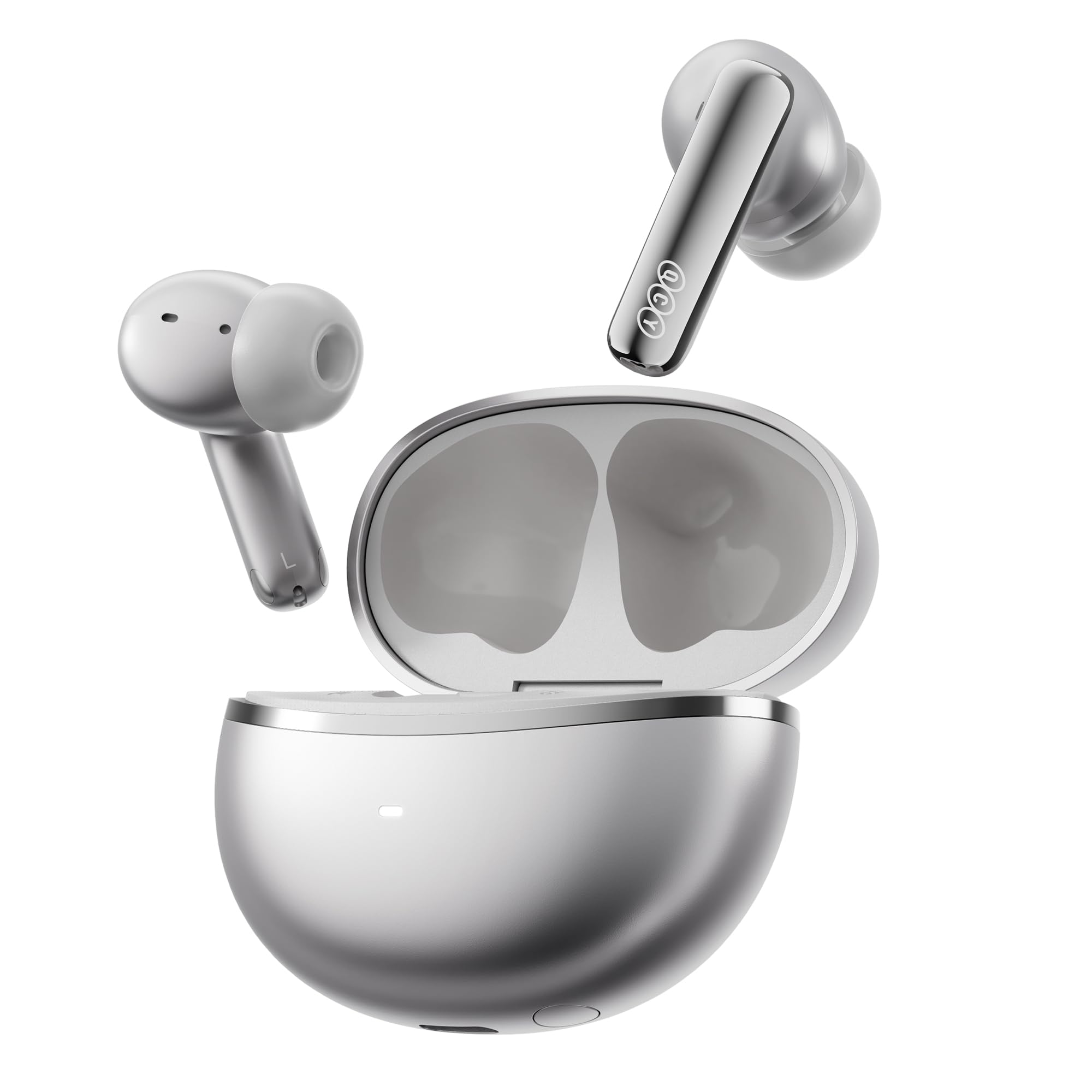
Image: QCY MeloBuds N70 earbuds and charging case in Titanium Gold.
2. Co znajduje się w pudełku
- Słuchawki douszne QCY MeloBuds N70
- Etui z ładowaniem bezprzewodowym
- Eartips (XS/S/M/L/XL) - 5 sizes for optimal fit
- Kabel ładujący USB-C
- Instrukcja obsługi
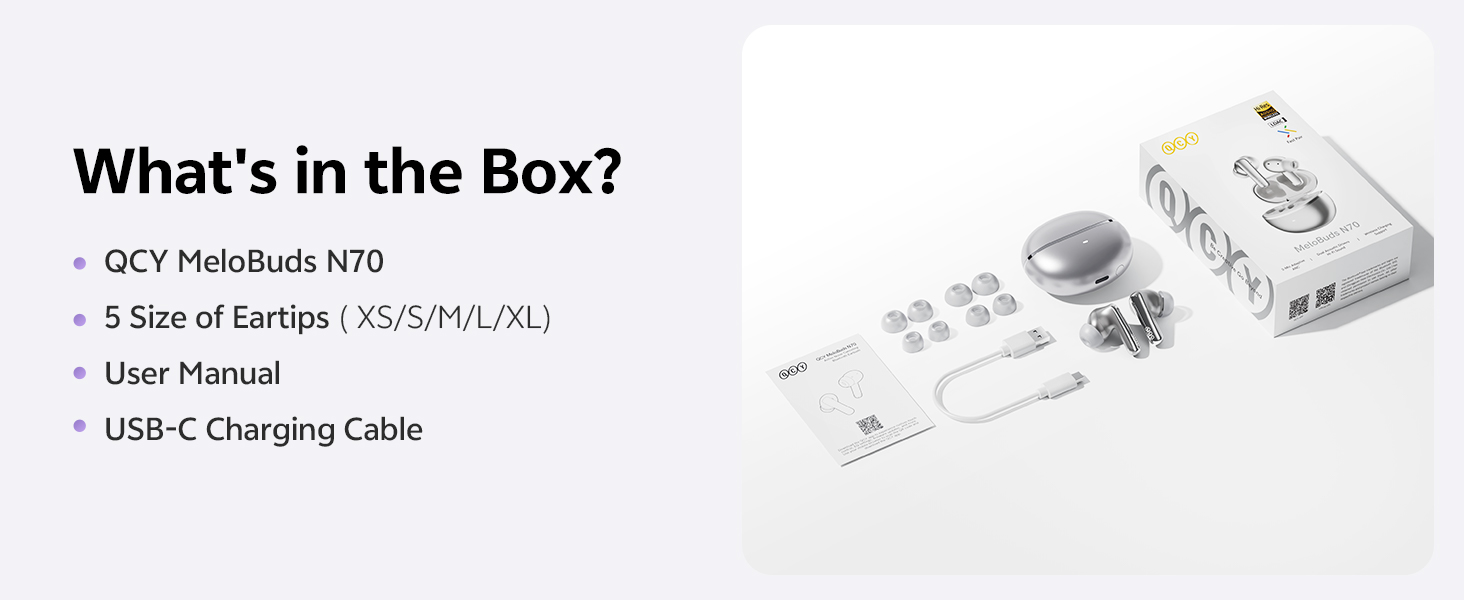
Image: All items included in the QCY MeloBuds N70 package.
3. Koniec produktuview
3.1 Elementy słuchawek dousznych
- DualCore Acoustic System: Features a ring-shape dynamic driver for bass and mids, and a MEMS tweeter for clear highs.
- 6 mikrofony: Integrated for clear calls and effective noise cancellation.
- Obszar sterowania dotykowego: Znajdują się na trzonku każdej słuchawki dousznej i pełnią różne funkcje.
- Tuning Vent: Optimizes sound performance.
- Ładowanie styków: Do ładowania w etui.
3.2 Elementy etui ładującego
- Przycisk obudowy: For pairing and resetting.
- Dioda LED kontrolna: Wyświetla stan ładowania i poziom naładowania baterii.
- Port ładowania typu C: Do ładowania przewodowego.
- Obsługa ładowania bezprzewodowego: Allows for convenient wireless charging.
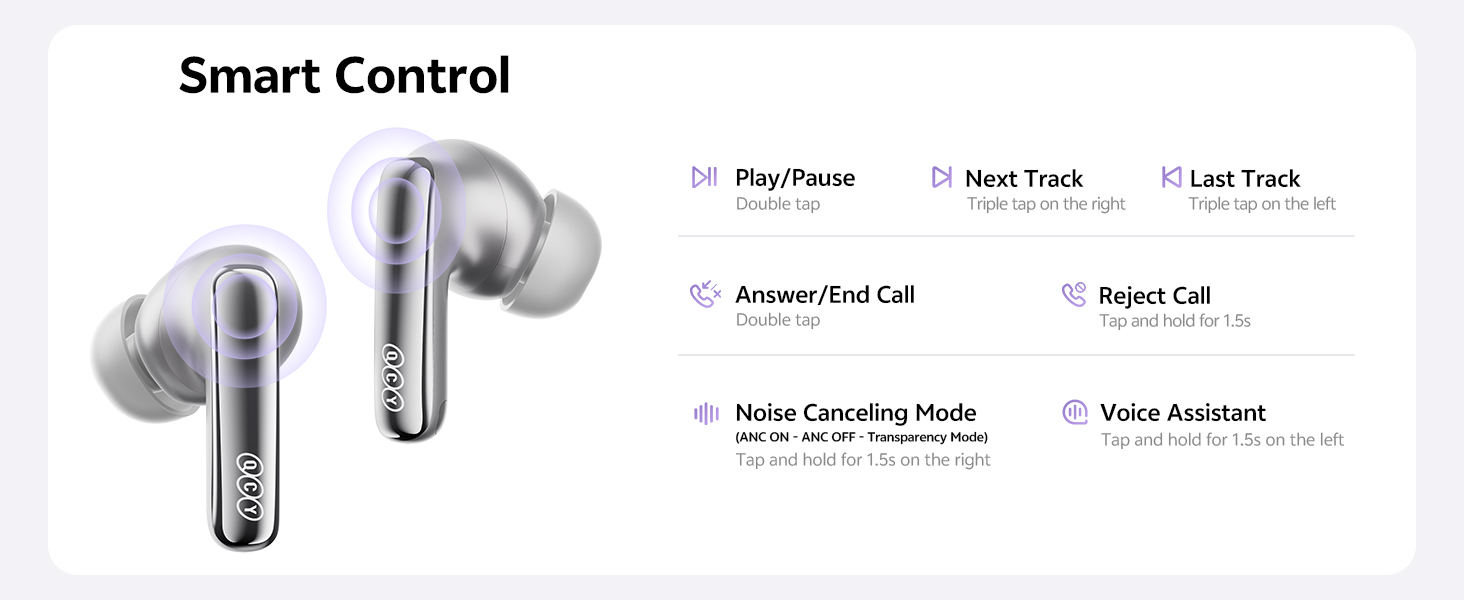
Image: Diagram illustrating the control areas and components of the earbuds and charging case.
4. Konfiguracja
4.1 Początkowe parowanie
- Otwórz pokrywę etui ładującego. Słuchawki włączą się automatycznie.
- Włącz Bluetooth na swoim urządzeniu (smartfonie, tablecie itp.).
- Szukaj "QCY MeloBuds N70" in the list of available Bluetooth devices and select it to pair.
- Po sparowaniu słuchawki są gotowe do użycia.
4.2 Podwójne połączenie urządzeń
The MeloBuds N70 supports multipoint connection, allowing you to connect to two Bluetooth devices simultaneously (e.g., a phone and a laptop) and switch between them seamlessly.
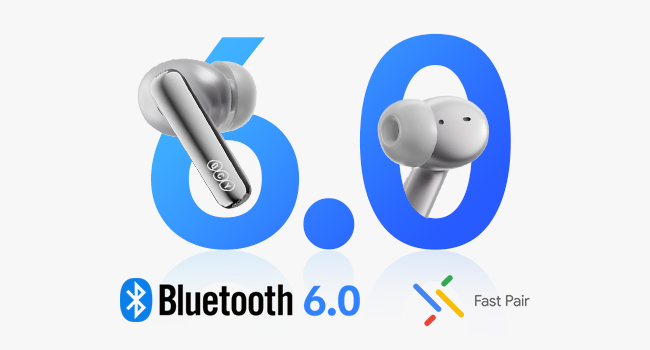
Image: Illustration of Bluetooth 6.0 and Google Fast Pair for quick connectivity.
4.3 Instalacja aplikacji QCY
For enhanced features and customization, download the official QCY App from the Google Play Store or Apple App Store. The app allows for EQ customization, firmware updates, and more.
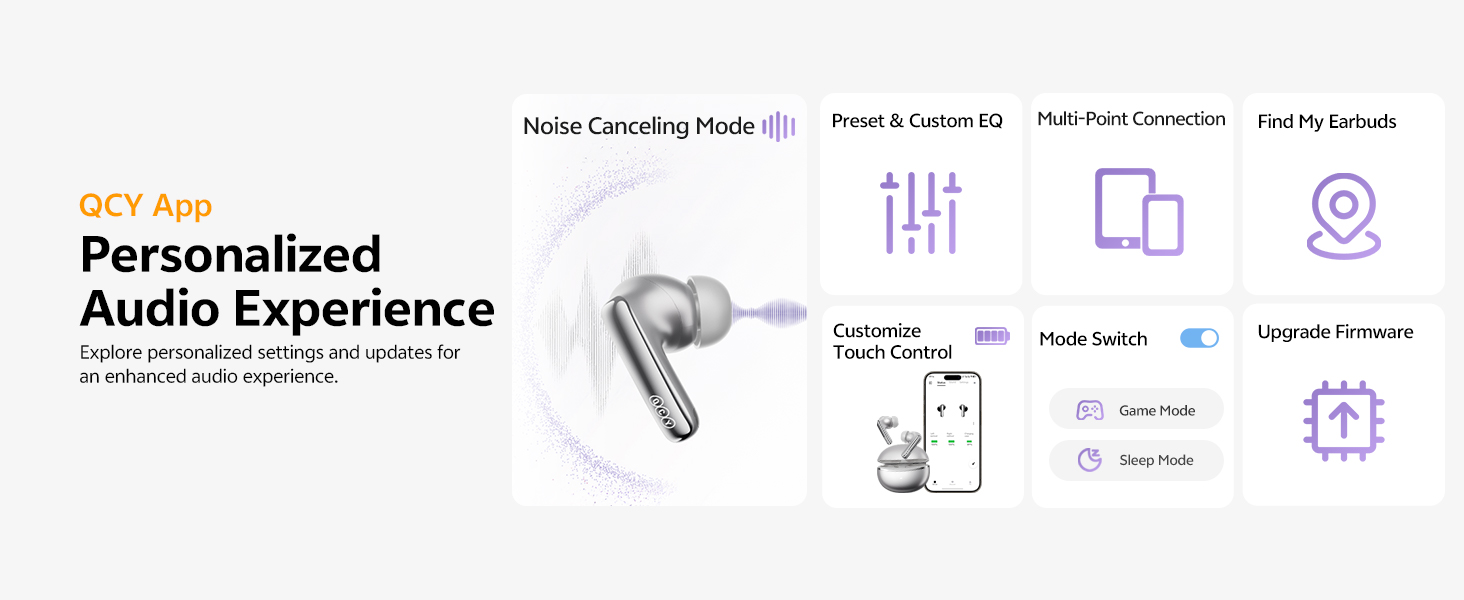
Image: QCY App interface demonstrating various control and customization options.
5. Instrukcja obsługi
5.1 Sterowanie dotykowe
- Odtwórz/Pauza: Kliknij dwukrotnie dowolną słuchawkę.
- Następny utwór: Kliknij trzykrotnie prawą słuchawkę douszną.
- Poprzedni utwór: Kliknij trzykrotnie lewą słuchawkę.
- Odbieranie/kończenie połączeń: Kliknij dwukrotnie dowolną słuchawkę.
- Odrzuć połączenie: Dotknij i przytrzymaj dowolną słuchawkę douszną przez 1.5 sekundy.
- Asystent głosowy: Dotknij lewej słuchawki dousznej i przytrzymaj ją przez 1.5 sekundy.
- ANC ON/OFF / Pass-Through: Tap and hold the right earbud for 1.5 seconds to cycle through modes.
5.2 Aktywna redukcja szumów (ANC)
The MeloBuds N70 feature Adaptive Hybrid ANC, reducing noise by up to 56dB. You can switch between ANC ON, ANC OFF, and Pass-Through (Transparency) modes using the touch controls or the QCY App.
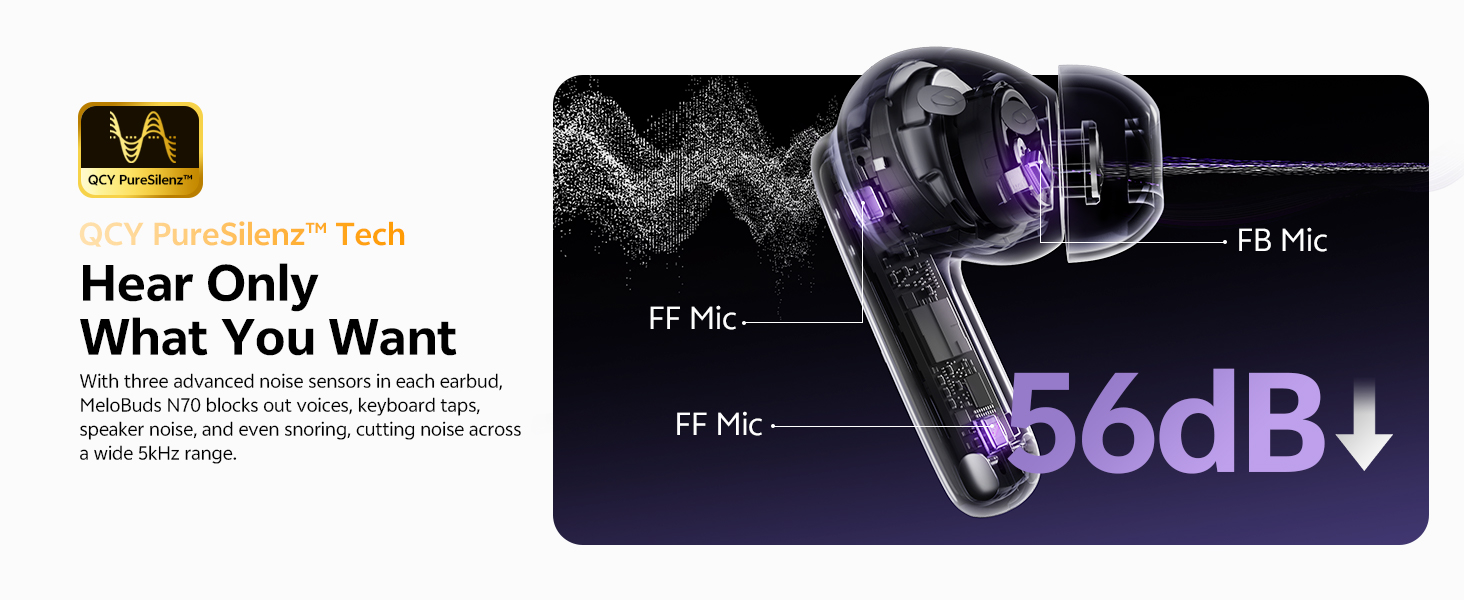
Image: Visual representation of the 56dB noise cancellation capability.
5.3 Wykrywanie w uchu
Music automatically pauses when you remove an earbud and resumes when you put it back on. This feature can be managed via the QCY App.

Image: Smart wearing detection feature, showing automatic play and pause.
6. Ładowanie i bateria
6.1 Żywotność baterii
- ANC wyłączone: Up to 10 hours of single playtime; up to 50 hours total with the charging case.
- ANC włączone: Up to 7 hours of single playtime; up to 35 hours total with the charging case.
6.2 Ładowanie etui
- Ładowanie przewodowe: Podłącz kabel USB-C do portu ładowania w obudowie i do źródła zasilania.
- Ładowanie bezprzewodowe: Umieść etui ładujące na kompatybilnej podkładce do ładowania bezprzewodowego.
- Szybkie ładowanie: A 10-minute charge provides approximately 2 hours of use.
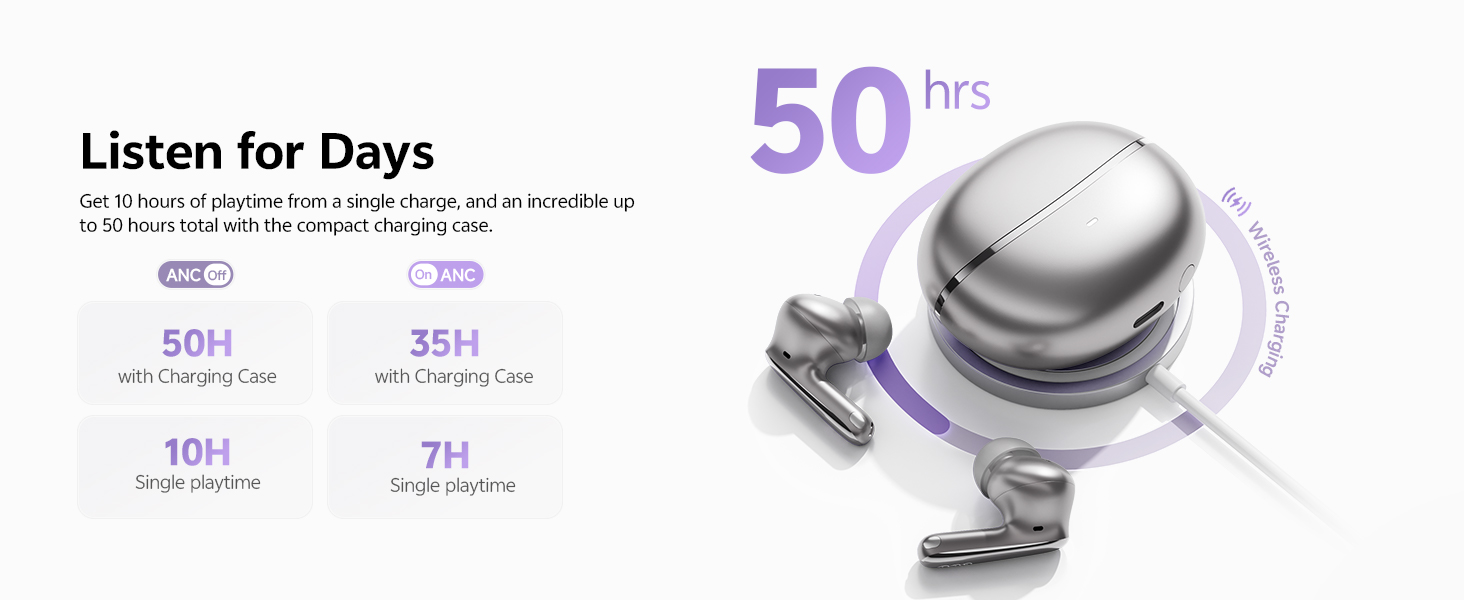
Obraz: Ponadview of the 50-hour total playtime with the charging case.
7. Konserwacja
7.1 Wybór i wymiana końcówek dousznych
Choose the eartip size (XS/S/M/L/XL) that provides the most comfortable and secure fit for optimal sound quality and noise cancellation. Gently twist and pull to remove existing eartips, then push new ones onto the earbud nozzle.
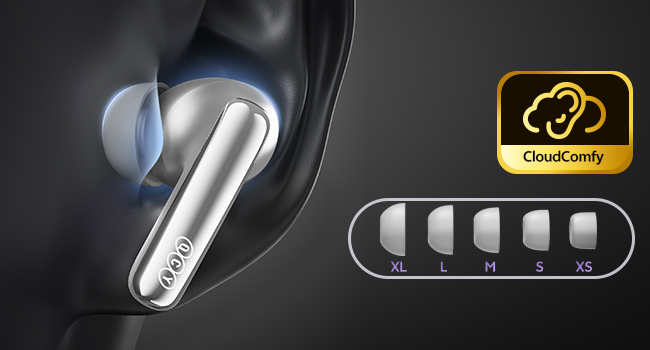
Image: Display of the five different sizes of ultra-soft silicone eartips.
7.2 Wodoodporność
The earbuds are IPX5 waterproof, meaning they are protected from sweat and splashes. They are not designed for submersion in water.
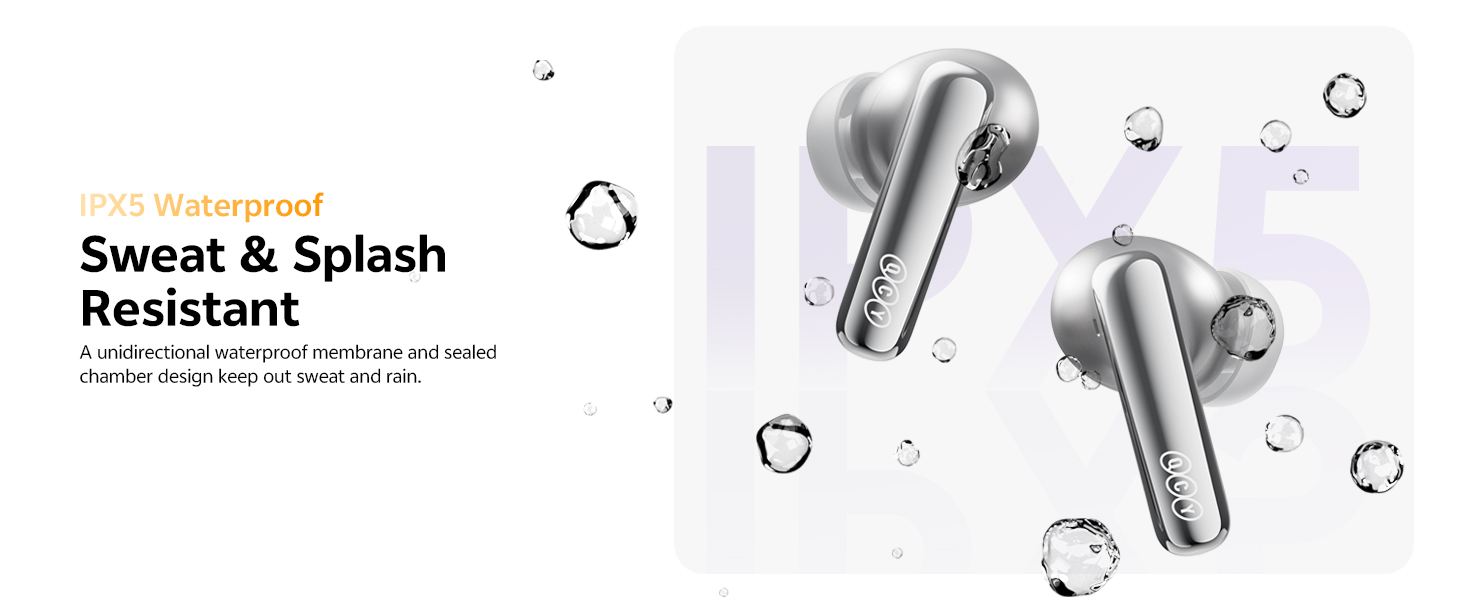
Image: Earbuds shown with water droplets, highlighting their IPX5 waterproof rating.
8. Rozwiązywanie Problemów
- Słuchawki nie łączą się: Ensure both earbuds are in the charging case, close the lid, then open it again. Check your device's Bluetooth settings.
- Problemy z dźwiękiem: Adjust the eartips for a secure fit. Check the QCY App for personalized EQ settings or firmware updates.
- ANC nie działa: Ensure the ANC mode is activated via touch control or the QCY App.
- Problemy z ładowaniem: Verify the USB-C cable is properly connected or that the wireless charging pad is functional.
- Szum wiatru podczas rozmów: The earbuds feature a patented wind shielding design to minimize wind noise. Ensure earbuds are properly seated.
9. Specyfikacje
| Funkcja | Specyfikacja |
|---|---|
| Nazwa modelu | MeloBuds N70 (HT18) |
| Kontrola hałasu | Adaptacyjna hybrydowa aktywna redukcja szumów (do 56 dB) |
| Typ sterownika audio | Ring Shape Dynamic Driver + MEMS Tweeter |
| Kodek audio | LDAC Hi-Res Audio Wireless Certified |
| Wersja Bluetooth | 6.0 |
| Łączność | Wireless, Multipoint Pairing, Google Fast Pair |
| Mikrofony | 6-Mic AI Calls with Wind-Resistant Algorithm |
| Czas pracy baterii (słuchawki douszne) | 10 godzin (ANC wyłączone), 7 godzin (ANC włączone) |
| Całkowity czas odtwarzania (z etui) | 50 godzin (ANC wyłączone), 35 godzin (ANC włączone) |
| Ładowanie | USB-C Fast Charging (10 min for 2 hrs use), Wireless Charging |
| Odporność na wodę | IPX5 |
| Metoda kontroli | Aplikacja, dotyk |
| Tworzywo | Plastikowy |
| Waga | 4.9 uncji |
| Color (this variant) | Titanium Gold |
10. Gwarancja i pomoc techniczna
10.1 Gwarancja producenta
Your QCY product is covered by a manufacturer's warranty. Please refer to the warranty card included in your package for specific terms and conditions. The warranty typically covers defects in materials and workmanship under normal use.
To claim warranty service, you may need to provide proof of purchase (date of purchase, user's name, user's phone, user's address, shop's name, shop's address, and comments).
The manufacturer's warranty is void under certain circumstances, including but not limited to:
- Niewłaściwa lub niewystarczająca konserwacja lub modyfikacja.
- Wypadek, niewłaściwe użycie, nadużycie, zanieczyszczenie lub inne przyczyny zewnętrzne.
- Stosowanie nieokreślonych adapterów i akcesoriów.
- Malfunctions or damage resulting from natural disasters (e.g., lightning, earthquake, typhoon), abnormal voltage, itp.
- Damages that occur due to failure to follow the instructions.
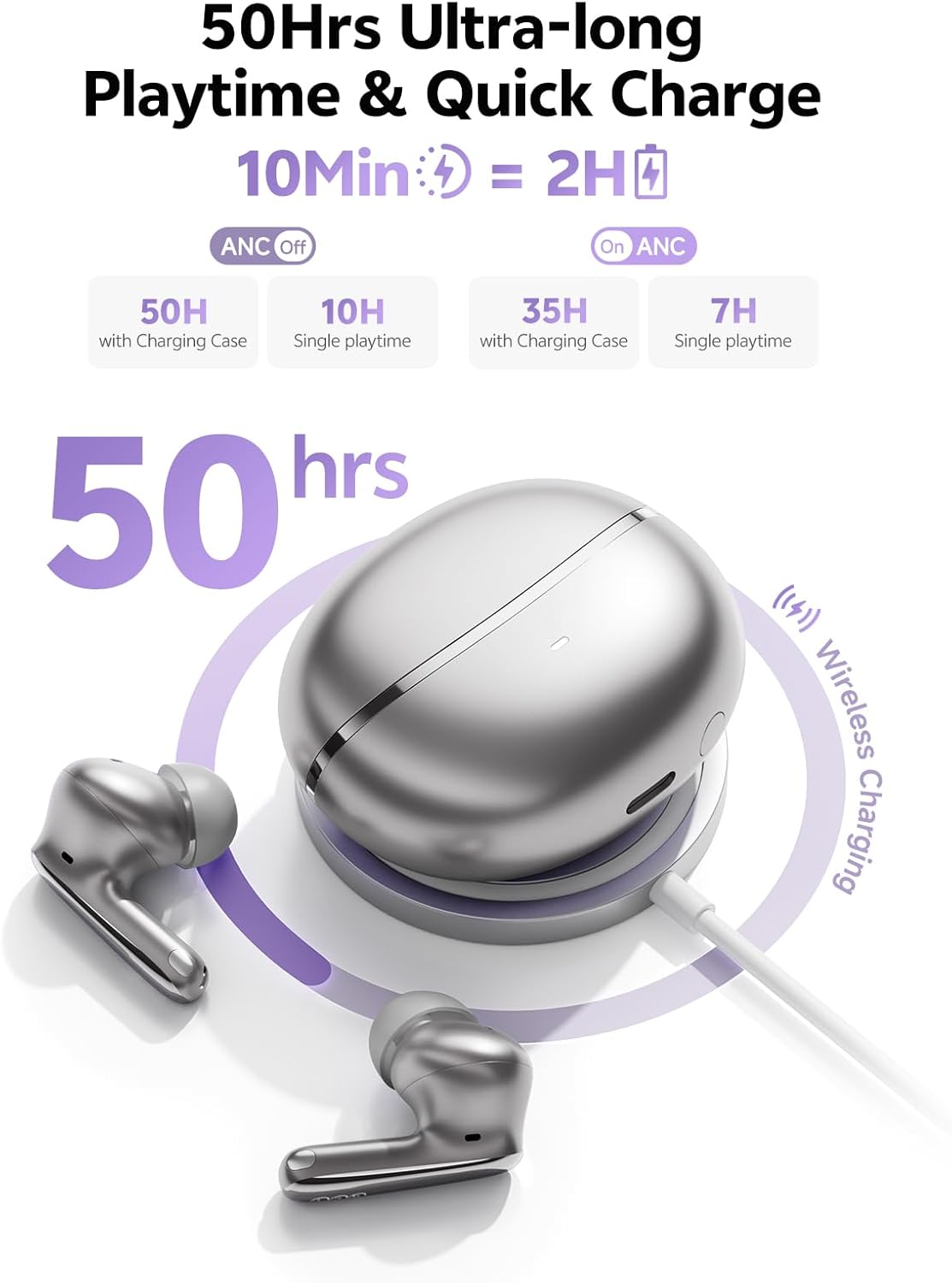
Image: A section of the user manual showing the warranty information and control diagram.
10.2 Obsługa klienta
For further assistance, technical support, or to provide feedback, please visit the official QCY website or contact their customer service through the QCY App.
11. Film o produkcieview
Video: Official QCY MeloBuds N70 product overview, pokażasing key features like dual drivers, noise cancellation, eartips, call quality, water resistance, multipoint pairing, and battery life.