
1. Wprowadzenie
This manual provides essential information for the safe and efficient operation of your Xiaomi TV A Pro 2026 43-inch LED Smart TV. Please read this manual thoroughly before using the product and retain it for future reference.
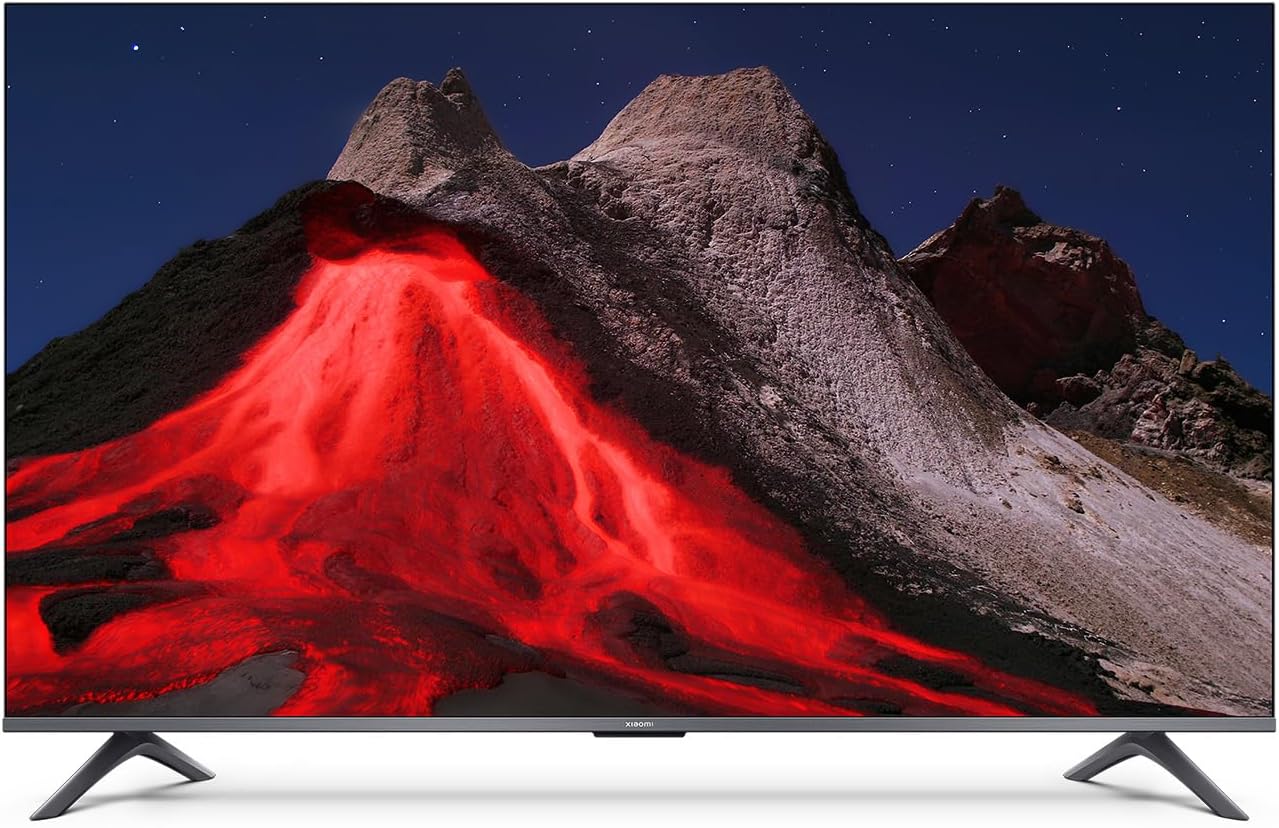
Obraz 1.1: Przód view of the Xiaomi TV A Pro 2026 43-inch TV.
2. Informacje dotyczące bezpieczeństwa
Aby zapobiec porażeniu prądem, pożarowi lub uszkodzeniu telewizora, należy zawsze przestrzegać poniższych środków ostrożności:
- Nie wystawiaj telewizora na działanie deszczu ani wilgoci.
- Nie otwieraj telewizoraasing; wszelkie prace serwisowe należy zlecać wykwalifikowanemu personelowi.
- Zapewnij odpowiednią wentylację wokół telewizora.
- Trzymaj telewizor z dala od bezpośredniego światła słonecznego, źródeł ciepła i otwartego ognia.
- Używaj wyłącznie przewodu zasilającego dołączonego do telewizora.
- Odłączaj telewizor od zasilania podczas burzy z piorunami lub jeśli nie używasz go przez dłuższy czas.
3. Konfiguracja
3.1. Rozpakowywanie
Carefully remove the TV and all accessories from the packaging. The TV weighs approximately 31 kilograms. It is recommended that two people handle the TV during unpacking and installation.
3.2. Stand Installation (Table Mount)
Aby zainstalować podstawkę stołową:
- Aby zapobiec uszkodzeniu ekranu, połóż telewizor ekranem do dołu na miękkiej, płaskiej powierzchni.
- Align the stand legs with the corresponding screw holes on the bottom of the TV.
- Przymocuj nogi stojaka za pomocą dołączonych śrub. Upewnij się, że są mocno dokręcone.
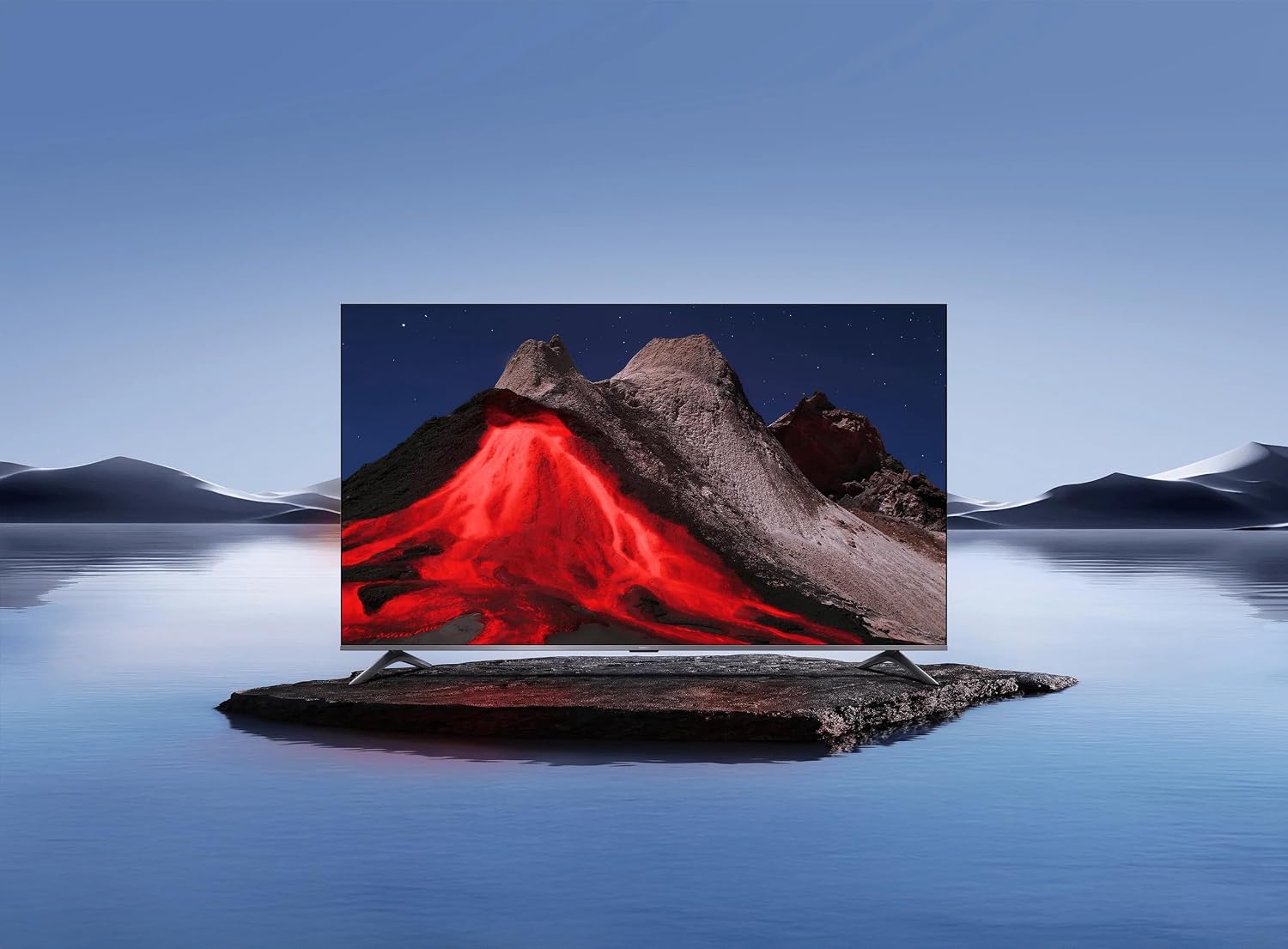
Image 3.1: Xiaomi TV A Pro 2026 43-inch mounted on its table stand.
3.3. Montaż na ścianie
If you choose to wall mount your TV, use a VESA-compliant wall mount kit (not included) that supports a 400 x 400 mm pattern. Follow the instructions provided with your wall mount kit. Ensure the wall can support the weight of the TV.

Image 3.2: Xiaomi TV A Pro 2026 43-inch wall-mounted.
3.4. Podłączanie urządzeń
Podłącz urządzenia zewnętrzne do telewizora, korzystając z dostępnych portów:
- Porty HDMI: Do podłączania odtwarzaczy Blu-ray, konsol do gier, dekoderów itp.
- Porty USB: For connecting USB storage devices (e.g., flash drives) to play media. There is 1 USB 3.0 port.
- Port Ethernet: Do przewodowego połączenia internetowego.
- Port podczerwieni: For external IR blaster (if applicable).
- Przewód zasilający: Podłącz kabel zasilający do telewizora, a następnie do gniazdka elektrycznego.
3.5. Pierwsze włączenie zasilania
After connecting all cables, plug the TV into a power outlet. Press the power button on the remote control or on the TV itself. Follow the on-screen instructions to complete the initial setup, including language selection, network connection (Wi-Fi or Ethernet), and channel scanning.
4. Obsługa telewizora
4.1. Pilot zdalnego sterowania
The TV can be controlled using the provided remote control. It supports both traditional button input and voice control. Refer to the remote control guide for specific button functions.
4.2. Funkcje Smart TV
Your Xiaomi TV A Pro 2026 runs on the Android operating system, providing access to a wide range of applications. Supported internet services include Netflix, Hulu, and Amazon Prime Video. Connect to the internet via Wi-Fi or Ethernet to access these features.
4.3. Integracja z asystentem głosowym
Utilize the integrated voice assistant for hands-free control. Press the dedicated voice button on your remote and speak commands to search for content, control playback, or adjust settings.
4.4. Ustawienia obrazu
Aby dostosować obraz, wejdź do menu ustawień obrazu. viewdoświadczenie:
- Rezolucja: The TV supports 1080p resolution.
- Częstotliwość odświeżania: Enjoy smooth motion with a 120Hz refresh rate.
- Proporcje obrazu: The standard aspect ratio is 16:9.
- Skalowanie AI: Enhances lower-resolution content to near 1080p quality.
- HDR/Quantum Dot Display: Provides enhanced contrast and color vibrancy.
4.5. Ustawienia dźwięku
The TV features standard built-in speakers. Adjust volume, sound modes, and other audio settings through the sound menu.
5. Konserwacja
5.1. Czyszczenie telewizora
- Ekran: Delikatnie przetrzyj ekran miękką, niepozostawiającą włókien ściereczką. W przypadku uporczywych zabrudzeń delikatnie przetrzyjampWyczyść ściereczkę wodą lub specjalnym środkiem do czyszczenia ekranów przeznaczonym do telewizorów.
- Ciało: Do czyszczenia telewizora należy używać miękkiej, suchej ściereczki.asing. Nie należy używać środków czyszczących o właściwościach ściernych ani rozpuszczalników.
- Zawsze odłączaj telewizor od zasilania przed czyszczeniem.
5.2. Aktualizacje oprogramowania
Periodically check for software updates to ensure optimal performance and access to the latest features. Navigate to the settings menu, then select 'About' or 'System Update' to check for and install available updates. Ensure a stable internet connection during updates.
6. Rozwiązywanie Problemów
Jeśli masz problemy z telewizorem, zapoznaj się z poniższymi typowymi rozwiązaniami:
- Brak zasilania: Upewnij się, że kabel zasilający jest prawidłowo podłączony zarówno do telewizora, jak i do gniazdka elektrycznego. Spróbuj użyć innego gniazdka.
- Brak obrazu/dźwięku: Sprawdź źródło sygnału wejściowego. Upewnij się, że urządzenia zewnętrzne są włączone i prawidłowo podłączone.
- Słaba jakość obrazu: Adjust picture settings. Check the signal source quality.
- Pilot nie działa: Wymień baterie. Upewnij się, że między pilotem a czujnikiem podczerwieni telewizora nie ma żadnych przeszkód.
- Problemy z połączeniem sieciowym: Uruchom ponownie router. Sprawdź hasło Wi-Fi. Spróbuj połączenia przewodowego Ethernet.
If problems persist, consult the Xiaomi support webodwiedź witrynę lub skontaktuj się z obsługą klienta.
7. Specyfikacje
| Funkcja | Specyfikacja |
|---|---|
| Marka | XIAOMI |
| Nazwa modelu | Profesjonalista 2026 |
| Rozmiar ekranu | 43 cali |
| Technologia wyświetlania | PROWADZONY |
| Rezolucja | 1080p |
| Częstotliwość odświeżania | 120 Hz |
| Proporcje obrazu | 16:9 |
| Cechy specjalne | AI Upscaling, Voice Assistant Integration, HDR or Quantum Dot Display |
| Technologia łączności | HDMI, USB, Ethernet, Infrared, Wi-Fi |
| Obsługiwane usługi internetowe | Netflix, Hulu, Amazon Prime Video |
| System operacyjny | Android |
| Metoda kontroli | Zdalny, głosowy |
| Waga przedmiotu | 31 kilograma |
| Standard mocowania VESA | 400x400mm |
8. Gwarancja i wsparcie
8.1. Informacje o gwarancji
Your Xiaomi TV A Pro 2026 is covered by a Ograniczona gwarancja. Please refer to the warranty card included with your product or visit the official Xiaomi webSzczegółowe warunki gwarancji i serwisu można znaleźć na stronie.
8.2. Obsługa klienta
For technical assistance, product inquiries, or warranty claims, please contact Xiaomi customer support through their official webwitrynę lub dane kontaktowe podane w dokumentacji produktu.


