
1. Wprowadzenie
This manual provides essential information for the safe and effective operation of your Digitek LED-D432 Bi-Color LED Video Light Studio. Please read this manual thoroughly before using the product and retain it for future reference. The Digitek LED-D432 is a versatile lighting solution designed for photography, videography, and content creation, offering adjustable color temperature and brightness control.
2. Informacje dotyczące bezpieczeństwa
Aby zapobiec uszkodzeniu produktu lub obrażeniom ciała u siebie lub innych osób, należy przestrzegać następujących środków ostrożności:
- Bezpieczeństwo elektryczne: Do not operate the light with wet hands. Ensure the power adapter and cables are undamaged. Disconnect power before cleaning or maintenance.
- Ciepło: The LED panel may become warm during extended use. Do not block ventilation openings. Avoid touching the LED surface directly when hot.
- Ochrona oczu: Do not look directly into the illuminated LED panel for prolonged periods, as it may cause eye strain or damage.
- Użycie baterii: If using external batteries (F-960/F-770 type), ensure they are compatible and correctly installed. Do not short-circuit, disassemble, or expose batteries to extreme temperatures.
- Środowisko: Use the light in a dry environment. Protect it from water, moisture, and corrosive liquids. Avoid dropping or subjecting the light to strong impacts.
- Dzieci: Przechowywać w miejscu niedostępnym dla dzieci.
3. Zawartość opakowania
Sprawdź, czy w przesyłce znajdują się wszystkie elementy wymienione poniżej:
- Digitek LED-D432 Bi-Color Light
- Adapter zimnej stopki
- Instrukcja obsługi
Note: Battery is not included with this product and must be purchased separately.

Image: The package includes the LED D432 Bi-Color Light, a Cold Shoe Adapter, and this User Manual. Batteries are sold separately.
4. Koniec produktuview
The Digitek LED-D432 Bi-Color LED Video Light features 432 high-quality LEDs, providing a powerful 35W output. It is designed for consistent and bright illumination, suitable for various shooting conditions.
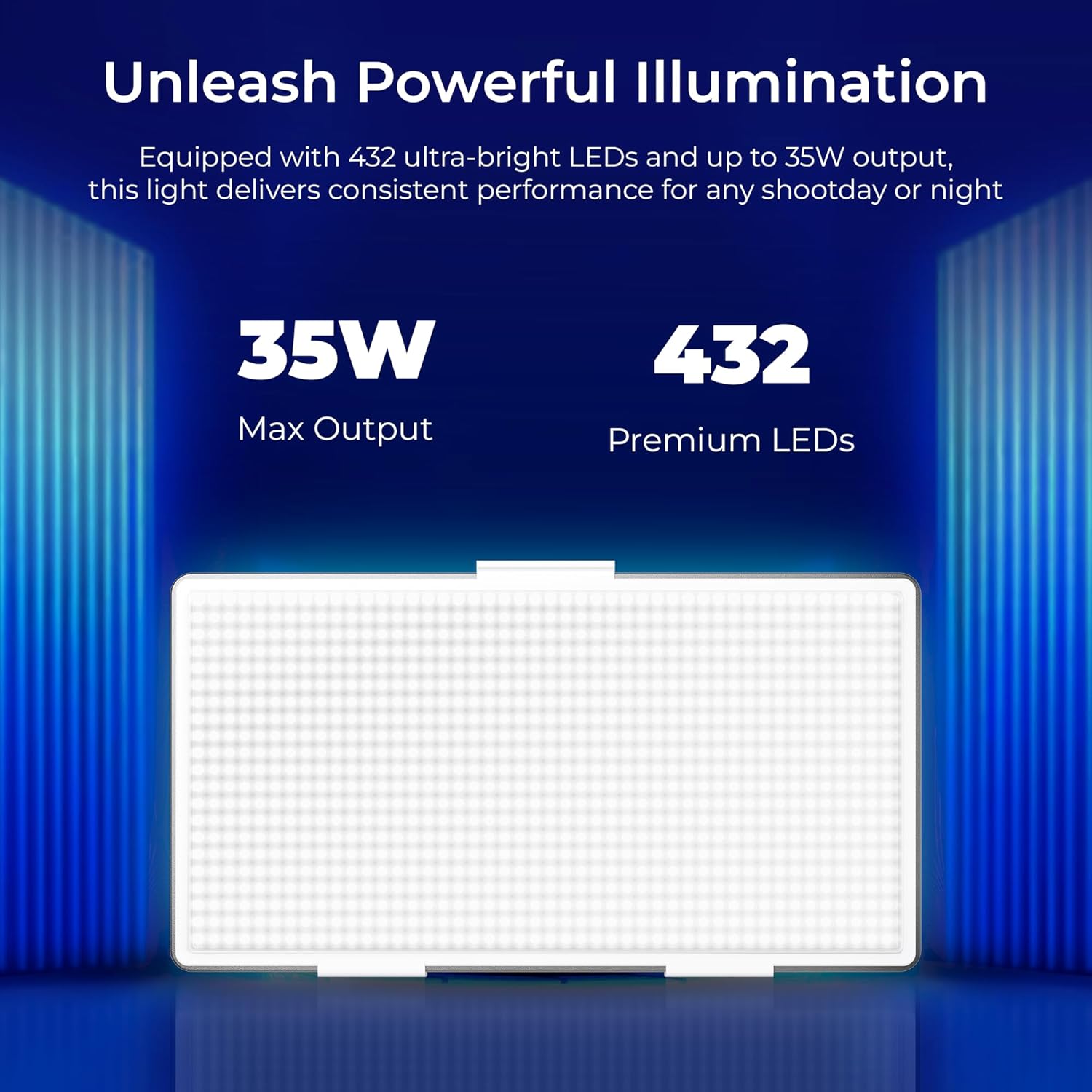
Image: The Digitek LED-D432 light delivers a maximum output of 35W using 432 premium LEDs for powerful illumination.
Główne cechy:
- Potężne oświetlenie: 35W output with 432 LEDs.
- Regulowana temperatura barwowa: Range from 2500K (warm) to 9900K (cool daylight).
- Kontrola jasności: Płynne przyciemnianie od 1% do 100%.
- Opcje montażu: Integrated 1/4" screw port for tripods, light stands, or camera rigs.
- Wszechstronność mocy: Compatible with F-960 and F-770 external batteries (not included) for portable use.
- Szeroki kąt wiązki: 120° for uniform lighting.
- Trwała konstrukcja: Constructed from ABS+PC material for portability and resilience.
5. Konfiguracja
5.1 Montaż światła
The LED-D432 features a standard 1/4" screw port for easy attachment to various photographic accessories.
- Locate the 1/4" screw port at the bottom of the light unit.
- Attach the light to a compatible tripod, light stand, or camera rig by screwing it onto the 1/4" mounting screw until secure.
- If using the cold shoe adapter, attach it to the 1/4" screw port first, then mount it onto a camera's hot shoe or cold shoe mount.

Image: The Digitek LED-D432 light can be mounted on a light stand or tripod using its built-in 1/4" screw port.
5.2 Włączanie światła
The LED-D432 can be powered using either an AC adapter (not included) or compatible external batteries.
- Korzystanie z zasilania prądem zmiennym: Connect a compatible DC power adapter (check product specifications for voltage and current requirements) to the DC input port on the light. Plug the adapter into a wall outlet.
- Korzystanie z baterii: Insert a fully charged F-960 or F-770 type battery (not included) into the battery slot on the back of the light, ensuring correct polarity.
6. Instrukcja obsługi
6.1 Włączanie/wyłączanie zasilania
Locate the power switch on the side or back of the unit. Toggle the switch to the 'ON' position to turn on the light. Toggle to 'OFF' to power down.
6.2 Regulacja jasności
The LED-D432 offers precise brightness control from 1% to 100%.
- Once the light is on, locate the brightness control knob (often labeled 'DIM' or with a brightness icon).
- Rotate the knob clockwise to increase brightness and counter-clockwise to decrease brightness.
- The current brightness level will be displayed on the unit's screen (if available).

Image: The Digitek LED-D432 provides full dimming from 0% to 100% with uniform brightness and no flickering.
6.3 Regulacja temperatury barwowej
The bi-color feature allows you to adjust the color temperature from warm (2500K) to cool daylight (9900K).
- Locate the color temperature control knob (often labeled 'CCT' or with a color temperature icon).
- Rotate the knob to adjust the color temperature. Turning it towards lower Kelvin values will produce warmer light, while higher Kelvin values will produce cooler light.
- The selected color temperature will be displayed on the unit's screen (if available).
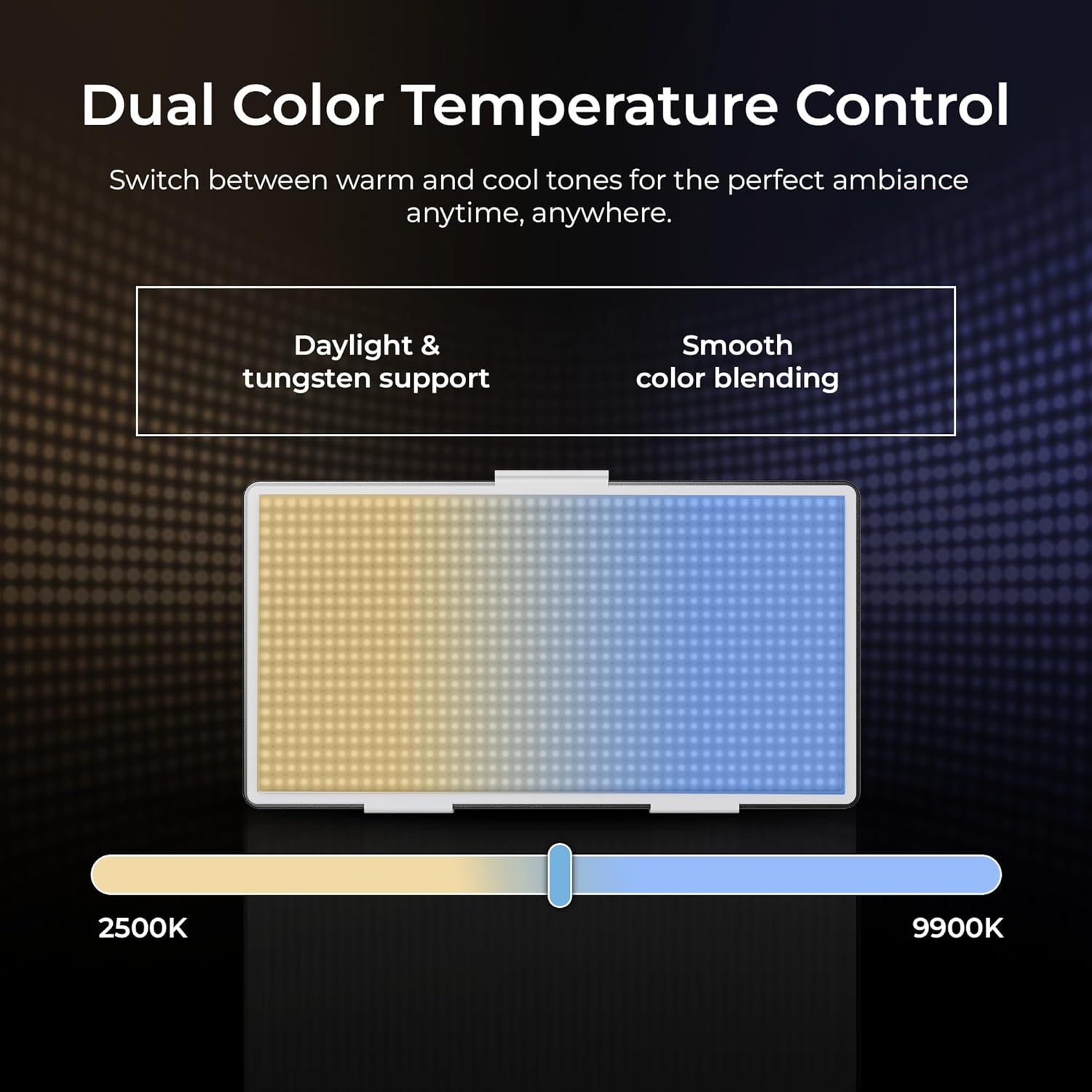
Image: The Digitek LED-D432 allows dual color temperature control, switching between warm (2500K) and cool (9900K) tones for versatile lighting.
6.4 Wszechstronne zastosowania
The LED-D432 is suitable for a variety of uses, including portrait photography, product photography, and video production, providing consistent and controllable illumination.

Image: The Digitek LED-D432 is ideal for various applications such as portrait shoots, product photography, and video production.
7. Konserwacja
7.1 Czyszczenie
Aby zachować optymalną wydajność i wygląd:
- Ensure the light is turned off and disconnected from power before cleaning.
- Do przecierania zewnętrznej części lampy należy używać miękkiej, suchej ściereczki.
- W przypadku uporczywych zabrudzeń, należy użyć lekkiego detergentu.amp Można użyć ściereczki, a następnie wytrzeć do sucha.
- Do not use harsh chemicals, solvents, or abrasive cleaners, as these can damage the finish or internal components.
7.2 Przechowywanie
When not in use, store the light in a cool, dry place, away from direct sunlight and extreme temperatures. If using external batteries, remove them from the unit before long-term storage.
8. Rozwiązywanie Problemów
If you encounter issues with your Digitek LED-D432, refer to the following common problems and solutions:
| Problem | Możliwa przyczyna | Rozwiązanie |
|---|---|---|
| Światło się nie włącza. | No power, battery depleted, or power switch off. | Ensure power adapter is connected or battery is charged and inserted correctly. Check power switch position. |
| Światło migocze lub jest niestabilne. | Low battery power or faulty power connection. | Recharge or replace battery. Check power cable connection. |
| Nie można dostosować jasności/temperatury barwowej. | Control knob malfunction or unit locked. | Ensure no lock function is active (if applicable). Try restarting the unit. If problem persists, contact support. |
| Światło nadmiernie się nagrzewa. | Blocked ventilation or prolonged high-power use. | Ensure ventilation openings are clear. Reduce brightness or allow the unit to cool down. |
If the problem persists after attempting these solutions, please contact Digitek customer support.
9. Specyfikacje
Technical specifications for the Digitek LED-D432 Bi-Color LED Video Light Studio:
| Funkcja | Specyfikacja |
|---|---|
| Numer modelu | LED-D432 Bi-Color |
| Moc wyjściowa | 35 W |
| Liczba diod LED | 432 |
| Zakres temperatury barwowej | 2500K - 9900K |
| Kontrola jasności | 1% - 100% |
| Montowanie | 1/4-inch Screw Port |
| Kompatybilne baterie | F-960 / F-770 series (not included) |
| Wymiary produktu | Wymiary 18.1 x 4.8 x 20.6 cm |
| Waga przedmiotu | 1.5 kilogramów |
| Tworzywo | ABS+PC |
10. Gwarancja i wsparcie
10.1 Informacje o gwarancji
Digitek products are manufactured under strict quality standards. This product is covered by a limited warranty against manufacturing defects. Please refer to the warranty card included with your purchase or visit the official Digitek webSzczegółowe warunki gwarancji można znaleźć na naszej stronie.
10.2 Obsługa klienta
For technical assistance, service, or inquiries, please contact IMS Mercantiles Limited, the manufacturer and importer of Digitek products.
- Producent: IMS Mercantiles Limited
- Adres: 704, 7th floor, Ring Road Mall, Sec-3, Rohini, Delhi 110085
- Customer Helpline (Toll Free): 1800-123-544-444
- E-mail: support@digitek.net.in