
LongPlus X84
LongPlus 2K Vicohome Wireless Outdoor Security Camera Instruction Manual
Model: X84
Wstęp
This manual provides detailed instructions for the installation, operation, and maintenance of your LongPlus 2K Vicohome Wireless Outdoor Security Camera. Please read this manual thoroughly before using the product to ensure proper functionality and safety.

Image: Two LongPlus 2K Vicohome Wireless Outdoor Security Cameras, black, with water droplets, mounted on a wall bracket.
Zawartość opakowania
Sprawdź, czy w przesyłce znajdują się wszystkie elementy wymienione poniżej:
- Security Camera with Bracket
- Zestaw śrub
- Zresetuj igłę
- Kabel USB
- Szybki przewodnik
Cechy produktu
- Analiza zdarzeń AI: Identifies and differentiates between people, pets, vehicles, and packages to reduce false alarms.
- 3MP Color Night Vision: Captures clear color images in low light conditions up to 33 feet.
- PIR Motion Detection & Siren Alarm: Triggers an audio and strobe light alarm upon detecting humanoid motion.
- Elastyczne przechowywanie: Supports up to 128GB Micro SD card (not included) and optional cloud storage.
- Rozmowa dwustronna: Allows communication through the Vicohome app.
- 100% Wire-free: Battery-operated design for easy installation without wiring.
- Integracja inteligentnego domu: Kompatybilny z Amazon Alexa.
- Szerokie pole View: 125 stopni viewkąt.
- Odporna na warunki atmosferyczne konstrukcja: Klasa IP65 pozwala na stosowanie na zewnątrz.
Organizować coś
1. Ładowanie aparatu
Before initial use, fully charge the camera using the provided USB cable. The charging indicator light will show the charging status.
2. Instalacja aplikacji i utworzenie konta
- Download the "Vicohome" app from your smartphone's app store (iOS or Android).
- Otwórz aplikację i postępuj zgodnie z instrukcjami wyświetlanymi na ekranie, aby utworzyć konto i się zalogować.
3. Łączenie z Wi-Fi
- Ensure your camera is powered on and near your Wi-Fi router.
- In the Vicohome app, tap the "+" icon to add a new device.
- Follow the app's instructions to connect the camera to your 2.4GHz Wi-Fi network. 5GHz networks are not supported.
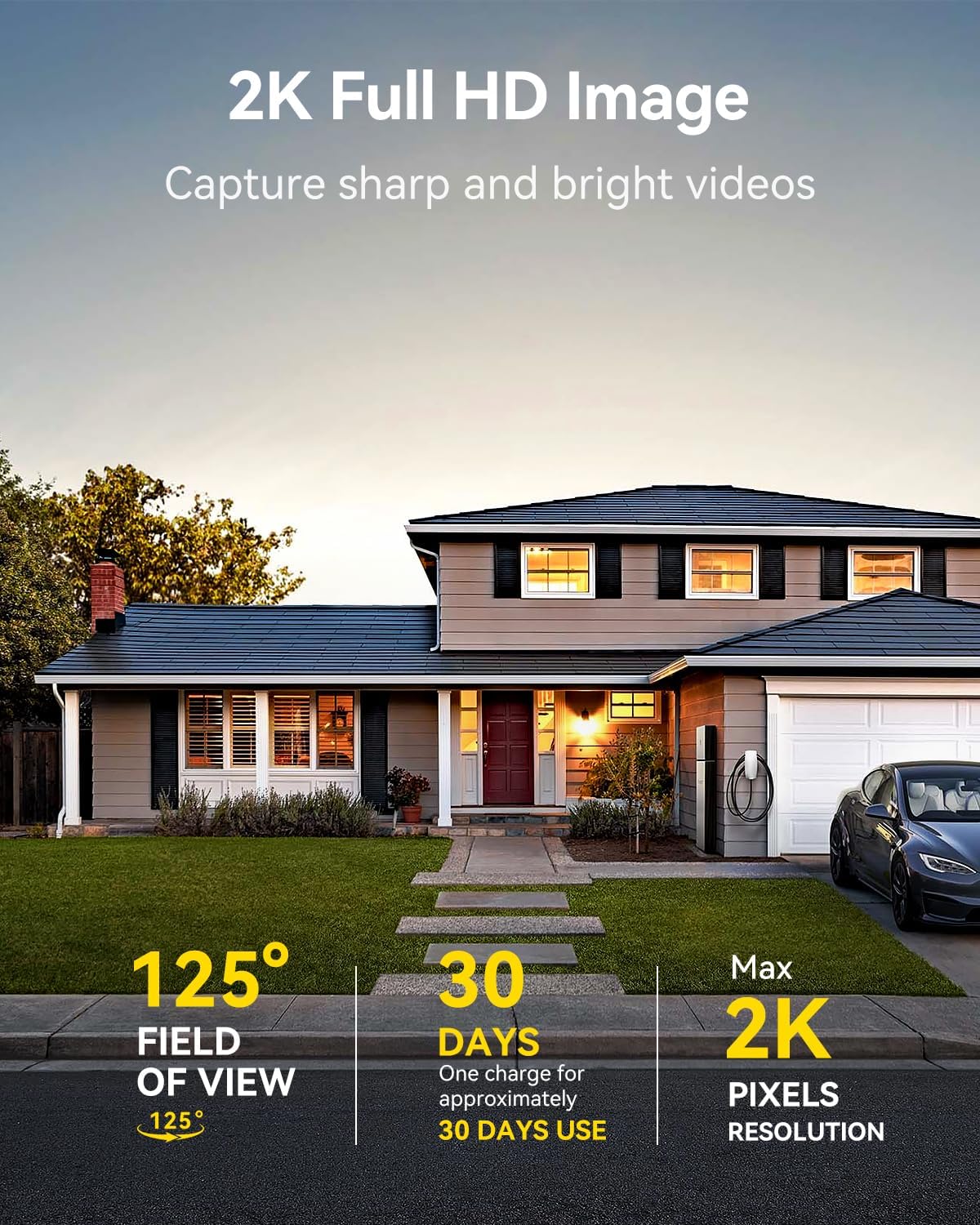
Image: A LongPlus security camera on a wooden table, illustrating its 2.4GHz WiFi connectivity.
4. Montaż kamery
Kamerę można zamontować na suficie lub ścianie. Wybierz lokalizację zapewniającą pożądany viewkąt widzenia i znajduje się w zasięgu Wi-Fi.
- Mark the positions for drilling using the camera bracket as a template.
- W razie potrzeby wywierć otwory montażowe i włóż kołki rozporowe.
- Secure the bracket to the surface using the provided screws.
- Zamontuj kamerę w uchwycie i dostosuj kąt.

Image: A LongPlus security camera mounted on an outdoor wall, demonstrating its wire-free installation.
Działanie
1. Na żywo View
Open the Vicohome app and select your camera to view the live feed. You can monitor your surroundings in real-time.

Image: A smartphone displaying the live feed from a LongPlus security camera, showing children playing in a yard.
2. Rozmowa dwustronna
Z koncertu view screen in the app, tap the microphone icon to initiate two-way communication. Speak into your phone to communicate with individuals near the camera.

Image: A person receiving a package at their front door, demonstrating the two-way talk feature of the LongPlus camera.
3. Ustawienia wykrywania ruchu
Configure motion detection sensitivity and define detection zones within the Vicohome app settings for your camera. This helps in reducing unwanted alerts.

Image: A man walking past a LongPlus security camera, illustrating motion detection and app alerts.

Zdjęcie: Zdjęcie lotnicze view of a house with a pool, illustrating customizable motion detection zones for different objects.

Image: A house with a lawn, demonstrating the ability to set specific motion detection zones.
4. Wizja nocna
The camera automatically switches to color night vision in low light conditions, providing clear visibility.

Image: A LongPlus security camera mounted outdoors at night, showing its color night vision capability on a smartphone screen.
5. Nagrywanie i odtwarzanie
Recordings are stored on a Micro SD card (if installed) or in the cloud (subscription may be required). Access and playback recorded events through the Vicohome app's library section.

Image: A LongPlus camera with an SD card being inserted, illustrating local and cloud storage options.
6. Udostępnianie urządzenia
You can share access to your camera with other users through the Vicohome app, allowing multiple individuals to monitor the feed simultaneously.
7. Integracja inteligentnego domu
The camera is compatible with Amazon Alexa. Follow the instructions in the Vicohome app or Alexa app to link your devices and use voice commands for monitoring.

Image: A person using an Amazon Echo Show to view obraz z kamery za pomocą poleceń głosowych Alexa.
Konserwacja
1. Ładowanie baterii
Monitor the battery level through the Vicohome app. Recharge the camera when the battery is low to ensure continuous operation. If the camera is installed in a hard-to-reach location, consider using a compatible solar panel charger (sold separately) to reduce the frequency of manual charging.
2. Zarządzanie kartą SD
If using a Micro SD card, ensure it is a genuine card and inserted correctly. Periodically review i zarządzaj zapisanymi plikami footage. The card can be ejected with a gentle press.
3. Czyszczenie
Gently wipe the camera lens and body with a soft, dry cloth to remove dust and debris. Avoid using harsh chemicals or abrasive materials.
Rozwiązywanie problemów
| Problem | Możliwa przyczyna | Rozwiązanie |
|---|---|---|
| Kamera nie łączy się z siecią Wi-Fi | Incorrect Wi-Fi password; camera too far from router; 5GHz Wi-Fi network used. | Verify Wi-Fi password. Move camera closer to router. Ensure you are connecting to a 2.4GHz Wi-Fi network. Reset the camera using the reset needle and try pairing again. |
| Częste fałszywe alarmy | High motion detection sensitivity; environmental factors (e.g., moving branches, insects). | Reduce motion detection sensitivity in the Vicohome app. Define specific detection zones to exclude irrelevant areas. |
| Krótki czas pracy baterii | Częste zdarzenia związane z wykrywaniem ruchu, zimna pogoda, ciągły sygnał na żywo view stosowanie. | Zmniejsz czułość wykrywania ruchu. Ogranicz transmisję na żywo. view sessions. Consider purchasing a solar panel charger for continuous power. Ensure the camera is fully charged before deployment. |
| Słaba jakość obrazu w nocy | Obstructions near the lens; insufficient ambient light for color night vision. | Ensure the camera lens is clean and free from obstructions. Verify that the night vision mode is active in the app settings. |
| Karta SD nie nagrywa | SD card not inserted correctly; incompatible SD card; SD card full or corrupted. | Reinsert the SD card carefully. Use a genuine Micro SD card up to 128GB. Format the SD card through the app. Replace the SD card if corrupted. |
Specyfikacje
| Funkcja | Szczegół |
|---|---|
| Numer modelu | X84 |
| Zastosowanie wewnątrz/na zewnątrz | Wewnątrz, Na zewnątrz |
| Źródło zasilania | Zasilany bateryjnie |
| Protokół łączności | Wi-Fi (2.4 GHz) |
| Typ kontrolera | Amazon Alexa, Vicohome App |
| Rozdzielczość przechwytywania wideo | 1440p (2K) |
| Efektywna rozdzielczość obrazu nieruchomego | 3 MP |
| Viewing kąt | 130 stopni |
| Zakres noktowizora | 33 stóp |
| Szybkość klatek | 15 klatek na sekundę |
| Tworzywo | Wysokiej jakości ABS |
| Poziom wodoodporności | IP65 (wodoodporne) |
| Maksymalny obsługiwany rozmiar pamięci Flash | 128 GB (Micro SD) |
| Pozycja Wymiary (dł. x szer. x wys.) | 2.36 x 2.16 x 4 cala |
| Waga przedmiotu | 1.59 funta (0.72 kilograma) |
| Baterie | Wymagana 1 bateria litowo-jonowa (w zestawie) |
Wsparcie
For technical assistance, troubleshooting beyond this manual, or warranty inquiries, please contact LongPlus customer support. Refer to the product packaging or the official LongPlus webwitryna do informacji kontaktowych.
Możesz również odwiedzić LongPlus Store on Amazon Aby uzyskać dodatkowe informacje i zasoby dotyczące produktu.
Ask a question about this manual
Ask about setup, troubleshooting, compatibility, parts, safety, or missing instructions. Manuals+ will review the question and use this page’s manual context to help answer it.