
1. Wprowadzenie
This manual provides essential information for the safe and efficient operation of your VOPLLS G3 4K Smart Projector. Please read it thoroughly before using the device and retain it for future reference. The VOPLLS G3 is a versatile smart projector featuring Google TV, 4K input support, auto-focus, auto-keystone correction, Dolby Audio, and extensive connectivity options.
2. Co znajduje się w pudełku
- VOPLLS G3 Google TV Projector with WiFi and Bluetooth
- 360° rotating stand x 1
- Kabel HDMI x 1 (1.5 m/4.92 stopy)
- Przewód zasilający x 1 (2 m/6.56 stopy)
- Instrukcja obsługi
- Pilot (baterie nie są dołączone)
3. Konfiguracja
3.1 Umieszczenie fizyczne
Place the projector on a stable, flat surface. The integrated 360° rotating stand allows for flexible positioning, including ceiling projection. Ensure adequate ventilation around the projector.
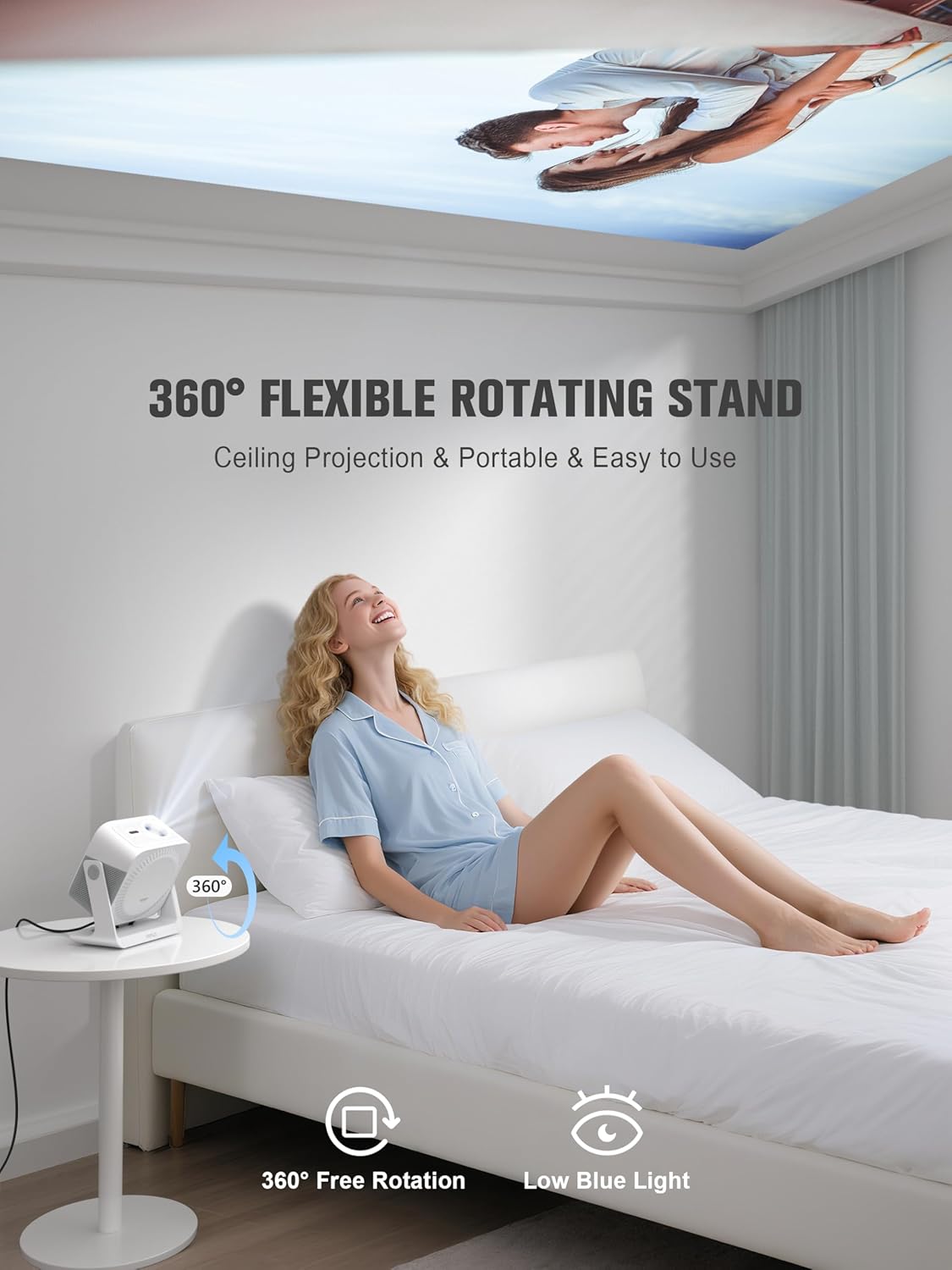
Image: The VOPLLS G3 projector positioned on a bedside table, demonstrating its 360-degree rotating stand for ceiling projection.
3.2 Połączenie zasilania
- Podłącz przewód zasilający do gniazda zasilania projektora.
- Podłącz drugi koniec przewodu zasilającego do odpowiedniego gniazdka elektrycznego.
- Naciśnij przycisk zasilania na projektorze lub pilocie, aby włączyć urządzenie.
3.3 Początkowa konfiguracja Google TV
Upon first power-on, the projector will guide you through the Google TV setup process. This includes:
- Wybór języka: Wybierz preferowany język.
- Połączenie internetowe: Connect to your Wi-Fi network (supports WiFi 6 for optimal performance).
- Logowanie do konta Google: Zaloguj się na swoje konto Google, aby uzyskać dostęp do funkcji Google TV, aplikacji i spersonalizowanych rekomendacji.
- Instalacja aplikacji: Follow prompts to install essential streaming applications like Netflix, Disney+, Prime Video, and Hulu.

Image: The Google TV interface projected, showing available streaming applications and content suggestions.
3.4 Regulacja obrazu
The VOPLLS G3 features automatic image correction for ease of use:
- Auto Focus: The projector automatically adjusts for a sharp image within seconds.
- Automatyczna korekcja trapezu: Automatically corrects distorted images caused by angled projection.
- Smart Avoidance: Detects and adjusts the projection to avoid obstacles like wall outlets or picture frames.
- Dopasowanie ekranu: Automatically scales the image to fit your projection screen.
- Zoom cyfrowy: Adjust the image size from 50% to 100% via the settings menu.
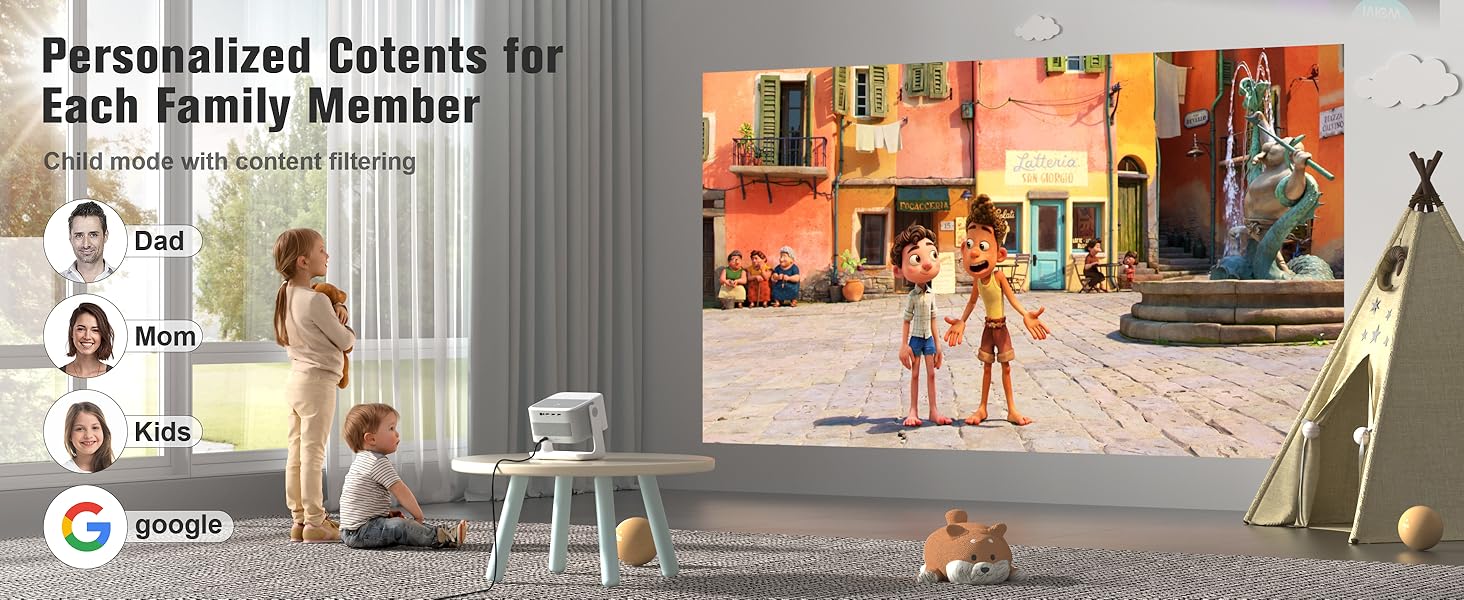
Image: Visual representation of the projector's automatic image adjustment features, including auto-focus and keystone correction.
4. Instrukcja obsługi
4.1 Interfejs Google TV
The Google TV home screen provides access to all your streaming content. It organizes movies, shows, and live channels based on your viewing habits and offers personalized recommendations. You can create multiple user profiles for separate watch histories and recommendations.
- Kid-Safe Mode: Activate this mode to filter content ratings, set viewing time limits, and enable a bedtime lock screen for child safety.
- Dostęp do aplikacji: Use the built-in Google Play Store to download and install over 10,000 applications.
4.2 Sterowanie głosowe za pomocą Asystenta Google
The VOPLLS G3 integrates Google Assistant for hands-free control. Press the microphone button on your remote control and speak your commands.
- Szukaj: Say "Find movies with [actor's name]" or "Szukaj [show title] on Netflix."
- Kontrola odtwarzania: Use commands like "Play," "Pause," "Fast forward," or "Lower volume."
- App Launch: Say "Open YouTube" or "Launch Prime Video."
- Informacja: Ask questions like "What's the weather?" or "Tell me about [topic]."

Image: A user interacting with the projector via voice commands using the remote control, demonstrating Google Assistant functionality.
4.3 Jakość obrazu
The projector supports 4K input and displays native 1080p resolution. It features HDR10+ for enhanced contrast and color, with 98% wide color coverage for accurate color reproduction. The projector delivers 500 ANSI lumens for a bright viewzdobywania doświadczenia.
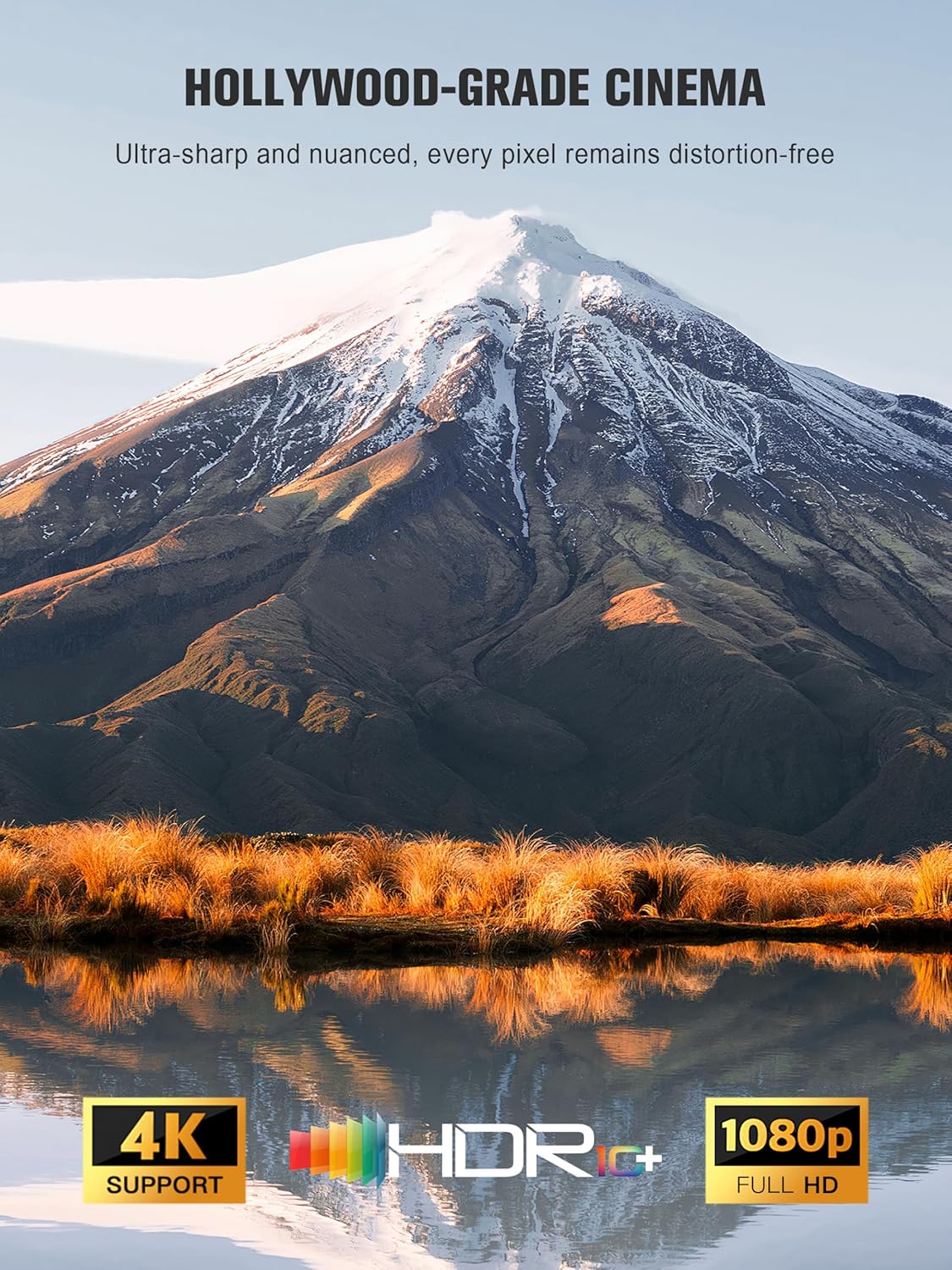
Image: A high-quality projected image showcasing the 4K input support, HDR+, and 1080p Full HD capabilities of the projector.
4.4 Funkcje audio
The VOPLLS G3 incorporates Dolby Atmos via dual speakers for immersive, multi-directional sound. It also features Bluetooth 5.2 bidirectional connectivity.
- Tryb filmu: Enjoy rich audio with Dolby Atmos, ensuring clear dialogue and impactful sound effects.
- Party Mode (Bluetooth Speaker): The projector can function as a standalone Bluetooth speaker. Connect your phone or other devices to play music without needing to project an image.
- Słuchawki bezprzewodowe: Pair zero-lag wireless headphones via Bluetooth for private listening.

Image: A visual representation of the projector's dual-channel Dolby Audio, showing sound waves filling a room.
4.5 Łączność
Projektor oferuje różne opcje połączeń:
- Bezprzewodowy: WiFi 6 (5G+2.4G) for fast streaming, Bluetooth 5.2 (two-way).
- Dublowanie ekranu: Supports AirPlay, Miracast, and Chromecast for casting content from iPhone, Android, PC, or Mac devices.
- Porty przewodowe: HDMI and USB ports for connecting game consoles (e.g., PS5, Switch), laptops, USB drives, or external speakers.

Image: The VOPLLS G3 projector demonstrating its wireless connectivity, showing a smartphone streaming content and Bluetooth earbuds connected.
4.6 Gry
Connect gaming consoles like PS5 or Nintendo Switch via the HDMI port for lag-free gaming on a large screen.
5. Konserwacja
- Czyszczenie: Use a soft, dry cloth to clean the projector's exterior. For the lens, use a specialized lens cleaning cloth and solution.
- Układ chłodzenia: The projector features a whisper-quiet 30dB dual-fan cooling system. Ensure vents are not obstructed to maintain optimal performance and extend the device's lifespan.
- Źródło światła LED: The advanced LED light source is designed to last up to 100,000 hours, requiring no regular replacement.
- Aktualizacje oprogramowania: The Google TV system receives lifelong updates (OTA) to ensure cutting-edge experiences and security. Ensure your projector is connected to the internet to receive these updates.
6. Rozwiązywanie Problemów
- Brak zasilania: Ensure the power cord is securely connected to both the projector and the electrical outlet. Try a different outlet.
- Brak obrazka: Check that the projector is powered on. Verify the input source (HDMI, streaming app) is correctly selected. Ensure the lens cap is removed.
- Rozmazany obraz: The projector has auto-focus. If the image remains blurry, try moving the projector slightly or manually adjusting focus via settings if available. Ensure the lens is clean.
- Zniekształcony obraz: The projector features auto-keystone correction. If distortion persists, check the projector's angle relative to the screen.
- Brak dźwięku: Check the volume level on the projector and any connected external audio devices. Ensure the correct audio output is selected in settings. If using Bluetooth, ensure devices are properly paired.
- Problemy z połączeniem Wi-Fi: Ensure your Wi-Fi network is active and the password is correct. Restart your router and the projector.
- Pilot nie odpowiada: Sprawdź baterie w pilocie. Upewnij się, że między pilotem a projektorem nie ma żadnych przeszkód.
- Apps Not Loading/Buffering: Verify your internet connection speed. Close and reopen the application. Clear the app's cache in the Google TV settings.
7. Specyfikacje
| Marka | VOPLLS |
| Numer modelu | G3 |
| Rozdzielczość wyświetlacza | 1920 x 1080 (Native 1080p, 4K Input Supported) |
| Jasność | 500 ANSI Lumen |
| Technologia łączności | 3.5mm Jack, Bluetooth 5.2, HDMI, USB, Wi-Fi 6 (5G+2.4G) |
| Cechy specjalne | Google TV (10,000+ apps), Dolby Audio, Kid-Safe Mode, AI Smart Recommendations, HDR10+, 98% NTSC Color, 360° Rotating Stand, Auto Focus/Keystone, Smart Obstacle Avoidance, Two-way Bluetooth, Airplay/Miracast/Chromecast, Voice Control (Google Assistant) |
| Wymiary produktu | 10 x 8 x 11 cala |
| Waga przedmiotu | 4 funta |
| Kolor | Biały |
8. Gwarancja i wsparcie
VOPLLS provides comprehensive customer support for your G3 projector:
- Gwarancja: A 3-year protection plan is included with your purchase.
- Obsługa klienta: Enjoy 24/7 support and lifetime customer assistance. For technical issues or inquiries, please refer to the contact information provided with your product packaging or visit the official VOPLLS webstrona.