
1. Wprowadzenie
Thank you for choosing the GEEKOM Mini PC IT8 SE. This compact and powerful mini computer is designed for various tasks, from daily browsing and office work to 4K video streaming and light multitasking. This manual provides essential information for setting up, operating, maintaining, and troubleshooting your device to ensure optimal performance and longevity.
2. Informacje dotyczące bezpieczeństwa
- Aby zapobiec uszkodzeniu urządzenia, zawsze należy używać dołączonego zasilacza.
- Do not expose the Mini PC to water, moisture, or extreme temperatures.
- Unikaj umieszczania urządzenia w bezpośrednim świetle słonecznym lub w pobliżu źródeł ciepła.
- Ensure proper ventilation; do not block the cooling vents.
- Nie próbuj samodzielnie otwierać ani naprawiać urządzenia. Skontaktuj się z wykwalifikowanym personelem serwisowym.
- Trzymaj urządzenie z dala od silnych pól magnetycznych.
3. Zawartość opakowania
Proszę sprawdzić, czy w paczce znajdują się następujące elementy:
- GEEKOM Mini PC IT8 SE
- Zasilacz
- Kabel HDMI
- Mocowanie VESA ze śrubami
- Instrukcja obsługi (ten dokument)
4. Koniec produktuview
The GEEKOM Mini PC IT8 SE features a compact design with various ports for connectivity and expansion. Understanding the layout of your device will assist in proper setup and usage.
Front and Rear Ports

Obraz: przód i tył view of the GEEKOM Mini PC IT8 SE, highlighting its diverse port selection for connectivity.
The front panel typically includes USB ports (including USB-C), an audio jack, and the power button. The rear panel provides additional USB ports, HDMI, Mini DisplayPort, and an Ethernet port for comprehensive connectivity.
Komponenty wewnętrzne

Obraz: Wybuch view illustrating the internal architecture of the GEEKOM Mini PC IT8 SE, including the CPU, cooling system, RAM, and SSD.
The internal design includes an Intel Core i3-8109U processor, DDR4 RAM, an M.2 SSD, and an efficient cooling system, all housed within a durable metal frame.
5. Konfiguracja
5.1 Podłączanie urządzeń peryferyjnych
- Podłącz wyświetlacz: Use an HDMI or Mini DisplayPort cable to connect your monitor(s) to the corresponding ports on the Mini PC. The device supports multiple 4K displays.
- Podłącz klawiaturę i mysz: Plug your USB keyboard and mouse into any available USB 3.2 ports.
- Połącz sieć (opcjonalnie): For a wired connection, connect an Ethernet cable from your router to the Gigabit Ethernet port on the Mini PC.
- Podłącz zasilanie: Podłącz zasilacz do portu DC-in w komputerze Mini PC, a następnie podłącz zasilacz do gniazdka elektrycznego.
5.2 Włączanie
Press the power button located on the front panel of the Mini PC. The power indicator light will illuminate, and the system will begin to boot.
5.3 Początkowa konfiguracja systemu Windows
Upon first boot, you will be guided through the Windows 11 Pro setup process. Follow the on-screen instructions to configure your region, language, network, and user account settings.
5.4 Montaż uchwytu VESA (opcjonalnie)
The GEEKOM Mini PC IT8 SE includes a VESA mount, allowing you to attach it to the back of a compatible monitor or to a wall mount. Secure the VESA bracket to your monitor or wall using the provided screws, then slide the Mini PC into the bracket until it clicks into place.
6. Instrukcja obsługi
6.1 Włączanie/wyłączanie i ponowne uruchamianie
- Włączanie: Naciśnij przycisk zasilania.
- Zamknięcie: Kliknij przycisk Start w systemie Windows, a następnie wybierz Zasilanie > Wyłącz.
- Uruchom ponownie: Kliknij przycisk Start w systemie Windows, a następnie wybierz Zasilanie > Uruchom ponownie.
6.2 Łączność sieciowa
- Wi-Fi: The Mini PC supports dual-band Wi-Fi. To connect, click the network icon in the Windows taskbar, select your desired Wi-Fi network, enter the password, and click Connect.
- Ethernet: If you connected an Ethernet cable during setup, your Mini PC should automatically connect to the wired network.
6.3 Podłączanie wyświetlaczy zewnętrznych

Image: The GEEKOM Mini PC IT8 SE supporting multiple 4K displays, illustrating its capability for extended workspaces.
The Mini PC supports up to two 4K displays via its HDMI and Mini DisplayPort outputs. To configure display settings, right-click on the desktop, select 'Display settings', and adjust resolution, orientation, and multiple display modes (extend, duplicate, second screen only).
6.4 Wielozadaniowość i produktywność
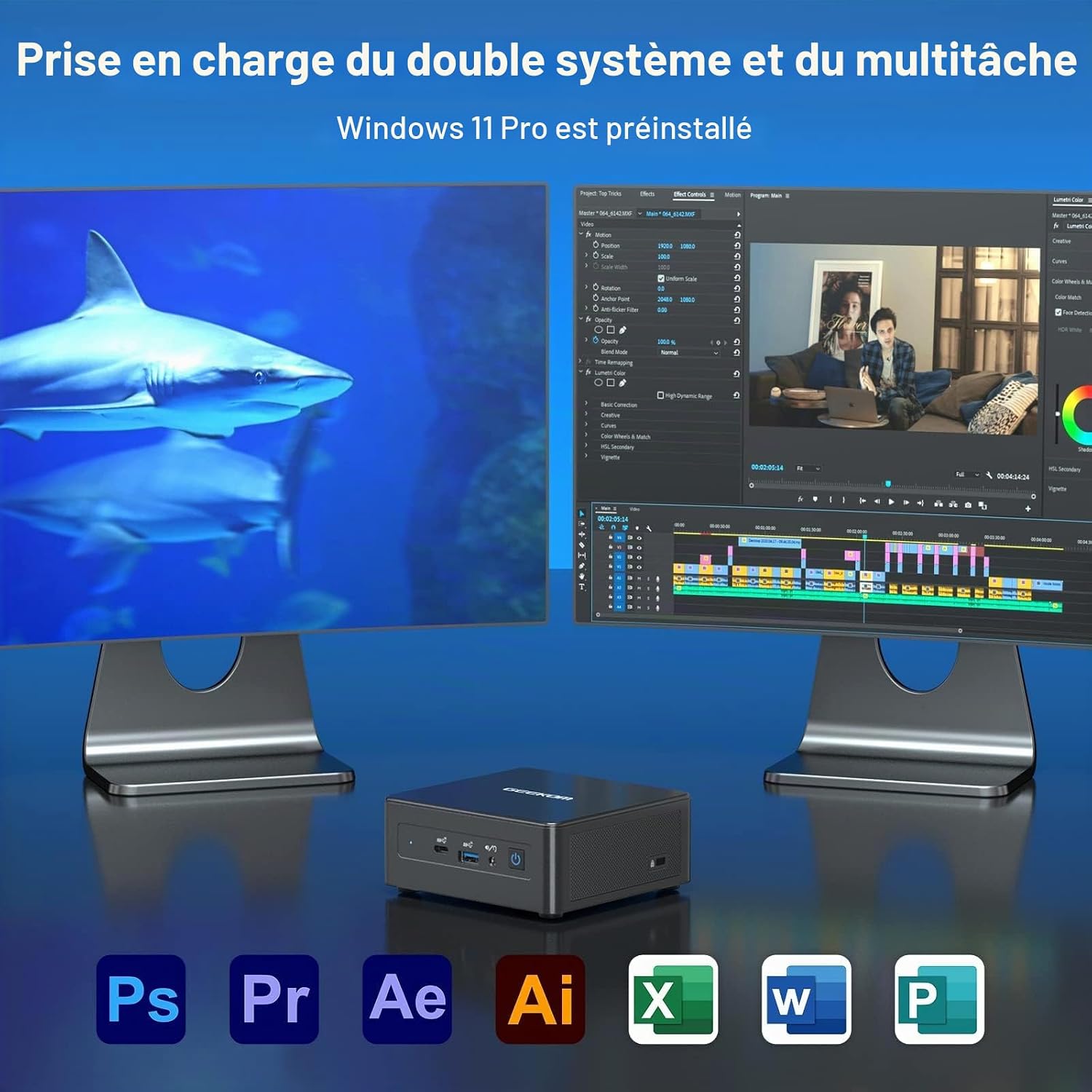
Image: The GEEKOM Mini PC IT8 SE demonstrating dual system and multitasking support, suitable for various applications.
With its Intel Core i3-8109U processor and 8GB DDR4 RAM, the Mini PC is capable of handling multiple applications simultaneously, making it suitable for office tasks, content consumption, and light creative work.
6.5 Łączność Bluetooth
The Mini PC features Bluetooth 4.2 for connecting wireless peripherals such as headphones, speakers, or input devices. To pair a device, go to Windows Settings > Bluetooth & devices, turn on Bluetooth, and select 'Add device'.
7. Konserwacja
7.1 Czyszczenie urządzenia
Do czyszczenia obudowy Mini PC użyj miękkiej, suchej ściereczki. W przypadku uporczywych zabrudzeń delikatnie przetrzyj.ampen the cloth with water. Do not use harsh chemicals or abrasive cleaners. Regularly clean the ventilation openings to prevent dust buildup, which can affect cooling performance.
7.2 Aktualizacje oprogramowania
Ensure your Windows 11 Pro operating system and drivers are kept up to date. Go to Windows Settings > Windows Update to check for and install available updates. Regular updates improve system stability, security, and performance.
7.3 Zarządzanie magazynem
Periodically check your 256GB M.2 SSD storage usage. Delete unnecessary fileodinstaluj nieużywane aplikacje i rozważ użycie pamięci masowej w chmurze do dużych zadań fileaby utrzymać optymalną prędkość systemu.
8. Rozwiązywanie Problemów
- Brak zasilania: Upewnij się, że zasilacz jest prawidłowo podłączony zarówno do komputera Mini PC, jak i do sprawnego gniazdka elektrycznego. W razie potrzeby wypróbuj inne gniazdko.
- Brak wyświetlacza: Check that the HDMI or Mini DisplayPort cable is firmly connected to both the Mini PC and the monitor. Ensure the monitor is powered on and set to the correct input source.
- Brak połączenia z internetem: For Wi-Fi, verify your network password and ensure the Wi-Fi adapter is enabled. For Ethernet, check the cable connection and your router status.
- Niska wydajność: Close unnecessary applications, check for background processes, and ensure sufficient free storage space. Consider running a system diagnostic or antivirus scan.
- Nie wykryto urządzenia peryferyjnego: Spróbuj podłączyć urządzenie peryferyjne do innego portu USB. Upewnij się, że sterowniki są zainstalowane, jeśli są wymagane.
If issues persist, refer to the GEEKOM support resources or contact customer service.
9. Specyfikacje
Below are the technical specifications for the GEEKOM Mini PC IT8 SE:
| Funkcja | Szczegół |
|---|---|
| Marka | GEEKOM |
| Nazwa modelu | GEEKOM Mini PC IT8 SE |
| Model procesora | Intel Core i3-8109U |
| Prędkość procesora | 3.6 GHz (maksymalna częstotliwość turbo) |
| CPU Cores / Threads | 2 rdzenie / 4 wątków |
| Rozmiar pamięci podręcznej | 4 MB |
| System operacyjny | Windows 11 Pro |
| Rozmiar zainstalowanej pamięci RAM | 8 GB pamięci DDR4 SDRAM |
| Pojemność magazynowa | 256 GB M.2 SSD (PCIE x 4) |
| Koprocesor graficzny | Karta graficzna Intel UHD 620 (zintegrowana) |
| Interfejs wyjścia wideo | HDMI, Mini DisplayPort |
| Maksymalna rozdzielczość wyświetlacza | 3840 × 2160 (4K) |
| Technologia łączności | Ethernet, HDMI, Mini DisplayPort, USB, Wi-Fi, Bluetooth |
| Porty USB | USB 3.2 Gen 1, USB-C |
| Bluetooth | 4.2 |
| Wsparcie VESA | Tak |
| GTIN / UPC | 810190721292 |
10. Gwarancja i wsparcie
GEEKOM provides comprehensive support for your Mini PC IT8 SE.
10.1 Polityka zwrotów
The product is eligible for a refund or replacement within 14 days of purchase, subject to the seller's return policy.
10.2 Obsługa klienta

Image: GEEKOM's warranty and support details, outlining methods for contacting customer service.
W przypadku pytań lub potrzeby pomocy technicznej prosimy o skorzystanie z następujących metod:
- Contact Seller on Amazon: Log in to your Amazon account, find your order, and click 'Get Help' to contact the seller directly.
- Wsparcie e-mailowe: Send an email to the GEEKOM After-Sales Team at pan.he@geekom.tw.
GEEKOM offers 3 years of support for this product.


