
Wstęp
Welcome to the user manual for your new OnePlus Nord CE5 smartphone. This guide provides essential information on setting up, operating, maintaining, and troubleshooting your device. Please read this manual thoroughly to ensure proper usage and to maximize your smartphone's capabilities.
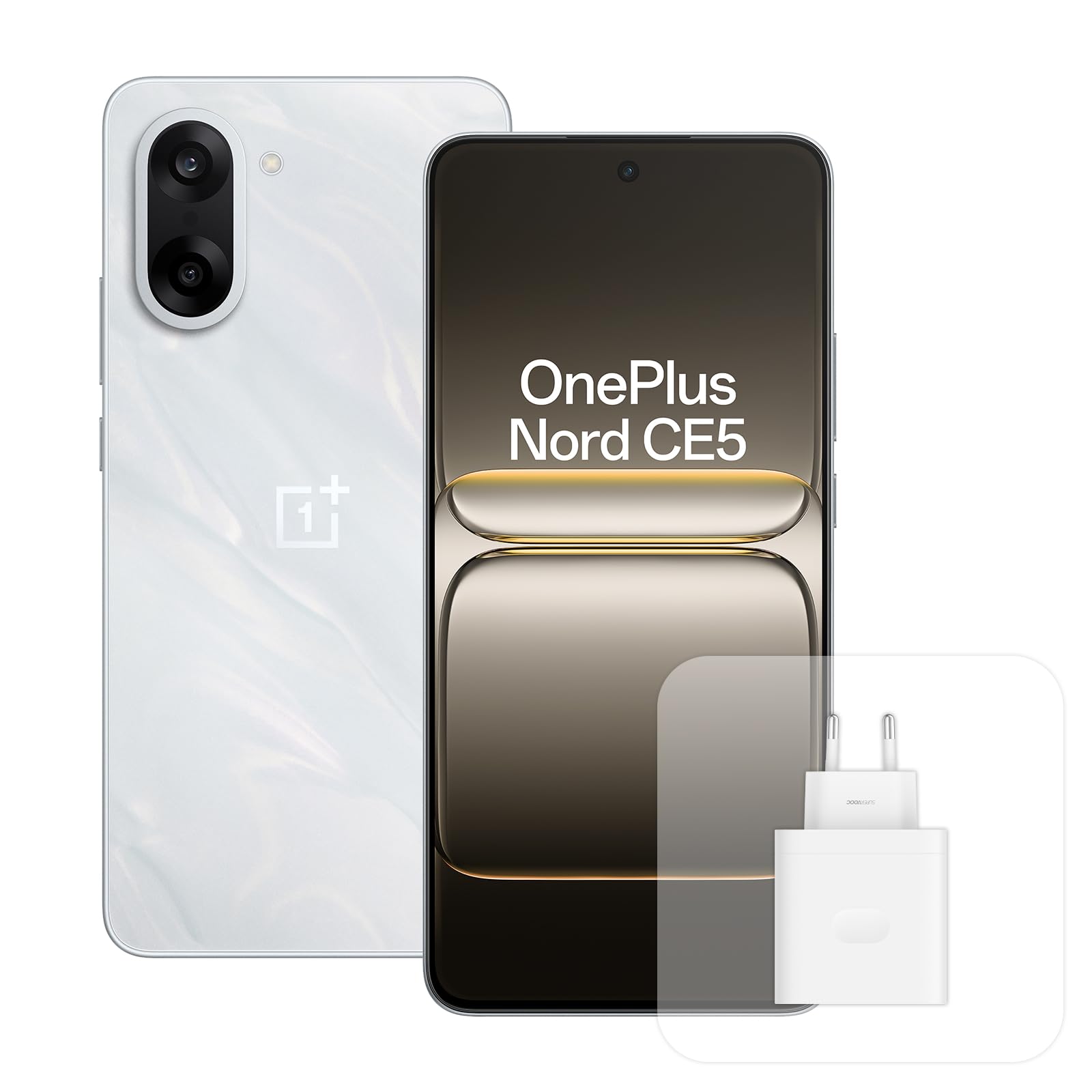
Rycina 1: Przód view of the OnePlus Nord CE5 Smartphone.
1. Konfiguracja
1.1 Rozpakowanie i wstępna inspekcja
Upon opening the package, verify that all components are present and undamaged. The box should contain your OnePlus Nord CE5 smartphone and a USB cable. If any items are missing or damaged, contact customer support.
1.2 Wkładanie karty SIM
- Znajdź tackę na kartę SIM znajdującą się z boku urządzenia.
- Otwórz tackę za pomocą dołączonego narzędzia do wyjmowania karty SIM.
- Place your Nano-SIM card into the tray, ensuring it is correctly oriented. The OnePlus Nord CE5 supports a single SIM card.
- Ostrożnie włóż tackę z powrotem do telefonu.

Rysunek 2: Strona view of the smartphone, illustrating the location of the SIM card tray and power/volume buttons.
1.3 Pierwsze włączenie i konfiguracja
Press and hold the power button until the OnePlus logo appears. Follow the on-screen instructions to complete the initial setup, including language selection, Wi-Fi connection, and Google account setup.
1.4 Ładowanie urządzenia
Connect the provided USB cable to the smartphone's USB Type-C port and to the 80W SUPERVOOC charger (sold separately or included depending on region). Plug the charger into a power outlet. The device features a 5200 mAh battery, offering up to 2 days of autonomy. A 10-minute charge can provide over 6 hours of YouTube playback.

Figure 3: Visual representation of the 5200mAh battery and 80W SUPERVOOC charging technology.
2. Obsługa smartfona
2.1 Wyświetlacz i nawigacja
The OnePlus Nord CE5 features a 6.77-inch 120Hz AMOLED display with Ultra HDR, offering a resolution of 2392 x 1080 pixels. Navigate the interface using touch gestures. The Aqua Touch feature allows for accurate screen interaction even with wet fingers.

Rysunek 4: Koniecview of the smartphone's display technology and features.
2.2 Funkcje aparatu
The device is equipped with a 50MP Sony LYT-600 main camera with Optical Image Stabilization (OIS) and a secondary ultra-wide-angle lens. It supports RAW HDR and can record videos in 4K at 60 frames per second. Utilize the integrated AI tools for enhanced photography:
- Gumka AI: Usuń niechciane obiekty ze swoich zdjęć.
- Idealny strzał AI: Automatically capture the best moment, ensuring no blinks or missed smiles.
- AI Reflection Removal: Eliminate reflections from glass or water surfaces.
- AI Recenter: Adjust photo composition for better balance.

Figure 5: Details of the 50MP OIS camera system.

Figure 6: Demonstrations of AI-powered photo editing features.
2.3 Wydajność i oprogramowanie
Powered by the MediaTek Dimensity 8350 Apex processor and 8GB of RAM, the Nord CE5 delivers smooth performance for gaming at 120 FPS and daily tasks. The device runs on OxygenOS, offering a clean and efficient user experience. It includes Google Gemini, an AI assistant for various tasks, and Open Canvas for enhanced multitasking.

Figure 7: Google Gemini AI assistant in action on the smartphone.
3. Konserwacja
3.1 Aktualizacje oprogramowania
OnePlus provides 4 years of Android OS updates and 6 years of security updates for the Nord CE5. Regularly check for and install software updates to ensure optimal performance, security, and access to new features. You can typically find update options in the device's settings menu under 'System' or 'About phone'.
3.2 Pielęgnacja baterii
To prolong battery life, avoid extreme temperatures and fully discharging the battery frequently. The device comes with a 4-year battery health warranty, ensuring the battery maintains at least 80% of its original capacity after 4 years of typical use.
3.3 Czyszczenie urządzenia
Use a soft, lint-free cloth to clean the screen and body of your smartphone. Avoid using harsh chemicals or abrasive materials. The OnePlus Nord CE5 is nie wodoodporny; avoid exposing it to liquids.
4. Rozwiązywanie Problemów
4.1 Typowe problemy i rozwiązania
- Urządzenie nie włącza się: Upewnij się, że bateria jest naładowana. Podłącz ładowarkę i odczekaj kilka minut przed ponownym włączeniem.
- Aplikacje ulegają awarii lub zawieszają się: Close the problematic app and reopen it. If the issue persists, restart your phone.
- Słaba łączność sieciowa: Check your SIM card insertion. Ensure mobile data is enabled and you are within network coverage. Try restarting the device.
- Niska wydajność: Close unnecessary background apps. Clear cache for frequently used apps. Consider freeing up storage space.
4.2 Przywracanie ustawień fabrycznych
Jeśli napotykasz uporczywe problemy z oprogramowaniem, przywrócenie ustawień fabrycznych może je rozwiązać. Ostrzeżenie: A factory reset will erase all data on your phone. Back up important data before proceeding. To perform a factory reset, go to Settings > System > Reset options > Erase all data (factory reset).
5. Specyfikacje
| Funkcja | Specyfikacja |
|---|---|
| Marka | JedenPlus |
| Nazwa modelu | Nord CE5 |
| System operacyjny | OxygenOS |
| Model procesora | MediaTek Dimensity 8350 Apex |
| BARAN | 8 GB |
| Pojemność magazynowa | 128 GB |
| Rozmiar ekranu | 6.77 cali |
| Rozdzielczość wyświetlacza | 2392x1080 |
| Częstotliwość odświeżania | 120 Hz |
| Rozdzielczość tylnej kamery | 50 Megapixels (Dual Camera) |
| Pojemność baterii | 5200 mAh |
| Średnia żywotność baterii | 2 dni |
| Czas rozmowy | 52 godzin |
| Wymiary | Wymiary 16.4 x 7.6 x 0.8 cm |
| Technologia komórkowa | 5G |
| Typ karty SIM | Nano SIM (Single SIM) |
| Odporność na wodę | Nie wodoodporny |
| Bezpieczeństwo biometryczne | Rozpoznawanie odcisków palców |
| Zawartość pudełka | Kabel USB |
6. Gwarancja i wsparcie
6.1 Gwarancja producenta
The OnePlus Nord CE5 smartphone is covered by a 2-year manufacturer's warranty. This warranty covers defects in materials and workmanship under normal use. For specific terms and conditions, please refer to the warranty card included with your product or visit the official OnePlus support webstrona.
6.2 Obsługa klienta
For technical assistance, troubleshooting, or service inquiries, please contact OnePlus customer support. You can find contact information on the official OnePlus webna stronie internetowej lub w sekcji pomocy w ustawieniach urządzenia.