
Wstęp
This manual provides essential information for setting up, operating, and maintaining your LEFFOT M1 Plus Android 14 TV Box. Please read it thoroughly to ensure proper usage and to maximize your entertainment experience.
Co jest w pudełku
Sprawdź, czy w przesyłce znajdują się wszystkie elementy wymienione poniżej:
- 1 x LEFFOT M1 Plus Android 14 TV Box
- 1 x pilot zdalnego sterowania głosowego
- 1 x zasilacz
- Kabel 1 x HD
- 1 x Instrukcja obsługi

Produkt ponadview
The LEFFOT M1 Plus is a compact 4K Ultra HD streaming device designed to enhance your television experience. It features a sleek design with various ports for connectivity.

Kluczowe interfejsy:
- Wejście zasilania prądem stałym: Do podłączenia zasilacza.
- Port AV: Do starszych telewizorów i systemów audio.
- HD (HDMI) Output: Connects to your TV for high-definition video and audio.
- Port LAN (Ethernet): Do przewodowego połączenia internetowego.
- Porty USB 1 i USB 2: For connecting external storage devices, game controllers, or other USB accessories.
- SPDIF: Cyfrowe wyjście audio.
Organizować coś
Follow these steps to set up your LEFFOT M1 Plus TV Box:
- Połącz z telewizorem: Connect one end of the provided HD cable to the HDMI port on your LEFFOT M1 Plus TV Box and the other end to an available HDMI input on your television.
- Podłącz zasilanie: Plug the power adapter into the DC power input on the TV Box, then plug the adapter into a wall outlet. The device will power on automatically.
- Włóż baterie do pilota: Open the battery compartment on the back of the voice remote control and insert two AAA batteries (not included), ensuring correct polarity.
- Initial Boot & Wi-Fi Setup: Turn on your TV and select the correct HDMI input. The TV Box will boot up. Follow the on-screen instructions to connect to your Wi-Fi network and log in with your Google Account.

Przewodnik po konfiguracji wideo
Video: An unboxing and installation guide for the LEFFOT M1 Plus TV Box, demonstrating how to connect the device and establish a network connection.
Instrukcja obsługi
Nawigacja i interfejs
The LEFFOT M1 Plus runs on Android 14 OS, providing a user-friendly interface. Navigate using the included voice remote control. The home screen provides quick access to your favorite apps and content.

Sterowanie głosowe za pomocą Asystenta Google
Utilize the built-in Google Assistant via the BT 5.4 voice remote for hands-free control. Simply press the Google Assistant button on the remote and speak your commands to search for content, control playback, or check information.

4K Ultra HD Streaming
Experience stunning visuals with 8K@23fps decoding and 4K@60fps HDR10 output. The device supports a wide range of streaming services, delivering breathtaking clarity and vibrant colors.

Bezproblemowa łączność
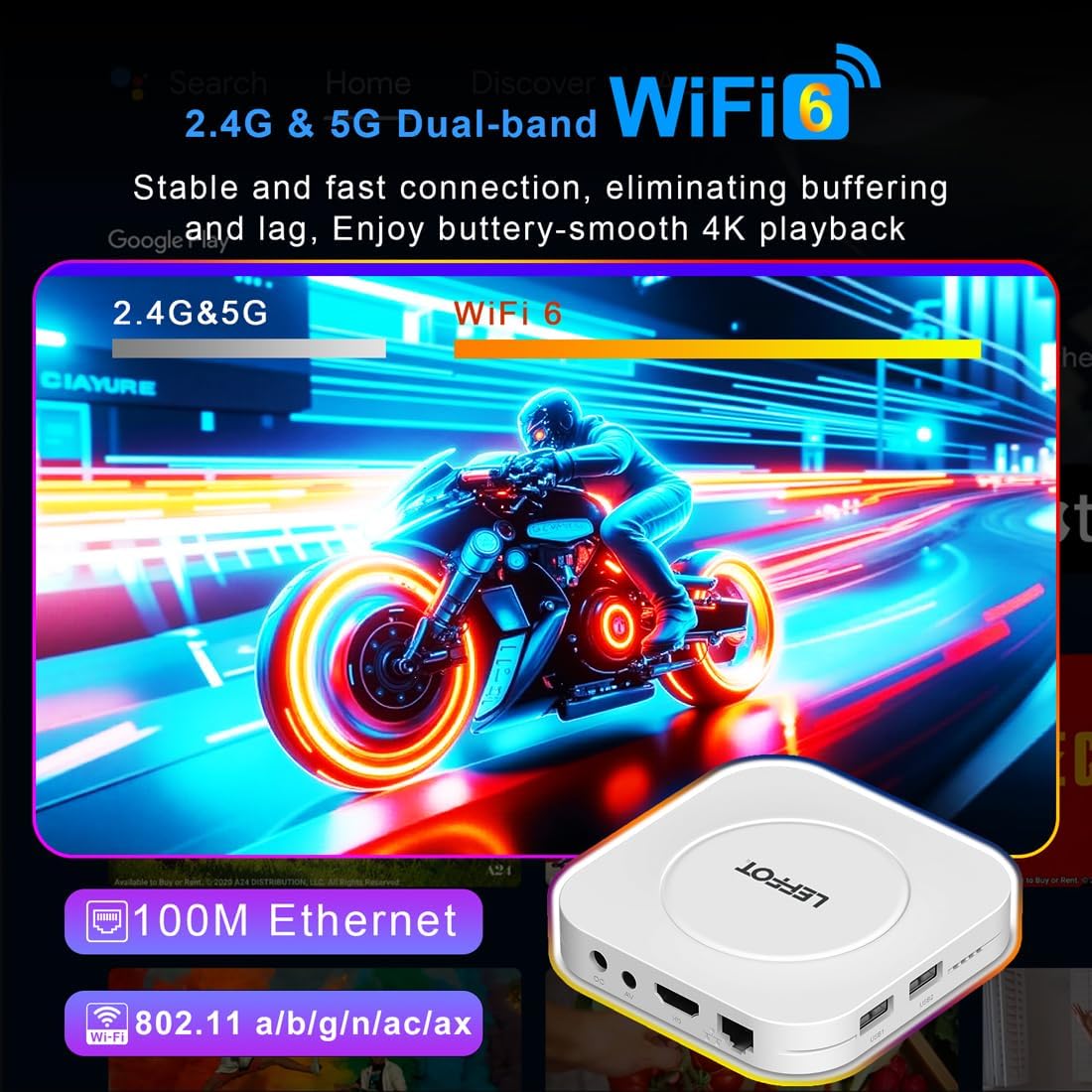
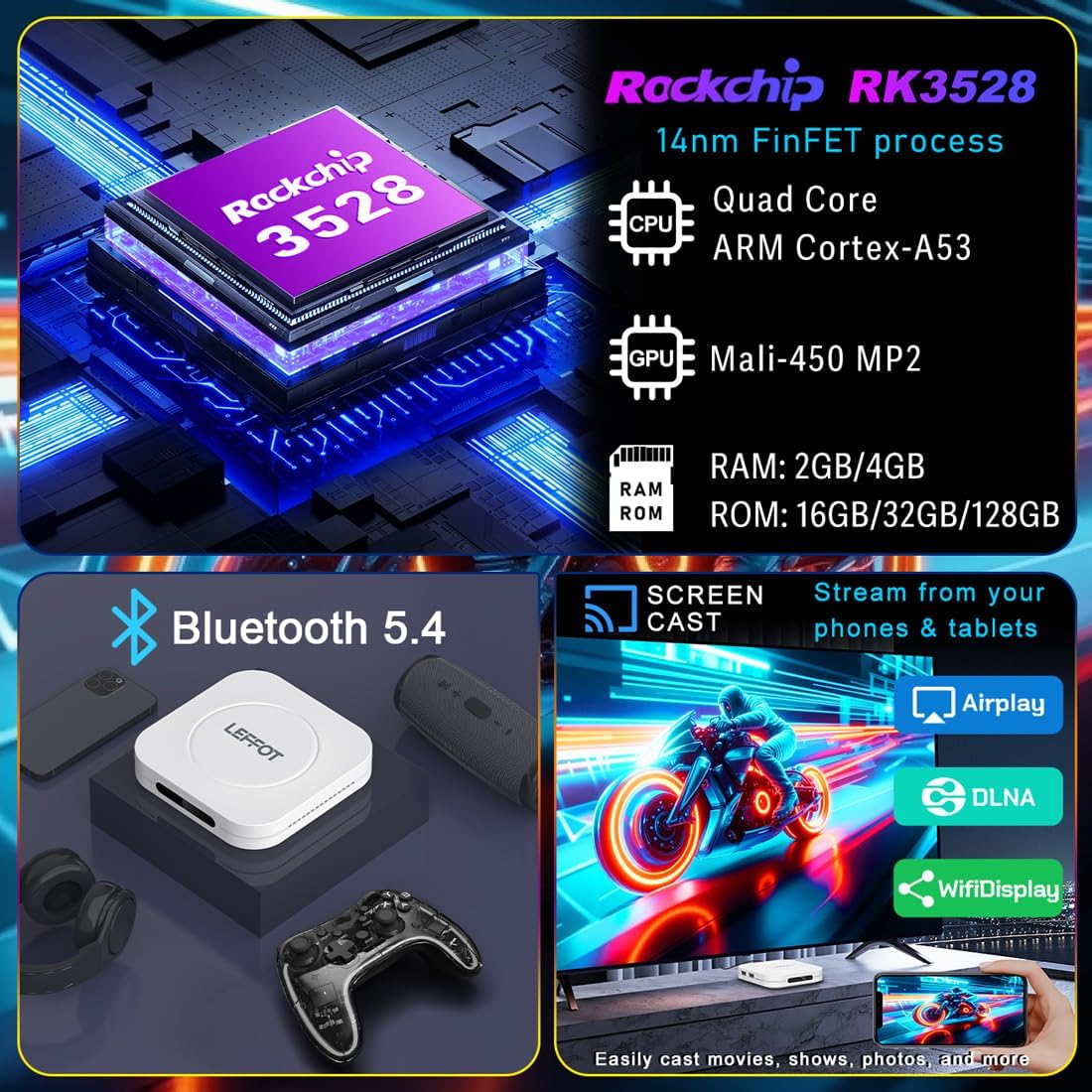
The M1 Plus offers stable and fast connectivity options including dual-band WiFi6 (802.11ax) and 100M Ethernet for buffer-free streaming. Bluetooth 5.4 allows for connection to various peripherals.
Dublowanie ekranu
Easily share photos and videos from your phones or tablets to your TV using Airplay, DLNA, or WiFidisplay features.
Oficjalny film o produkcie
Video: A short demonstration of the Google AndroidTV Box, showcasing its voice remote control capabilities.
Specyfikacje
| Funkcja | Opis |
|---|---|
| Marka | LEFFOT |
| Nazwa modelu | M1 Plus |
| System operacyjny | Android 14.0 |
| Edytor | RK3528 Quad-Core A53 CPU |
| Procesor graficzny | Mali-450 MP2 |
| BARAN | 2 GB |
| ROM | 16 GB |
| Rezolucja | 8K decoding, 4K@60fps HDR10 output |
| Łączność | 2.4G & 5G WiFi 6 (802.11ax), Bluetooth 5.4, 100M Ethernet |
| Cechy specjalne | Google Assistant Voice Remote, Airplay, DLNA, WiFidisplay |
| Porty | Dual USB 2.0, HD 2.0b, AV, LAN, DC, SPDIF |
| Wymiary | 3.8 x 3.8 x 0.81 cala |
| Waga | 4.4 uncji |
Rozwiązywanie problemów
If you encounter issues with your LEFFOT M1 Plus, refer to the following common solutions:
- Brak zasilania: Upewnij się, że zasilacz jest prawidłowo podłączony zarówno do urządzenia, jak i do sprawnego gniazdka elektrycznego. Spróbuj użyć innego gniazdka.
- Brak sygnału w telewizji: Verify that the HD cable is properly connected to both the TV Box and your TV. Ensure your TV is set to the correct HDMI input source.
- Problemy z połączeniem Wi-Fi: Check your router and modem to ensure they are working correctly. Re-enter your Wi-Fi password on the TV Box. If using 5G Wi-Fi, ensure your device is within range.
- Pilot nie odpowiada: Check if the batteries are correctly inserted and have sufficient charge. Try re-pairing the Bluetooth remote if necessary (refer to on-screen instructions during initial setup or in device settings).
- Zawieszanie się/awaria aplikacji: Close and restart the application. If the issue persists, clear the app's cache or data in the device settings (Settings > Apps > [App Name] > Clear Cache/Clear Data).
- Słaba jakość wideo: Ensure your internet connection is stable and fast enough for 4K streaming. Check your TV's display settings and the streaming app's quality settings.
Konserwacja
To ensure the longevity and optimal performance of your LEFFOT M1 Plus TV Box:
- Przechowywać urządzenie w chłodnym i suchym miejscu, z dala od bezpośredniego światła słonecznego i źródeł ciepła.
- Czyść urządzenie miękką, suchą ściereczką. Nie używaj płynnych środków czyszczących ani materiałów ściernych.
- Avoid blocking any ventilation openings (though this model has no external vents, ensure it's not covered).
- Regularnie sprawdzaj dostępność aktualizacji systemu i instaluj je, aby mieć pewność, że są dostępne najnowsze funkcje i poprawki zabezpieczeń.
Gwarancja i wsparcie
Your LEFFOT M1 Plus TV Box comes with a standard manufacturer's warranty. For specific warranty terms and conditions, please refer to the documentation included in your package or contact LEFFOT customer support.
For technical assistance or further inquiries, please visit the official LEFFOT webwitryny lub skontaktuj się z zespołem obsługi klienta.