
Wstęp
The EKIY EC16 is a compact 2-in-1 wireless adapter designed to convert your car's existing wired CarPlay or Android Auto system into a wireless connection. This device allows for seamless integration of your smartphone's features onto your car's infotainment display without the need for cables.
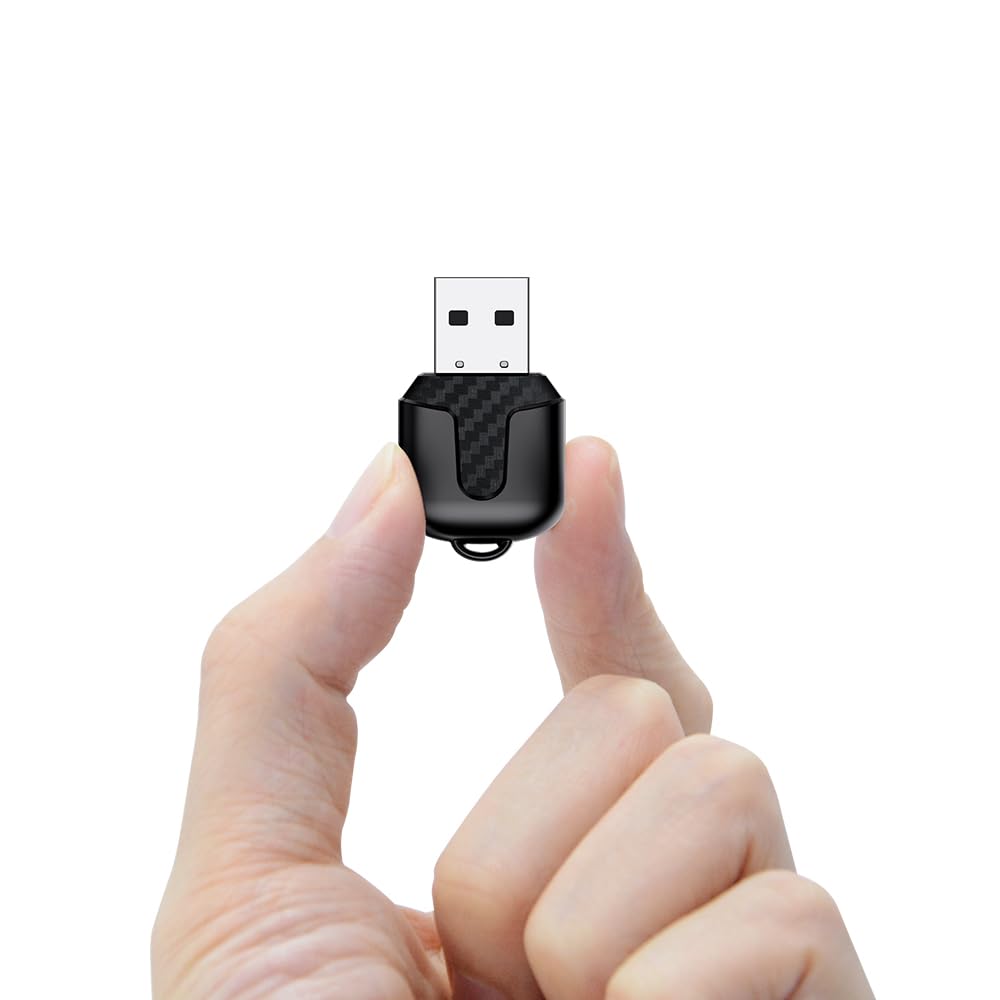
Image: EKIY EC16 Wireless CarPlay & Android Auto Adapter, shown in a compact size.
Cechy produktu
- Konwersja z połączenia przewodowego na bezprzewodowe: Przekształca przewodowe funkcje CarPlay i Android Auto w funkcje bezprzewodowe.
- Compact 2-in-1 Design: Ultra-miniature size for discreet installation.
- Zaawansowana łączność: Utilizes Bluetooth 5.4 and 6Ghz WiFi for stable and fast wireless connections.
- Automatyczne ponowne połączenie: Automatically connects to your paired smartphone when the car engine starts.
- Oryginalna funkcjonalność samochodu: Supports existing car controls including steering wheel, knob, voice, and touchscreen.
- Aktualizacje bezprzewodowe (OTA): Ensures the adapter stays updated with the latest features and optimizations.
Zawartość opakowania
Sprawdź, czy w opakowaniu znajdują się wszystkie elementy:
- EKIY EC16 Bezprzewodowy adapter CarPlay i Android Auto
- Kabel USB żeński A do C
- Instrukcja obsługi (ten dokument)

Image: The EKIY EC16 adapter shown alongside its included USB-A to USB-C cable.
Zgodność
The EKIY EC16 adapter is compatible with:
- Cars from 2016 onwards that have factory-installed wired CarPlay and Android Auto.
- iPhone'y z systemem iOS 10 lub nowszym.
- Telefony z systemem Android 11.0 lub nowszym.
Ważna uwaga: This adapter does not support BMW, Tesla, certain other car models, and some aftermarket stereos. For specific compatibility verification, please refer to the product listing or contact customer support.
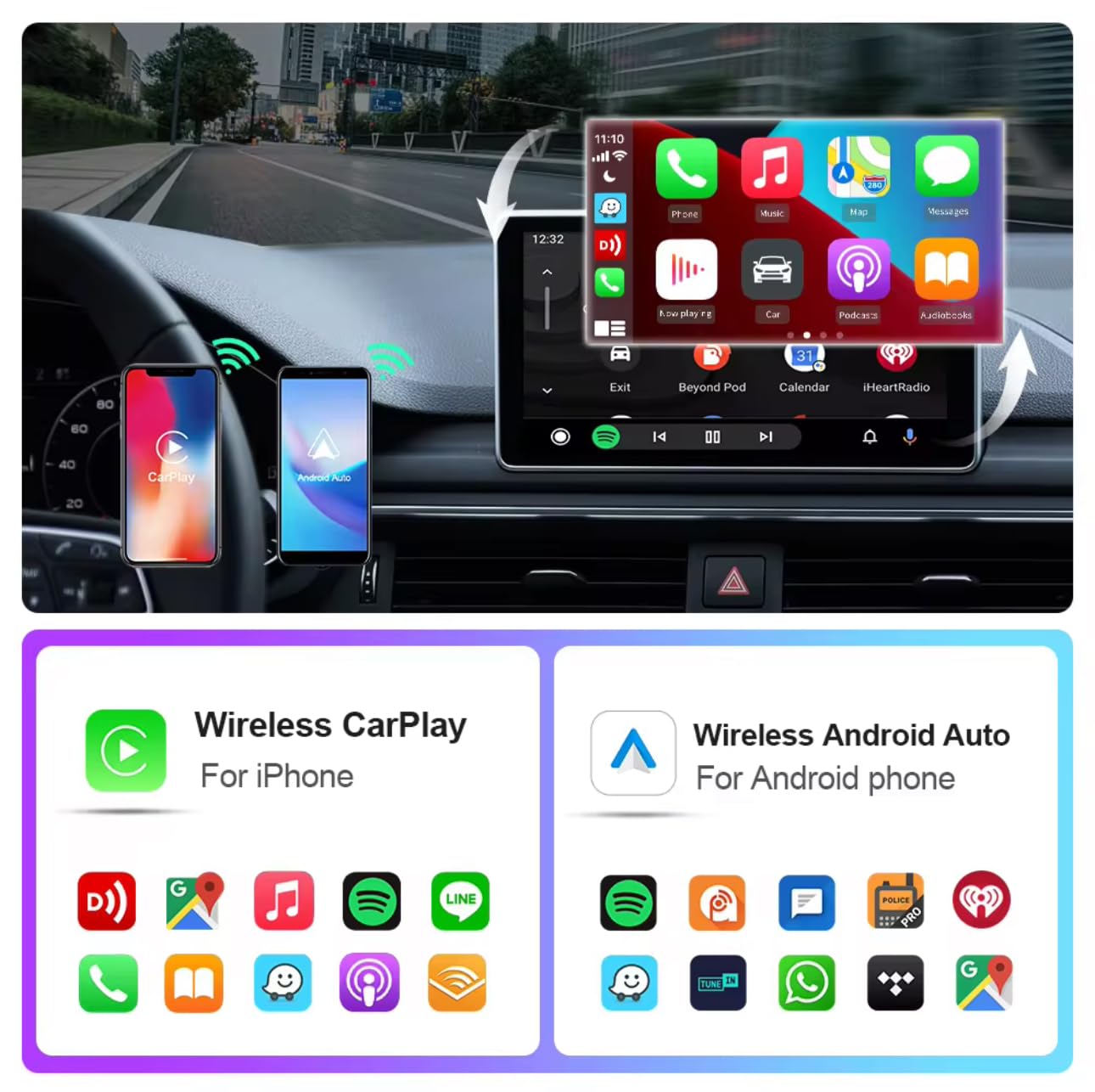
Image: A car's infotainment screen displaying both Wireless CarPlay and Wireless Android Auto interfaces, indicating broad compatibility.
Konfiguracja i instalacja
Follow these steps to set up your EKIY EC16 adapter:
- Podłącz adapter: Plug the EKIY EC16 adapter into your car's USB port that supports wired CarPlay or Android Auto. Use the provided USB cable if necessary.
- Początkowe parowanie: Włącz Bluetooth i Wi-Fi na swoim smartfonie. Szukaj the adapter's Bluetooth name (e.g., "smartBox-CEFF") and pair with it.
- Automatyczne połączenie: Once paired, the adapter will automatically connect to your phone when the car engine is turned on for future drives. The initial setup typically takes about 30 seconds, with subsequent reconnections in approximately 5 seconds.
Notatka: The adapter connects to one phone at a time. If switching phones, disconnect the Bluetooth and Wi-Fi connection of the previously connected phone before pairing a new one.

Image: A smartphone displaying connection icons, with a car's silhouette in the background, illustrating the automatic connection feature of the adapter.
Instrukcja obsługi
Once connected, your car's display will show the CarPlay or Android Auto interface. You can interact with your smartphone's applications directly through the car's system.
- Nawigacja: Use your preferred navigation apps (e.g., Apple Maps, Google Maps) for directions.
- Muzyka i dźwięk: Play music, podcasts, and audiobooks through your car's speakers.
- Calls and Messages: Make and receive calls, and send/receive messages using voice commands or the touchscreen.
- Metody kontroli: The adapter supports various control inputs including the car's touchscreen, voice commands, steering wheel buttons, and rotary knob controls.

Image: Four panels showing different car control methods: steering wheel control, knob control, voice control, and touch screen control, all compatible with the adapter.
Aktualizacje OTA
The EKIY EC16 adapter supports Over-The-Air (OTA) updates. This feature allows you to download and install the latest software versions directly to your device, ensuring optimal performance, new features, and compatibility improvements. Regularly check for updates to maintain the best user experience.

Image: A graphic representation of OTA updates, showing data flowing from a cloud to a device, symbolizing software updates for the adapter.
Rozwiązywanie problemów
| Wydanie | Możliwa przyczyna / rozwiązanie |
|---|---|
| Connection issues or frequent disconnections | Ensure your phone's Bluetooth and Wi-Fi are enabled. Verify the adapter is securely plugged into the correct USB port. Disconnect previous phone connections if pairing a new device. Check for adapter firmware updates. |
| Lag or slow response | Ensure your phone's operating system (iOS 10+ / Android 11.0+) is up to date. Check for adapter firmware updates. Close unnecessary background apps on your phone. |
| Adapter się nagrzewa | Some heat generation is normal during operation. Ensure the adapter is not obstructed and has adequate ventilation. If overheating persists or causes malfunctions, discontinue use and contact support. |
| Audio call quality issues | Check your phone's network signal. Ensure no other Bluetooth devices are interfering. Restart both your phone and the car's infotainment system. |
| Incompatibility with specific car models | The adapter is not compatible with all vehicles (e.g., BMW, Tesla, some aftermarket stereos, MG Hector). Verify compatibility before purchase. |
| OEM system time changes | This can sometimes occur with third-party adapters. Check if there's an option in your car's settings to manually set the time or disable automatic time synchronization from the connected device. |
Specyfikacje
| Funkcja | Szczegół |
|---|---|
| Marka | EKIY |
| Model | EC16 |
| Wymiary produktu | Wymiary 5 x 7 x 3 cm |
| Waga przedmiotu | 50 gramów |
| Kompatybilne urządzenia | Smartphone (iOS 10+ / Android 11.0+) |
| Szybkość przesyłu danych | 5.8 GHz (Wi-Fi) |
| Wersja Bluetooth | 5.4 |
| Typ złącza | USB typu A, USB typu C |
| Kraj pochodzenia | Chiny |

Image: Detailed dimensions of the EKIY EC16 adapter, shown next to a coin for scale.
Gwarancja i wsparcie
The EKIY EC16 adapter comes with a 12-month global support warranty. Additionally, lifetime professional technical support is available through a dedicated Customer Care Portal. For any inquiries, technical assistance, or warranty claims, please refer to the contact information provided with your purchase or visit the official EKIY webstrona.