
1. Wprowadzenie i koniecview
The KKB G500 is a 4G LTE cellular solar security camera designed for outdoor use where WiFi and traditional power sources are unavailable. This camera features a built-in solar panel and a 5200mAh battery for continuous operation, providing 2K video resolution, color night vision, PIR motion detection, and two-way audio communication. It operates via a built-in SIM card, requiring a 4G LTE data plan for remote access and monitoring through the iCam365 application.
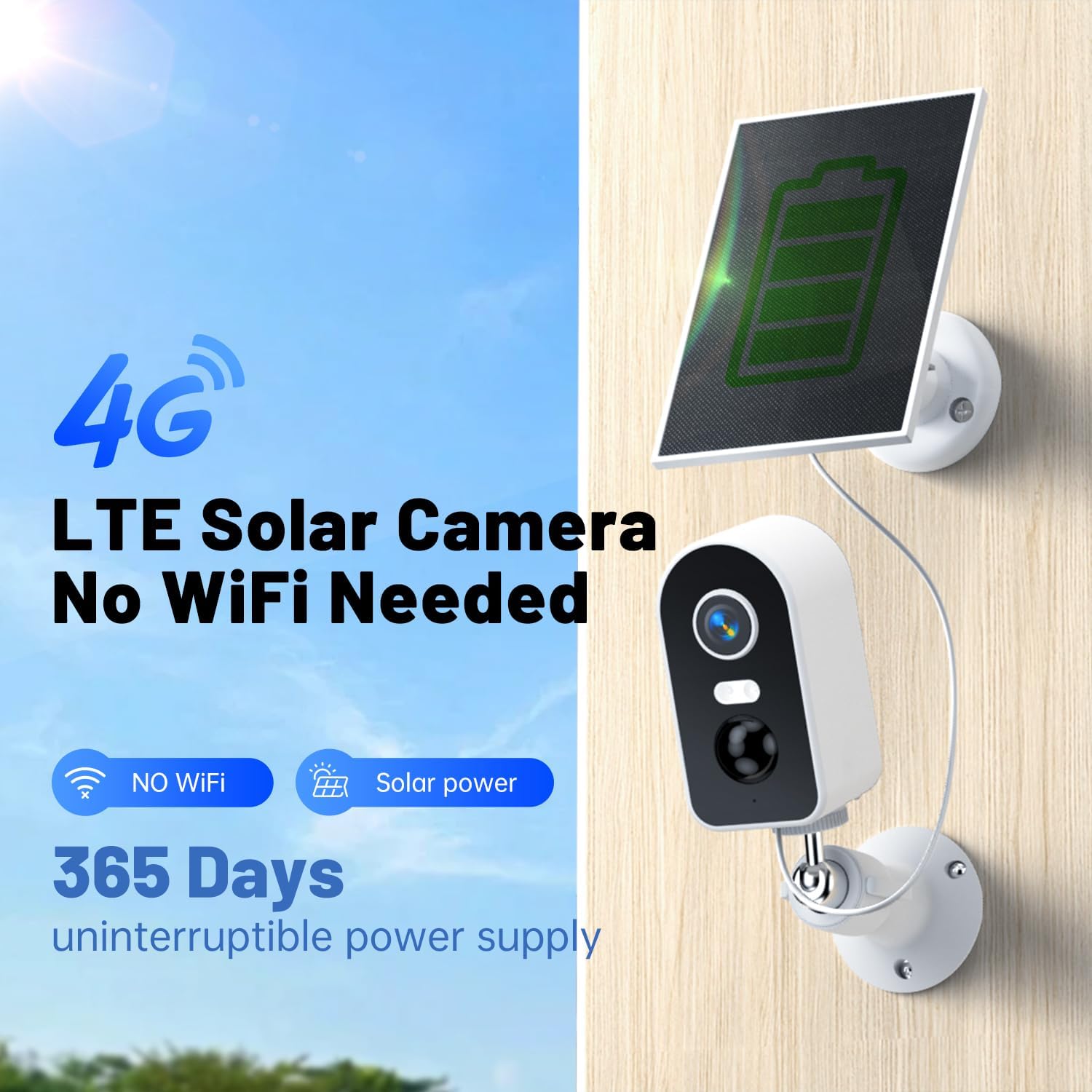
Image: The KKB G500 camera with its integrated solar panel, designed for off-grid security.
2. Co znajduje się w pudełku
Sprawdź, czy po rozpakowaniu znajdują się wszystkie elementy:
- KKB 4G Security Camera (Model G500)
- Panel słoneczny
- Śruby montażowe
- Instrukcja obsługi
3. Funkcje produktu
3.1 Solar Charging & Battery Power
The camera is equipped with a 3W solar panel and a 5200mAh rechargeable battery, providing continuous power without external electrical wiring. This design ensures uninterrupted operation in remote locations.

Image: Banner highlighting the 4G LTE cellular and solar-powered features of the camera.
3.2 Cellular Operation (No WiFi Required)
The camera utilizes a built-in, non-removable SIM card for 4G LTE connectivity, eliminating the need for WiFi. A data plan is required for operation (e.g., $14.9/month or $149.9/year).

Image: Illustration demonstrating the camera's 4G signal connection and inability to connect to WiFi.
3.3 2K Video Resolution & Night Vision
Capture clear footage in 2K resolution. The camera supports both infrared (IR) and full-color night vision, allowing monitoring up to 50 feet in low-light conditions.
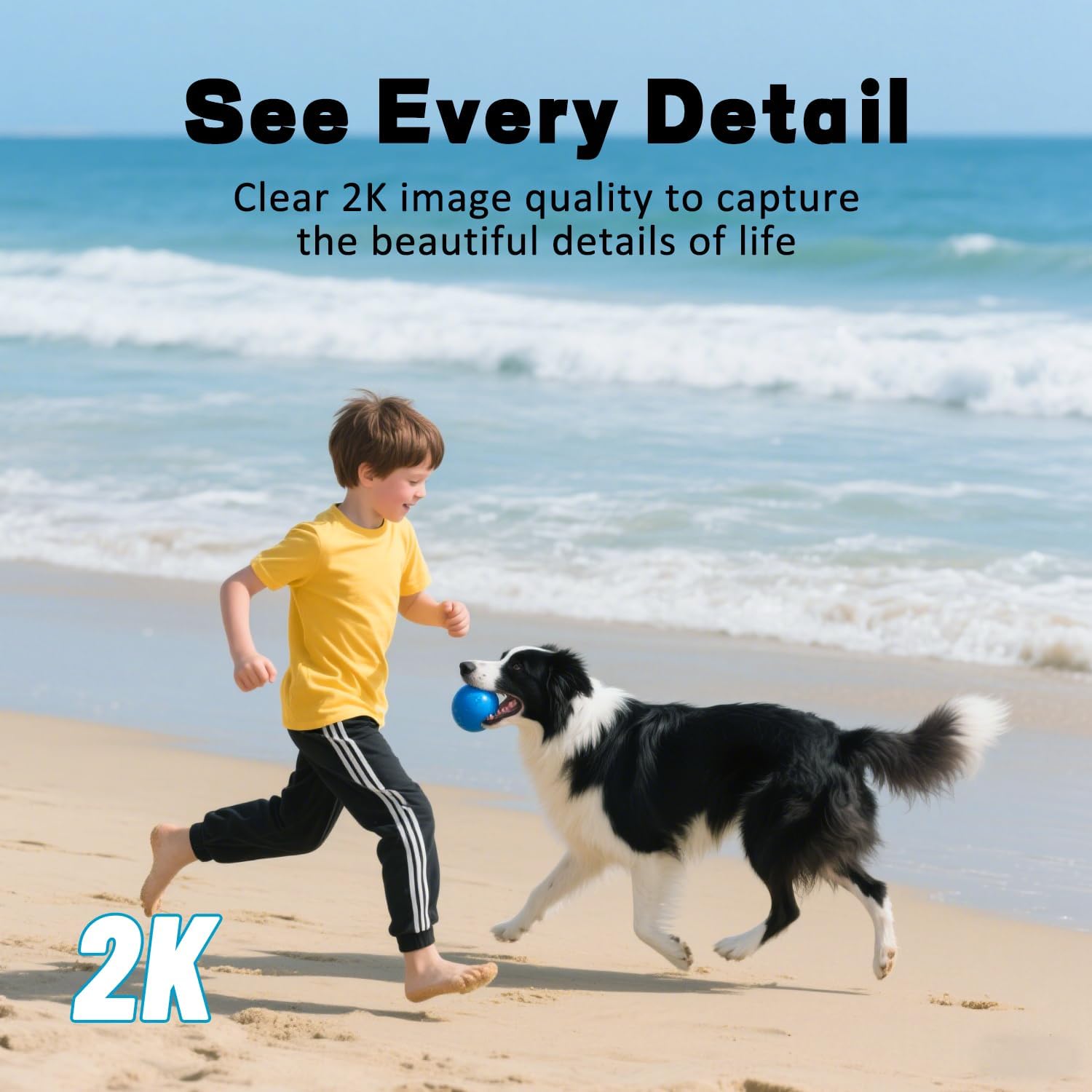
Image: A scene of a child and a dog on a beach, representing the clear 2K image quality.

Image: A split image showing the difference between full-color night vision and infrared night vision.
3.4 Zdalne Viewing with iCam365 App
Access live streams, review nagrano footage, and download videos remotely using the iCam365 mobile application (available for Android and iOS). The app also provides real-time alerts and enables two-way communication.

Image: A smartphone screen showing the iCam365 app interface, demonstrating multi-person sharing capabilities.
3.5 PIR Motion Detection & Two-Way Audio
The integrated Passive Infrared (PIR) sensor detects motion and sends instant push notifications to your device. The built-in microphone and speaker facilitate two-way audio communication, allowing you to speak with visitors or deter intruders.

Image: A visual representation of smart detection capturing an abnormal status and pushing a real-time message via the app.
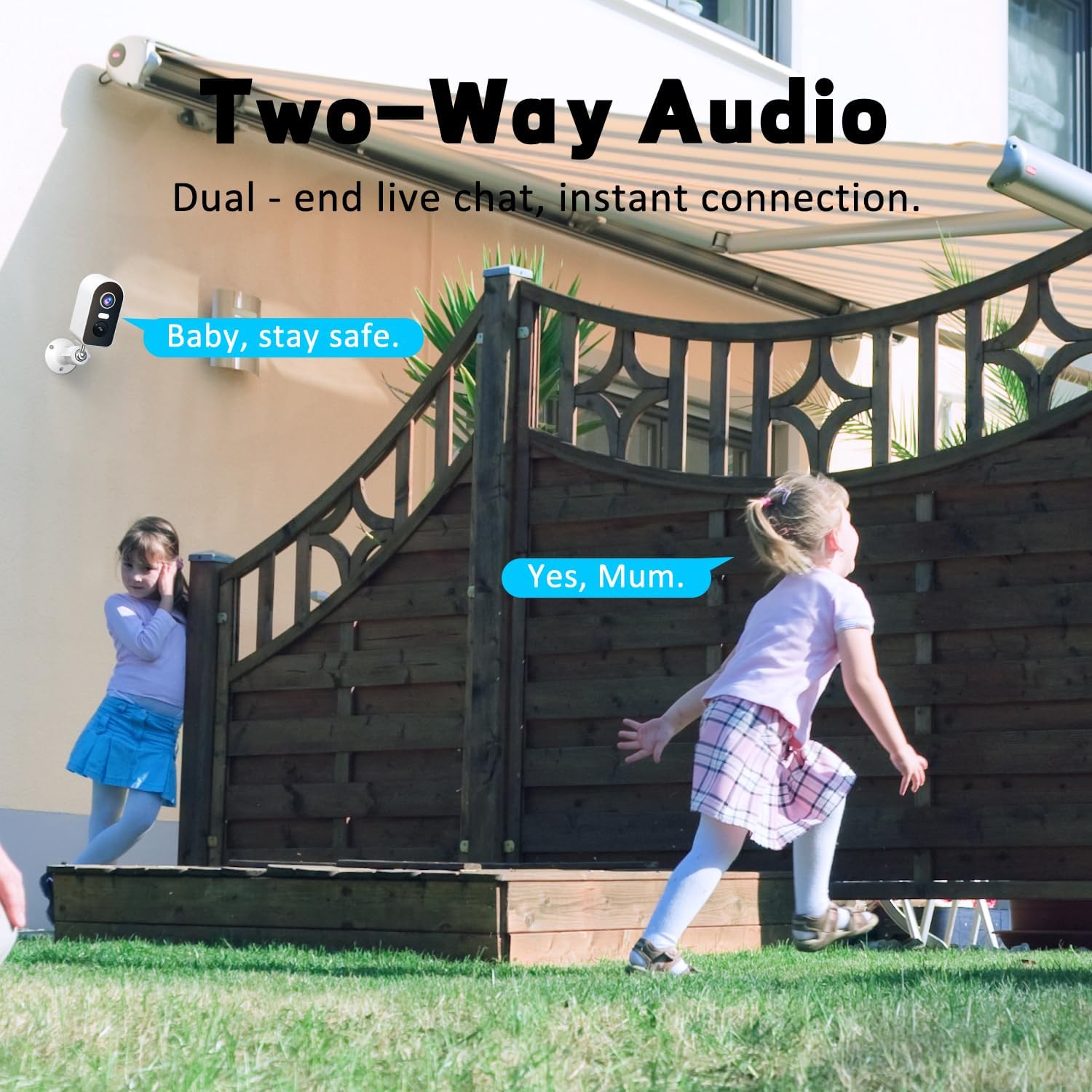
Image: Two children playing in a yard, illustrating the two-way audio feature for live communication.
3.6 Stopień wodoodporności IP65
The camera is rated IP65 waterproof, ensuring protection against dust and water jets. This makes it suitable for various outdoor weather conditions, including rain, sun, and snow.

Image: The camera and solar panel shown in a rainy outdoor setting, emphasizing its IP65 waterproof capabilities.
3.7 Elastyczne opcje przechowywania
Recordings can be stored locally on a Micro SD card (up to 128GB, not included) or via cloud storage services (subscription may be required). Message encryption ensures privacy.

Image: Visual representation of flexible storage options, including TF card and cloud storage.
4. Przewodnik konfiguracji
4.1 Pierwsze ładowanie
Before first use, ensure the camera's internal battery is sufficiently charged. Connect the solar panel to the camera and place it in direct sunlight for several hours, or charge via a USB power adapter (not included) if available.
4.2 SIM Card Activation and Data Plan
The camera comes with a built-in SIM card. To activate cellular service, you must subscribe to a 4G LTE data plan through the iCam365 app. Available plans include monthly ($14.9) or annual ($149.9) options. The SIM card provides 300MB of data for initial testing.

Image: Details on the built-in SIM card and available 4G data subscription plans.
4.3 iCam365 App Download and Pairing
- Pobierz iCam365 app from your smartphone's app store (Android or iOS).
- Zarejestruj konto i zaloguj się.
- Follow the in-app instructions to add your KKB G500 camera. This typically involves scanning a QR code on the camera or entering its device ID.
- Ensure the camera is powered on and within 4G network coverage during the pairing process.
4.4 Montaż kamery i panelu słonecznego
The camera can be wall-mounted or placed freestanding. For optimal solar charging, install the solar panel in a location that receives direct sunlight for most of the day. Avoid shaded areas.

Obraz: Byłyamples of proper and improper solar panel installation to ensure effective charging.

Image: Various installation methods for the camera, including ceiling, wall, and tabletop placement.
5. Instrukcja obsługi
5.1 Na żywo View
Open the iCam365 app and select your camera to view the live feed. You can pan, tilt, and zoom digitally within the app to adjust the viewObszar objęty badaniem.
5.2 Dźwięk dwukierunkowy
Na żywo view, tap the microphone icon in the app to speak through the camera's speaker. Tap the speaker icon to listen to audio from the camera's microphone.
5.3 Alerty wykrywania ruchu
When motion is detected, the camera will send a push notification to your smartphone. You can adjust motion detection sensitivity and schedule alert times within the app settings.
5.4 Odtwarzanie i nagrywanie wideo
Uzyskaj dostęp do nagranego pliku footage through the iCam365 app. You can review event-triggered recordings or continuous recordings if a Micro SD card is installed and configured. Options to download clips are available.
5.5 Tryby widzenia nocnego
The camera automatically switches to night vision in low light. You can typically choose between infrared (black and white) and full-color night vision modes in the app settings, depending on environmental conditions and preference.
6. Konserwacja
6.1 Czyszczenie paneli słonecznych
Okresowo czyść powierzchnię panelu słonecznego miękką,amp ściereczką, aby usunąć kurz, brud i zanieczyszczenia. Czysty panel zapewnia maksymalną wydajność ładowania.
6.2 Zarządzanie baterią
Monitor the battery level through the iCam365 app. While the solar panel provides continuous charging, prolonged periods of low sunlight or high usage may deplete the battery. Ensure the solar panel is optimally positioned.
6.3 aktualizacji oprogramowania sprzętowego
Check the iCam365 app regularly for available firmware updates. Keeping the camera's firmware updated ensures optimal performance, security, and access to new features.
7. Rozwiązywanie Problemów
- Camera not connecting to 4G network:
- Ensure your data plan is active and has sufficient data. Check the camera's location for adequate 4G signal strength. Restart the camera.
- Bateria nie ładuje się:
- Verify the solar panel is clean and positioned in direct sunlight. Check the connection cable between the solar panel and the camera. Ensure the ambient temperature is within the operating range for charging.
- Brak alertów o wykryciu ruchu:
- Check the motion detection settings in the iCam365 app. Ensure the sensitivity is set appropriately and that alert schedules are correctly configured. Verify the camera's field of view jest jasne.
- Słaba jakość wideo:
- Ensure the camera lens is clean. Check the 4G signal strength, as a weak signal can affect streaming quality. Adjust video resolution settings in the app if available.
- Dwukierunkowa transmisja dźwięku nie działa:
- Check the microphone and speaker permissions for the iCam365 app on your smartphone. Ensure the camera's microphone and speaker are not obstructed.
8. Specyfikacje
| Nazwa modelu | G500 (4G-RF-11) |
| Technologia łączności | Bezprzewodowa (4G LTE Cellular) |
| Źródło zasilania | Solar Powered (3W panel), 5200mAh Battery |
| Rozdzielczość przechwytywania wideo | 2K |
| Zakres noktowizora | 30-50 Feet (IR and Color Night Vision) |
| Cechy specjalne | 2-Way Audio, HD Resolution, Motion Sensor (PIR), Night Vision, Weatherproof |
| Zastosowanie wewnątrz/na zewnątrz | Wewnątrz, Na zewnątrz |
| Poziom wodoodporności | Wodoodporność IP65 |
| Opcje przechowywania | Karta Micro SD (maks. 128 GB), przechowywanie w chmurze |
| Kompatybilne urządzenia | Smartfon (Android, iOS) |
| Wymiary (dł. x szer. x wys.) | 7.1 x 5.12 x 3.54 cala |
| Waga przedmiotu | 1.36 funta |
9. Gwarancja i wsparcie
KKB provides comprehensive customer support for the G500 camera. For technical assistance, troubleshooting, or warranty inquiries, please utilize the following resources:
- APP Online Contact: Access multi-channel service directly through the iCam365 application.
- Wsparcie e-mailowe: Contact customer service via email for detailed inquiries.
- 7x24 Hours Professional Technical Support: Dedicated support is available around the clock to assist you.

Image: KKB customer service team offering multi-channel and 24/7 technical support.