
ZMX Mix 87
Instrukcja obsługi klawiatury gamingowej MCHOSE Mix 87 z przełącznikiem magnetycznym
Model: Mix 87 | Brand: ZMX
Wstęp
Welcome to the user manual for your MCHOSE Mix 87 Magnetic Switch Rapid Trigger Gaming Keyboard. This keyboard is designed for high-performance gaming and efficient daily use, featuring Hall effect magnetic switches, adjustable actuation, and a compact TKL layout. This manual provides essential information for setting up, operating, maintaining, and troubleshooting your new keyboard.
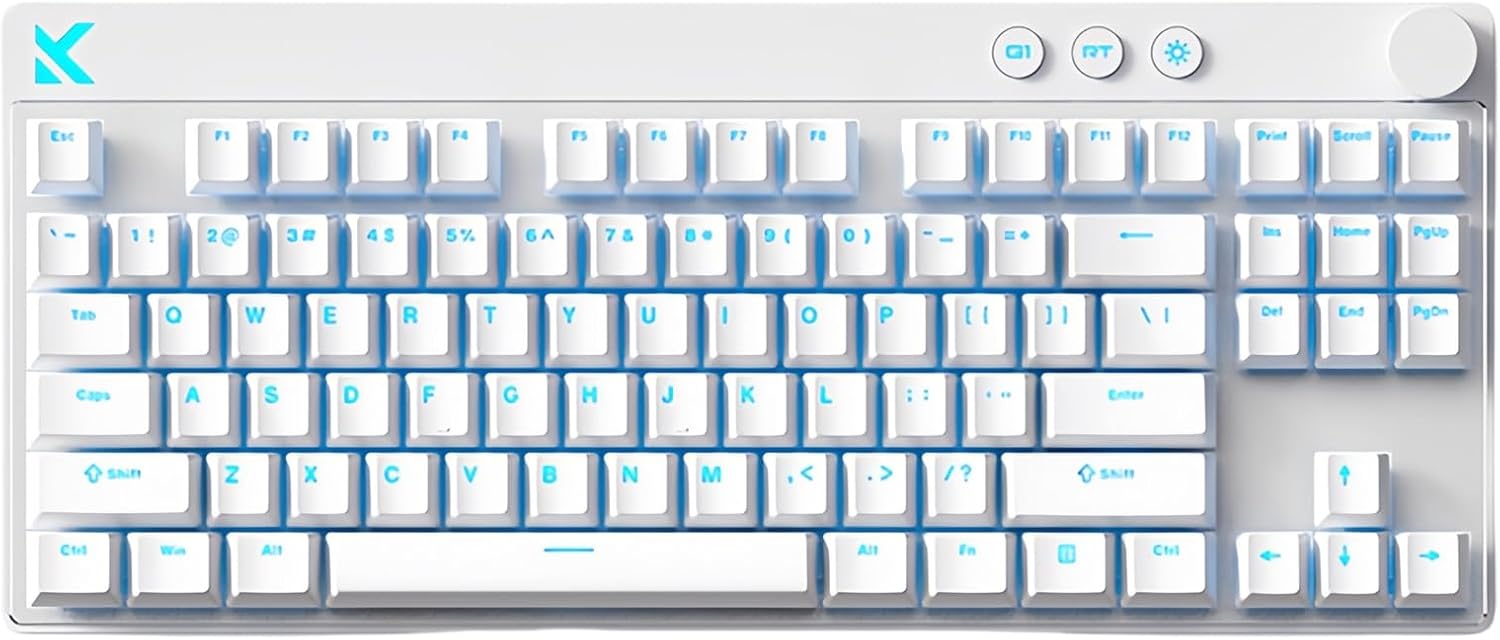
Image: The MCHOSE Mix 87 Magnetic Switch Gaming Keyboard in white, showcasing its 87-key layout and clean design.
Co jest w pudełku
Upon unboxing your MCHOSE Mix 87 keyboard, please ensure all the following items are present:
- MCHOSE Mix 87 Gaming Keyboard
- Kabel USB (Typ C)
- Ściągacz nasadek klawiszy
- Instrukcja obsługi (ten dokument)
- Dodatkowe przełączniki (2 sztuki)
Przewodnik po konfiguracji
Follow these steps to set up your MCHOSE Mix 87 keyboard:
- Rozpakować: Ostrożnie wyjmij klawiaturę i wszystkie akcesoria z opakowania.
- Łączyć: Locate the USB-C port on the keyboard and connect one end of the provided USB cable. Connect the other end of the USB cable to an available USB port on your computer (PC or Mac).
- Instalacja sterownika (opcjonalnie): The keyboard is plug-and-play. For advanced customization and features, access the programmable web driver. No software download is required; simply visit the official MCHOSE HUB driver webstrona.
- Umieszczenie: Ułóż klawiaturę wygodnie na biurku.
- Test wstępny: Open a text editor or any application and type to ensure the keyboard is recognized and functioning correctly.

Image: The MCHOSE Mix 87 keyboard shown in both an office setup (white keyboard) and a gaming setup (pink keyboard), demonstrating its versatility.
Instrukcja obsługi
The MCHOSE Mix 87 keyboard offers a range of features for enhanced gaming and productivity.
Główne cechy:
- Magnetic Switches & Adjustable Actuation: Equipped with Hall effect Apollo magnetic switches, allowing for ultra-precise 0.001 mm adjustment. The trigger point is adjustable from 0.01-3.4 mm, providing customizable keystroke sensitivity.
- Rapid Trigger (RT) Mode: Supports rapid trigger functionality, enabling keys to reset instantly upon release, crucial for competitive gaming. The RT Smart Mode offers 1-15 levels of adjustment.
- Ultra-Low Latency & High Polling Rate: Features a 256K ultra-high scan rate and 0.08ms low latency, combined with an 8000 Hz polling rate for minimal input delay.
- Pokrętło wielofunkcyjne: The integrated knob allows for easy volume adjustment. Pressing the knob mutes/unmutes audio.
- Dedicated Function Keys: Includes three practical function keys for quick access to desktop, mode switching, and light brightness adjustment.
- Podświetlenie RGB: Features 16 million colors with north-facing LEDs. Customize lighting effects, brightness, and support music rhythm via FN shortcut keys or the web kierowca.
- NKRO (N-Key Rollover): Supports full N-Key Rollover, ensuring every keypress is registered accurately, even during simultaneous presses.
Function Key Combinations (FN):
Użyj FN key in combination with other keys to access various functions. Specific combinations can be found in the web driver interface for full customization.
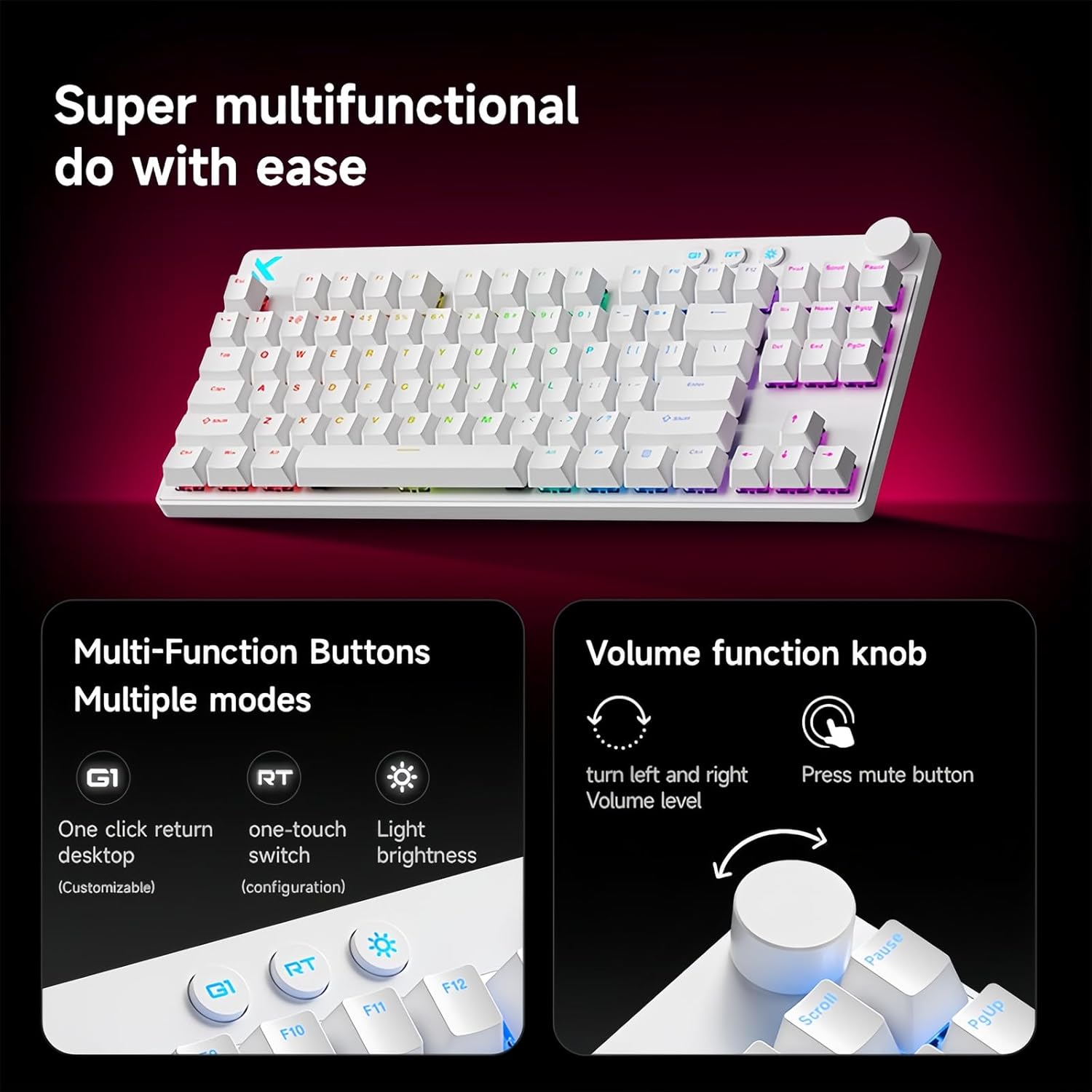
Image: Close-up of the MCHOSE Mix 87 keyboard highlighting the multi-function buttons (G1, RT, Light Brightness) and the volume control knob with mute function.
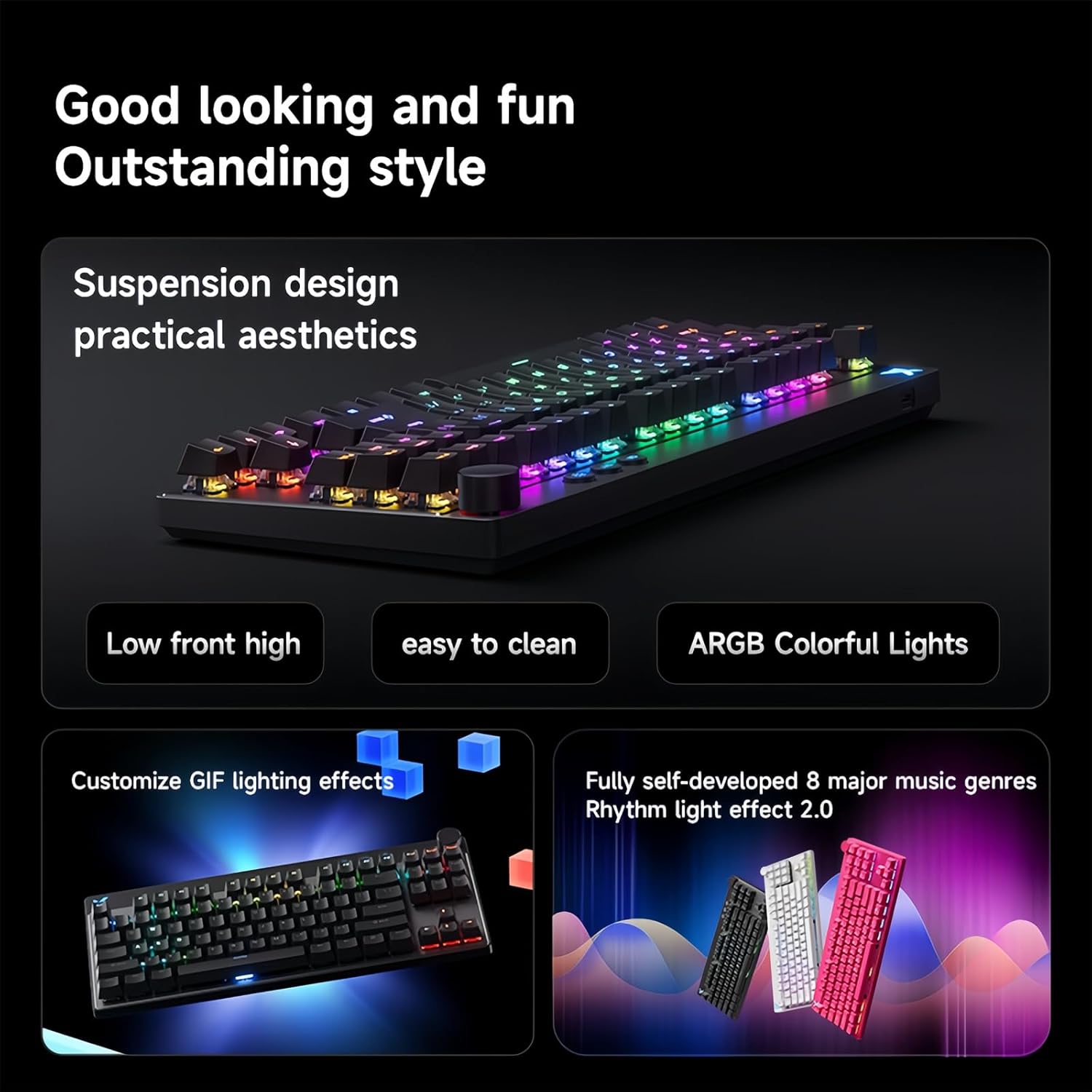
Image: The MCHOSE Mix 87 keyboard showcasing its RGB lighting effects and highlighting features like suspension design, easy cleaning, and customizable lighting effects.
Konserwacja
Właściwa konserwacja zapewnia długowieczność i optymalną wydajność klawiatury.
- Regularne czyszczenie: Za pomocą miękkiej szczotki lub sprężonego powietrza usuń kurz i zanieczyszczenia spomiędzy klawiszy.
- Czyszczenie nakładek klawiszy: Aby dokładniej wyczyścić, użyj dołączonego ściągacza do nakładek klawiszy, aby ostrożnie je zdjąć. Wyczyść je łagodnym roztworem mydła i miękką ściereczką, a następnie upewnij się, że są całkowicie suche przed ponownym założeniem.
- Czyszczenie powierzchni: Przetrzyj powierzchnię klawiatury lekko miękką szmatką.amp, ściereczka niepozostawiająca włókien. Unikaj agresywnych środków chemicznych i materiałów ściernych.
- Zapobieganie rozlaniu: Trzymaj klawiaturę z dala od płynów, aby zapobiec uszkodzeniu jej wewnętrznych podzespołów.
- Składowanie: Jeśli klawiatura nie będzie używana przez dłuższy czas, należy ją przechowywać w czystym i suchym miejscu.
Rozwiązywanie problemów
If you encounter issues with your MCHOSE Mix 87 keyboard, refer to the following common problems and solutions:
| Problem | Rozwiązanie |
|---|---|
| Klawiatura nie odpowiada |
|
| Oświetlenie RGB nie działa lub jest nieprawidłowe |
|
| Klawisze nie są rejestrowane lub wpisywane podwójnie |
|
| Rapid Trigger (RT) not functioning as expected |
|
Specyfikacje
Detailed technical specifications for the MCHOSE Mix 87 Gaming Keyboard:
| Funkcja | Szczegół |
|---|---|
| Nazwa modelu | Mix 87 Keyboard |
| Typ połączenia | USB-C przewodowy |
| Liczba kluczy | 87 keys (TKL Layout) |
| Typ przełącznika | Hall Effect Apollo Magnetic Switches |
| Regulowany punkt aktywacji | 0.01-3.4 mm |
| Sensitivity Reset Function | Utrzymany |
| Delay Rate | 0.08 ms |
| Szybkość skanowania | 256 tys. |
| Współczynnik sondowania | 8 K Hz |
| Podświetlenie RGB | 16 million colors, North-facing LEDs |
| Funkcje specjalne | SOCD, RS, DKS, MT, TGL, Macro, RT Smart Mode (1-15 levels) |
| NKRO | Utrzymany |
| Struktura | Gasket Mount Keyboard |
| Zgodność systemu | Windows, Mac, iOS, Android |
| Wymiary produktu | 14.1 x 6 x 1.4 cala |
| Waga przedmiotu | 2 funta |
| Producent | WYBIERZ |

Image: Diagram illustrating the MCHOSE | Gateron Joint Research and Development Apollo magnetic axis, detailing its 3.0mm short stroke, 35±10gf initial triggering force, and 100 million service life. Also compares with KTEK MAX and lightning magnetic axis.

Image: The MCHOSE Mix 87 keyboard displayed in three different colors (pink, white, black), highlighting its multifunctional magnetic axis and key features like 0.001mm precision and RT Smart.

Image: Visual representation of the MCHOSE Mix 87 keyboard's strong performance metrics: 0.001mm precision, 256K ultra-high scanning rate, 0.08ms event-level ultra-low latency, and 8K ultra-high polling rate. Also shows magnetic axis Algorithm 3.0, RT Smart (15 levels adjustable), and ADC Direct Link.
Gwarancja i wsparcie
Your MCHOSE Mix 87 keyboard comes with a standard manufacturer's warranty against defects in materials and workmanship. For specific warranty terms and duration, please refer to the warranty card included with your product or contact the seller directly.
For technical support, troubleshooting assistance, or warranty claims, please contact the seller, ZMX-MALL, through the platform where you purchased the product. You may also visit the official ZMX brand store on Amazon for additional resources and contact information: ZMX Store.
Ask a question about this manual
Ask about setup, troubleshooting, compatibility, parts, safety, or missing instructions. Manuals+ will review the question and use this page’s manual context to help answer it.