
1. Wprowadzenie
The Elitech RCW-360Plus-WG-DC is a professional WiFi+4G data logger designed for reliable real-time monitoring of temperature, humidity, and light. This device combines both WiFi and 4G connectivity to ensure continuous data transmission. It features 100,000 local storage points, automatic cloud synchronization, and provides alerts via SMS, email, or app notifications. The RCW-360Plus-WG-DC is suitable for various applications including food storage, pharmaceutical facilities, and laboratories. It supports 5 types of interchangeable probes (sold separately) and displays data on a clear color screen, with easy switching between Celsius (°C) and Fahrenheit (°F).
2. Główne cechy
- Dual Connectivity (WiFi & 4G): Ensures continuous data logging and cloud synchronization, even if one network fails.
- Real-time Monitoring & Alerts: Track live data via the dedicated app or web interface. Receive instant alerts through cloud alarms, SMS, email, app notifications, or the integrated signal LED/speaker.
- Dostęp wieloużytkownikowy: Allows multiple users to log in and receive data/alarms simultaneously, ideal for team environments.
- Large Local Storage: Stores up to 100,000 readings locally, ensuring data integrity even without an internet connection. Data automatically uploads to the cloud once connectivity is restored.
- Kompatybilność sondy: Compatible with 5 different types of interchangeable probes (sold separately) for various customized applications.
- Clear TFT Display: Features a clear TFT screen that shows current, minimum, and maximum values, along with time and date. Supports easy switching between °C and °F.
3. Koniec produktuview
The Elitech RCW-360Plus-WG-DC data logger is designed for robust environmental monitoring. Below is an image illustrating the device.
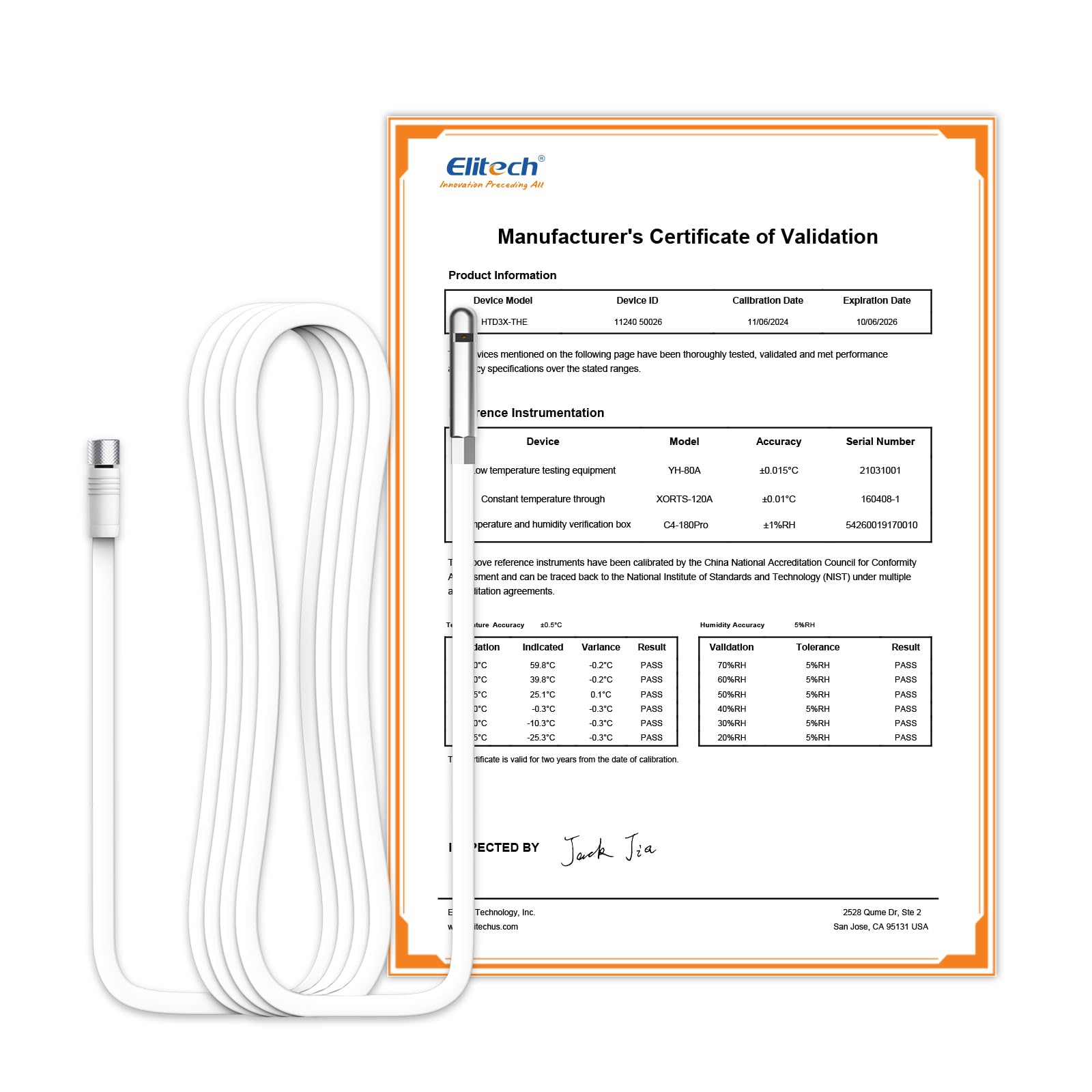
Figure 3.1: Elitech RCW-360Plus-WG-DC Data Logger. This image shows the main unit with its color display and a connected probe, illustrating its compact design and user interface.
The device typically includes the main data logger unit, a power adapter, and may come with a specific probe like the HTD3X-THE-H-5M for combined temperature and humidity measurement. Ensure all components are present upon unboxing.
4. Instrukcje konfiguracji
- Rozpakuj urządzenie: Carefully remove the RCW-360Plus-WG-DC data logger and all accessories from its packaging.
- Podłącz sondę: Connect the desired temperature and/or humidity probe (e.g., HTD3X-THE-H-5M) to the designated port on the data logger. Ensure a secure connection.
- Włączanie: Connect the power adapter to the data logger and plug it into a suitable power outlet. The device will power on automatically.
- Konfiguracja wstępna:
- Follow the on-screen prompts to set the date, time, and preferred temperature unit (°C/°F).
- Ustawienia sieci: Access the network settings menu.
- Wi-Fi: Select your WiFi network from the list and enter the password.
- 4G: If using 4G, ensure a compatible SIM card is inserted (if applicable) and configured according to local network provider instructions. The device should automatically connect to the 4G network.
- Cloud Platform Registration: Download the Elitech app or visit the Elitech cloud platform website. Register an account and add your RCW-360Plus-WG-DC device using its unique ID. This enables remote monitoring and data access.
- Umieszczenie: Position the data logger and its probe in the desired monitoring location, ensuring the probe is exposed to the environment you wish to measure.
5. Instrukcja obsługi
5.1. Monitorowanie danych
- Wyświetlacz na urządzeniu: The TFT screen continuously displays current temperature, humidity, min/max values, time, and date. Use the navigation buttons to cycle through different display modes or settings.
- Mobile App/Web Platforma: Log in to the Elitech app or web platforma do view real-time data, historical graphs, and device status from anywhere.
5.2. Ustawianie alarmów
Configure alarm thresholds for temperature and humidity through the Elitech app or web platform. You can set upper and lower limits. When readings exceed these limits, the device will trigger alerts.
- Typy alarmów: Alerts can be sent via SMS, email, app push notifications, or indicated by the device's integrated LED and speaker.
- Opóźnienie alarmu: Some settings allow for an alarm delay to prevent false alarms from brief fluctuations.
5.3. Data Export and Reporting
Dane historyczne mogą być viewed, analyzed, and exported from the Elitech cloud platform. Reports can typically be generated in various formats (e.g., PDF, Excel) for compliance or record-keeping purposes.
6. Konserwacja
- Czyszczenie: Przetrzyj urządzenie i sondy miękką, suchą ściereczką. Nie używaj środków czyszczących o właściwościach ściernych ani nie zanurzaj urządzenia w wodzie.
- Kalibracja sondy: Periodically check the accuracy of your probes. If significant drift is observed, consider recalibration or replacement of the probe as per manufacturer guidelines.
- Aktualizacje oprogramowania układowego: Check the Elitech app or website for available firmware updates for your device. Keeping the firmware updated ensures optimal performance and access to new features.
- Warunki środowiskowe: Ensure the device is operated within its specified environmental limits to prevent damage and ensure accurate readings.
7. Rozwiązywanie Problemów
| Problem | Możliwa przyczyna | Rozwiązanie |
|---|---|---|
| Urządzenie nie włącza się | Brak zasilania; uszkodzony adapter | Check power connection; try a different power outlet or adapter. |
| No data uploaded to cloud | No WiFi/4G connection; incorrect network settings | Verify WiFi password and signal strength. Check 4G SIM card and network coverage. Restart the device. |
| Niedokładne odczyty | Probe not connected properly; damaged probe; probe needs calibration | Ensure probe is securely connected. Inspect probe for damage. Consider recalibrating or replacing the probe. |
| Brak powiadomień alarmowych | Alarm settings incorrect; app notifications disabled; network issues | Check alarm thresholds in the app/web platform. Ensure app notifications are enabled on your phone. Verify network connectivity. |
8. Specyfikacje
| Funkcja | Szczegół |
|---|---|
| Main Unit Model | RCW-360Plus-WG-DC |
| Compatible Probe Model | HTD3X-THE-H-5M (5m combined Temperature + Humidity probe) |
| Producent | Elitarny |
| Łączność | Wi-Fi, 4G |
| Lokalna pojemność pamięci masowej | 100,000 XNUMX odczytów |
| Zakres temperatury sondy | -40 ~ 85 ℃ (-40 ~ 185 °F) |
| Probe Temperature Accuracy | ±0.5 ℃ |
| Probe Humidity Range | 0 ~ 100% wilgotności względnej |
| Probe Humidity Accuracy | ±0.5% wilgotności względnej |
| Długość kabla sondy | 5m |
| Masa sondy | 10 gramów |
| Wymiary opakowania | Wymiary 10 x 5 x 3 cm |
| Wymagane baterie | No (for main unit, typically adapter powered) |
| Pierwsza dostępna data | 28 maja 2025 r. |
9. Gwarancja i wsparcie
For warranty information, technical support, or service inquiries regarding your Elitech RCW-360Plus-WG-DC data logger, please refer to the official Elitech webOdwiedź stronę internetową lub skontaktuj się bezpośrednio z obsługą klienta. Zachowaj paragon i numer seryjny produktu, aby szybciej uzyskać pomoc.
You can visit the Elitech store on Amazon for more products and support information: Elitech Amazon Store