
Wstęp
The Skullcandy Crusher Evo Wireless Bluetooth Headphones deliver a powerful audio experience with patented Multi-Sensory Crusher Bass technology. Designed for comfort and extended use, these headphones feature up to 40 hours of battery life, Rapid Charge, and personalized sound tuning through the Skullcandy App. This manual provides essential information for setting up, operating, maintaining, and troubleshooting your Crusher Evo headphones.
Co jest w pudełku
Upon opening your Skullcandy Crusher Evo package, you should find the following items:
- Crusher® Evo Wireless Headphones
- Kabel ładujący USB-C
- Pomocniczy kabel audio
- Etui ochronne
- Szybki start i instrukcje użytkownika

Image: The Skullcandy Crusher Evo headphones, USB-C charging cable, auxiliary cable, protective case, and user guide are neatly arranged, illustrating the complete package contents.
Organizować coś
1. Ładowanie słuchawek
Before initial use, fully charge your Crusher Evo headphones. Connect the provided USB-C charging cable to the headphone's charging port and a compatible USB power source. A full charge provides up to 40 hours of listening time. The Rapid Charge feature allows for 4 hours of listening with just a 10-minute charge.
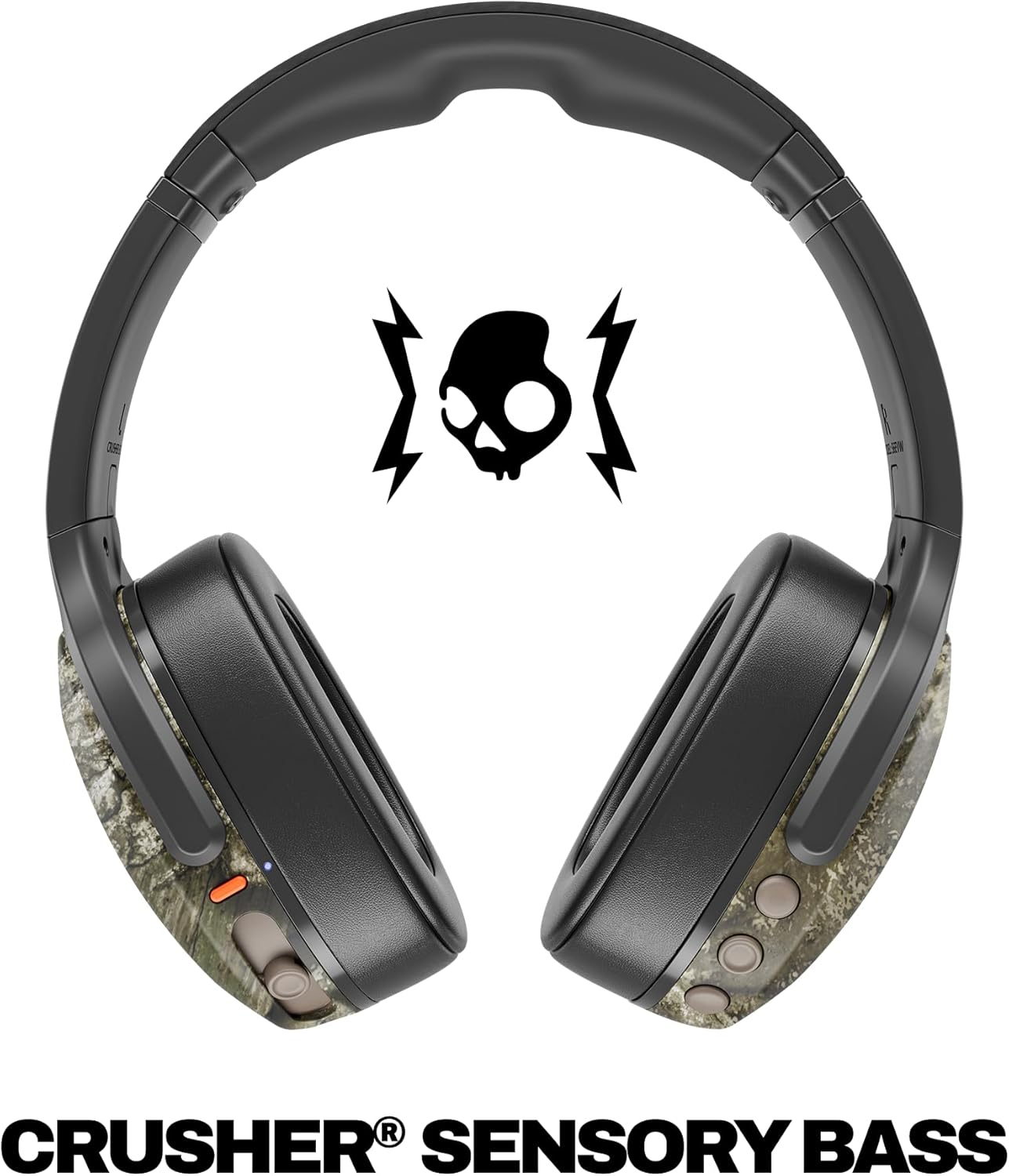
Image: A close-up of the Skullcandy Crusher Evo headphones showing the USB-C charging port and cable connected, indicating the charging process.
2. Parowanie Bluetooth
- Upewnij się, że słuchawki są wyłączone.
- Press and hold the main power button for 3-5 seconds until the LED indicator flashes blue and red, indicating pairing mode.
- Na swoim urządzeniu (smartfonie, tablecie, komputerze) włącz Bluetooth i wyszukaj dostępne urządzenia.
- Select "Crusher Evo" from the list of available devices.
- Po nawiązaniu połączenia dioda LED będzie okresowo migać na niebiesko.
3. Personal Sound Tuning (Skullcandy App)
Enhance your listening experience by downloading the Skullcandy App. The app features a Personal Sound analysis that customizes audio levels to your unique hearing profile, ensuring optimal sound quality.

Image: A woman wearing the headphones, illustrating the personalized sound feature. The accompanying text highlights the "Personal Sound tuned to you" capability via the Skullcandy app.
Obsługa słuchawek
1. Podstawowe sterowanie
The Crusher Evo headphones feature intuitive button controls located on the earcups:
- Włączanie/wyłączanie: Naciśnij i przytrzymaj główny przycisk zasilania.
- Odtwórz/Pauza: Single press the main power button.
- Zwiększanie/zmniejszanie głośności: Użyj dedykowanych przycisków głośności.
- Pomijanie utworów: Naciśnij dwukrotnie, aby przejść do następnego utworu, naciśnij trzykrotnie, aby przejść do poprzedniego utworu.
- Odbieranie/kończenie połączeń: Single press the main power button during a call.
- Aktywuj asystenta głosowego: Naciśnij i przytrzymaj główny przycisk zasilania przez 2 sekundy.
2. Multi-Sensory Crusher Bass
Experience deep, adjustable bass that you can feel. Use the slider on the earcup to increase or decrease the intensity of the Crusher Bass. This feature provides a tactile feedback that enhances your audio experience.
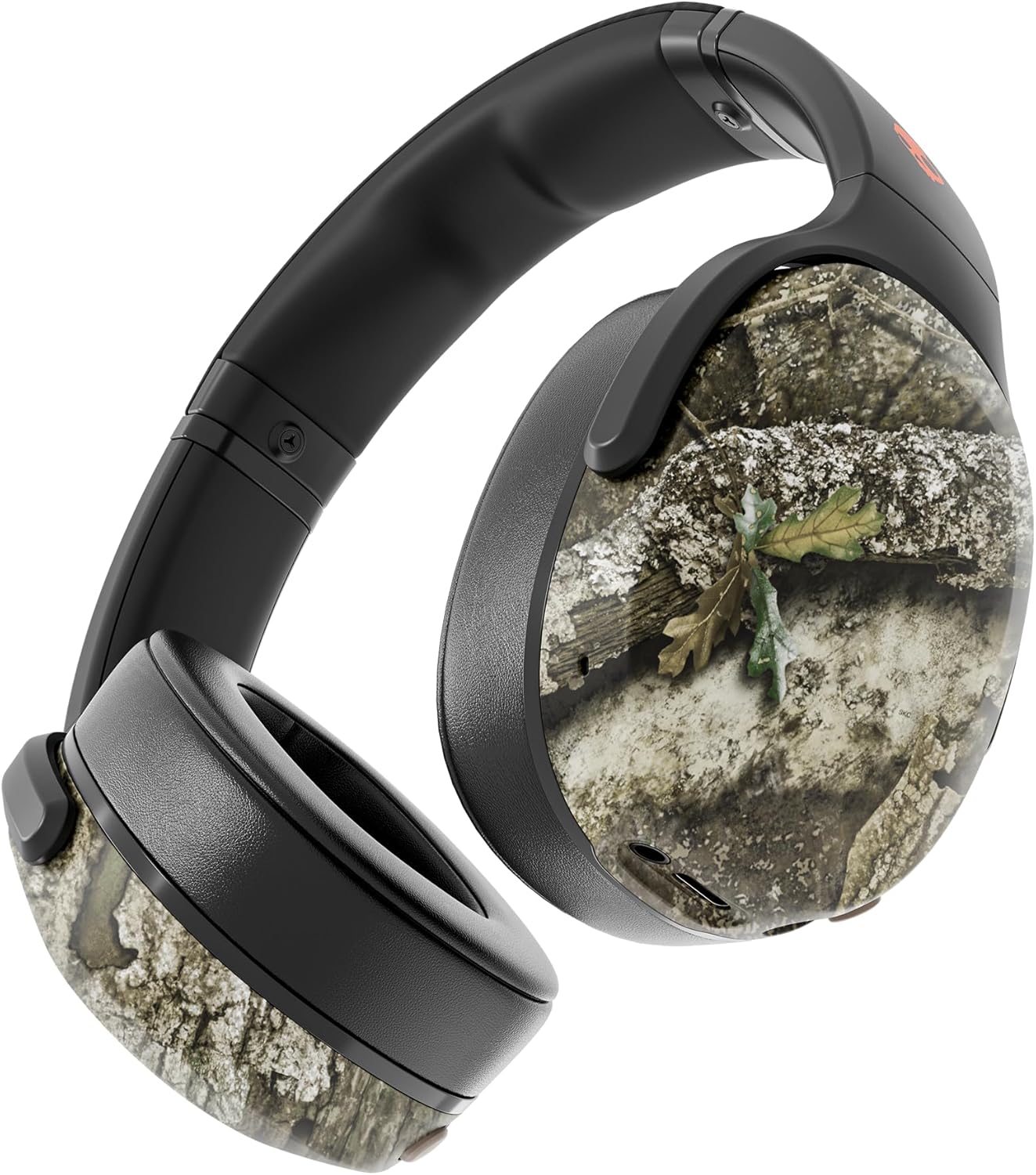
Image: The Skullcandy Crusher Evo headphones, highlighting the "Crusher Sensory Bass" feature, which allows users to feel the bass.
Video: This video demonstrates the multi-sensory bass feature of the Crusher Evo headphones by showing its effect on water, creating ripples. This illustrates how the bass can be physically felt.
Video: This video captures various individuals reacting to the Crusher Bass, showcasing the immersive and impactful experience provided by the headphones' unique bass technology.
3. Flat-Folding and Collapsible Design
The headphones are designed to fold flat and collapse for easy storage and portability. This compact design makes them convenient for travel and daily commutes.
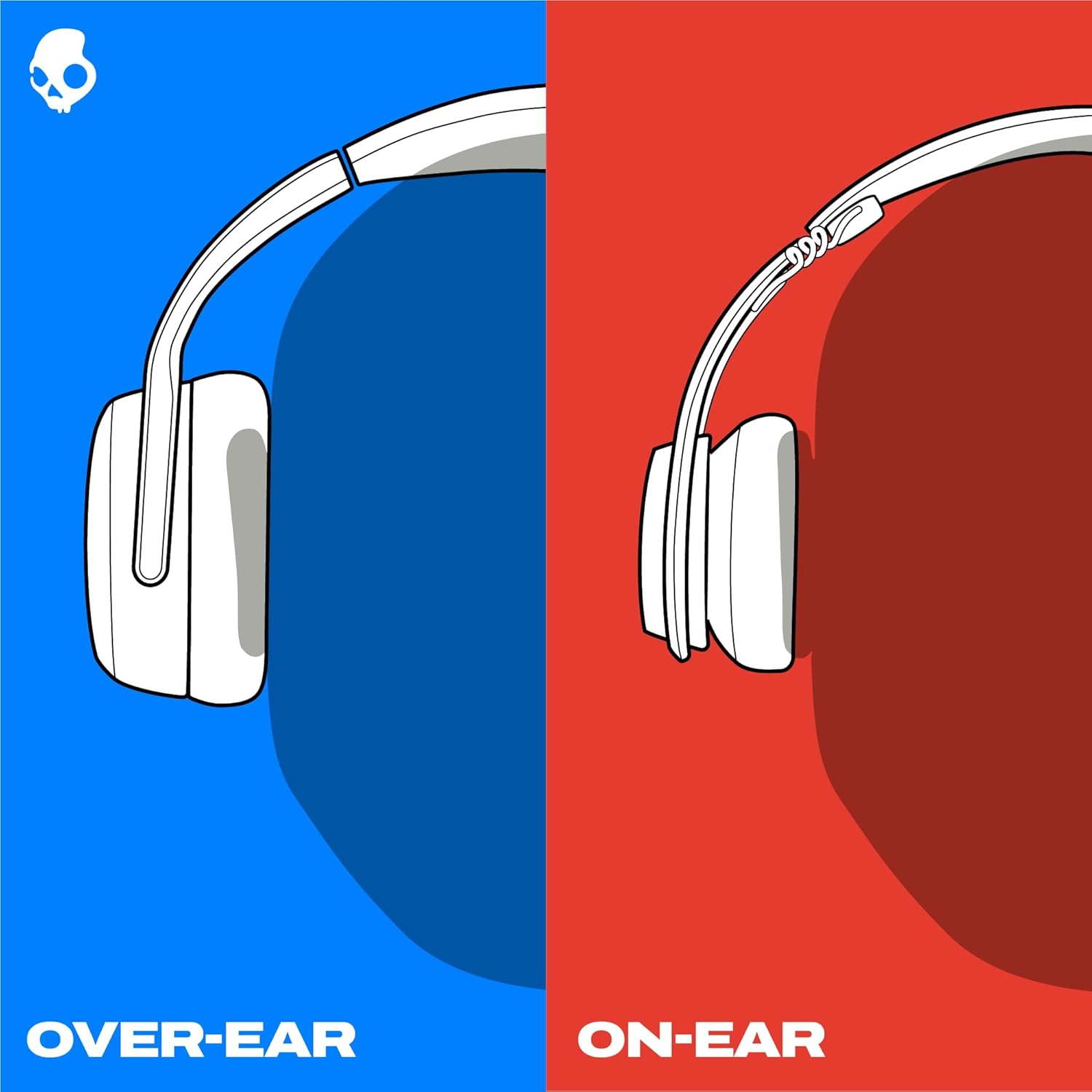
Image: The Skullcandy Crusher Evo headphones are shown folded flat, demonstrating their compact design for easy storage and travel.
Konserwacja
- Czyszczenie: Do czyszczenia słuchawek używaj miękkiej, suchej ściereczki. Unikaj stosowania silnych środków chemicznych i materiałów ściernych.
- Składowanie: When not in use, store the headphones in their protective case to prevent damage. Keep them in a cool, dry place away from extreme temperatures.
- Pielęgnacja baterii: Aby przedłużyć żywotność baterii, unikaj częstego całkowitego rozładowywania słuchawek. Ładuj je regularnie, nawet jeśli nie są używane przez dłuższy czas.
Rozwiązywanie problemów
No Power / Not Charging
- Ensure the USB-C charging cable is securely connected to both the headphones and a working power source.
- Wypróbuj inny kabel USB-C i zasilacz.
- Sprawdź port ładowania pod kątem zanieczyszczeń lub uszkodzeń.
Problemy z połączeniem Bluetooth
- Upewnij się, że słuchawki są w trybie parowania (migająca niebieska i czerwona dioda LED).
- Sprawdź, czy Bluetooth jest włączony w Twoim urządzeniu.
- Forget "Crusher Evo" from your device's Bluetooth settings and attempt to re-pair.
- Move the headphones closer to your device to ensure they are within range.
Brak dźwięku/niska głośność
- Sprawdź poziom głośności zarówno na słuchawkach, jak i na podłączonym urządzeniu.
- Sprawdź, czy słuchawki są prawidłowo sparowane i podłączone.
- If using the auxiliary cable, ensure it is fully plugged into both the headphones and the audio source.
- Przetestuj przy użyciu innego źródła dźwięku lub urządzenia.
Specyfikacje
| Marka | Czaszkacandy |
| Nazwa modelu | Kruszarka Evo |
| Numer modelu | S6EVW-T991 |
| Technologia łączności | Bezprzewodowa (Bluetooth 5.0) |
| Umieszczenie ucha | Na ucho |
| Żywotność baterii | Do 40 godzin |
| Szybkie ładowanie | 10 minut ładowania zapewnia 4 godziny odtwarzania |
| Impedancja | 32 omy |
| Odpowiedź częstotliwościowa | 20 Hz - 20 000 Hz |
| Wrażliwość | 100dB |
| Kontrola hałasu | Izolacja akustyczna |
| Waga | 0.01 uncji (około 0.28 gramów) |
Gwarancja i wsparcie
The Skullcandy Crusher Evo headphones come with a 1-roczna ograniczona gwarancja w USANiniejsza gwarancja obejmuje wady produkcyjne i zapewnia, że produkt będzie działał zgodnie z przeznaczeniem przy normalnym użytkowaniu.
W przypadku roszczeń gwarancyjnych, pomocy technicznej lub dalszej pomocy odwiedź oficjalną stronę pomocy Skullcandy webOdwiedź witrynę lub skontaktuj się z działem obsługi klienta. Zachowaj dowód zakupu, aby móc skorzystać z gwarancji.