
Wstęp
Thank you for choosing the W-KING T8II Portable Bluetooth Speaker. This manual will guide you through the features and functions of your new speaker, ensuring optimal performance and longevity. Please read these instructions carefully before using the product.
Zawartość opakowania
- 1 x W-KING T8II Portable Loud Speaker
- 1 x 3.5 mm kabel audio
- 1 x kabel ładujący typu C
- 1 x Instrukcja obsługi
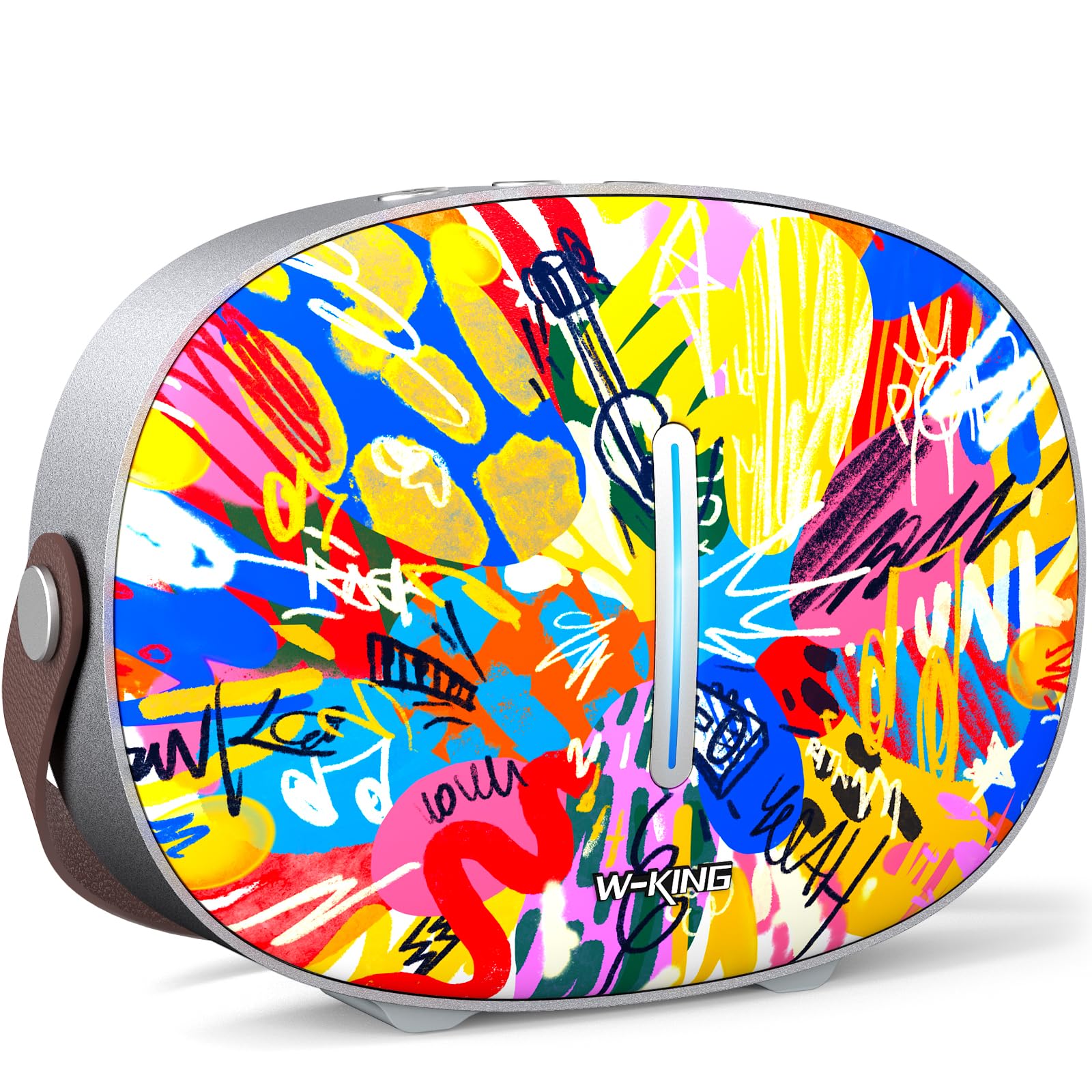
The package includes the W-KING T8II speaker, a 3.5mm audio cable for auxiliary connections, a Type-C charging cable, and this user manual.
Organizować coś
Początkowe ładowanie
Before first use, fully charge your W-KING T8II speaker. Connect the provided Type-C charging cable to the speaker's Type-C port and a compatible power source. The speaker supports up to 30W fast charging. The indicator lights on the back will show the charging status.

Włączanie/wyłączanie zasilania
- To power on: Press and hold the power button located on the back of the speaker for a few seconds until the indicator light illuminates.
- To power off: Press and hold the power button again for a few seconds until the indicator light turns off.

Parowanie Bluetooth
- Sprawdź, czy głośnik jest włączony i czy znajduje się w trybie parowania Bluetooth (kontrolka będzie migać).
- Włącz Bluetooth na swoim urządzeniu (smartfonie, tablecie itp.) i wyszukaj dostępne urządzenia.
- Select "W-KING T8II" from the list of devices.
- Once connected, the indicator light will become solid, and you will hear an audible confirmation.

The W-KING T8II uses Bluetooth 5.4 for a stable and efficient wireless connection.
Rozpakowywanie i koniecview Wideo
Wideo: Rozpakowywanie i koniecview of the W-KING T8II Portable Bluetooth Speaker, demonstrating its contents and initial setup.
Instrukcja obsługi
Przyciski sterujące
The top panel of the speaker features intuitive control buttons for easy operation:
- M (Przycisk trybu): Naciśnij, aby przełączać się między trybami odtwarzania Bluetooth, AUX i USB.
- - (Zmniejszenie głośności / Poprzedni utwór): Naciśnij krótko, aby zmniejszyć głośność. Naciśnij długo, aby przejść do poprzedniego utworu.
- Przycisk Odtwórz/Pauza: Naciśnij, aby odtworzyć lub wstrzymać dźwięk.
- + (Zwiększenie głośności / Następny utwór): Naciśnij krótko, aby zwiększyć głośność. Naciśnij długo, aby przejść do następnego utworu.

Tryby odtwarzania
- Tryb Bluetooth: Connect wirelessly to your device as described in the Setup section.
- Tryb AUX: Connect an external audio device using the provided 3.5mm audio cable to the AUX port on the back of the speaker. Press the 'M' button to switch to AUX mode.
- Tryb odtwarzania USB: Insert a USB flash drive into the USB-A port on the back of the speaker. The speaker will automatically switch to USB mode and begin playing compatible audio files.

Parowanie True Wireless Stereo (TWS)
For an enhanced audio experience, two W-KING T8II speakers can be paired together to create a true stereo sound system:
- Ensure both T8II speakers are powered on and in Bluetooth pairing mode (not connected to any device).
- On one of the speakers, press and hold the Bluetooth pairing button (usually indicated by a Bluetooth icon) until you hear a confirmation tone.
- Dwa głośniki połączą się ze sobą automatycznie. Po połączeniu jeden głośnik będzie pełnił funkcję głównego (lewy kanał), a drugi podrzędnego (prawy kanał).
- Connect your device to the master speaker via Bluetooth.

Ładowanie urządzeń zewnętrznych
The W-KING T8II speaker can function as a power bank to charge your mobile devices. Connect your device to the speaker's USB-A output port using a compatible charging cable. The USB-A to Type-C output supports up to 18W charging.

Konserwacja
Opieka ogólna
- Trzymaj głośnik z dala od ekstremalnych temperatur, bezpośredniego światła słonecznego i wilgoci.
- Unikaj upuszczania głośnika i narażania go na silne uderzenia.
- Nie rozbieraj głośnika ani nie próbuj go naprawiać samodzielnie, gdyż spowoduje to utratę gwarancji.
Pielęgnacja baterii
To maximize battery life, avoid fully discharging the speaker frequently. Recharge the battery regularly, even if the speaker is not in use for extended periods.
Czyszczenie
Przetrzyj głośnik miękką, suchą ściereczką. Nie używaj środków czyszczących ani rozpuszczalników o działaniu ściernym.
Odporność na wodę
Notatka: The W-KING T8II speaker is NIE wodoodporny. Avoid exposure to water or other liquids to prevent damage.
Rozwiązywanie problemów
| Problem | Rozwiązanie |
|---|---|
| Głośnik nie włącza się. | Upewnij się, że bateria jest naładowana. Podłącz głośnik do źródła zasilania za pomocą kabla typu C. |
| Nie można sparować przez Bluetooth. |
|
| Brak dźwięku. |
|
| Zniekształcenia dźwięku przy dużej głośności. | Reduce the volume on the speaker or your connected device. Ensure audio source quality is high. |
| Speaker not charging external device. | Ensure the speaker has sufficient battery charge. Use a compatible USB-A cable. |
Specyfikacje
| Nazwa modelu | T8II |
| Marka | KRÓL W |
| Typ głośnika | Outdoor Wireless Portable Loud Speaker |
| Technologia łączności | Pomocniczy, Bluetooth, USB |
| Wersja Bluetooth | 5.4 |
| Maksymalna moc wyjściowa głośnika | 96 watów |
| Tryb wyjścia audio | Dźwięk przestrzenny |
| Odpowiedź częstotliwościowa | 20 Hz (Lower bound, full range not specified) |
| Stosunek sygnału do szumu | 85dB |
| Średnica głośnika niskotonowego | 3 cali |
| Średnica głośnika wysokotonowego | 1 cali |
| Źródło zasilania | Zasilany bateryjnie (wymagany 1 akumulator 12 V) |
| Wymiary produktu | 10.91" gł. x 7.73" szer. x 3.9" wys. |
| Waga przedmiotu | 5.5 funta (2.5 kilograma) |
| Tworzywo | Plastik, Metal |
| Wodoodporny | NIE |
| Cechy specjalne | Bass Boost, Bluetooth 5.4, True Wireless Stereo Pairing, Portable, Shockproof, Type-C Fast Charging, Type-C output, USB PLAYBACK/AUX, Personalised Trendy Design |
Informacje o gwarancji
The W-KING T8II Portable Bluetooth Speaker comes with a Limited Warranty. Please refer to the product packaging or contact W-KING customer support for specific warranty terms and conditions.
Wsparcie
For further assistance, technical support, or inquiries regarding your W-KING T8II speaker, please visit the official W-KING website or contact their customer service department. The user manual included in the package also contains detailed information.
W-KING Store: Odwiedź sklep W-KING na Amazon