

Wstęp
Unlock the power of smarter entertainment with the Sony Bravia 9. The Sony Bravia 9 Smart TV delivers breathtaking visuals, intuitive controls, and seamless streaming. This guide is your clear and complete companion to mastering every feature. Whether you're setting up your first smart TV or upgrading to this advanced 4K model, this manual walks you through the essentials of setup, customization, and smart functionality.
1. Konfiguracja
1.1 Unboxing and Initial Installation
- Carefully unbox your Sony Bravia 9 TV and its components.
- Attach the stand or mount the TV according to the included hardware instructions.
- Podłącz kabel zasilający do telewizora i gniazdka ściennego.
1.2 Łączenie się z sieciami i urządzeniami
- Connect your Bravia 9 to your home Wi-Fi network during the initial setup process.
- Sign in to your Google account to access Google TV features and app synchronization.
- Connect any external devices such as cable boxes, Blu-ray players, or sound systems using HDMI or other appropriate ports.
2. Operating Your Bravia 9
2.1 Nawigacja w Google TV
- Utilize the remote control's directional pad and select button to navigate the Google TV interface.
- Explore the 'For You' tab for personalized content recommendations.
- Access the 'Apps' tab to view i uruchom zainstalowane aplikacje.
2.2 Customizing Display and Sound
- Access picture settings to adjust brightness, contrast, color, and motion for optimal viewing in any room.
- Configure sound settings, including audio output, sound modes, and equalizer options, to enhance your audio experience.
2.3 App Management and Streaming
- Install new apps from the Google Play Store directly on your TV.
- Manage existing apps, including updating, uninstalling, or moving them for easier access.
- Seamlessly stream content from popular services like Netflix, YouTube, Prime Video, and Bravia Core.
2.4 Voice Control Features
- Use the built-in Google Assistant or connect an Alexa-enabled device for hands-free control of your TV.
- Issue voice commands to search for content, change channels, adjust volume, and control smart home devices.
2.5 Podłączanie urządzeń peryferyjnych
- Connect gaming consoles, soundbars, mobile devices, and other HDMI peripherals to the available ports.
- Utilize Bluetooth for wireless connection of headphones, game controllers, or other compatible accessories.
2.6 Funkcje zaawansowane
- Enable parental controls to restrict access to certain content or apps.
- Poznaj funkcje ułatwień dostępu dla użytkowników o szczególnych potrzebach.
- Integrate your TV into your home automation system for centralized control.
- Record content (if supported by your region/model) and utilize picture-in-picture functionality.
- Manage input sources easily from the home screen or quick settings menu.
3. Konserwacja
To ensure the longevity and optimal performance of your Sony Bravia 9 Smart TV, regular maintenance is recommended. Keep the screen and vents clean from dust using a soft, dry cloth. Ensure the TV's software is updated to the latest version to benefit from new features and security enhancements. Avoid placing the TV in direct sunlight or near heat sources to prevent overheating.
4. Rozwiązywanie Problemów
4.1 Typowe problemy i rozwiązania
- Problemy z łącznością: If your TV cannot connect to Wi-Fi or the internet, try restarting your router and the TV. Check network settings to ensure correct password entry.
- Audio Sync Problems: If audio is out of sync with video, check your TV's audio delay settings or the settings on your external audio device (e.g., soundbar).
- Pilot nie odpowiada: Ensure the remote's batteries are fresh and correctly inserted. Point the remote directly at the TV's IR sensor. If it's a Bluetooth remote, re-pair it with the TV.
- Problemy z jakością obrazu: Adjust picture settings (brightness, contrast, color) or reset them to default. Ensure your input source is providing a high-quality signal.
5. Specyfikacje
| Funkcja | Szczegół |
|---|---|
| ASIN | B0F7979J58 |
| Wydawca | Niezależnie opublikowane |
| Data publikacji | 1 maja 2025 r. |
| Język | angielski |
| Długość wydruku | 127 strony |
| Numer katalogowy: 13 | 979-8282156676 |
| Waga przedmiotu | 7.8 uncji |
| Wymiary | 5.5 x 0.48 x 8.5 cala |
| Ranking bestsellerów | TV Direction & Production |
6. Gwarancja i wsparcie
This is an independent publication and is not affiliated with Sony Corporation. All trademarks and product names are the property of their respective owners.
For official product support, warranty information, or technical assistance regarding your Sony Bravia 9 Smart TV, please refer to the official Sony documentation that came with your television or visit the official Sony support website. This guide provides general operational and troubleshooting advice based on publicly available information.
Informacje dodatkowe
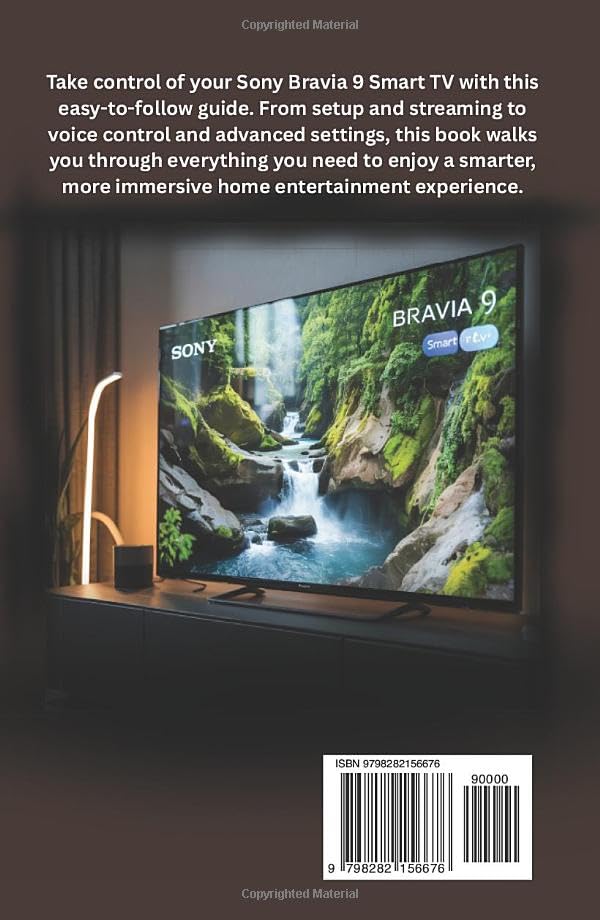
Image: Back cover of the user guide, featuring the Sony Bravia 9 Smart TV and the book's ISBN.
This guide is designed to help you get the most from your Sony Bravia 9 Smart TV. The ISBN-13 for this publication is 979-8282156676.