
1. Wprowadzenie
This manual provides essential information for setting up, operating, and maintaining your Xiaomi X Series 4K Ultra HD Smart Google TV. Please read this manual thoroughly before using your television to ensure proper and safe operation.
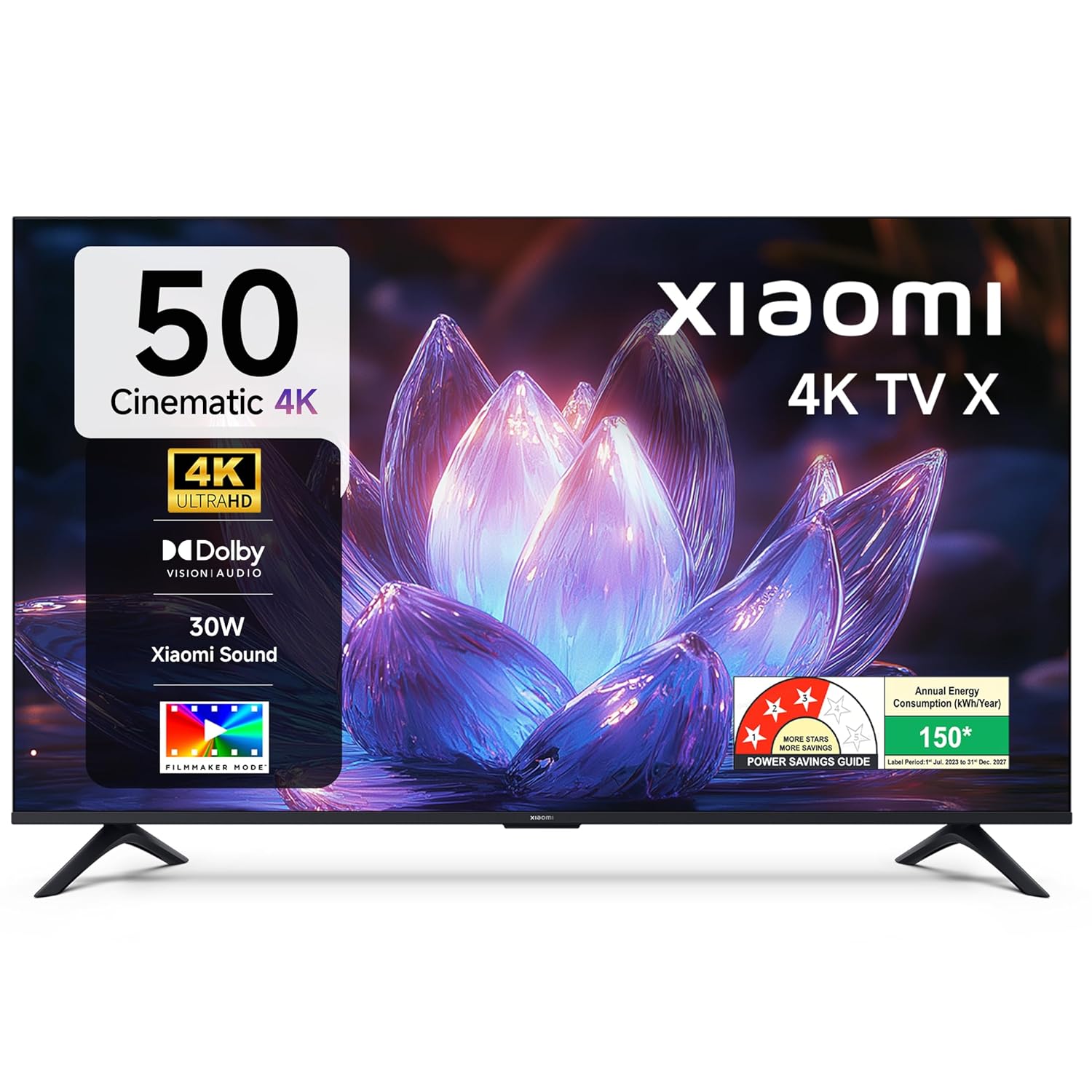
Obraz 1.1: Przód view of the Xiaomi X Series 50-inch 4K Ultra HD Smart Google TV.
The Xiaomi X Series TV offers a cinematic 4K viewing experience with advanced features including Dolby Vision, HDR10, Filmmaker Mode, and a 120Hz Game Booster. It runs on Google TV, providing a smart and intuitive user interface with access to various streaming services and Google Assistant.
2. Konfiguracja
2.1. Rozpakowanie i zawartość opakowania
Carefully unpack your television and check for all included components. Ensure the packaging is handled responsibly.

Image 2.1: Included accessories with your Xiaomi TV.
Paczka powinna zawierać:
- 1 jednostka telewizora LED
- 1 Pilot zdalnego sterowania
- 1 Instrukcja obsługi (ten dokument)
- 2 Stand Units
- 4 Screws for stand assembly
- 2 baterie AAA do pilota
- 1 Przewód zasilający
2.2. Instalacja fizyczna
You can install your TV using the included stands for table mounting or a compatible wall mount (sold separately).
Table Mount Installation:
- Aby zapobiec uszkodzeniu telewizora, należy go położyć ekranem do dołu na miękkiej, płaskiej powierzchni.
- Attach the two stand units to the designated slots at the bottom of the TV.
- Przymocuj każdy stojak za pomocą dołączonych śrub.
- Ostrożnie podnieś telewizor i umieść go na stabilnej, równej powierzchni.
Instalacja na ścianie:
For wall mounting, it is recommended to use a professional installation service. Refer to the wall mount kit instructions for specific details. Ensure the wall mount is compatible with the TV's VESA mounting pattern.
2.3. Pierwsze włączenie i łączność
- Podłącz przewód zasilający do telewizora, a następnie do gniazdka elektrycznego.
- Włóż baterie AAA do pilota.
- Naciśnij przycisk zasilania na pilocie lub telewizorze, aby go włączyć.
- Follow the on-screen instructions for initial setup, including language selection, network connection (Wi-Fi or Ethernet), and Google account sign-in.

Obraz 2.2: Koniecview of connectivity ports on the Xiaomi TV.
Porty łączności:
- Porty HDMI (x3): Connect gaming consoles, set-top boxes, Blu-ray players. One port supports eARC for enhanced audio return.
- Porty USB (x2): Connect hard drives, USB flash drives, or other USB devices.
- Port Ethernet: Do przewodowego połączenia internetowego.
- Gniazdo audio 3.5 mm: Do podłączania słuchawek lub zewnętrznych urządzeń audio.
- Optyczne wyjście audio: Do podłączenia do soundbarów lub systemów kina domowego.
- Antenna Inputs (x2): For connecting terrestrial or cable TV antennas.
- Wejście AV: Do podłączania starszych urządzeń z sygnałem wideo kompozytowym i dźwiękiem stereo.
3. Instrukcja obsługi
3.1. Pilot zdalnego sterowania
The included remote control provides easy access to all TV functions. It features dedicated buttons for popular streaming services and Google Assistant.

Image 3.1: The all-new remote control for your Xiaomi TV.
- Przycisk zasilania: Włącza lub wyłącza telewizor.
- Przycisk Asystenta Google: Aktywuje polecenia głosowe.
- Panel nawigacyjny: Do nawigacji po menu.
- Przycisk Wstecz: Powrót do poprzedniego ekranu.
- Przycisk Home: Dostęp do ekranu głównego Google TV.
- Zwiększanie/zmniejszanie głośności: Dostosowuje głośność dźwięku.
- Kanał w górę/w dół: Zmienia kanały telewizyjne.
- Dedykowane przyciski aplikacji: Quick access to Netflix, Prime Video, YouTube, and other services.
- Przycisk wyciszenia: Wycisza dźwięk telewizora.
3.2. Google TV Interface and Navigation
Your Xiaomi TV runs on Google TV, offering a personalized and intuitive user experience. The home screen provides content recommendations, quick access to apps, and personal profiles.

Image 3.2: Google TV interface with key features.
- Interfejs użytkownika Content First: Priorytetem jest odkrywanie treści.
- Osobisty Profiles: Utwórz indywidualnego profiles dla dostosowanych rekomendacji.
- Asystent Google: Użyj poleceń głosowych do wyszukiwania, sterowania i uzyskiwania informacji.
- Google Cast Built-In: Stream content directly from your phone or tablet.
- Lista obserwowanych: Śledź filmy i programy, które chcesz obejrzeć.
- Tryb otoczenia: Wyświetlaj zdjęcia lub przydatne informacje, gdy telewizor nie jest używany.
- Dzieci Profile: Treści starannie dobrane i kontrola rodzicielska dla dzieci.
The TV also features Łatka, which provides customized recommendations and content curation, enhancing your viewzdobywania doświadczenia.
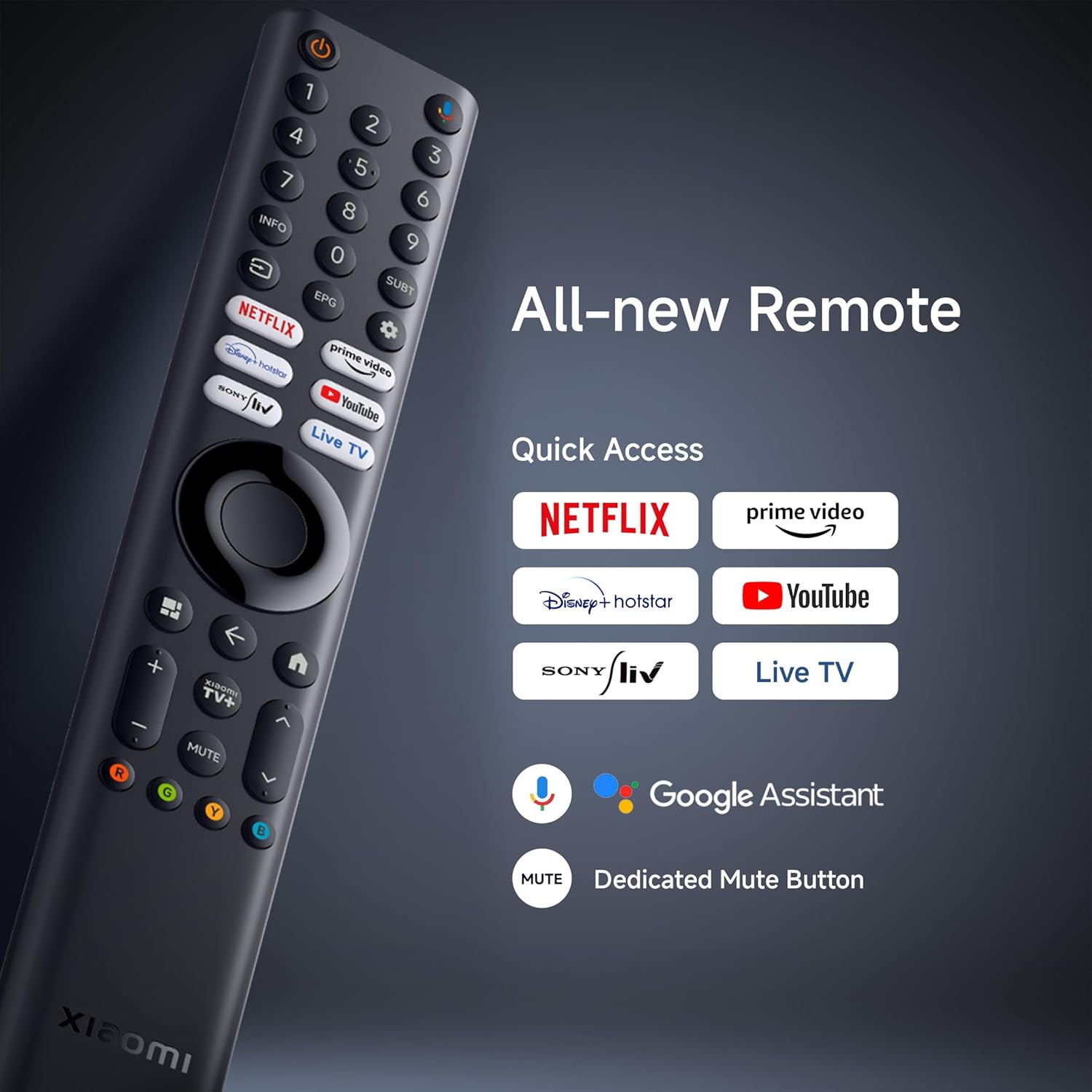
Image 3.3: PatchWall interface for content discovery.
3.3. Ustawienia wyświetlania
Zoptymalizuj swoje viewing experience with various display technologies and settings.
- 4K Ultra HD: Enjoy crisp, detailed images with 3840 x 2160 resolution.
- Dolby Vision: Experience enhanced brightness, contrast, and color with dynamic HDR optimization frame by frame.

Image 3.4: Dolby Vision technology for dynamic image quality.
- HDR10: Delivers high brightness and contrast for realistic visuals.
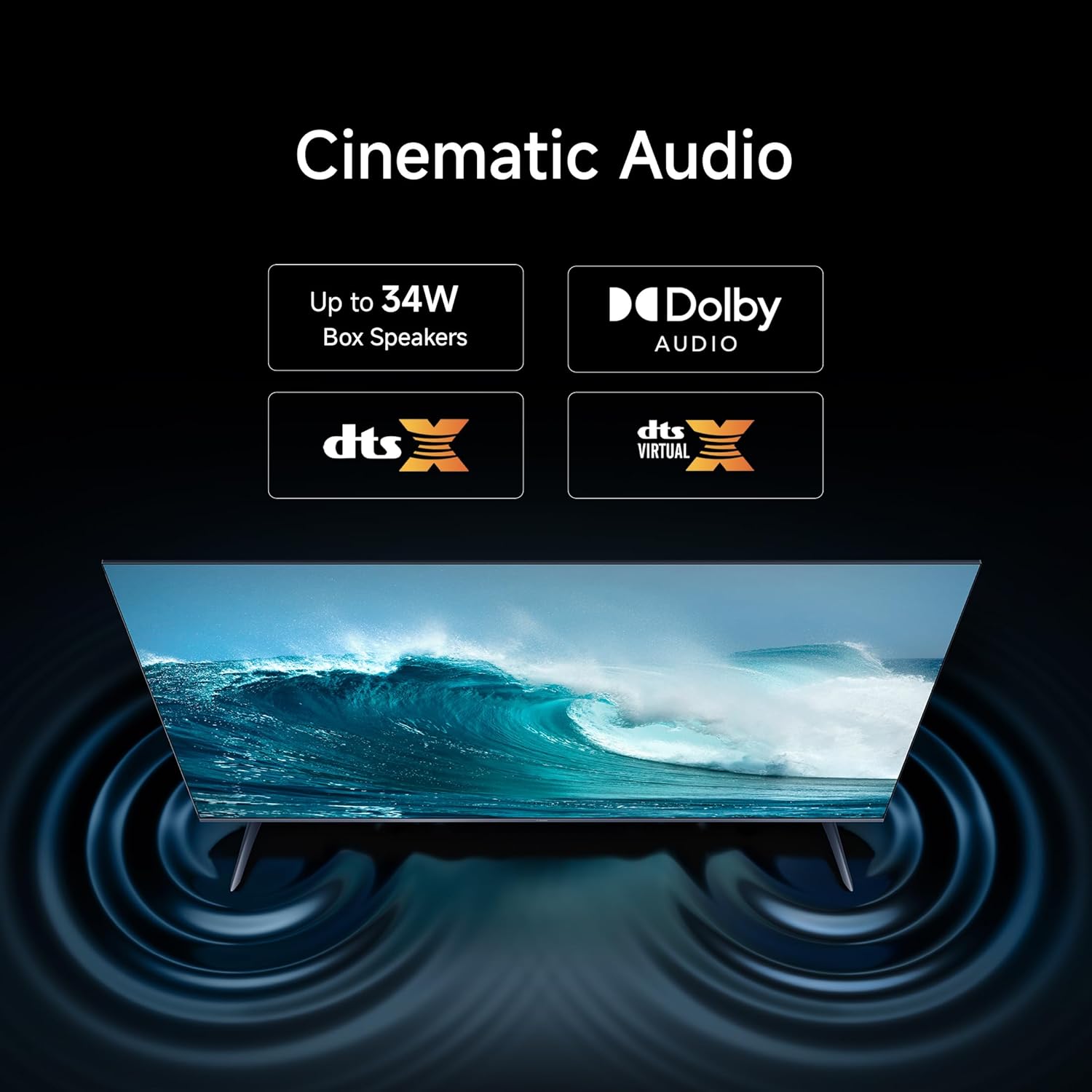
Image 3.5: HDR10 for detailed and realistic visuals.
- Tryb filmowca: Disables post-processing effects to present content as the director intended.

Image 3.6: Filmmaker Mode for authentic content viewing.
- Silnik obrazu Vivid 2: Enhances color and clarity, supporting 1.07 billion colors and 94% DCI-P3 color gamut.
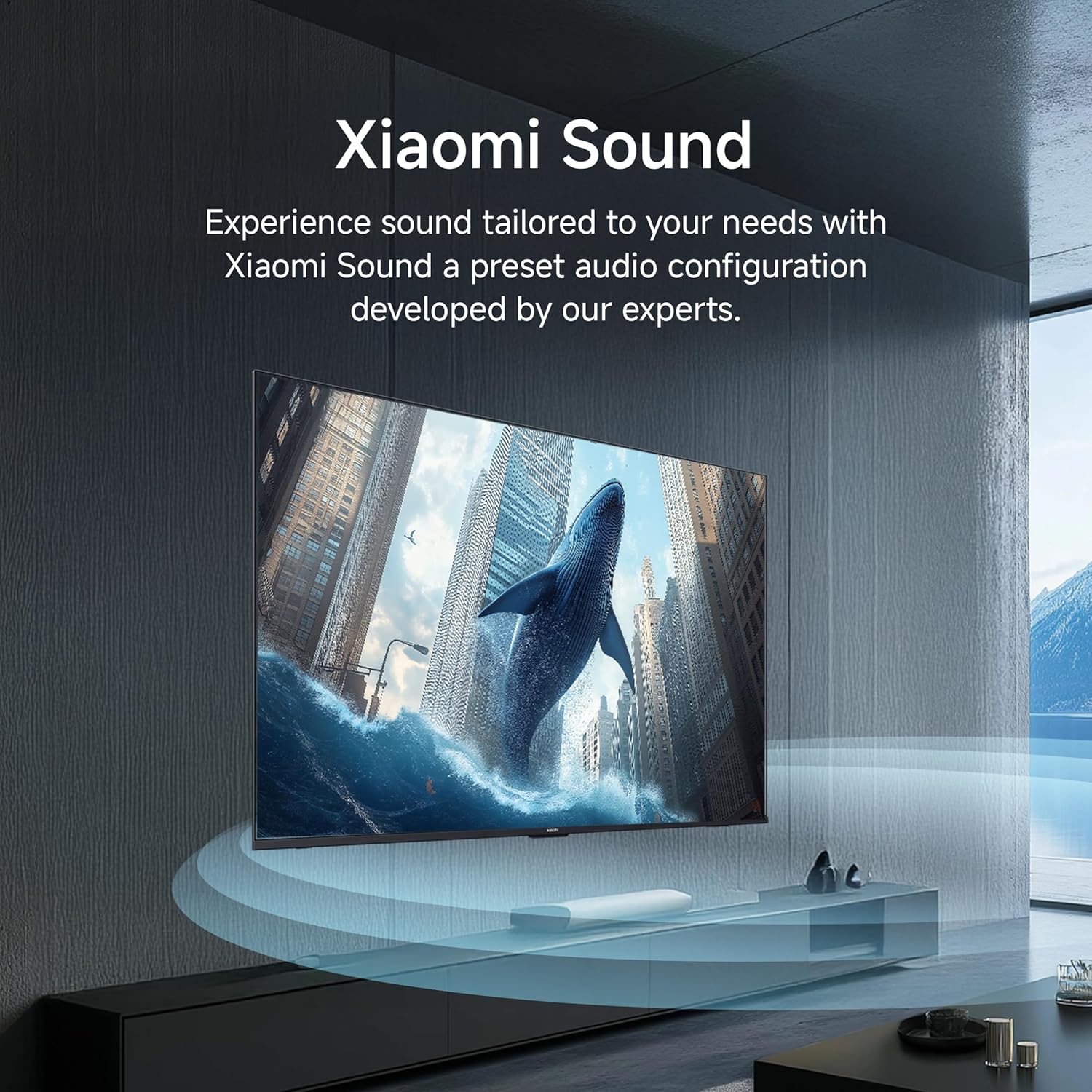
Image 3.7: Vivid Picture Engine 2 for rich and accurate colors.
- Tryb komfortu oczu: Zmniejsza emisję niebieskiego światła, zapewniając komfort viewing.
3.4. Ustawienia dźwięku
The TV features 30 watts output with Dolby Audio, DTS-X, and DTS Virtual:X for an immersive sound experience.
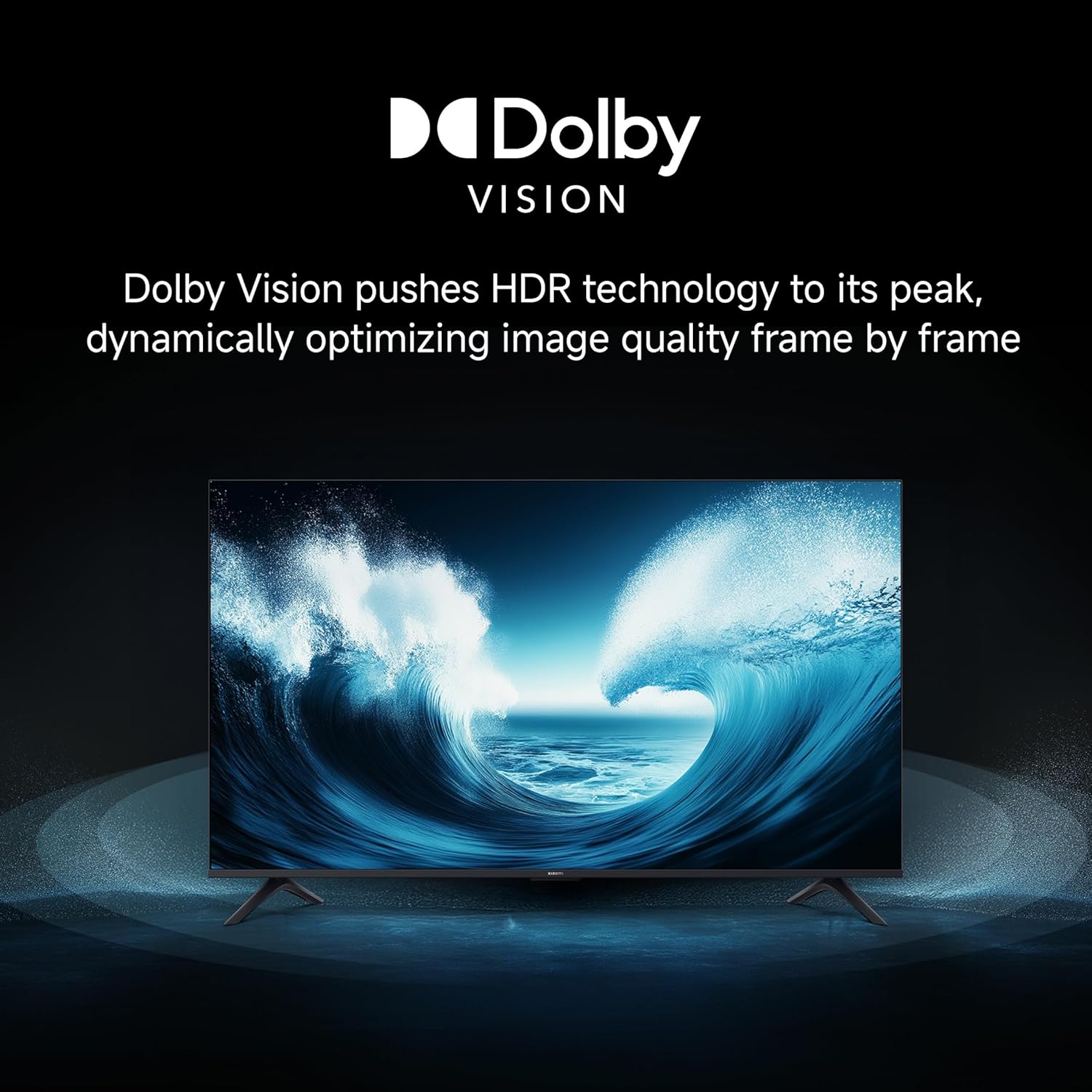
Image 3.8: Cinematic Audio technologies for enhanced sound.
Dźwięk Xiaomi: Experience sound tailored to your needs with a preset audio configuration developed by experts.

Image 3.9: Xiaomi Sound for a customized audio experience.
3.5. Funkcje gier
Enhance your gaming with dedicated features:
- Wzmacniacz gier 120 Hz: Boosts the refresh rate to 120Hz (DLG) for ultra-low latency and a more responsive gaming experience.

Image 3.10: 120Hz Game Booster for smoother gaming.
- MEMC Engine: Motion Estimation, Motion Compensation for smoother motion in fast-paced content.
3.6. Streaming i przesyłanie strumieniowe
Stream content from your phone or tablet directly to your TV using Google Cast or Apple AirPlay 2.

Image 3.11: Stream content from your phone to the TV.
The TV also supports various pre-installed apps like Netflix, Prime Video, YouTube, and Zee5. For additional content, consider the OTTplay subscription offer:

Image 3.12: OTTplay subscription offer for extended content access.
For more details on the OTTplay offer, scan the QR code or visit https://qr-codes.io/sbzPOa.
4. Konserwacja
4.1. Czyszczenie telewizora
- Zawsze odłączaj telewizor od zasilania przed czyszczeniem.
- Do delikatnego przecierania ekranu i obudowy używaj miękkiej, suchej i niepozostawiającej włókien ściereczki.
- W przypadku uporczywych plam delikatnieampPrzetrzyj ściereczkę wodą lub specjalnym środkiem do czyszczenia ekranów. Nie rozpylaj środka czyszczącego bezpośrednio na ekran.
- Unikaj stosowania środków czyszczących o właściwościach ściernych, wosków i rozpuszczalników, gdyż mogą one uszkodzić powierzchnię telewizora.
4.2. Aktualizacje oprogramowania
Your Xiaomi TV will periodically receive software updates to improve performance and add new features. Ensure your TV is connected to the internet to receive these updates. You can check for updates manually through the TV's settings menu.
5. Rozwiązywanie Problemów
Jeśli masz problemy z telewizorem, zapoznaj się z poniższymi typowymi rozwiązaniami:
| Problem | Możliwe rozwiązanie |
|---|---|
| Brak zasilania / Telewizor nie włącza się | Check if the power cord is securely connected to both the TV and the power outlet. Ensure the power outlet is working. Try a different outlet. |
| Brak obrazu / Czarny ekran | Ensure the correct input source is selected. Check all cable connections (HDMI, AV). Try restarting the TV. |
| Brak dźwięku | Check the volume level and ensure the TV is not muted. Verify audio cable connections if using external speakers. Check audio output settings in the TV menu. |
| Pilot nie działa | Wymień baterie. Upewnij się, że między pilotem a telewizorem nie ma żadnych przeszkód. W razie potrzeby ponownie sparuj pilota Bluetooth (patrz ustawienia telewizora). |
| Slow or laggy interface | Close unused applications. Clear cache from app settings. Perform a factory reset as a last resort (this will erase all data). Ensure sufficient internal storage is available (8 GB ROM). |
| Problemy z łącznością Wi-Fi | Restart your router and modem. Ensure the TV is within range of your Wi-Fi network. Re-enter the Wi-Fi password. Try a wired Ethernet connection if possible. |
Jeśli po wypróbowaniu tych rozwiązań problem nadal występuje, skontaktuj się z obsługą klienta.
6. Specyfikacje
Detailed technical specifications for your Xiaomi X Series 4K Ultra HD Smart Google TV (L50MB-AIN).

Image 6.1: Physical dimensions and weight of the TV.
| Funkcja | Szczegół |
|---|---|
| Marka | XIAOMI |
| Model | L50MB-AIN |
| Rok modelowy | 2025 |
| Rozmiar ekranu | 50 cala (126 cm) |
| Technologia wyświetlania | PROWADZONY |
| Rezolucja | 4K Ultra HD (3840 x 2160 pikseli) |
| Częstotliwość odświeżania | 60 Hz / 120Hz DLG |
| Viewing kąt | 178 stopni |
| Typ wyświetlacza | Dolby Vision | HDR 10 | HLG |
| Proporcje obrazu | 16:9 |
| Współczynnik kontrastu obrazu | 5000:1 |
| Czas reakcji | 7 milisekund |
| System operacyjny | Android 14 OS | Google TV |
| Pamięć RAM | 2 GB |
| Pamięć wewnętrzna | 8 GB |
| Moc wyjściowa audio | 30 watów |
| Konfiguracja głośników | Dolby Audio | DTS - X | DTS Virtual : X |
| Obsługiwane formaty audio | Dolby, DTS, MP3, FLAC, AAC, OGG, ADPCM, OPUS |
| Łączność | Dual Band Wi-Fi, Bluetooth, Ethernet, 3 HDMI ports (1 eARC), 2 USB ports, Optical, 3.5mm Audio, AV |
| Cechy specjalne | Filmmaker Mode, MEMC, Eye Comfort Mode, Google Cast built-in, Google Assistant |
| Wymiary produktu (dł. x szer. x wys.) | Wymiary 111.1 x 28 x 70 cm |
| Waga przedmiotu | 7.4 kilogramów |
| Pobór mocy w trybie włączenia | 75 watów |
| Tomtage | 240 wolty |
7. Gwarancja i wsparcie
7.1. Informacje o gwarancji
Your Xiaomi X Series 4K Ultra HD Smart Google TV comes with a 2-letnia kompleksowa gwarancja. This warranty covers the cost of parts and labor for the product on an on-site service basis. Local transportation costs are covered if the unit needs to be transported to a service center for repairs that cannot be performed at your location.
To avail warranty services, please retain your purchase invoice.
7.2. Obsługa klienta
For further assistance, technical support, or warranty claims, please visit the official Xiaomi India website or contact their customer service. The user manual can also be accessed from the brand's official webWięcej informacji znajdziesz na naszej stronie.
Producent: DIXON TECHNOLOGIES (INDIA) LIMITED