
Wstęp
This manual provides detailed instructions for the Edifier W820NB Plus Gen 2 Wireless Over-Ear Noise Cancelling Headphones. Please read this manual thoroughly before using the product to ensure proper operation and to maximize your listening experience.
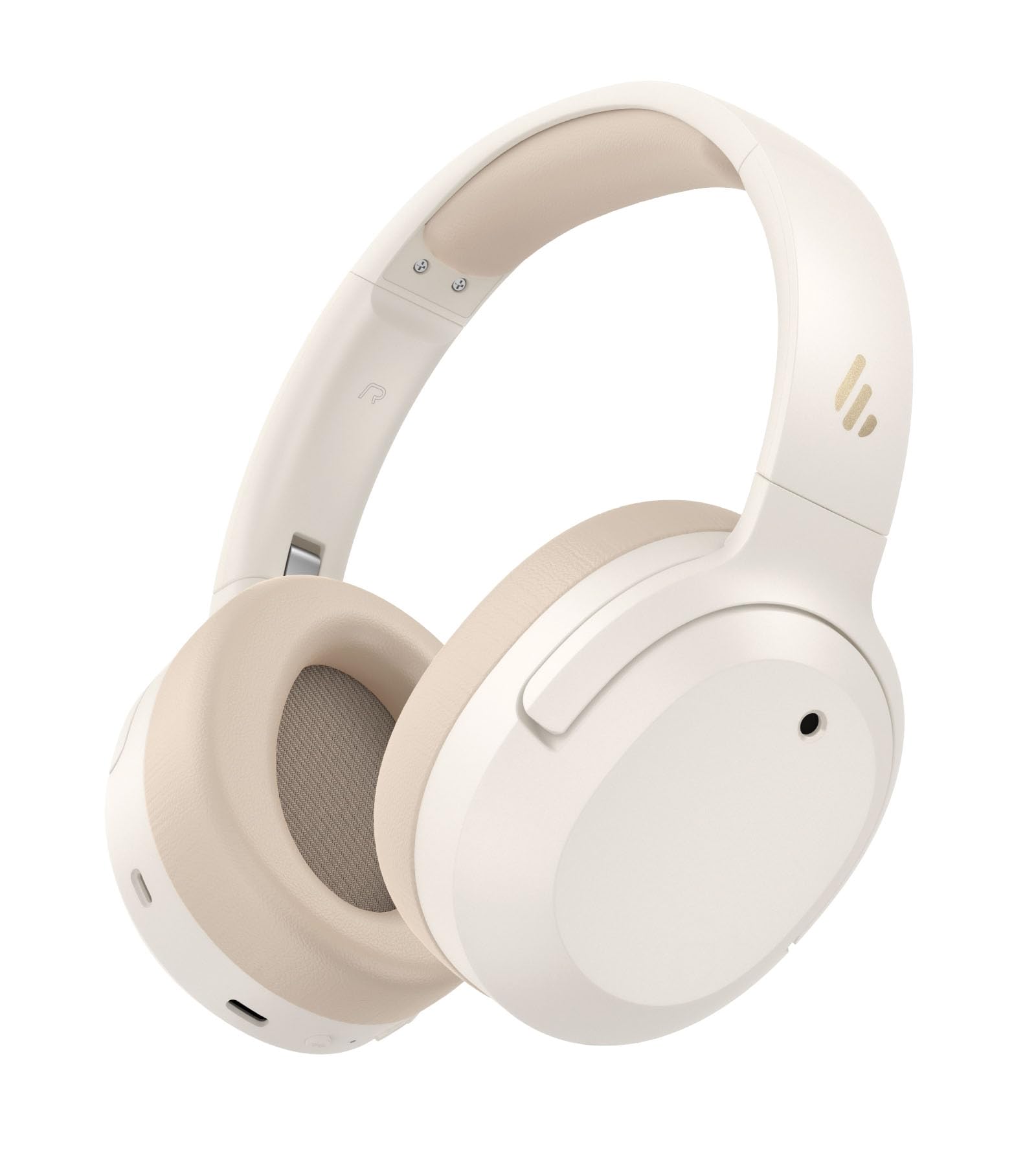
Image: Edifier W820NB Plus Gen 2 Headphones in Ivory.
Co jest w pudełku
Upon opening your Edifier W820NB Plus Gen 2 package, you should find the following items:
- Edifier W820NB Plus Gen 2 Headphones
- Kabel ładujący USB-C (1.2 metra)
- Instrukcja obsługi
- Ważne informacje dotyczące bezpieczeństwa
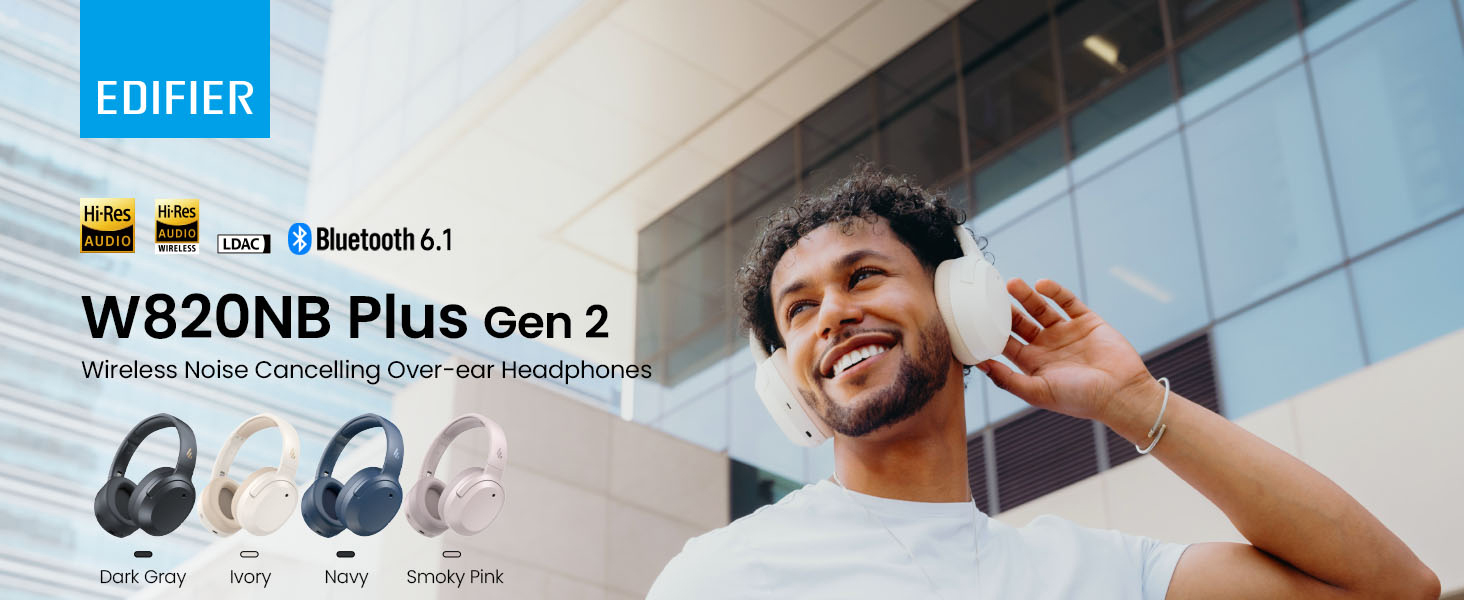
Image: Box contents showing the headphones, charging cable, and documentation.
Organizować coś
Włączanie/wyłączanie zasilania
- Włączanie: Press and hold the power button for approximately 2 seconds. The blue LED will blink once.
- Wyłączone: Press and hold the power button for approximately 2 seconds. The red LED will blink once.
Parowanie Bluetooth
Pierwsze parowanie
- Power on the headphones. They will automatically enter Bluetooth pairing mode.
- The LED will blink blue and green alternately.
- On your phone or device, select "EDIFIER W820NB Plus" from the Bluetooth list.
- Once connected, the blue LED will blink twice.
Pairing a New Device (Multipoint)
- Włącz słuchawki.
- Press and hold the multi-function button for about 3 seconds to re-enter Bluetooth pairing mode. The voice prompt will say "Pairing," and the LED will blink blue and green alternately.
- Select "EDIFIER W820NB Plus" on your new device to pair.
- To complete multipoint connection, go back to the first paired device and reconnect to "EDIFIER W820NB Plus".
Download the EDIFIER ConneX App
Enhance your experience by downloading the EDIFIER ConneX App. Szukaj "EDIFIER ConneX" in your device's app store or scan the QR code provided in the packaging or user manual. The app allows you to switch ANC modes, customize EQ, adjust sound effects, set maximum volume levels, and access other settings.
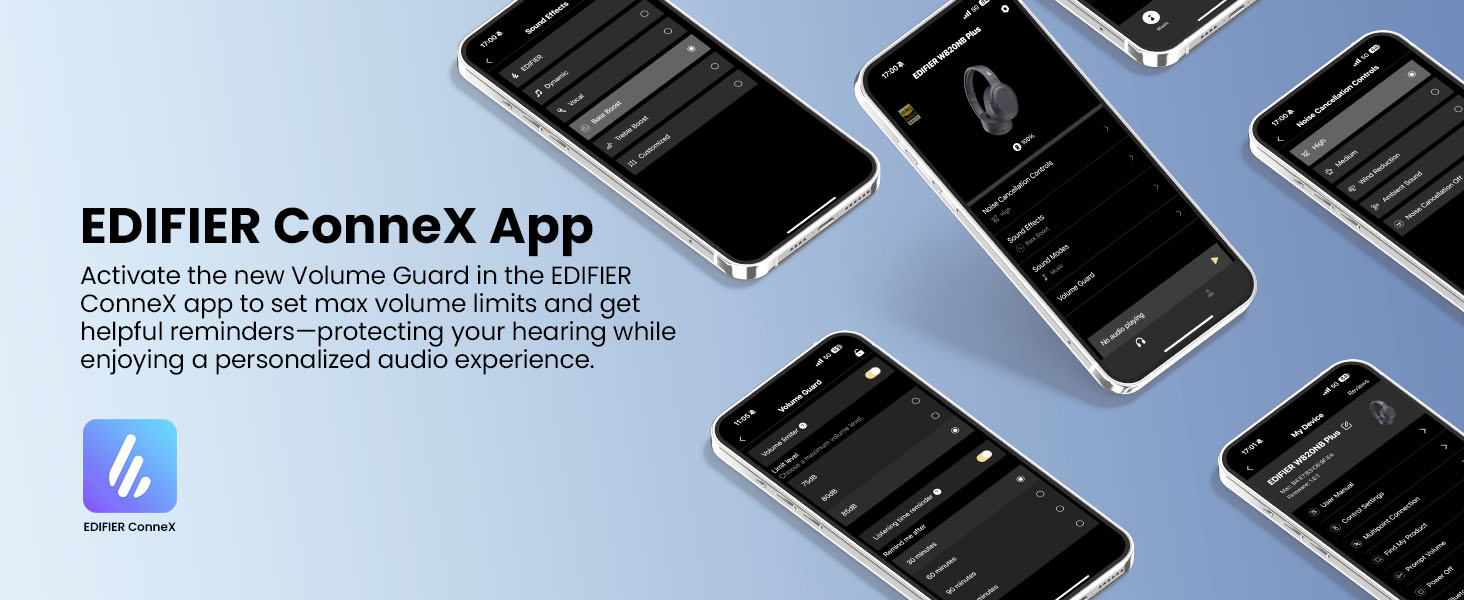
Image: The EDIFIER ConneX App provides extensive customization options.
Oficjalny film instruktażowy użytkownika
Video: A detailed user guide video demonstrating various features and setup processes for the Edifier W820NB Plus Gen 2 headphones.
Instrukcja obsługi
Sterownica
Słuchawki wyposażone są w intuicyjne przyciski fizyczne umożliwiające łatwą obsługę:
| Przycisk | Działanie | Funkcjonować |
|---|---|---|
| Przycisk zasilania (wielofunkcyjny) | Pojedyncze naciśnięcie | Odtwórz/Pauza, Odbierz/Zakończ połączenie |
| Przycisk zasilania (wielofunkcyjny) | Podwójne naciśnięcie | Reject Call, Voice Assistant |
| Przycisk zasilania (wielofunkcyjny) | Naciśnij i przytrzymaj | Włączanie/wyłączanie zasilania |
| Zwiększanie głośności (+) | Pojedyncze naciśnięcie | Zwiększ głośność |
| Zwiększanie głośności (+) | Naciśnij i przytrzymaj | Następny utwór |
| Ściszanie (-) | Pojedyncze naciśnięcie | Zmniejsz głośność |
| Ściszanie (-) | Naciśnij i przytrzymaj | Poprzedni utwór |
| Przycisk ANC | Pojedyncze naciśnięcie | Switch ANC Modes (High Noise Cancellation / Ambient Sound / Noise Cancellation Off) |
| Przycisk ANC | Podwójne naciśnięcie | Switch Sound Effects (Music Mode / Game Mode / Spatial Sound) |
| Przycisk ANC | Naciśnij i przytrzymaj | Para Bluetooth |
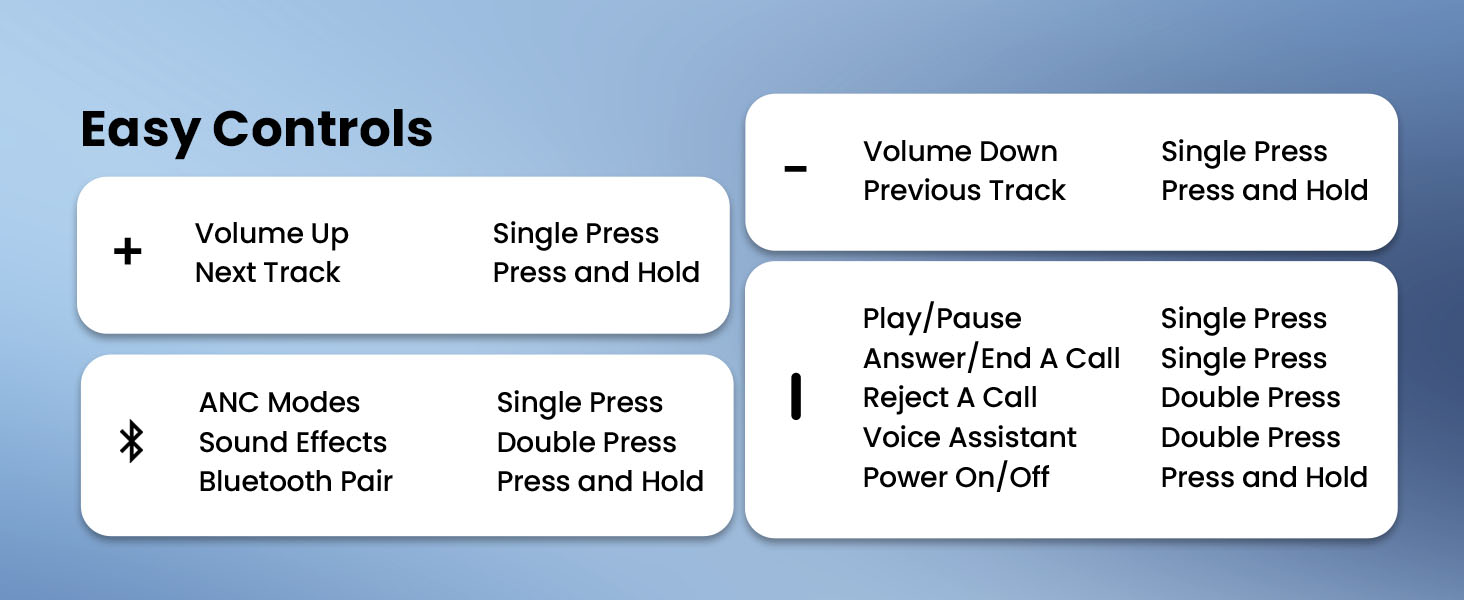
Image: Easy controls for managing audio and calls.
Aktywne usuwanie hałasu (ANC)
The headphones feature advanced -49dB hybrid ANC with multiple modes:
- Wysoka redukcja szumów: For maximum noise reduction in loud environments.
- Średnia redukcja szumów: A balanced mode for moderate noise.
- Dźwięk otoczenia: Umożliwia słyszenie otoczenia podczas słuchania dźwięku.
- Redukcja wiatru: Specjalnie zaprojektowane, aby zminimalizować hałas wiatru.
- Wyłączenie redukcji szumów: Disables ANC.
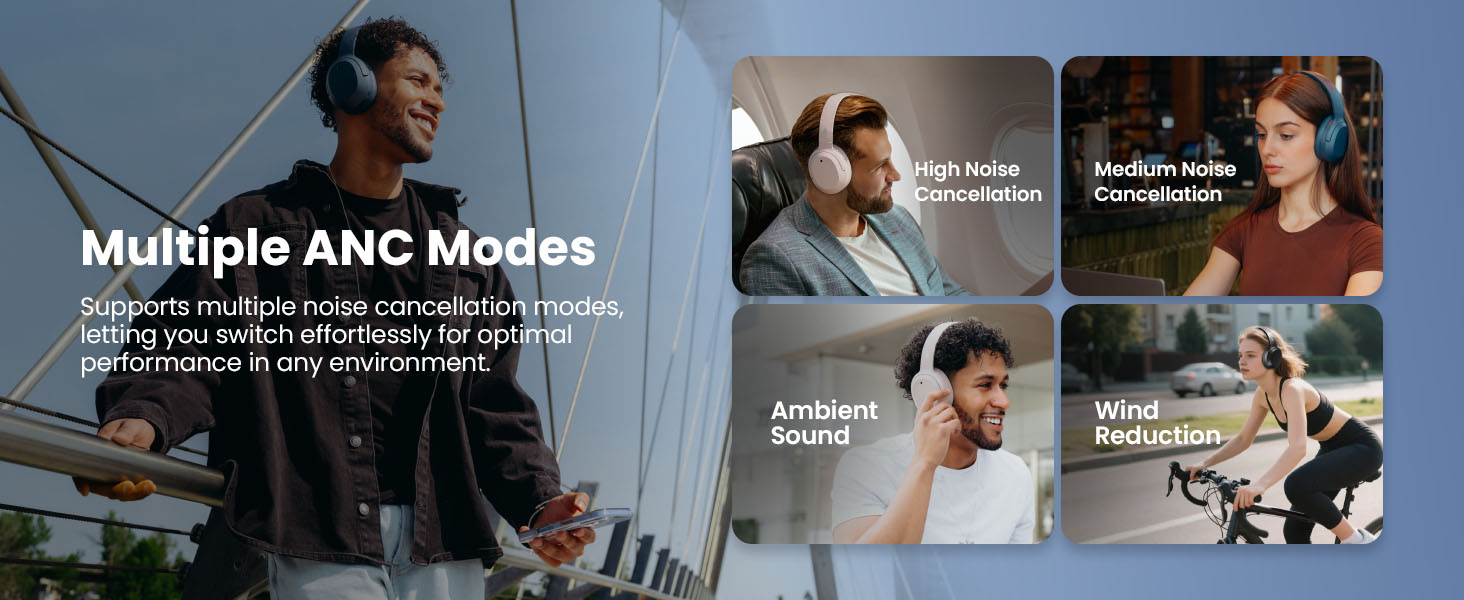
Image: Multiple ANC modes for various environments.
Dźwięk przestrzenny
Immerse yourself in a dynamic 360° surround sound experience with lifelike depth and clarity. Activate Spatial Sound via the EDIFIER ConneX App or by double-pressing the ANC button until the Spatial Sound effect is selected.
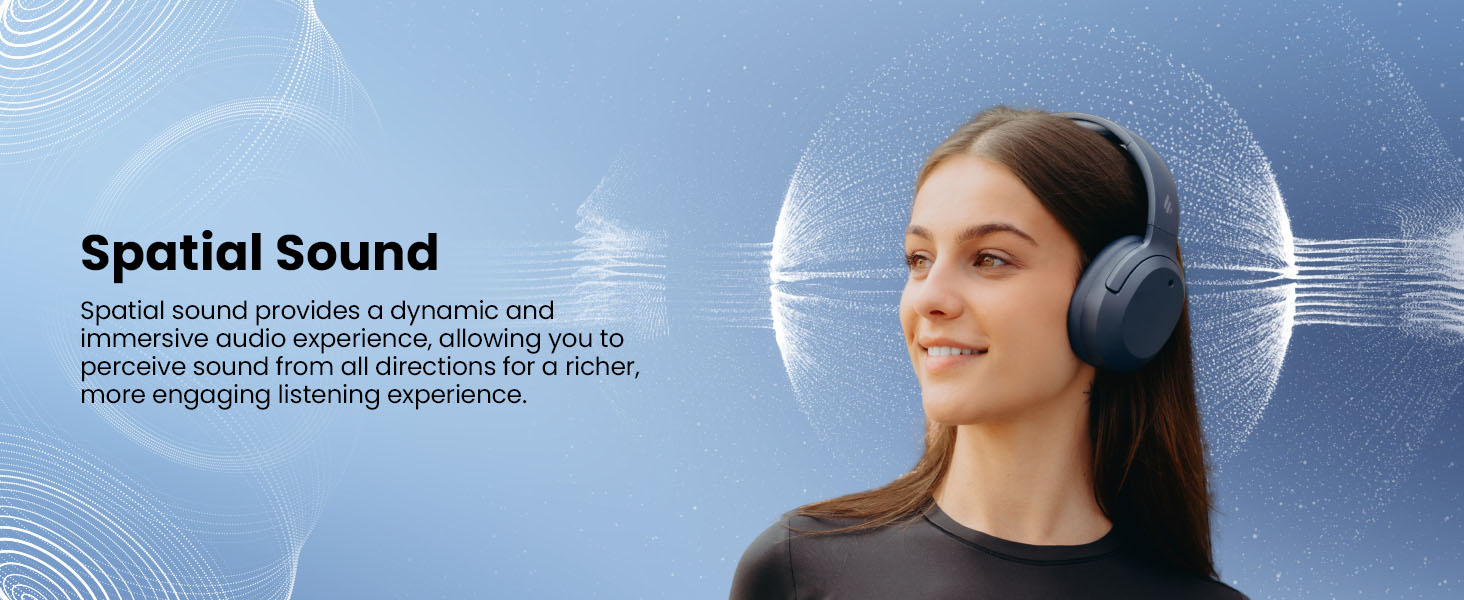
Image: Experience immersive spatial audio for 3D sound.
Tryb gry
For a smoother, more immersive gameplay experience, activate Gaming Mode. This mode reduces audio latency for responsive sound. Access Gaming Mode via the EDIFIER ConneX App or by double-pressing the ANC button until the Game Mode effect is selected.
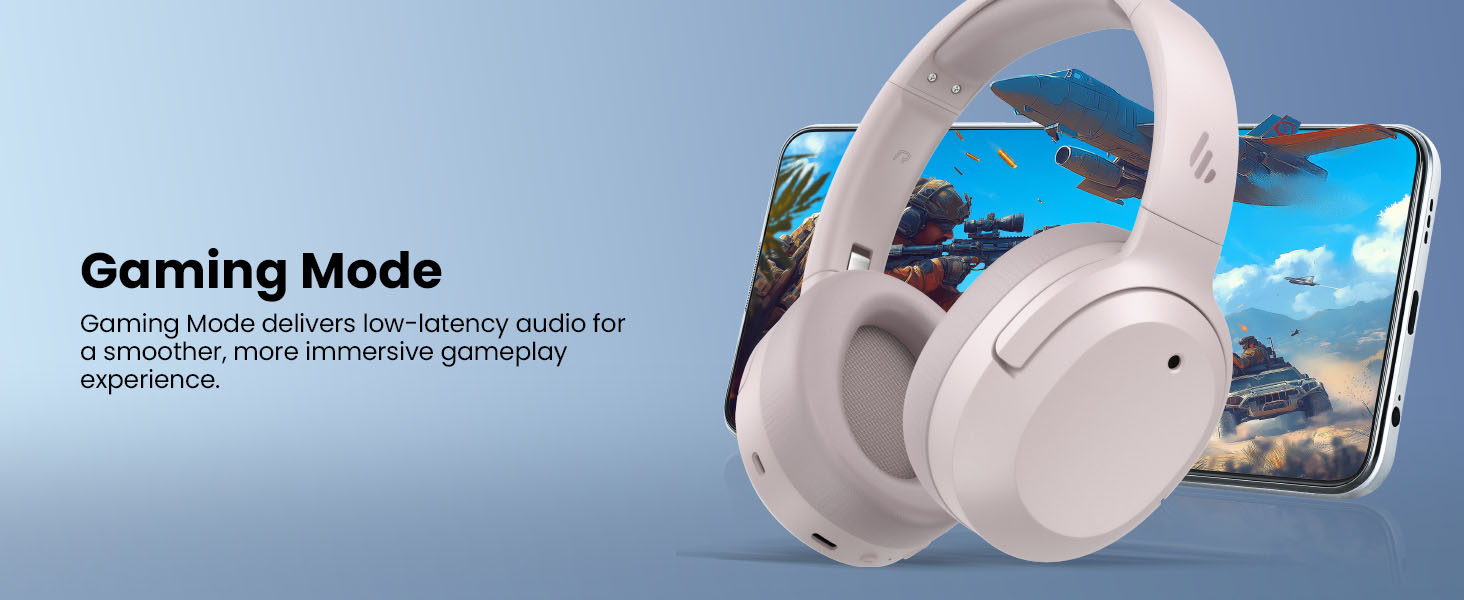
Image: Gaming Mode provides low-latency audio for an enhanced experience.
Volume Guard
The Volume Guard feature, accessible through the EDIFIER ConneX App, helps protect your hearing by allowing you to set a preferred maximum volume level and receive listening time reminders.
Połączenie przewodowe
To use the headphones in wired mode, plug the included USB-C cable into the headphone's USB-C port and connect the other end to a computer or another device with a USB port. The wired connection will automatically disable Bluetooth mode.
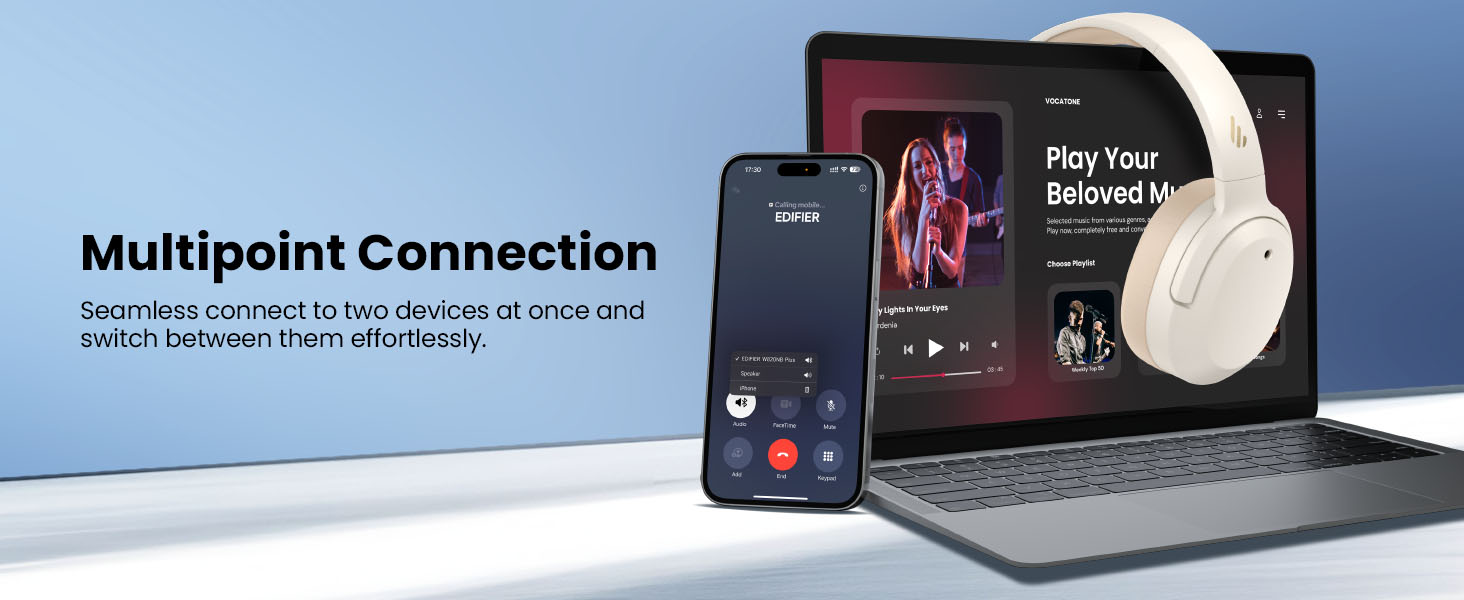
Image: Wired connection for continuous playback and charging.
Konserwacja
Ładowanie
The headphones offer up to 88 hours of continuous use (49 hours with ANC enabled). When the battery is low (less than 2%), a voice prompt will notify you: "Low battery, please charge," and the red LED will flash every 5 seconds.
To charge your headphones, plug the USB-C charging cable into the headphone's USB-C port and connect the other end to a computer or a wall charger. The LED will stay solid red while charging. It will turn green when fully charged if connected to a computer, or it will turn off when connected to a wall charger.
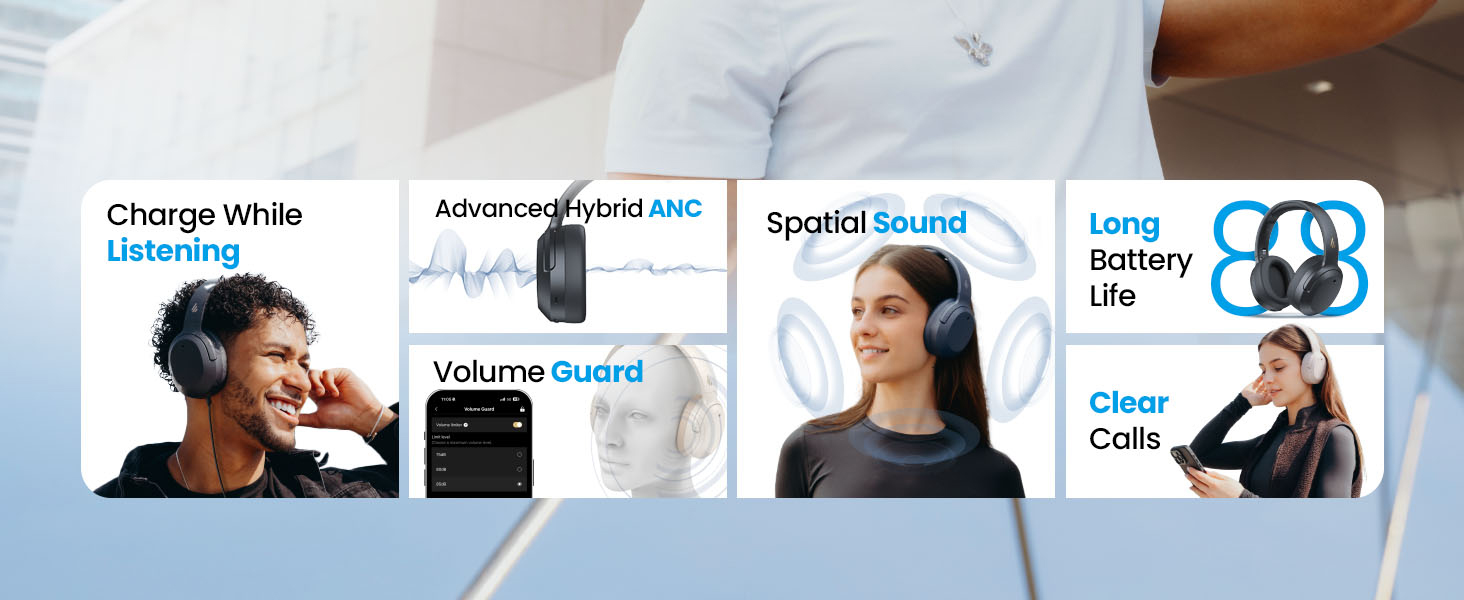
Obraz: Żywotność baterii i możliwość szybkiego ładowania.
Czyszczenie i przechowywanie
- Use a soft, dry cloth to clean the headphones. Avoid using abrasive cleaners or solvents.
- Przechowuj słuchawki w chłodnym i suchym miejscu, z dala od ekstremalnych temperatur i wilgoci.
- The headphones feature a compact and foldable design for easy storage and portability.
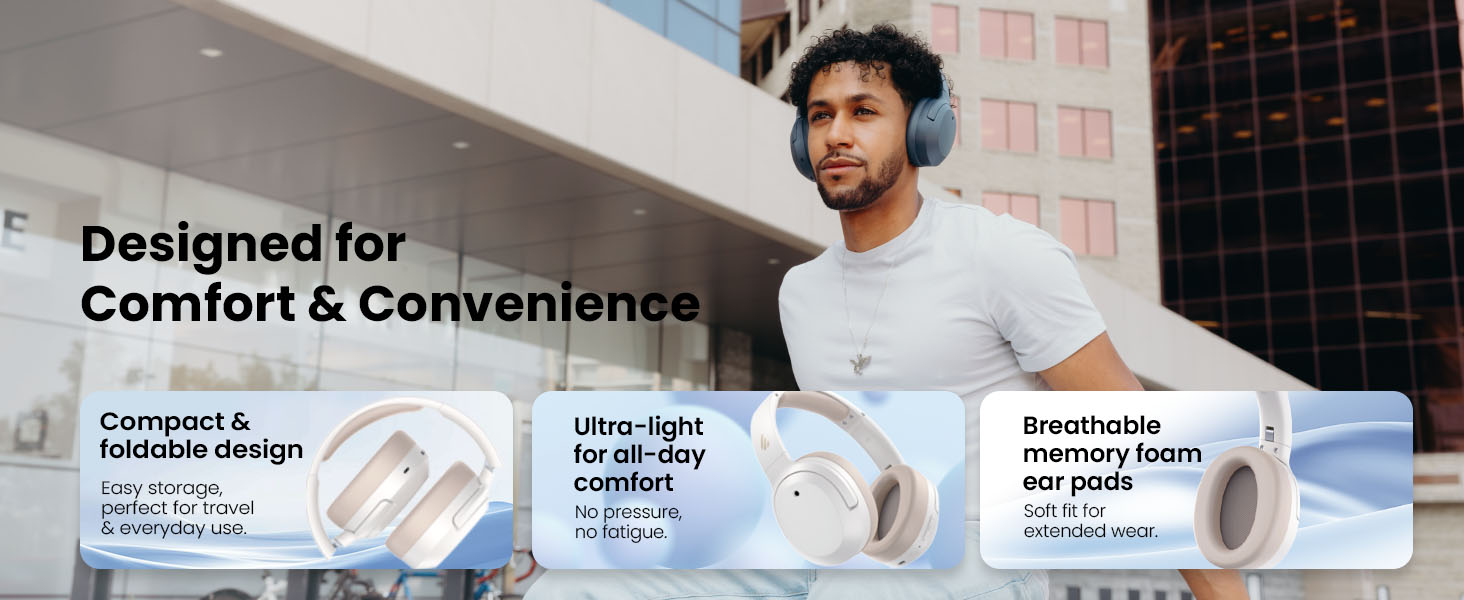
Image: Foldable design for comfort and convenience.
Rozwiązywanie problemów
Resetowanie słuchawek
If you encounter any issues during use, you can reset the headphones to restore factory settings:
- Press and hold the top (+) and bottom (-) buttons simultaneously for 5 seconds.
- The blue LED will blink six times until the reset is complete.
- A voice prompt will say "Disconnected."
- The headphones will then enter Bluetooth pairing mode, with the LED blinking blue and green alternately, and a voice prompt will say "Pairing."
- Follow the pairing instructions to reconnect your device.
Typowe problemy
- Nie można włączyć: Upewnij się, że słuchawki są naładowane. Podłącz je do źródła zasilania za pomocą kabla USB-C.
- Nie można sparować przez Bluetooth: Ensure the headphones are in pairing mode (LED blinking blue and green). Check your device's Bluetooth settings and try re-pairing. If issues persist, perform a factory reset.
- Brak dźwięku: Check the volume levels on both the headphones and your connected device. Ensure the headphones are properly paired or connected via wired mode.
- ANC nie działa efektywnie: Ensure ANC is enabled. Adjust the ANC mode via the multi-function button or the EDIFIER ConneX App to suit your environment.
- Słaba jakość połączeń: Ensure the headphones are close to your device. Check for any obstructions between the headphones and your device.
Specyfikacje
| Funkcja | Szczegół |
|---|---|
| Marka | Edytor |
| Numer modelu | W820NBPLUS 2025 |
| Nazwa modelu | W820NB Plus Gen 2nd |
| Kolor | Kość słoniowa |
| Umieszczenie ucha | Na ucho |
| Impedancja | 40 omy |
| Metoda kontroli | Naciśnij przycisk |
| Czas ładowania akumulatora | 2 godzin |
| Średnia żywotność baterii | 88 Hours (49 hours with ANC) |
| Kontrola hałasu | Aktywna redukcja szumów (-49 dB) |
| Odpowiedź częstotliwościowa | 40 kHz |
| Typ sterownika audio | Dynamiczny sterownik |
| Rozmiar sterownika audio | 40 milimetrów |
| Zakres częstotliwości | 20Hz - 20,000Hz |
| Materiał obudowy | Plastic, Foam, Fabric |
| Kompatybilne urządzenia | Smartphones, Laptops, Desktops, Tablets, Televisions, Gaming Consoles |
| Gniazdo słuchawkowe | USB-C |
| Technologia łączności | Bezprzewodowy (Bluetooth) |
| Wersja Bluetooth | 6.1 |
| Waga przedmiotu | 247 gram |
| GTIN / UPC | 875674008313 |
Gwarancja i wsparcie
Informacje o gwarancji
The Edifier W820NB Plus Gen 2 headphones come with a Roczna gwarancja producenta. Zachowaj dowód zakupu na wypadek roszczeń gwarancyjnych.
Obsługa klienta
For further assistance, technical support, or warranty inquiries, please visit the official Edifier website or contact their customer service. You can also find additional resources and FAQs within the EDIFIER ConneX App.


