
KOORUI S2721XO 27-Inch QD-OLED Gaming Monitor User Manual
Model: S2721XO
1. Wprowadzenie
This manual provides instructions for the setup, operation, maintenance, and troubleshooting of your KOORUI S2721XO 27-inch QD-OLED Gaming Monitor. Please read this manual thoroughly before using the product to ensure proper function and safety.
The KOORUI S2721XO monitor features a 27-inch QD-OLED panel with QHD (2560x1440) resolution, a 240Hz refresh rate, and a 0.03ms (GtG) response time. It supports HDR True Black 400 and AdaptiveSync technology for a smooth visual experience. Connectivity options include HDMI 2.1 and DisplayPort 1.4.
2. Informacje dotyczące bezpieczeństwa
- Aby zapobiec przypadkowemu upadkowi, należy ustawić monitor na stabilnej, płaskiej powierzchni.
- Aby uniknąć porażenia prądem elektrycznym, nie wystawiaj monitora na działanie deszczu i wilgoci.
- Otwory wentylacyjne należy utrzymywać w czystości, aby zapobiec przegrzaniu.
- Należy używać wyłącznie zasilacza dołączonego do monitora.
- Unikaj dotykania ekranu ostrymi przedmiotami.
- Disconnect the power cable from the outlet before cleaning or if the monitor will be unused for an extended period.
3. Konfiguracja
3.1 Zawartość opakowania
Sprawdź, czy w opakowaniu znajdują się wszystkie komponenty:
- KOORUI S2721XO Monitor
- Stojak na monitor (podstawa i szyjka)
- Kabel zasilający
- DisplayPort Cable (1.8m)
- Instrukcja obsługi (ten dokument)
3.2 Montaż stojaka
- Przymocuj podstawę do panelu monitora. Upewnij się, że jest pewnie zamocowana.
- Attach the stand base to the stand neck. Tighten any screws as necessary.
Alternatively, the monitor supports VESA 100x100mm mounting for compatible wall mounts or monitor arms.
Rysunek 3.2.1: Tył view of the monitor with VESA mount and stand attachment.

Rysunek 3.2.2: Tył view monitora z zamontowanym stojakiem.
3.3 Podłączanie do urządzenia
Monitor zapewnia wiele opcji wejściowych:
- HDMI 2.1: Connect to a PC or gaming console using an HDMI 2.1 cable. The monitor has two HDMI 2.1 ports.
- DisplayPort 1.4: Connect to a PC using a DisplayPort 1.4 cable. A DisplayPort cable is included.
- Wyjście audio: Connect external speakers or headphones to the 3.5mm audio jack.

Rysunek 3.3.1: Porty wejściowe monitora.
After connecting the video cable, connect the power cable to the monitor and then to a power outlet.
4. Działanie
4.1 Włączanie/wyłączanie zasilania
Press the power button (usually located on the back or bottom of the monitor) to turn the monitor on or off. The power indicator light will illuminate when the monitor is on.
4.2 Menu ekranowe (OSD)
The monitor features a joystick controller for navigating the OSD menu. This allows for easy adjustment of various settings.
- Naciśnij joystick: Otwiera menu ekranowe.
- Przesuń joystick w górę/w dół: Umożliwia nawigację po opcjach menu.
- Przesuń joystick w lewo/prawo: Umożliwia zmianę wartości lub wejście do podmenu.
- Naciśnij ponownie: Confirms selection or exits a sub-menu.
4.3 Ustawienia wyświetlania
Adjust the following settings via the OSD menu for optimal performance:
- Rezolucja: Set to 2560x1440 (QHD) for the native display resolution.
- Częstotliwość odświeżania: Select 240Hz for the smoothest motion.
- AdaptiveSync: Enable AdaptiveSync (FreeSync compatible) to eliminate screen tearing and stuttering during gaming.
- HDR True Black 400: Activate HDR for enhanced contrast and color depth in compatible content.
- Gama kolorów: Adjust color settings, including DCI-P3 99% and sRGB 100% modes, for accurate color reproduction.
- Jasność/Kontrast: Fine-tune display brightness (average 280 nits) and contrast levels.
- Odświeżanie retencji obrazu: This feature helps prevent burn-in on the OLED panel. It is recommended to keep this enabled.
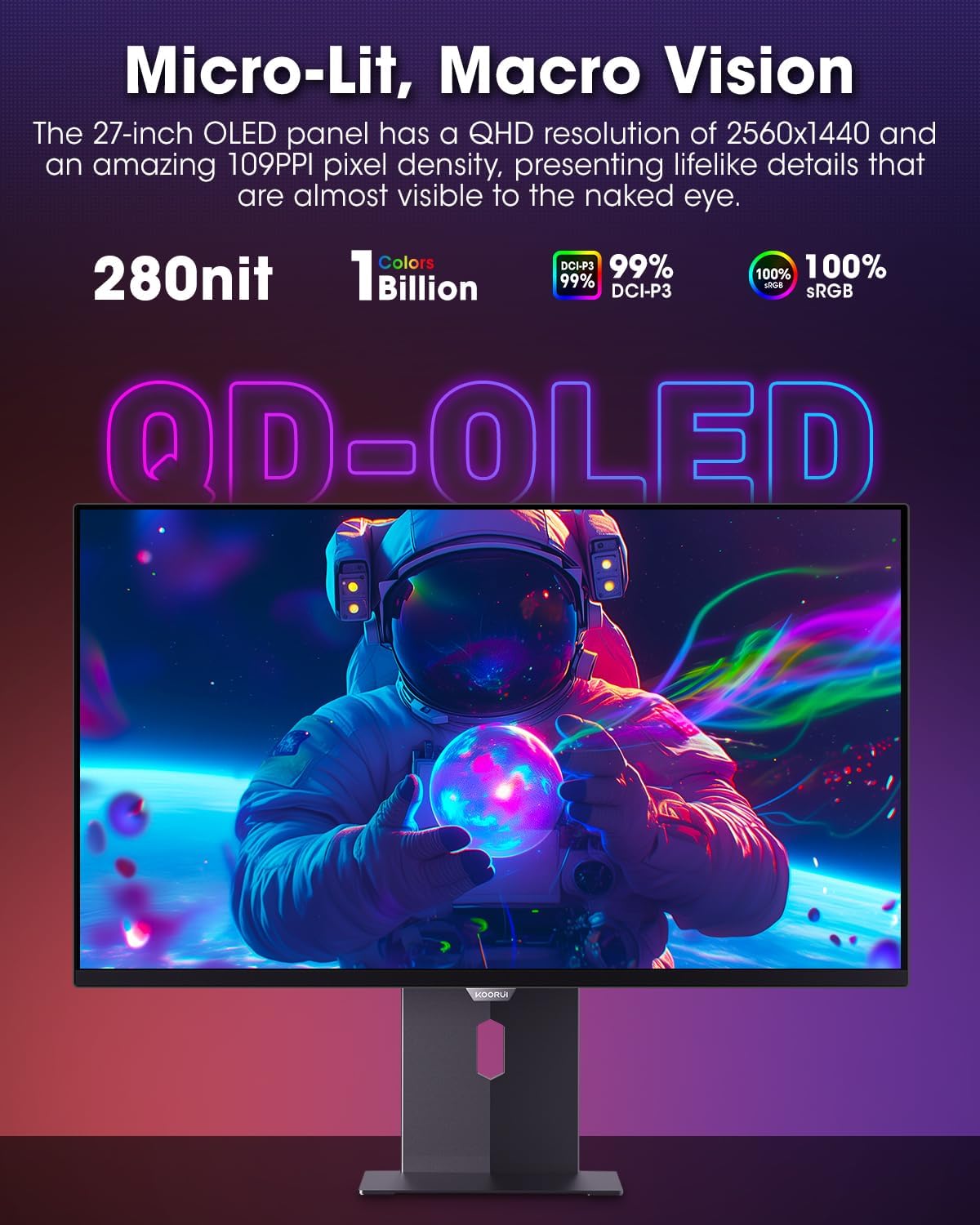
Figure 4.3.1: The QD-OLED panel delivers vivid colors and deep blacks.

Figure 4.3.2: High refresh rate and low response time for smooth gaming.
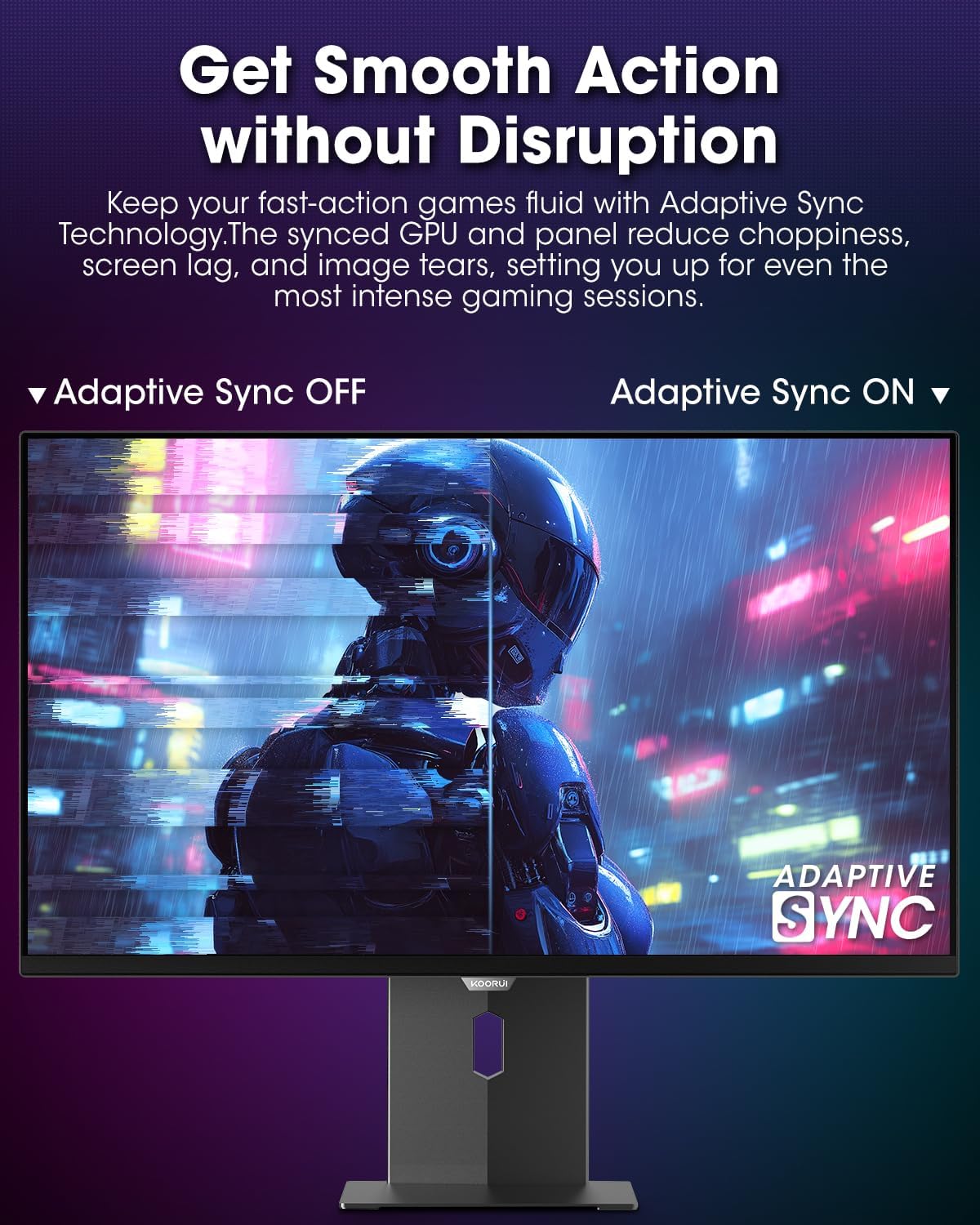
Figure 4.3.3: AdaptiveSync technology prevents screen tearing.
4.4 Regulacje ergonomiczne
Podstawka pod monitor umożliwia różne regulacje w celu zwiększenia viewkomfort:
- Regulacja wysokości: Podnieś lub opuść monitor do poziomu oczu.
- Przechylenie: Dostosuj kąt nachylenia ekranu do przodu lub do tyłu.
- Obracać: Obróć monitor w poziomie.
- Sworzeń: Rotate the monitor vertically (portrait mode).

Rysunek 4.4.1: Regulacja nachylenia monitora.

Rysunek 4.4.2: Regulacja obrotu monitora w trybie portretowym.
5. Konserwacja
- Czyszczenie ekranu: Delikatnie użyj miękkiej, niestrzępiącej się szmatki dampSpryskaj wodą lub płynem do czyszczenia ekranów. Nie rozpylaj środka czyszczącego bezpośrednio na ekran.
- Czyszczenie Casing: Wytrzyj monitor casinCzyścić miękką, suchą ściereczką. Unikać środków czyszczących o działaniu ściernym.
- Wentylacja: Ensure the monitor's ventilation holes are not blocked to prevent overheating.
- Wyłączone: Zawsze wyłączaj monitor i odłączaj go od zasilania przed czyszczeniem.
6. Rozwiązywanie Problemów
| Problem | Możliwa przyczyna | Rozwiązanie |
|---|---|---|
| Brak obrazu na ekranie | Odłączony kabel zasilający; Odłączony kabel wideo; Wybrano nieprawidłowe źródło sygnału wejściowego. | Sprawdź połączenia kabla zasilania i wideo; wybierz odpowiednie źródło sygnału wejściowego za pomocą menu OSD. |
| Migotanie lub rozrywanie obrazu | AdaptiveSync not enabled; Graphics card driver issues. | Enable AdaptiveSync in OSD menu; Update graphics card drivers. |
| Kolory są nieprawidłowe | Nieprawidłowo skonfigurowane ustawienia kolorów; uszkodzony kabel wideo. | Reset color settings in OSD menu; Try a different video cable. |
| Monitor się nie włącza | Kabel zasilający nie jest podłączony; gniazdko elektryczne nie działa. | Ensure power cable is securely connected; Test power outlet with another device. |
7. Specyfikacje
| Funkcja | Szczegół |
|---|---|
| Marka | KOORUI |
| Numer modelu | S2721XO |
| Rozmiar ekranu | 27 cali |
| Typ wyświetlacza | QD-OLED |
| Rezolucja | QHD Wide 1440p (2560 x 1440 Pixels) |
| Częstotliwość odświeżania | 240 Hz |
| Czas reakcji | 0.03 Milliseconds (GtG) |
| Współczynnik kontrastu | 20,000,000:1 |
| Jasność | 350 candela_per_square_meter (average 280 nits) |
| Gama kolorów | 99% DCI-P3 |
| Obsługa HDR | HDR True Black 400 |
| Adaptacyjna synchronizacja | Zgodny z FreeSync |
| Łączność | 2x HDMI 2.1, 1x DisplayPort 1.4, 1x wyjście audio |
| Ergonomia | Tilt, Height, Swivel, Pivot Adjustment |
| Mocowanie VESA | 100x100mm |
| Wymiary produktu | 21.58 x 61 x 51.2 cm; waga 8.96 kg |

Rysunek 7.1: Wymiary monitora.
8. Gwarancja i wsparcie
8.1 Informacje o gwarancji
The KOORUI S2721XO monitor comes with a 1-roczna ograniczona gwarancja. Please retain your proof of purchase for warranty claims. For detailed warranty terms and conditions, refer to the official KOORUI webodwiedź witrynę lub skontaktuj się z działem obsługi klienta.
8.2 Obsługa klienta
For technical assistance, troubleshooting, or warranty inquiries, please contact KOORUI customer support. Refer to the contact information provided on the official KOORUI webwitryny lub dokumentacji zakupu.
You can also find additional support resources and FAQs on the KOORUI brand store on Amazon: KOORUI Amazon Store
9. Filmy produktowe
KOORUI 4K OLED Gaming Monitor 240Hz (Seller Video)
Ten film zapewnia ponadview of the KOORUI OLED Gaming Monitor, highlighting its key features such as high refresh rate and OLED display technology. While the title mentions "4K", the video content is generally applicable to high-performance OLED gaming monitors from KOORUI, including the S2721XO model's features like 240Hz refresh rate and fast response time.