
1. Wprowadzenie
This manual provides detailed instructions for the installation, operation, and maintenance of your Alomejor Electric Scooter Controller Kit. This kit is specifically designed for the MI4 electric scooter model, enhancing its performance with a 36V 350W motor controller and a clear LCD display dashboard.
The kit includes essential components for upgrading or replacing your scooter's control system, ensuring seamless integration and optimal functionality.
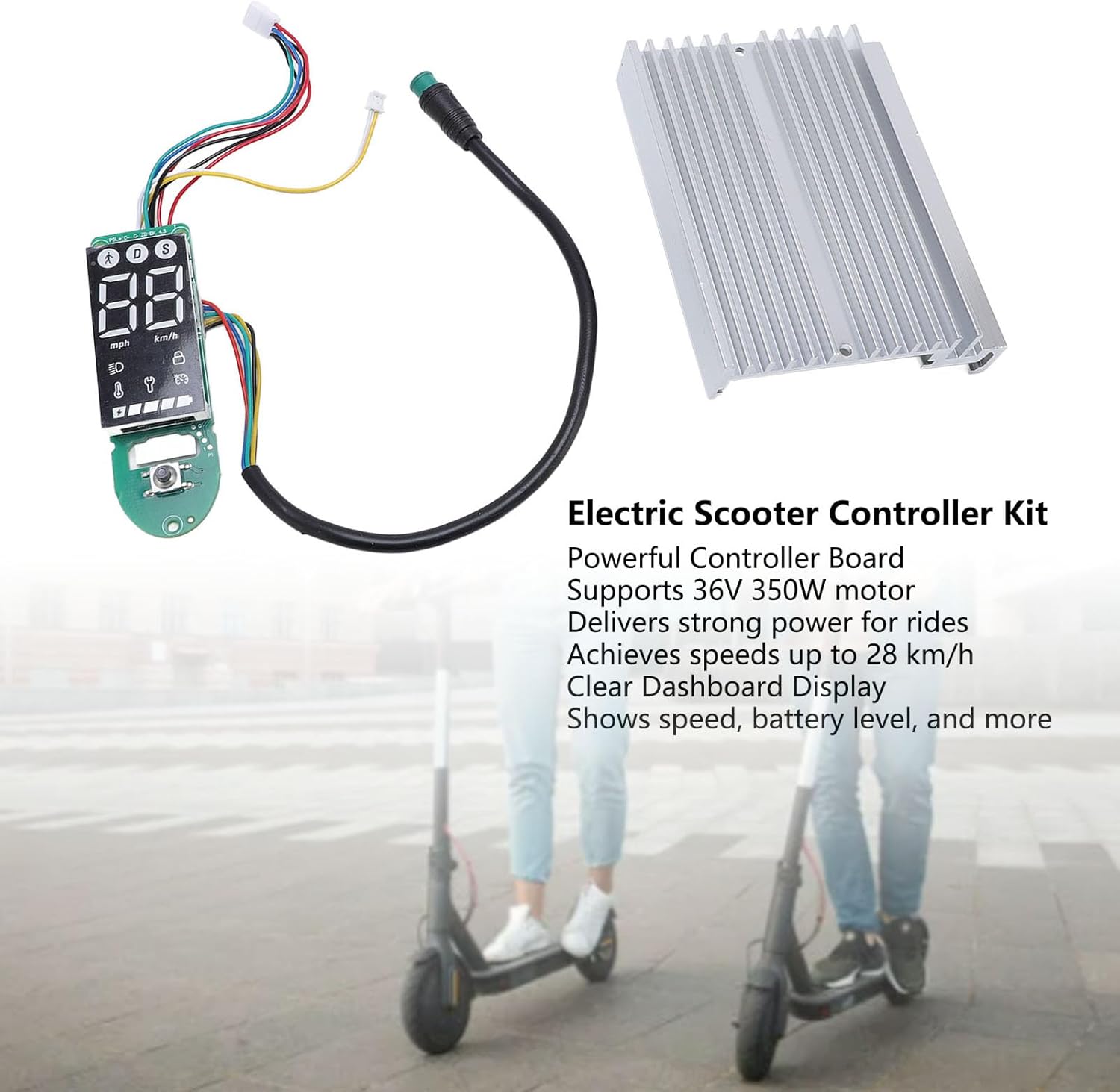
Rysunek 1.1: Nadview of the Alomejor Electric Scooter Controller Kit, including the controller board, LCD display, and heat sink, shown with electric scooters in the background.
Zawartość opakowania:
- 1 x Electric Scooter Controller
- 1 x LCD Display Dashboard
2. Informacje dotyczące bezpieczeństwa
Before proceeding with installation or operation, please read and understand all safety instructions. Failure to follow these instructions may result in injury, damage to the product, or damage to your electric scooter.
- Zalecana profesjonalna instalacja: If you are not familiar with electric scooter electronics, it is highly recommended to seek professional assistance for installation.
- Odłączenie zasilania: Always ensure the electric scooter's power is completely off and the battery is disconnected before attempting any installation, removal, or maintenance.
- Poprawna cztage: This kit is designed for 36V systems. Do not use it with other voltagsystemy elektroniczne.
- Unikaj kontaktu z wodą: Keep the controller and display away from water and moisture to prevent electrical shorts and damage.
- Bezpieczne połączenia: Aby zapobiec zwarciom, należy upewnić się, że wszystkie połączenia elektryczne są solidne i właściwie zaizolowane.
3. Zgodność i instalacja
3.1 Zgodność
This Electric Scooter Controller Kit is precisely designed for the MI4 electric scooter model. Its components ensure a perfect fit and seamless integration with your scooter's existing system, providing optimal performance and reliability.

Rysunek 3.1: The controller kit components, highlighting their specific design for MI4 electric scooters to ensure compatibility.
3.2 Proces instalacji
The installation of this electric scooter controller kit is designed to be straightforward, facilitating convenient replacements and maintenance. Follow these general steps for installation:
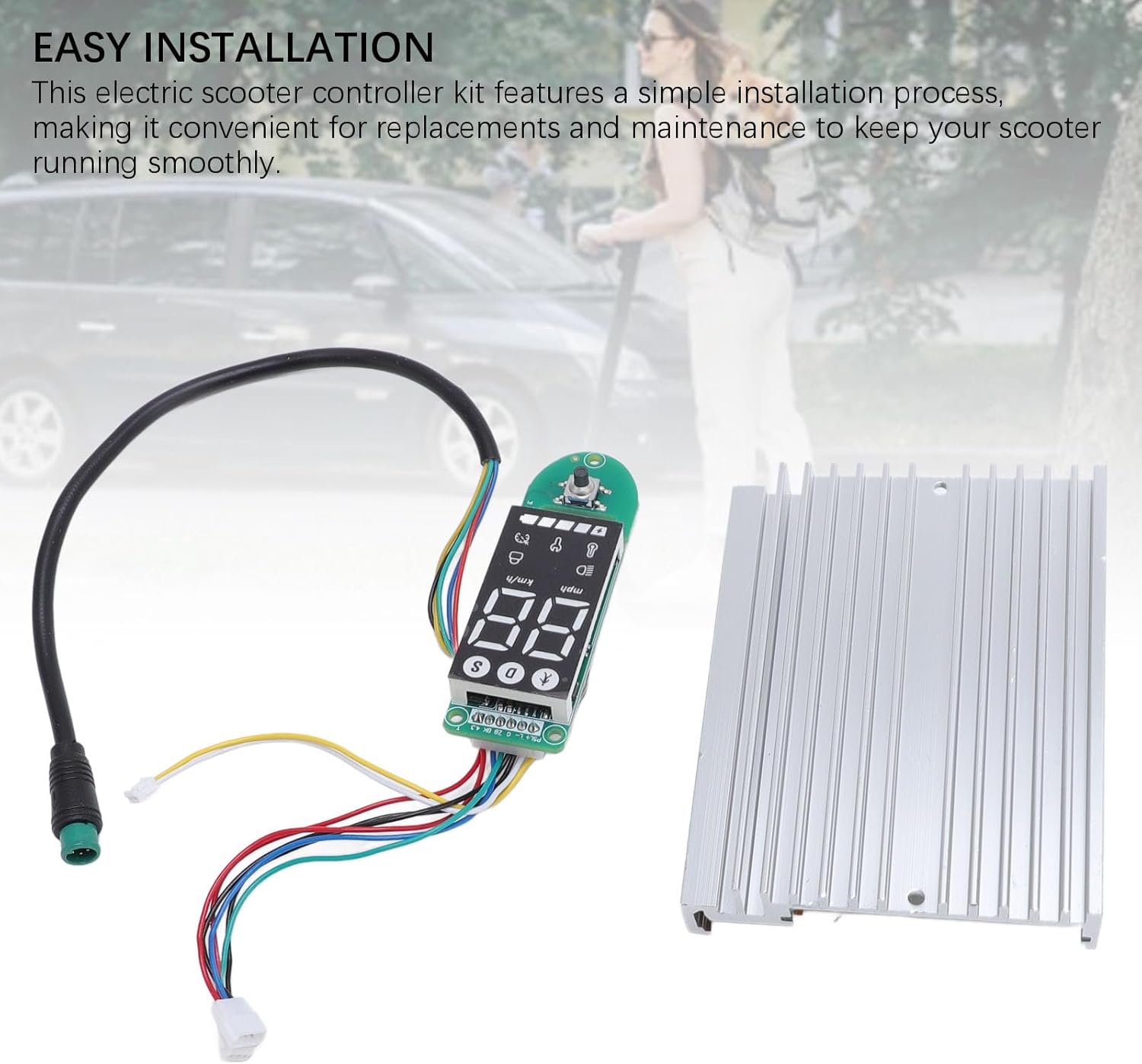
Rysunek 3.2: The controller and dashboard components, emphasizing the ease of installation for replacement or upgrade.
- Przygotuj skuter: Ensure the electric scooter is powered off and the battery is disconnected. Remove any covers or panels necessary to access the existing controller and dashboard wiring.
- Remove Old Components (if replacing): Carefully disconnect all wires from the old controller and dashboard. Note the position and color of each wire for correct re-connection.
- Zainstaluj nowy kontroler: Mount the new controller board in the designated compartment. Connect the motor wires, battery wires, and other accessory wires (e.g., brake, throttle) to the new controller. Refer to your scooter's specific wiring diagram if available.
- Install New Dashboard: Connect the dashboard display to the controller using the provided cable. Secure the dashboard in its housing on the handlebars.
- Bezpieczne okablowanie: Ensure all connections are firm and wires are routed safely, away from moving parts or pinch points.
- Funkcjonalność testu: Reconnect the battery and power on the scooter. Verify that the display lights up, shows correct information, and the motor responds to throttle input.
- Ponowny montaż: Once functionality is confirmed, reattach all covers and panels.
4. Instrukcja obsługi
The LCD display dashboard provides real-time information about your scooter's status, allowing for effortless monitoring during operation.
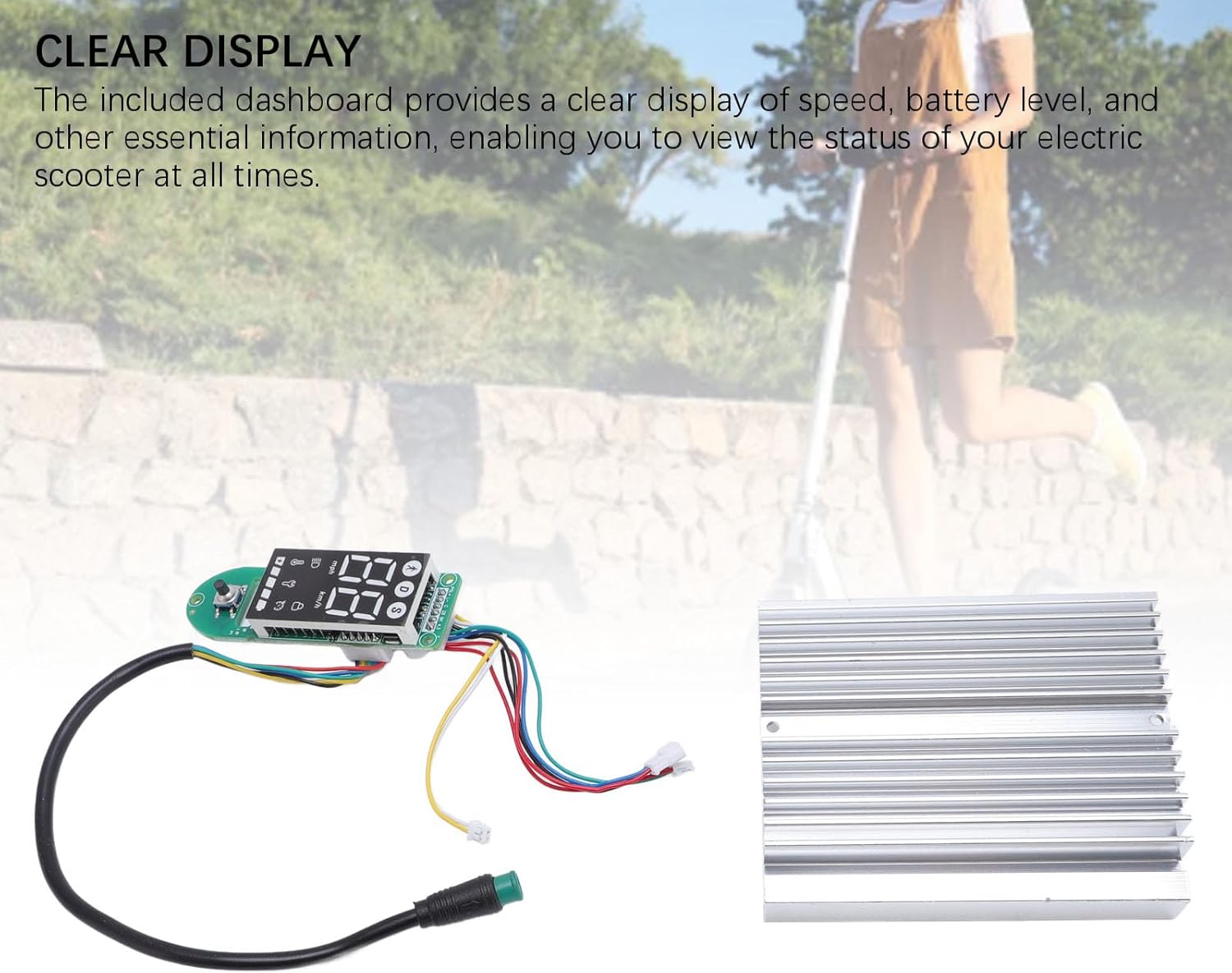
Rysunek 4.1: The LCD display dashboard, showing its clear interface for monitoring scooter status.
4.1 Włączanie/wyłączanie zasilania
- Włączanie: Naciśnij i przytrzymaj przycisk zasilania na desce rozdzielczej, aż wyświetlacz się podświetli.
- Aby wyłączyć: Naciśnij i przytrzymaj przycisk zasilania ponownie, aż wyświetlacz się wyłączy.
4.2 Zrozumienie wyświetlacza
The LCD dashboard provides the following key information:
- Prędkość: Wyświetla aktualną prędkość jazdy (km/h lub mph).
- Poziom naładowania baterii: Wskazuje poziom naładowania baterii.
- Mode/Gear: Shows the current riding mode or speed gear.
- Wskaźnik reflektorów: Illuminates when the scooter's headlights are active.
- Bluetooth/Connectivity: May indicate connection status if applicable.
Refer to your MI4 scooter's specific user manual for detailed explanations of all dashboard icons and functions.
5. Konserwacja
Proper maintenance ensures the longevity and optimal performance of your electric scooter controller kit. The components are crafted from durable aluminum alloy and PCB, designed for robust performance.

Rysunek 5.1: The controller and dashboard, highlighting their construction from robust aluminum alloy and PCB for enhanced durability.
- Czyszczenie: Use a soft, dry cloth to wipe down the display and controller housing. Avoid using harsh chemicals or abrasive materials.
- Kontrola: Okresowo sprawdzaj wszystkie połączenia przewodów, aby mieć pewność, że są solidne i nie są skorodowane ani uszkodzone.
- Ochrona środowiska: Store your scooter in a dry environment, away from extreme temperatures and direct sunlight, to protect the electronic components.
- Unikaj uderzenia: Protect the controller and display from physical impacts, which can damage internal components.
6. Rozwiązywanie Problemów
If you encounter issues with your controller kit, refer to the following common problems and solutions:
- Wyświetlacz się nie włącza:
- Sprawdź podłączenie akumulatora i poziom naładowania.
- Ensure the dashboard cable is securely connected to the controller.
- Scooter Not Responding to Throttle:
- Verify all motor and throttle connections to the controller.
- Check for any error codes displayed on the dashboard (refer to your scooter's manual for code meanings).
- Inaccurate Speed/Battery Reading:
- Ensure all sensor wires are correctly connected.
- A full power cycle (turn off, disconnect battery, reconnect, turn on) may resolve temporary glitches.
W przypadku powtarzających się problemów skontaktuj się z działem obsługi klienta lub wykwalifikowanym technikiem.
7. Specyfikacje
The Alomejor Electric Scooter Controller Kit provides robust power and reliable performance for your MI4 electric scooter.
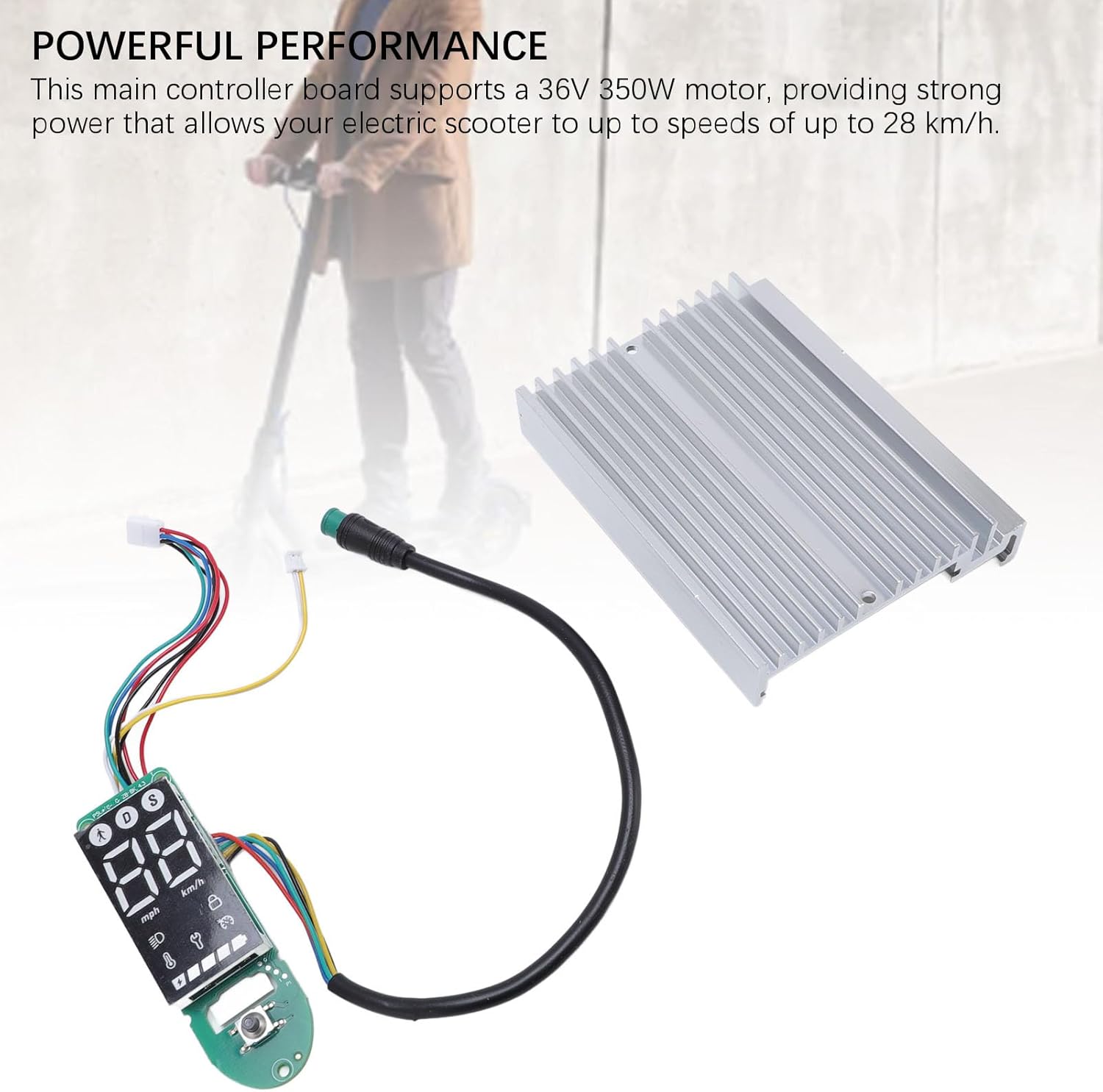
Rysunek 7.1: The controller kit, illustrating its capability to deliver powerful performance for electric scooters.
| Funkcja | Specyfikacja |
|---|---|
| Typ przedmiotu | Electric Scooter Dashboard and Controller |
| Aplikacja | For MI4 electric scooter |
| Wsparcie silnika | 36V 350W |
| Maksymalna prędkość | Do 28 km / h |
| Przybory | Aluminum Alloy + PCB |
| Wymiary opakowania (dł. x szer. x wys.) | 7.09 x 5.12 x 1.57 cala |
| Waga paczki | 167 gram |
| Marka | Alomejor |
| Model Name (Internal) | Alomejorzhvy51os3n |
8. Gwarancja i wsparcie
This product comes with a standard manufacturer's warranty. Please refer to the product packaging or the seller's terms and conditions for specific warranty details and duration.
For technical support, troubleshooting assistance, or warranty claims, please contact the seller or manufacturer directly. Keep your purchase receipt as proof of purchase.