
Cosmic Byte Nexus
Cosmic Byte Nexus Wireless Controller for PC - Instruction Manual
Model: Nexus
Wstęp
This manual provides comprehensive instructions for the setup, operation, maintenance, and troubleshooting of your Cosmic Byte Nexus Wireless Controller. Please read this manual carefully before using the product to ensure optimal performance and longevity.

Obraz: Przód view of the Cosmic Byte Nexus Wireless Controller, showcasinze względu na ergonomiczną konstrukcję i układ przycisków.
Zawartość opakowania
Sprawdź, czy w przesyłce znajdują się wszystkie elementy:
- Cosmic Byte Nexus Wireless Controller
- Bezprzewodowy odbiornik USB
- Instrukcja obsługi (ten dokument)
Note: 2x AAA batteries are required and are not included in the package.
Przewodnik po konfiguracji
1. Instalacja baterii
- Znajdź komorę baterii z tyłu kontrolera.
- Otwórz pokrywę baterii.
- Włóż dwie (2) baterie AAA, zwracając uwagę na prawidłową biegunowość (+/-).
- Dokładnie zamknij pokrywę baterii.

Image: Illustration showing the battery compartment and the insertion of 2x AAA batteries into the controller.
2. Podłączanie do komputera
- Insert the USB Wireless Receiver into an available USB port on your PC.
- The PC will automatically detect and install the necessary drivers. This process may take a few moments.
- Once the drivers are installed, the controller is ready for use. No additional software is typically required for Windows PCs.
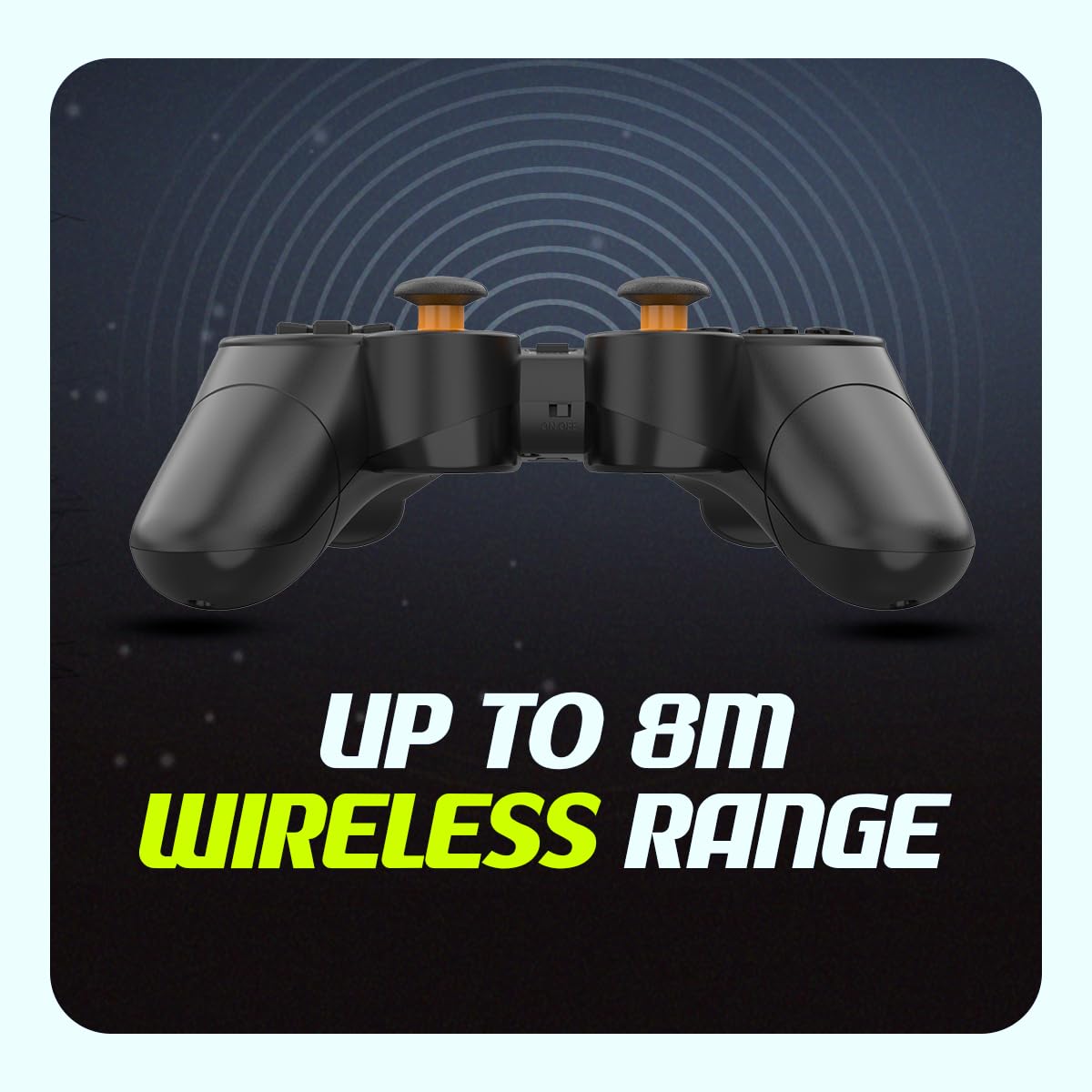
Image: The compact USB wireless receiver, ready to be plugged into a PC.
3. Włączanie/wyłączanie zasilania
- To power on the controller, ensure batteries are installed and slide the ON/OFF switch located on the top edge of the controller to the "ON" position.
- To power off the controller, slide the ON/OFF switch to the "OFF" position.
Obraz: Zbliżenie view of the controller's top edge, highlighting the ON/OFF switch for easy power management.
Instrukcja obsługi
Łączność bezprzewodowa
The Cosmic Byte Nexus controller utilizes 2.4GHz wireless technology, providing a stable connection with a range of up to 8 meters from the USB receiver. Ensure no significant obstructions are between the controller and the receiver for optimal performance.
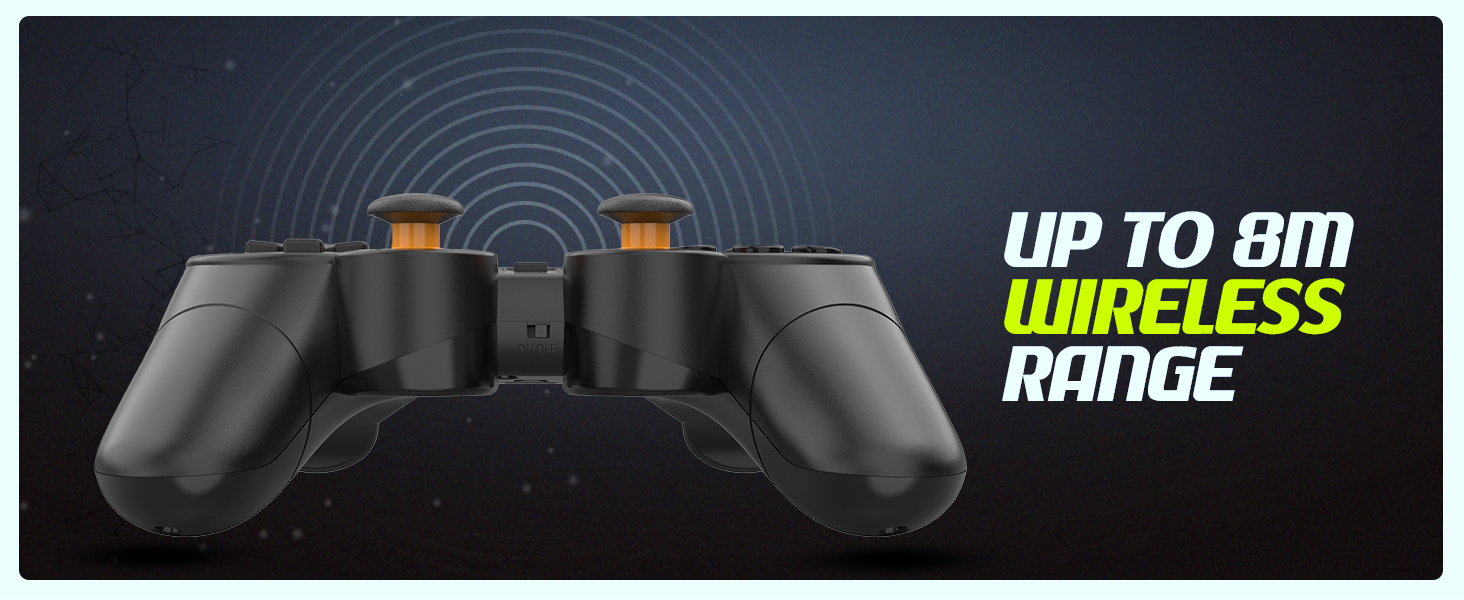
Image: Visual representation of the controller's wireless range, indicating connectivity up to 8 meters.
Układ i funkcje kontrolera
The controller features a standard gamepad layout with responsive buttons and sensitive analog triggers for precise control.
- Klawisz kierunkowy (D-Pad): Do wprowadzania danych kierunkowych.
- Lewy/prawy drążek analogowy: Do ruchu 360 stopni i sterowania kamerą.
- Przyciski akcji (A, B, X, Y): Do działań w grze.
- Przyciski na ramionach (L1, R1) i spusty (L2, R2): For additional in-game functions. The triggers are designed for sensitive input.
- Przycisk WYBIERZ/WSTECZ: Typically used for menu navigation or specific game functions.
- Przycisk Start: Używane zazwyczaj do wstrzymywania gry i uzyskiwania dostępu do menu.
- Przycisk TRYB: May switch between different input modes (e.g., X-Input/D-Input) if supported by the controller.

Obraz: Szczegółowy view of the controller's front, highlighting the various buttons, D-pad, and analog sticks.
Podwójne silniki wibracyjne
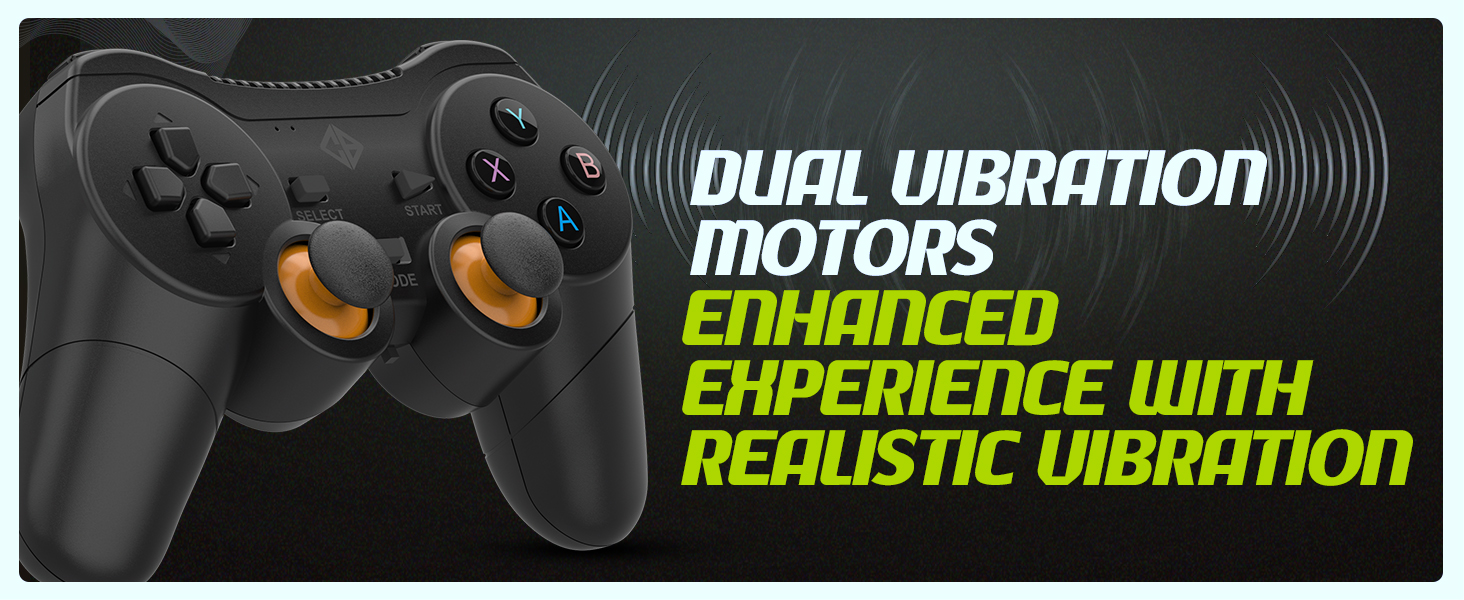
The controller is equipped with dual vibration motors that provide immersive feedback, enhancing your gaming experience by reacting to in-game events such as explosions, crashes, or impacts.
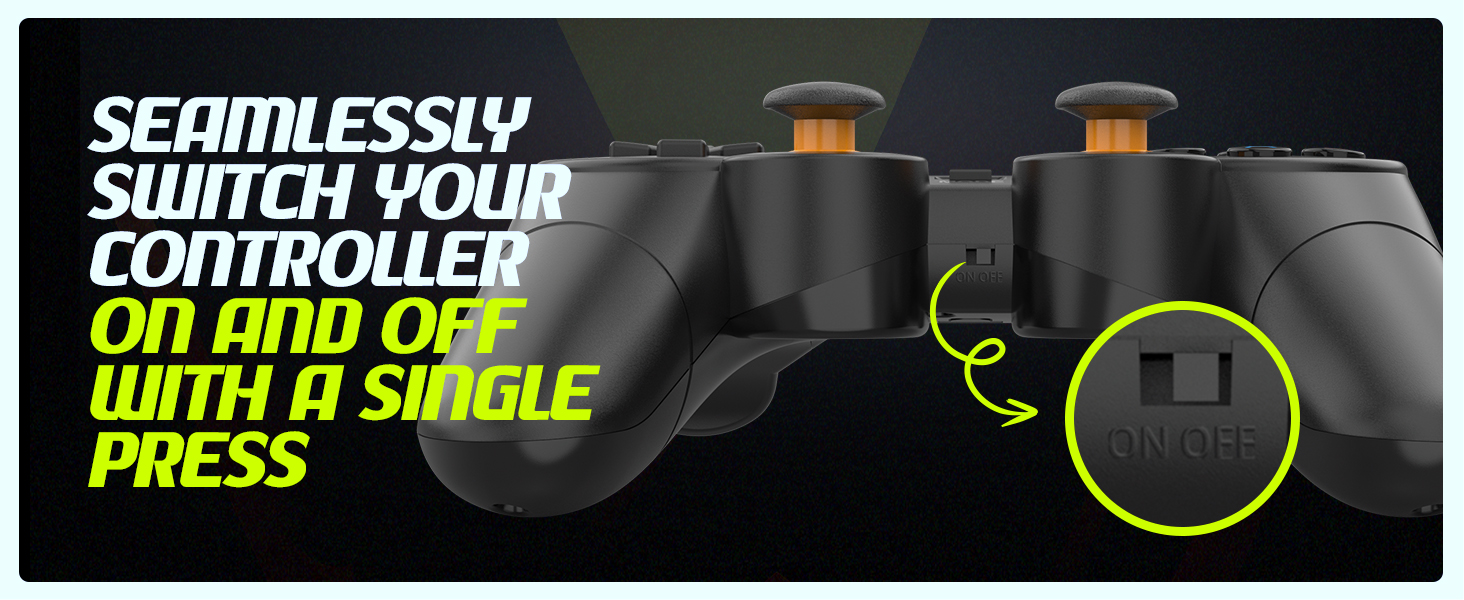
Image: Controller with visual cues indicating the presence and function of dual vibration motors.
X-Input and D-Input Support
The Cosmic Byte Nexus controller supports both X-Input and D-Input modes, ensuring broad compatibility with a wide range of PC games. X-Input is the standard for modern PC games, while D-Input provides compatibility with older titles.
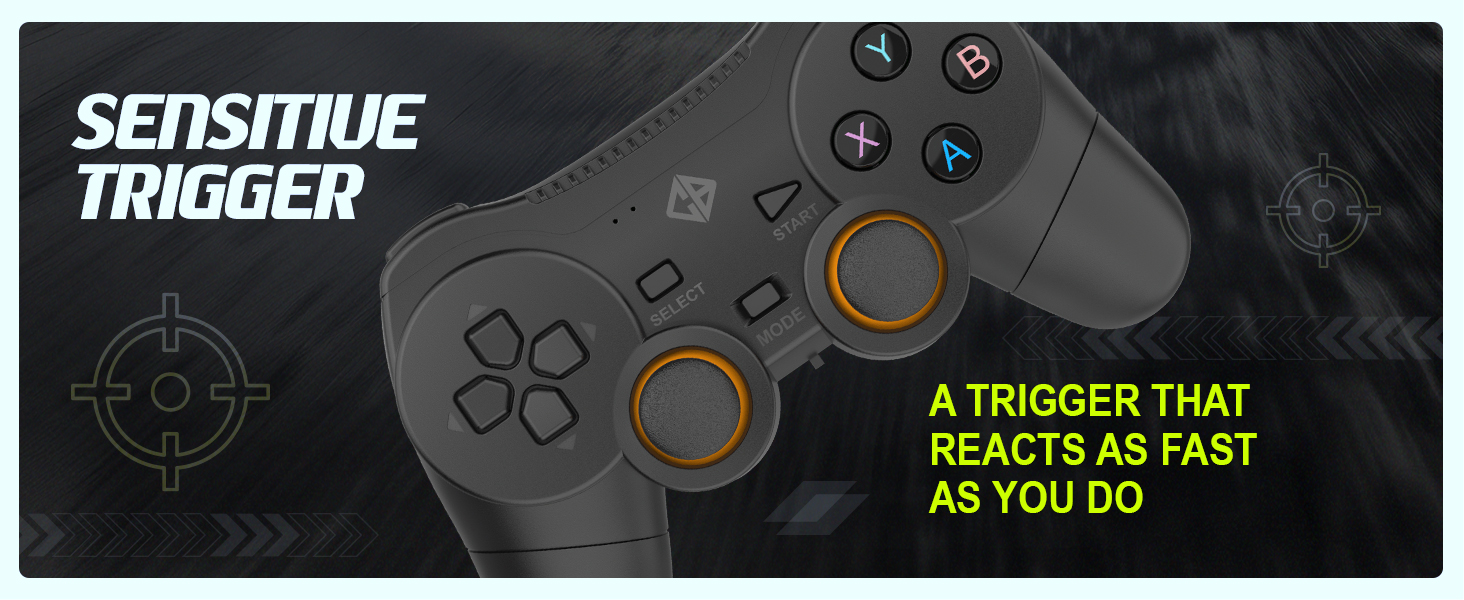
Image: Controller with text indicating support for X-Input and D-Input for seamless compatibility.
Konserwacja
Wymiana baterii
When the controller's performance degrades or it fails to power on, it is time to replace the AAA batteries. Follow the battery installation steps outlined in the "Setup Guide" section.
Tip: Consider using rechargeable AAA batteries for an eco-friendly and cost-effective solution.
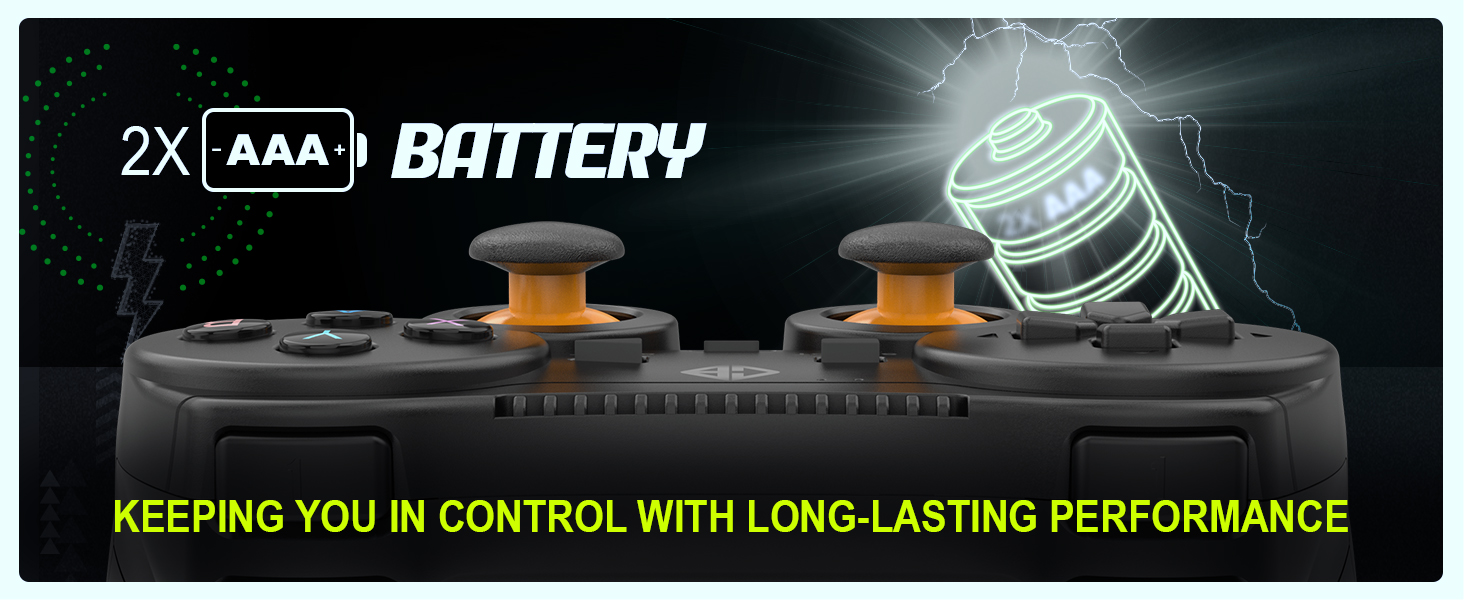
Image: Controller with an illustration of AAA batteries, emphasizing long-lasting performance.
Czyszczenie
Do czyszczenia kontrolera należy używać miękkiej, suchej ściereczki. W przypadku uporczywych zabrudzeń należy użyć delikatnej ściereczki.amp Można użyć ściereczki, ale należy uważać, aby wilgoć nie dostała się do urządzenia. Unikaj stosowania silnych środków chemicznych i ściernych środków czyszczących.
Rozwiązywanie problemów
| Problem | Możliwa przyczyna | Rozwiązanie |
|---|---|---|
| Kontroler nie włącza się. | Rozładowane lub nieprawidłowo zainstalowane baterie. | Replace batteries with fresh AAA batteries, ensuring correct polarity. Check the ON/OFF switch is in the "ON" position. |
| Controller not connecting to PC. | USB receiver not properly inserted or driver issue. | Ensure the USB receiver is fully inserted into a working USB port. Try a different USB port. Restart your PC. |
| Opóźnienie sygnału wejściowego lub zerwane połączenie. | Zakłócenia lub odległość od odbiornika. | Reduce distance between controller and receiver. Remove any large metallic objects or other wireless devices that may cause interference. Ensure batteries are not low. |
| Wibracje nie działają. | Game does not support vibration or feature is disabled. | Check in-game settings to ensure vibration feedback is enabled. Verify the game supports controller vibration. |
| Buttons or analog sticks unresponsive/inaccurate (e.g., "stick drift"). | Wear and tear, or manufacturing defect. | Ensure the controller is clean. If issues persist, contact customer support for further assistance. |
Specyfikacje
| Funkcja | Szczegół |
|---|---|
| Marka | Kosmiczny bajt |
| Nazwa modelu | Ogniwo |
| Technologia łączności | Bezprzewodowe (2.4 GHz) |
| Kompatybilne urządzenia | komputer (Windows) |
| Typ kontrolera | Gamepad |
| Źródło zasilania | Baterie 2 x AAA (brak w zestawie) |
| Waga przedmiotu | 100 gramów |
| Wymiary produktu (dł. x szer. x wys.) | Wymiary 12 x 8 x 4 cm |
| Kraj pochodzenia | Chiny |
Gwarancja i wsparcie
For warranty information, technical support, or service inquiries, please refer to the contact details provided with your purchase documentation or visit the official Cosmic Byte webZachowaj paragon jako dowód zakupu.
Producent / Importer: Cosmic Byte, Prakash Warehousing, S. No.163, Hissa No 1-2-3-4-5A-5B/2/1, Phursungi, Pune 412308, Maharashtra, India
Ask a question about this manual
Ask about setup, troubleshooting, compatibility, parts, safety, or missing instructions. Manuals+ will review the question and use this page’s manual context to help answer it.