
Wstęp
This manual provides detailed instructions for the installation, operation, and maintenance of your Geeni Hawk 2 Outdoor Security Camera. The Hawk 2 is a 2K weatherproof Wi-Fi camera designed for outdoor surveillance, offering features such as night vision, motion detection, and two-way audio. Please read this manual thoroughly before using the product to ensure proper setup and functionality.
Produkt ponadview
Główne cechy
- Wideo 2K Ultra HD: Provides sharp and detailed live video and recordings.
- Odporna na warunki atmosferyczne konstrukcja: IP65 certified for reliable performance in various weather conditions.
- Motion Detection & Real-Time Alerts: Wysyła natychmiastowe powiadomienia na smartfon po wykryciu ruchu.
- Ulepszone widzenie w nocy: Przechwytuje wyraźne footage in total darkness for 24/7 monitoring.
- Dwukierunkowy dźwięk: Built-in microphone and speakerphone for clear communication.
- Sterowanie głosowe: Kompatybilny z Amazon Alexa i Google Assistant, co umożliwia obsługę bez użycia rąk.
- Dostęp zdalny: Kontrola i view live streams from anywhere using the Geeni app.
- Gniazdo microSD: Supports local storage for recorded footage.

Image: Key features of the Geeni Hawk 2 camera, including 2K resolution, motion detection, two-way audio, and night vision.
Co jest w pudełku
The product package typically includes the Geeni Hawk 2 Outdoor Security Camera, a power adapter, mounting screws, and a quick start guide. Please check your packaging for a complete list of contents.
Organizować coś
1. Pobierz aplikację Geeni
Szukaj and download the 'Geeni' app from the Apple App Store or Google Play Store. Create an account or log in if you already have one.
2. Włącz kamerę
Connect the camera to a power source using the provided power adapter. Wait for the camera's indicator light to flash, indicating it is ready for pairing.
3. Dodaj urządzenie w aplikacji Geeni
Open the Geeni app, tap '+' to add a new device, and select 'Security Camera'. Follow the on-screen instructions to connect the camera to your 2.4GHz Wi-Fi network. Ensure your Wi-Fi network is 2.4GHz, as 5GHz networks are not supported.
4. Montaż kamery
Choose a suitable outdoor location for mounting the camera, ensuring it has a clear view and is within Wi-Fi range. Use the provided mounting screws to securely attach the camera to a wall or ceiling. Adjust the camera angle as needed for optimal surveillance coverage.
Instrukcja obsługi
Na żywo View
Once connected, open the Geeni app and select your Hawk 2 camera to view the live feed. The app provides a 2K resolution live stream for sharp and detailed monitoring.

Image: A smartphone screen showing a 2K live stream from the camera.
Wykrywanie ruchu i alerty
The camera features advanced motion detection. To enable or adjust settings, navigate to the camera settings within the Geeni app. You will receive instant notifications on your phone when motion is detected.

Image: A smartphone showing a motion detection alert from the Geeni Hawk 2 camera.
Dwukierunkowy dźwięk
Skorzystaj z funkcji dwukierunkowego dźwięku, aby komunikować się z gośćmi lub odstraszać intruzów. Dotknij ikony mikrofonu w transmisji na żywo. view within the Geeni app to speak, and listen through the camera's speaker.
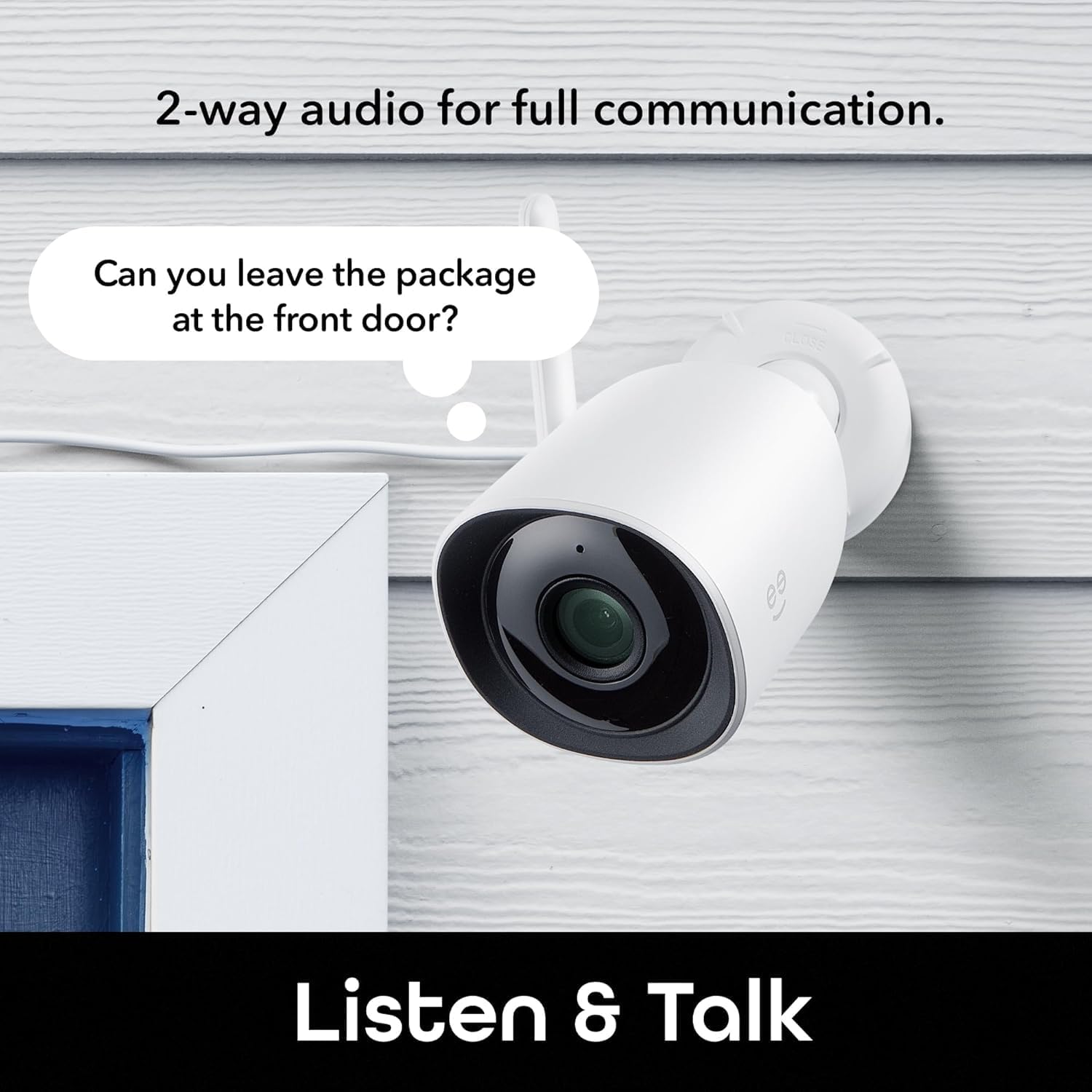
Image: The Geeni Hawk 2 camera demonstrating its two-way audio capability.
Wizja nocna
Kamera automatycznie przełącza się na tryb widzenia nocnego w warunkach słabego oświetlenia, zapewniając wyraźny obraz czarno-biały.tage. No manual adjustment is typically required.

Image: The Geeni Hawk 2 camera providing crisp night vision surveillance.
Sterowanie głosowe
Integrate your Geeni Hawk 2 camera with Amazon Alexa or Google Assistant for voice commands. Follow the instructions in the Geeni app to link your accounts. You can then use commands like "Alexa, show me the outdoor camera."

Image: A tablet showing the camera feed, demonstrating voice control compatibility with Alexa and Google Assistant.
Zdalny dostęp
Access your camera's live feed and settings from any smartphone, desktop, or tablet browser using the Geeni app, providing total control and peace of mind from anywhere.

Image: A laptop screen showing multiple camera views accessible through the Geeni app.
Nagrywanie i przechowywanie
The camera supports local storage via a microSD card (not included). Insert a microSD card into the designated slot to record footage. Cloud storage options may also be available through the Geeni app, requiring a subscription.
Konserwacja
- Czyszczenie: Regularnie przecieraj obiektyw aparatu miękką, suchą ściereczką, aby zapewnić sobie dobrą jakość obrazu. Unikaj stosowania silnych środków chemicznych.
- Aktualizacje oprogramowania układowego: Keep your camera's firmware updated through the Geeni app to ensure optimal performance and access to new features.
- Kontrola połączenia: Periodically check all cable connections and ensure the camera is securely mounted.
Rozwiązywanie problemów
| Wydanie | Możliwe rozwiązanie |
|---|---|
| Kamera nie łączy się z siecią Wi-Fi | Upewnij się, że masz sieć Wi-Fi 2.4 GHz. Sprawdź siłę sygnału Wi-Fi w miejscu, w którym znajduje się kamera. Uruchom ponownie router i kamerę. |
| Brak transmisji wideo na żywo | Verify the camera is powered on and connected to Wi-Fi. Check your internet connection. Restart the Geeni app. |
| Wykrywanie ruchu nie działa | Check motion detection settings in the Geeni app. Ensure the camera's view is not obstructed. Adjust sensitivity if needed. |
| Niewyraźne widzenie w nocy | Clean the camera lens. Ensure there are no obstructions directly in front of the camera that could reflect infrared light. |
| Problemy z dwukierunkową transmisją dźwięku | Check volume settings on your phone and in the app. Ensure there is no excessive background noise. |
Specyfikacje
- Numer modelu: GNC-CW069-199
- Rozdzielczość wideo: 2K Ultra HD
- Łączność: Wi-Fi (tylko 2.4 GHz)
- Odporność na warunki atmosferyczne: Certyfikat IP65
- Widzenie nocne: Tak
- Audio: Dwukierunkowa transmisja dźwięku (wbudowany mikrofon i głośnik)
- Składowanie: microSD Card Slot (up to 128GB, card not included), Cloud Storage (subscription required)
- Zgodność z asystentem głosowym: Amazon Alexa, Asystent Google
- Wymiary: 6.7 x 6 x 12.8 centymetra
- Waga: 200 gramów
- Kolor: Biały
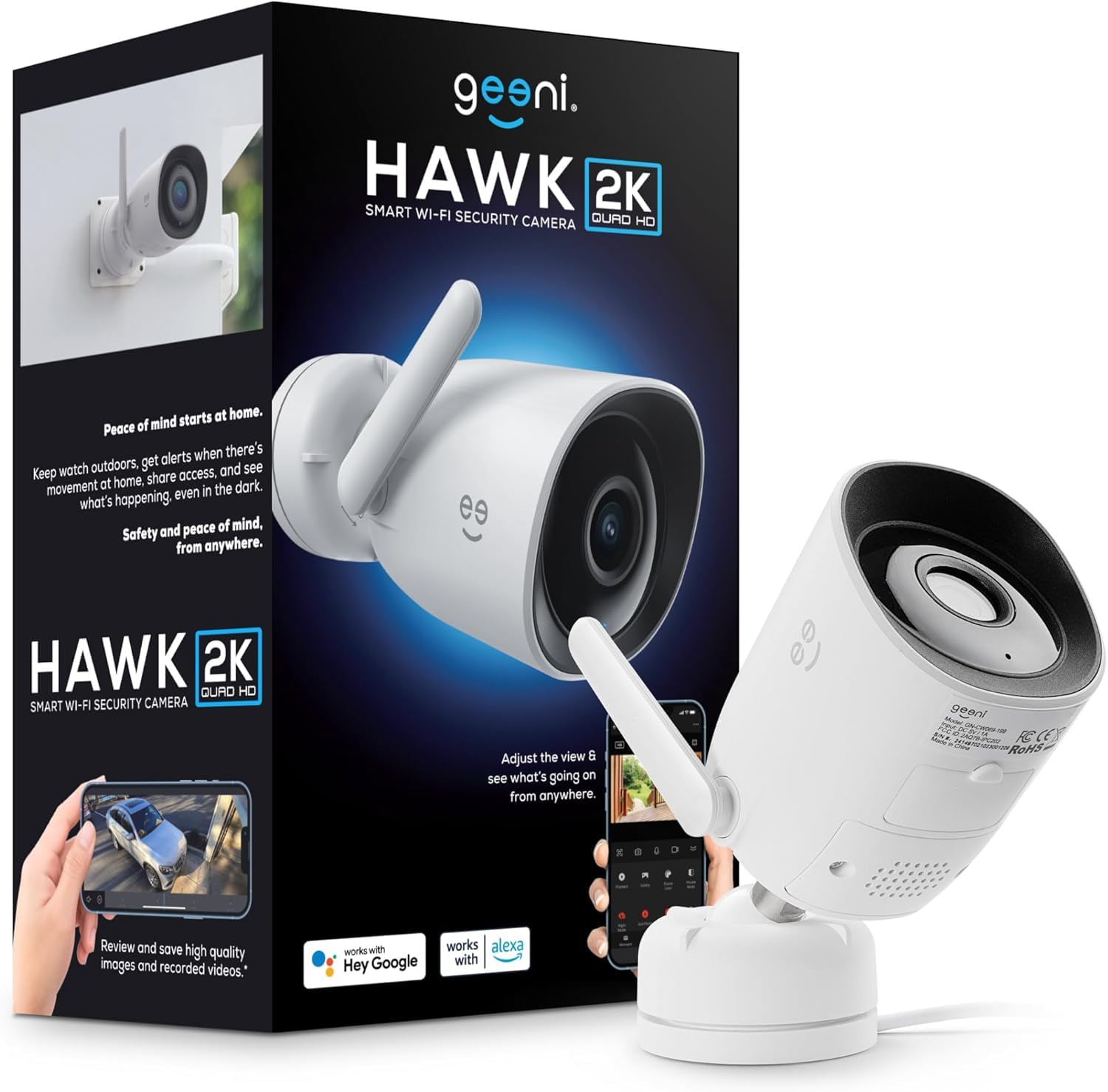
Image: The Geeni Hawk 2 Outdoor Security Camera.
Gwarancja i wsparcie
For warranty information and technical support, please refer to the documentation included with your product or visit the official Geeni website. You can also contact Geeni customer service through the Geeni app or their support channels for assistance with any issues or questions.