
1. Ważne informacje dotyczące bezpieczeństwa
Please read and understand all instructions before using this product. Failure to follow these instructions may result in electric shock, fire, or other hazards.
- This camera is designed for tylko do użytku wewnątrz pomieszczeń. Do not expose it to rain, moisture, or water.
- Należy używać wyłącznie dołączonego zasilacza lub certyfikowanego odpowiednika.
- Keep the camera away from direct sunlight, heat sources, and strong magnetic fields.
- Upewnij się, że kamera jest umieszczona na stabilnej powierzchni lub solidnie zamocowana, aby zapobiec jej upadkowi.
- Nie próbuj samodzielnie demontować ani naprawiać aparatu. Skontaktuj się z obsługą klienta, aby uzyskać pomoc.
- Przechowywać w miejscu niedostępnym dla dzieci i zwierząt domowych.
2. Koniec produktuview
The Geeni Scope 2K Smart Auto-Tracking Indoor Security Camera offers advanced surveillance features for your home. It provides 2K Quad HD video, motion detection with auto-tracking, night vision, and two-way audio communication.

Image: Geeni Scope 2K Smart Auto-Tracking Indoor Security Camera highlighting its key features such as 2K Live Video, Motion Sensor, Pan & Tilt, Night Vision, 2-Way Audio, App Control, Share Access, microSD Slot, Built-in Siren, and Person Detection.
Główne cechy:
- Wideo 2K Ultra HD: Capture sharp and clear images with 2K HD resolution.
- Smart Auto-Tracking: Camera automatically follows detected movement.
- Alerty wykrycia ruchu: Otrzymuj natychmiastowe powiadomienia na swój smartfon.
- Ulepszone widzenie w nocy: Clear surveillance in complete darkness up to 20 feet.
- Dwukierunkowy dźwięk: Komunikuj się za pomocą kamery, korzystając z wbudowanego mikrofonu i głośnika.
- Szeroki zasięg: 355° horizontal pan and 50° vertical tilt viewkąty.
- Sterowanie głosowe: Kompatybilny z Amazon Alexa i Asystentem Google.
- Pamięć lokalna: Supports microSD card for video recording.
3. Co znajduje się w pudełku
- Geeni Scope 2K Smart Auto-Tracking Indoor Security Camera
- Zasilacz
- Zestaw montażowy (śruby, kotwy ścienne)
- Instrukcja obsługi
4. Przewodnik konfiguracji
Step 1: Download the Geeni App
Download the Geeni app from the App Store (for iOS devices) or Google Play Store (for Android devices). Register for an account or log in if you already have one.
Krok 2: Włącz kamerę
Connect the provided power adapter to the camera and plug it into a power outlet. The camera will power on, and an indicator light will begin to flash, indicating it is ready for pairing.
Step 3: Add Device in Geeni App
- Otwórz aplikację Geeni i kliknij ikonę „+” w prawym górnym rogu, aby dodać nowe urządzenie.
- Z listy urządzeń wybierz „Kamerę wideo”.
- Postępuj zgodnie z instrukcjami wyświetlanymi na ekranie, aby połączyć kamerę z siecią Wi-Fi 2.4 GHz. Upewnij się, że hasło Wi-Fi jest prawidłowe.
- Aplikacja wyświetli kod QR. Trzymaj telefon około 15-20 cm przed obiektywem aparatu, aż usłyszysz komunikat.
- Once connected, the indicator light will turn solid blue. You can then name your camera and begin using it.
Step 4: Camera Placement
Place the camera on a flat surface or mount it to a wall using the included mounting kit. Ensure the camera has a clear view of the area you wish to monitor. The camera is designed for indoor use only.

Image: The Geeni Scope 2K camera demonstrating its wide coverage with 355° horizontal pan and 50° vertical tilt capabilities, ensuring no blind spots in indoor monitoring.
5. Instrukcja obsługi
5.1 Na żywo View i sterowanie obrotem i pochyleniem
Open the Geeni app and select your camera to view the live feed. Use the on-screen controls to pan (move horizontally) and tilt (move vertically) the camera lens to adjust your viewkąt.
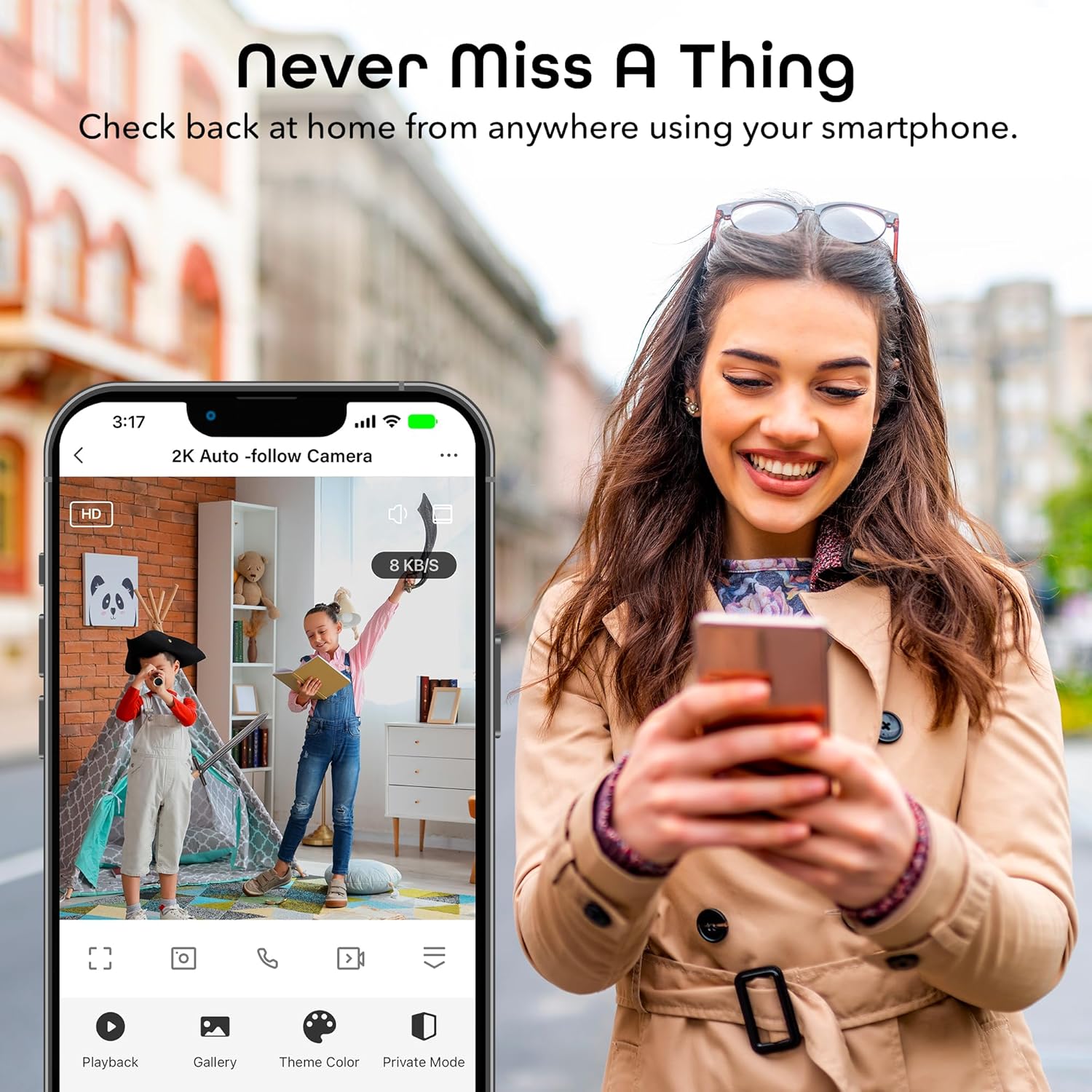
Image: A smartphone displaying the Geeni app's live view interface, allowing users to monitor their space remotely.
5.2 Detekcja ruchu i automatyczne śledzenie
The camera is equipped with advanced motion detection. When motion is detected, the camera can automatically track the moving object and send an alert to your smartphone.
- To enable/disable motion detection and auto-tracking, navigate to the camera settings in the Geeni app.
- Dostosuj poziomy czułości, aby zminimalizować liczbę fałszywych alertów.
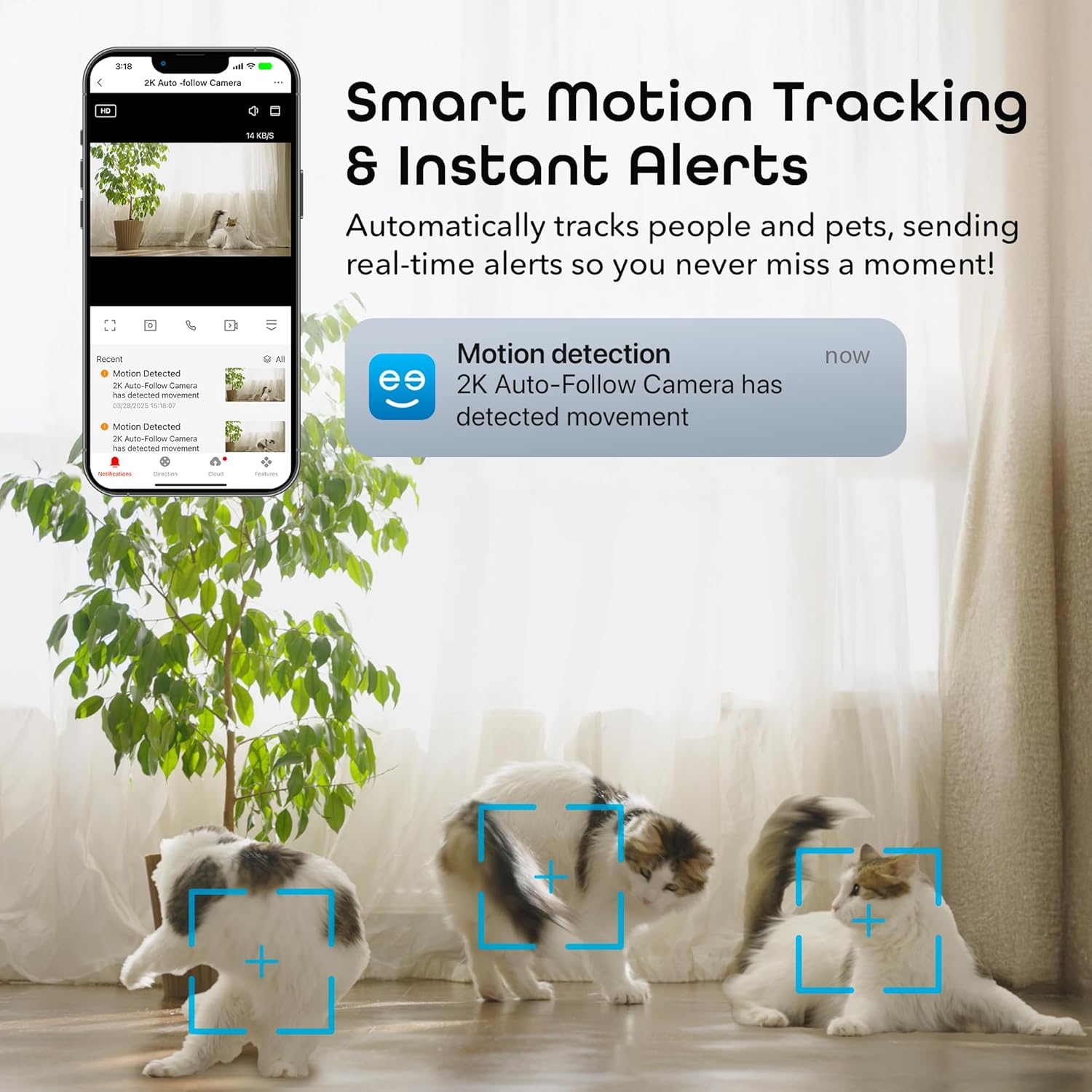
Image: A smartphone displaying a motion detection notification from the Geeni app, indicating movement detected by the 2K Auto-Follow Camera, with cats visible in the camera's field of view.
5.3 Widzenie nocne
The camera automatically switches to enhanced night vision in low-light conditions, providing clear black-and-white video up to 20 feet.
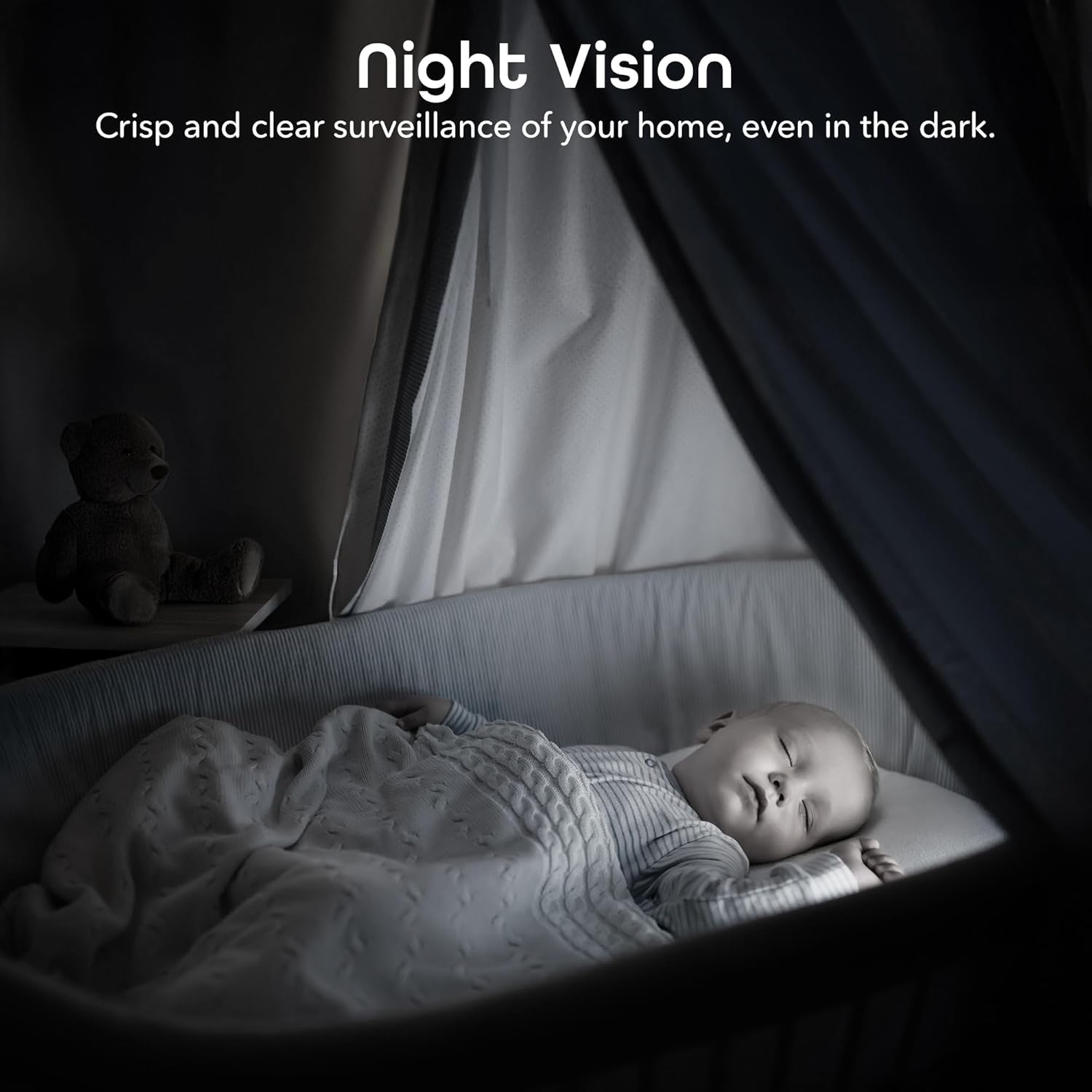
Image: A bedroom scene at night, showcasing the Geeni camera's crisp and clear night vision capability, allowing for surveillance even in complete darkness.
5.4 Dźwięk dwukierunkowy
Użyj funkcji dwukierunkowej transmisji audio, aby komunikować się z osobami w pobliżu kamery. Dotknij ikony mikrofonu w transmisji na żywo. view to speak, and the camera's built-in speaker will transmit your voice.

Image: A person speaking into a smartphone, with a child reacting, demonstrating the instant two-way audio feature that allows communication through the camera's built-in microphone and speaker.
5.5 Rejestrowanie i przechowywanie
The camera supports local storage via a microSD card (not included). Insert a microSD card (up to 128GB, Class 10 or higher recommended) into the designated slot on the camera for continuous or event-based recording. You can also subscribe to cloud storage services through the Geeni app for additional backup.
5.6 Integracja sterowania głosowego
Integrate your Geeni Scope 2K camera with Amazon Alexa or Google Assistant for convenient voice control. Follow the instructions in the Geeni app to link your account with your preferred smart assistant. Once linked, you can use voice commands such as, "Alexa, show me the baby room camera" or "Hey Google, show me the living room camera."

Image: A tablet displaying a live camera feed of a baby in a crib, with logos for Google Home, Alexa, and the Geeni App, illustrating the camera's compatibility with voice control platforms.
5.7 Udostępnianie dostępu
You can share access to your camera's live feed and features with family members or trusted individuals through the Geeni app. Go to the camera settings and select the sharing option to invite others.
6. Konserwacja
- Czyszczenie: Gently wipe the camera lens with a soft, dry cloth to remove dust or smudges. Do not use liquid cleaners or abrasive materials.
- Aktualizacje oprogramowania układowego: Periodically check the Geeni app for available firmware updates. Keeping your camera's firmware up-to-date ensures optimal performance and security.
7. Rozwiązywanie Problemów
Typowe problemy i rozwiązania:
- Kamera nie łączy się z siecią Wi-Fi:
- Upewnij się, że Twoja sieć Wi-Fi obsługuje częstotliwość 2.4 GHz. Kamera nie obsługuje sieci 5 GHz.
- Sprawdź, czy hasło Wi-Fi jest prawidłowe.
- Przesuń kamerę bliżej routera Wi-Fi.
- Reset the camera (refer to the app for specific reset instructions) and try pairing again.
- Słaba jakość wideo:
- Sprawdź prędkość swojego połączenia internetowego. Do strumieniowania w jakości 2K wymagane jest stabilne i szybkie połączenie.
- Upewnij się, że obiektyw aparatu jest czysty i nie ma w nim żadnych przeszkód.
- In night vision mode, ensure there are no reflective surfaces close to the camera that could cause glare.
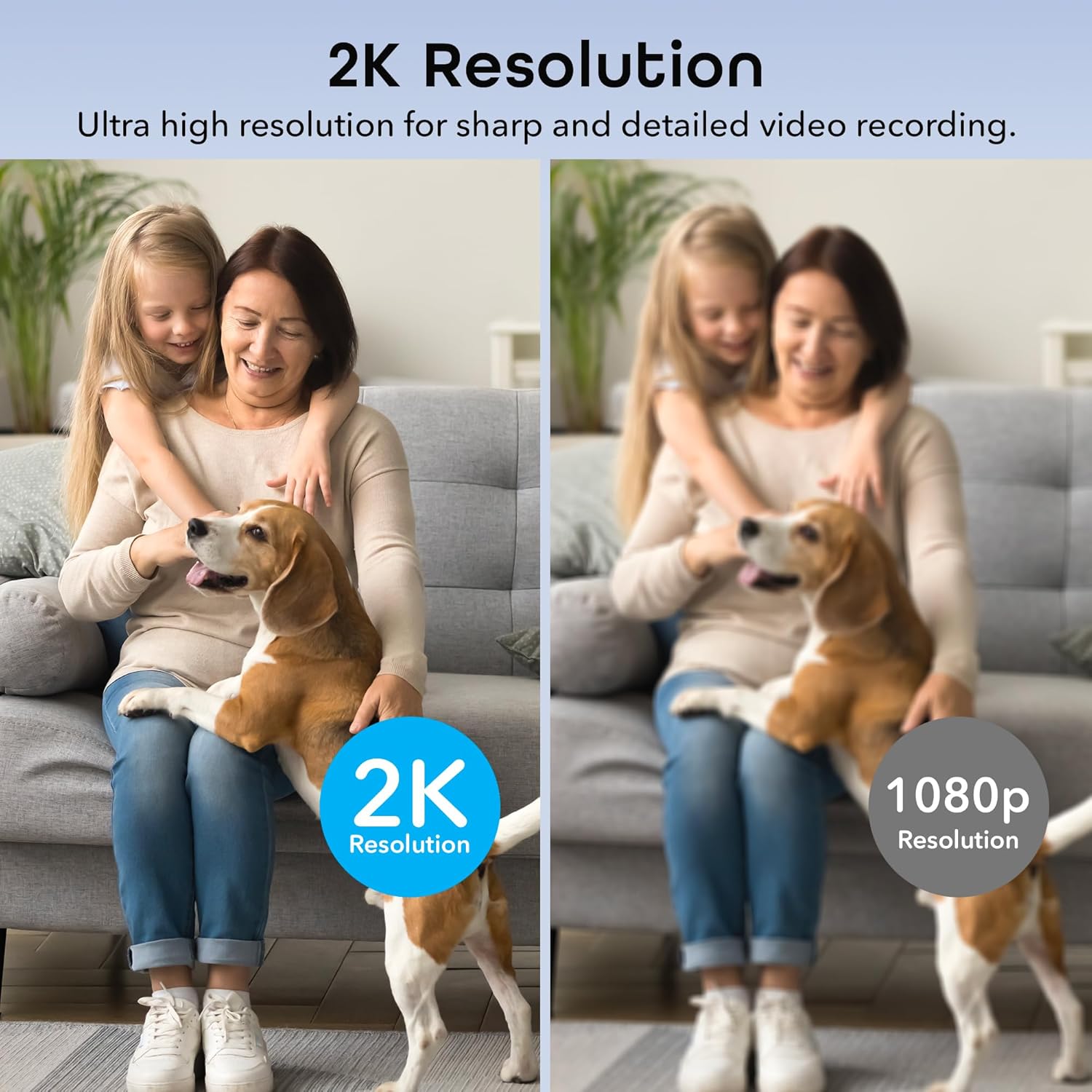
Image: A side-by-side comparison illustrating the superior sharpness and detail of 2K resolution video compared to 1080p resolution.
- Motion alerts not working:
- Verify motion detection is enabled in the Geeni app settings.
- Check your phone's notification settings to ensure the Geeni app is allowed to send notifications.
- Dostosuj czułość ruchu.
- Problemy z dwukierunkową transmisją dźwięku:
- Ensure your phone's microphone is enabled for the Geeni app.
- Sprawdź ustawienia głośności w telefonie i w aplikacji.
For further assistance, please refer to the help section within the Geeni app or visit the Geeni support webstrona.
8. Specyfikacje
| Numer modelu | GNC-CW068-199 |
| Zastosowanie wewnątrz/na zewnątrz | Wnętrz |
| Źródło zasilania | Elektryczny przewodowy |
| Protokół łączności | Wi-Fi (tylko 2.4 GHz) |
| Typ kontrolera | Amazon Alexa, Google Assistant, Geeni App |
| Typ montażu | Uchwyt ścienny, wolnostojący |
| Rozdzielczość przechwytywania wideo | 2K Quad HD (4MP Effective Still Resolution) |
| Viewing kąt | 100 Degrees (Fixed), 355° Pan, 50° Tilt |
| Zakres noktowizora | 20 stóp |
| Tworzywo | Poliwęglan (PC) |
| Wymiary (dł. x szer. x wys.) | 2.8 x 2.68 x 4.33 cala |
| Waga przedmiotu | 5.6 uncji |
| Kodowanie wideo | H.264 |
| Tryb pracy | Tylko ruch |
| Poziom wodoodporności | Nie jest wodoodporny |
9. Oficjalny film o produkcie
Wideo: Oficjalny film prezentujący produktasing the features and functionality of the Geeni Scope 2K Smart Auto Tracking Indoor Camera.
10. Gwarancja i wsparcie
Geeni products are designed for reliability and performance. For information regarding product warranty, please refer to the warranty card included with your purchase or visit the official Geeni webstrona.
For technical support, troubleshooting, or any questions about your Geeni Scope 2K camera, please contact Geeni Customer Support through the Geeni app's help section or their official webstrona.