
1. Wprowadzenie
The Generic DS-04-BT is a 4-position Dual In-line Package (DIP) switch designed for electronic circuits. It allows for manual configuration of settings by switching individual levers to an ON or OFF position. This manual provides essential information for the proper installation, operation, and maintenance of your DS-04-BT DIP switch.
2. Konfiguracja i instalacja
The DS-04-BT DIP switch is a plug-in component, designed for easy integration into printed circuit boards (PCBs) or breadboards. Ensure proper orientation and secure connection for reliable performance.
Orientacja 2.1 pinów
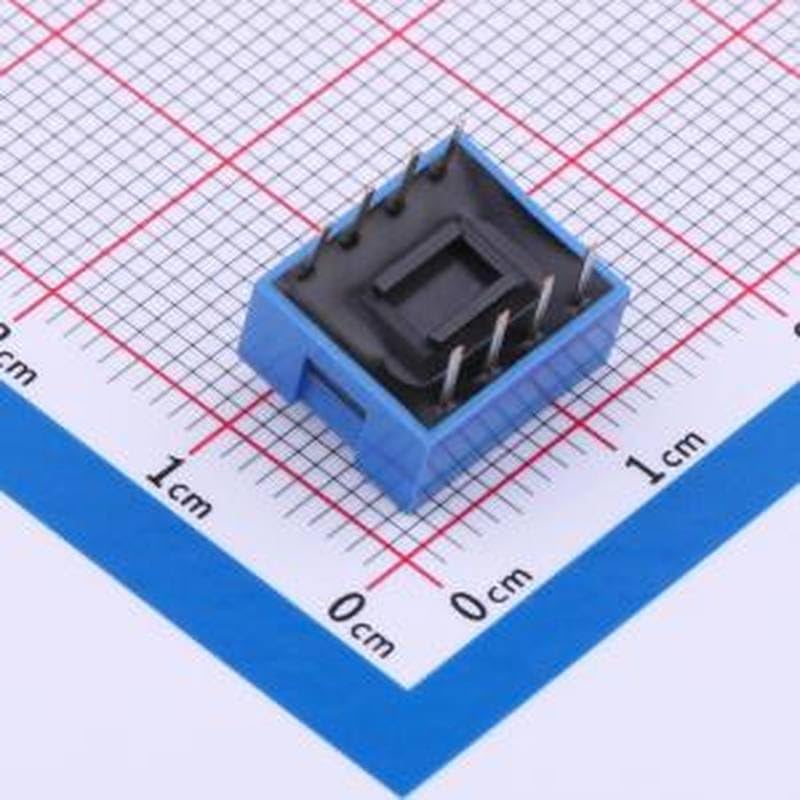
Identify the pin configuration before insertion. The switch has pins designed to fit into standard through-hole PCB layouts. Ensure the pins align correctly with the corresponding holes on your circuit board.
Rysunek 1: Spód view of the DS-04-BT DIP switch, illustrating the four metal pins for connection to a circuit board. This view helps in identifying the correct orientation for plug-in installation.
2.2 Wkładanie
Carefully align the pins of the DIP switch with the holes on your PCB or breadboard. Apply gentle, even pressure to insert the switch until it is fully seated. Avoid bending the pins during insertion. If using a breadboard, ensure the pins make good contact with the internal connections.
3. Instrukcja obsługi
The DS-04-BT is a 4-position switch, meaning it has four individual switches that can be set independently. Each switch has two states: ON and OFF.
3.1 Setting Switch Positions
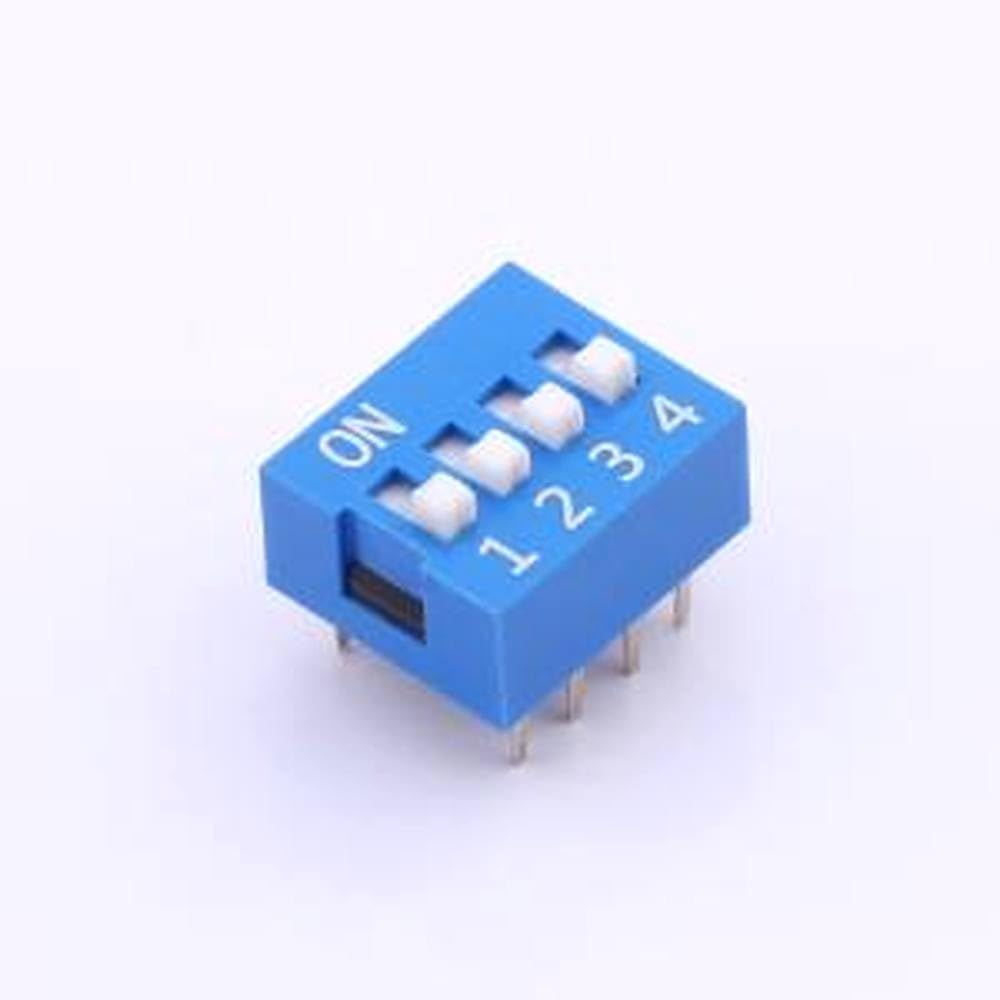
Use a small, non-conductive tool (such as a pen tip or a small screwdriver) to slide each individual switch lever. The "ON" marking on the switch indicates the active position. When the lever is moved towards the "ON" label, that specific switch is engaged. When moved away from "ON", it is disengaged (OFF).
Rysunek 2: Szczyt view of the DS-04-BT DIP switch. The image displays the four individual switch levers, numbered 1 through 4, and the "ON" indicator. To activate a switch, slide its lever towards the "ON" side.
Refer to your circuit's specific requirements for the correct ON/OFF configuration for each of the four positions.
4. Konserwacja
The DS-04-BT DIP switch is a low-maintenance component. Follow these guidelines to ensure its longevity:
- Czyszczenie: If dust or debris accumulates, gently clean the switch surface with a soft, dry brush or a lint-free cloth. Avoid using liquid cleaners directly on the switch.
- Składowanie: Store the switches in a dry, cool environment, away from direct sunlight and extreme temperatures.
- Obsługiwanie: Avoid excessive force when operating the switch levers to prevent damage.
5. Rozwiązywanie Problemów
If you encounter issues with your DS-04-BT DIP switch, consider the following:
- Przełącznik nie odpowiada:
- Verify that the switch is correctly inserted into the PCB or breadboard and that all pins make proper contact.
- Ensure the switch lever is fully moved to the desired ON or OFF position.
- Check the circuit for any other component failures or wiring errors.
- Połączenie przerywane:
- Re-seat the DIP switch to ensure a firm connection.
- Inspect the pins for any signs of damage or corrosion.
6. Specyfikacje
Below are the technical specifications for the Generic DS-04-BT 4-Position DIP Switch:
| Funkcja | Specyfikacja |
|---|---|
| Model | DS-04-BT |
| Typ | Przełącznik DIP |
| Liczba stanowisk | 4 |
| Kolor | Blue (Flat) |
| Typ montażu | Plug-in (Through-hole) |
| Producent | Ogólny |
| ASIN | B0F3WX9SSL |
| Pierwsza dostępna data | 7 kwietnia 2025 r. |
7. Informacje o gwarancji
This product is covered by the standard manufacturer's warranty. Please refer to the packaging or the manufacturer's official website for specific warranty terms and conditions. Keep your purchase receipt as proof of purchase for any warranty claims.
8. Wsparcie
For technical assistance, troubleshooting, or further inquiries regarding the DS-04-BT DIP switch, please contact the manufacturer or your retailer. You may find additional resources on the manufacturer's webstrona.