
1. Wprowadzenie
This manual provides essential information for setting up, operating, and maintaining your TCL 98Q7K 98-inch QLED 4K Google TV. This television features a stunning QLED 4K display with a 144 Hz panel for smooth motion, integrated Google TV for smart functionality, and advanced audio with Dolby Atmos. It also includes Google Assistant and Alexa compatibility for hands-free voice control, VisionHDR10+, and AiPQ™ processing for optimized picture quality.

2. Konfiguracja
2.1 Rozpakowanie i wstępna inspekcja
Carefully remove the television from its packaging. Inspect the TV and all included accessories for any signs of damage. Keep the packaging materials for future transport or service needs.
2.2 Instalacja stojaka
If you plan to use the TV with its included stand, follow these steps:
- Aby zapobiec porysowaniu telewizora, należy go położyć ekranem do dołu na miękkiej, płaskiej powierzchni.
- Dopasuj elementy stojaka do wyznaczonych otworów na spodzie telewizora.
- Secure the stand using the screws provided in the accessory kit. Ensure all screws are tightened firmly.

2.3 Montaż na ścianie (opcjonalnie)
For wall mounting, a compatible VESA wall mount (not included) is required. Due to the size and weight of the 98-inch television, professional installation is highly recommended to ensure safety and proper mounting. Refer to the wall mount manufacturer's instructions for specific installation details.
2.4 Podłączanie urządzeń peryferyjnych
Connect your external devices such as Blu-ray players, gaming consoles, sound systems, and cable/satellite boxes to the appropriate ports on the TV. The TCL 98Q7K features 4 HDMI ports and 2 USB ports for versatile connectivity.
3. Instrukcja obsługi
3.1 Włączanie/wyłączanie zasilania
Connect the power cord to the TV and a power outlet. Press the power button on the remote control or on the TV itself to turn the television on or off.
3.2 Initial Setup with Google TV
Upon first power-on, the TV will guide you through the initial setup process for Google TV. This includes selecting your language, connecting to a Wi-Fi network, signing in with your Google account, and configuring basic settings. Follow the on-screen prompts.

3.3 Funkcje zdalnego sterowania
The included remote control allows you to navigate the TV's interface, adjust volume, change channels, and access smart features. It supports voice control via Google Assistant and Alexa. Insert the provided batteries into the remote control before use.
3.4 Funkcje inteligentne i sterowanie głosowe
- Google TV: Access a wide range of streaming apps, movies, and shows.
- Asystent Google i Alexa: Use voice commands for hands-free control of your TV, search for content, get information, and control smart home devices.
- Wbudowany Chromecast: Przesyłaj treści ze zgodnych urządzeń mobilnych bezpośrednio na telewizor.
3.5 Funkcje gier
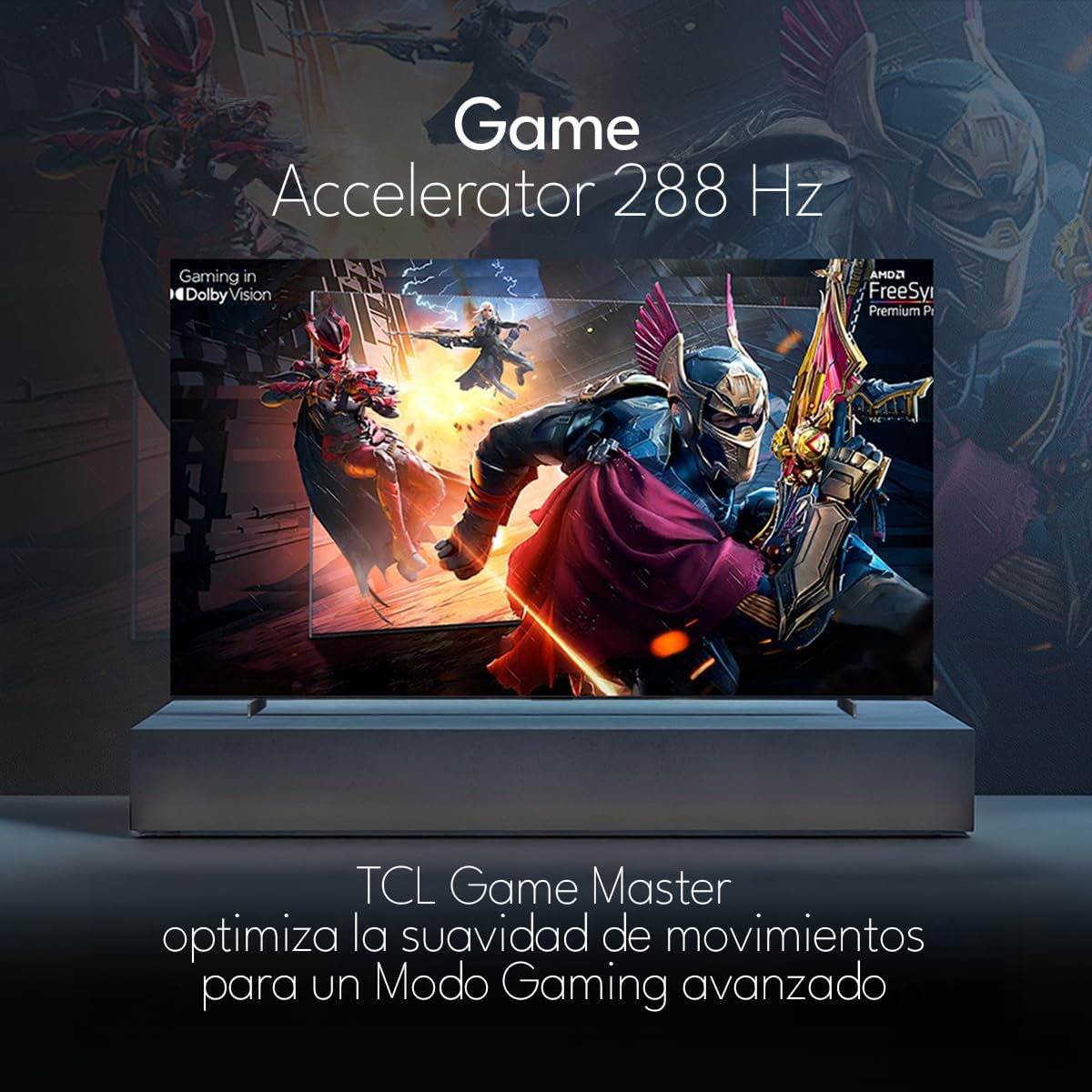
The TCL 98Q7K features a 144 Hz panel and Game Accelerator technology for an enhanced gaming experience with reduced latency and smoother motion.

3.6 Funkcje audio
Experience immersive sound with Dolby Atmos and the integrated ONKYO Hi-Fi System 2.1 Channels, providing clear vocals and deep bass.

3.7 Produkt powyżejview Wideo
4. Konserwacja
4.1 Czyszczenie ekranu
Aby wyczyścić ekran, delikatnie przetrzyj go miękką, niepozostawiającą włókien ściereczką. W przypadku uporczywych zabrudzeń delikatnie przetrzyj.ampPrzetrzyj ściereczkę wodą lub specjalnym środkiem do czyszczenia ekranów. Unikaj stosowania silnych środków chemicznych, materiałów ściernych ani bezpośredniego spryskiwania ekranu płynami.
4.2 Czyszczenie obudowy telewizora
Wipe the TV body with a soft, dry cloth. Do not use liquid cleaners directly on the TV body.
4.3 Aktualizacje oprogramowania
Your TCL Google TV may receive automatic software updates. To manually check for updates, navigate to the settings menu, then select System > About > System update. Ensure your TV is connected to the internet for updates.
5. Rozwiązywanie Problemów
Jeśli masz problemy z telewizorem, zapoznaj się z poniższymi typowymi rozwiązaniami:
- Brak zasilania:
Ensure the power cord is securely plugged into both the TV and a working electrical outlet. Try plugging another device into the same outlet to confirm it has power. - Brak obrazu i dźwięku:
Verify that the correct input source is selected (e.g., HDMI 1, AV). Check all cable connections between the TV and external devices. Ensure the volume is not muted or set to minimum. - Pilot nie działa:
Wymień baterie w pilocie. Upewnij się, że między pilotem a czujnikiem podczerwieni telewizora nie ma żadnych przeszkód. - Problemy z połączeniem sieciowym:
Check your Wi-Fi router and ensure it is powered on and functioning correctly. Restart the TV and your router. In the TV settings, verify the Wi-Fi connection status. - Problemy z jakością obrazu (np. rozmazany, zniekształcony):
Check the resolution settings of your input source. Ensure the cables are not damaged. Adjust picture settings (brightness, contrast, sharpness) in the TV menu.
For persistent issues, consult the full electronic manual available through the TV's help menu or contact TCL customer support.
6. Specyfikacje
| Funkcja | Specyfikacja |
|---|---|
| Rozmiar ekranu | 98 cali |
| Technologia wyświetlania | QLED |
| Rezolucja | 4K (3840x2160) |
| Częstotliwość odświeżania | 144 Hz |
| Obsługa formatu HDR | Dolby Vision, HDR10, HDR10+, HLG |
| Maksymalna jasność | 450 NITS |
| System dźwiękowy | Dolby Atmos, Dolby Digital, ONKYO Hi-Fi System 2.1 Channels |
| System operacyjny | Telewizja Google |
| Sterowanie głosowe | Asystent Google, Alexa |
| Łączność | Wi-Fi, Ethernet, 4x HDMI, 2x USB |
| Wymiary (z podstawką) | Wymiary 217.8 x 128.5 x 42 cm |
| Wymiary (bez podstawki) | 0.06prof. x 2.18an. x 1.25alt. Meters (approx. 6 cm depth) |
| Rok modelowy | 2025 |
| Zawarte komponenty | Manual, Remote Control, Batteries |
7. Gwarancja i wsparcie
7.1 Gwarancja na produkt
The TCL 98Q7K television comes with a 2-roczna ograniczona gwarancja od daty zakupu. Niniejsza gwarancja obejmuje wady produkcyjne i usterki powstałe w wyniku normalnego użytkowania. Prosimy zachować dowód zakupu na wypadek roszczeń gwarancyjnych.
7.2 Obsługa klienta
For technical assistance, troubleshooting beyond this manual, or warranty inquiries, please contact TCL customer support. Refer to the contact information provided in the separate warranty card or visit the official TCL webwitryna dla Twojego regionu.